
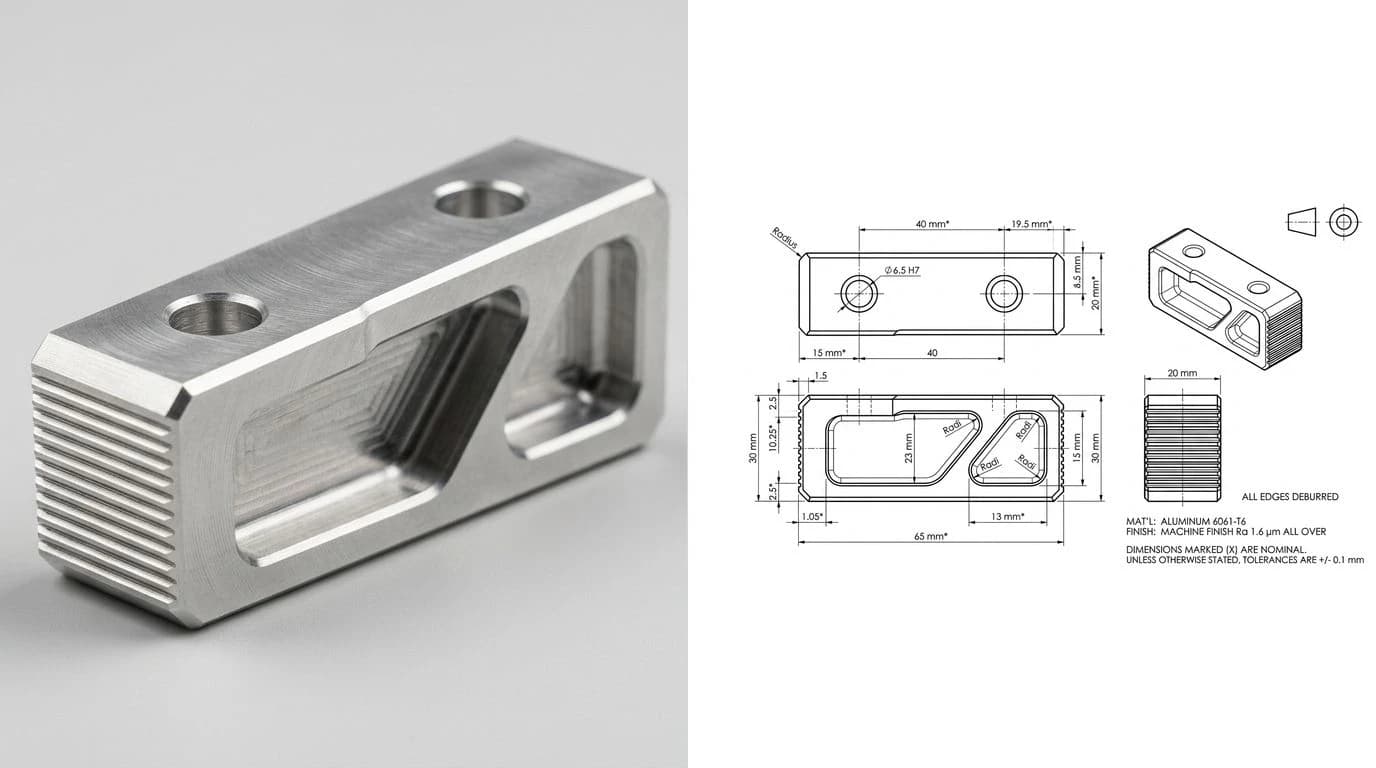
People keep dropping CAD files on Claude and hoping. Sometimes it goes surprisingly well, sometimes the answer is a confident hallucination about a file it never really parsed, and which one you get depends almost entirely on the format. We build a tool that outputs DWG and DXF for a living, and we use Claude daily, so this is our honest field map of what Claude can and cannot do with CAD files in 2026: reading, writing, converting, and where a chatbot stops being the right tool. The sibling question, whether Claude can draw you a technical drawing in the first place, has its own answer here.
Our articles are still written by humans!
Get human written articles in your Google feed.


The short answer
Claude reads DXF usefully, especially with a code environment behind it. It cannot open DWG at all without conversion or a library doing the work. It half-reads STEP, enough for structure, not enough for shape. It writes real DXF through code, drives real CAD programs through MCP, and it still cannot conjure a dimension it was never given. Everything below is detail on those five sentences.
Format by format
Claude vs the common CAD formats, as we found them in August 2026
The pattern is not about intelligence, it is about encoding. Where the format is text, Claude has something to reason over. Where it is binary, there is nothing for a language model to hold on to, which is the whole story of the DWG row. What each of these formats is actually for, beyond Claude, is mapped in CAD file formats for manufacturing.
Reading a DXF: what actually works
A DXF is a long list of group codes and values, thousands of lines of 10, 20, 0, LINE. Paste a small one into a chat and Claude genuinely can tell you the layers, the entity counts, the text notes and the rough extents. That is already enough to answer real questions: is this file 2D or 3D, why won't it cut, is there stray geometry a mile from the origin, the classic failures we cover in why your DXF won't cut.
It falls apart on size and on visual questions. A production DXF runs to megabytes, far past what a chat can hold, and asking “does this look right” asks a text model to render geometry in its head. The fix is the pattern that runs through this whole article: give Claude a parser. In Claude Code, one prompt installs ezdxf, loads the file properly, and answers from data instead of vibes.
DWG: the binary wall
DWG is Autodesk's proprietary binary database, and there is no version of pasting or uploading one that gives Claude something it can parse in conversation. This is not a temporary model limitation, it is what binary means. The practical answer is one conversion step: the free ODA File Converter (or any CAD package's Save As) turns the DWG into a DXF, and you are back in text territory where everything from the previous section applies. The relationship between the two formats, and when each one is the right handoff, is in DWG vs DXF.
That is the usual summary, and it is true but incomplete in a way that matters. “Cannot open” suggests a model handed a DWG will come back with nothing. It does not. To see what it actually gets, we generated one drawing with contents we knew exactly, a 120 x 80 mm mounting bracket with a bore, four bolt holes, a slot, dimension lines and five text notes, wrote it out as both DXF and DWG, and then read each file back the way a chat window would: as plain text.
The same bracket drawing, 21 entities and 258 vertices, read as plain text. What survives is the difference between the two formats.
The bottom two rows are the whole problem. A DWG read as text leaks exactly the things that make an answer sound informed, and none of the geometry. Our bracket's layer names came through intact. So did 6082-T6, O32 H7 and THRU, and so did the version tag AC1015. A model that reports the DWG version, lists your layers and quotes your material note has said four true things in a row, which reads exactly like a file it opened properly. Ask it where a hole sits and there is no coordinate anywhere in what it received, so the number has to come from somewhere else. That is the mechanism behind the confident answers about files nothing ever parsed, and it is why “it knew my layer names” is not evidence that it read your drawing.
AC1015 or a similar tag at the very start, your layer names and your text notes scattered through it, and no readable coordinates at all. Two caveats on our numbers: the DWG here was written by our own converter in the AutoCAD 2000 format, not by Autodesk, and this is a deliberately small drawing. Layer names and text are stored as character data by the DWG format itself rather than by any one writer, so the pattern holds, but the exact percentages are ours and not a universal constant.
STEP files
STEP sits in between. It is text, so Claude can open it, read the header, and tell you the schema and rough entity makeup. But the geometry lives in a dense web of cross-references, one face pointing at edges pointing at curves pointing at points, and following that web accurately in plain text is where chat answers drift into fiction. With a proper STEP loader running in a code environment the questions become answerable again. If your actual goal is getting a STEP into a cutter or a 2D workflow, STEP vs DXF covers that fork.
Can Claude write CAD files?
Here Claude is stronger than most people expect, with one asterisk the size of a workshop. Through code it writes real, valid DXF files: ezdxf scripts that lay down lines, arcs, layers, even dimension entities, and the output opens in AutoCAD like any other drawing. Chain a converter after it and you have DWG. We have watched it one-shot a bolt pattern flange this way from a text description.
The asterisk: every number in that file came from the prompt. Claude does not know your part is 82.5 mm wide, cannot find out from a photo, and will cheerfully draw a beautiful wrong-sized flange if you guess. Garbage dimensions in, confident garbage out. That is the line between generating geometry and knowing geometry, and it is the same line we drew in can Claude make technical drawings. The same three formats behave the same way on OpenAI's side, and for the same reasons.
Claude Code and MCP change the game
The gap between “Claude in a chat tab” and “Claude with tools” is wider in CAD than almost anywhere else. Through the Model Context Protocol and Claude Code skills, Claude now drives running CAD software: creating geometry in AutoCAD, batch-processing drawings, pulling reports out of files it could never parse raw. The setup below takes about an evening and turns the file-format table above from theoretical into practical.
The honest limits
- No measurement, ever. No setup gives Claude the size of a physical object. Files it reads, the world it does not.
- Context is finite. Big drawings exceed what a chat holds; only the parser-and-code route scales.
- Confidence outruns parsing. Asked about a file it only skimmed, Claude answers anyway. Verify anything that costs money to get wrong; the dedicated checkers are in our comparison of AI drawing tools.
- Standards knowledge is not standards compliance. It can recite ASME Y14.5 and still write a hole note a shop would bounce.
When the part exists and the file doesn't
The most common real situation behind all these searches: a part in your hand, no CAD file anywhere, and a shop asking for a DWG or DXF. That is precisely the case a chatbot cannot close, because the missing ingredient is measured geometry, not text skills. It is the case our AI technical drawing generator was built for: photograph the part, type one reference measurement, and it rebuilds a dimensioned 2D technical drawing exported as DWG, DXF, SVG or PDF. The end-to-end walkthrough lives in image to DWG: convert a picture to a DWG file and how to reverse-engineer a part from a photo, and if the file has to land in AutoCAD specifically, image to AutoCAD.
Frequently asked questions
Can Claude open a DWG file?
No, not directly. DWG is a proprietary binary format, and pasting or uploading one gives Claude bytes it cannot meaningfully parse in conversation. The practical workaround is converting the DWG to DXF first, with a free tool like the ODA File Converter or any CAD package, because DXF is text and Claude handles text well. In a coding environment Claude can also drive a library that reads DWG on its behalf.
Why does Claude know my layer names if it cannot read my DWG?
Because layer names are stored as ordinary characters in a DWG, while the geometry is not. We generated a bracket drawing with known contents and read the DWG back as plain text: the layer names, the text notes, the material callout and the AC1015 version tag all survived, but not a single vertex coordinate did, and only 32.8% of the bytes were printable at all. So a model can correctly report your DWG version and list your layers, which sounds like it opened the file, and still have received no geometry whatsoever. Treat recognised layer names as proof of nothing. Any answer about a dimension, a hole position or an extent has to come from a DXF or from a library that genuinely parses DWG.
Can Claude read a DXF file?
Yes, within limits. DXF is a plain-text format, so Claude can read the entity list, count and classify lines, arcs and circles, extract layer names and text, and explain what the file contains. In Claude Code it does this reliably by running a parser library like ezdxf rather than eyeballing thousands of coordinate pairs. What it cannot do from raw text alone is see the drawing the way a viewer renders it.
Can Claude generate a DWG or DXF file?
Not by itself in a chat, but yes through code. Claude writes and runs scripts, with libraries like ezdxf, that produce genuine DXF files, and CAD software converts those to DWG in one save. The real limitation is upstream: Claude only draws the geometry you specify. It cannot look at a real part and know a single dimension, so the numbers all have to come from you.
Can Claude read a STEP file?
Partially. STEP is text-based, so Claude can open one, read the header, and identify entities and structure. But STEP describes 3D boundary geometry as a deep graph of references, so reasoning about the actual shape from raw text is unreliable. With a coding environment and a library that loads STEP properly, Claude can extract solid, real answers instead of guesses.
Can Claude Code work with CAD files?
Yes, and it is the best way to use Claude on CAD at all. Claude Code can install and run libraries such as ezdxf for DXF, parse files, batch-edit layers, extract dimensions and text, generate new drawings from scripts, and connect to running CAD software like AutoCAD or Fusion through MCP servers and skills. The chat-only version of Claude can do none of the file handling parts.
What is the fastest way to get a DXF or DWG from a photo of a part?
Not through a chatbot. Claude cannot measure a physical object from a photo or produce a finished drawing file from one. A purpose-built tool like TechDraw AI takes the photo plus one reference measurement you provide, rebuilds the part as a dimensioned 2D technical drawing, and exports DWG, DXF, SVG or PDF directly.