




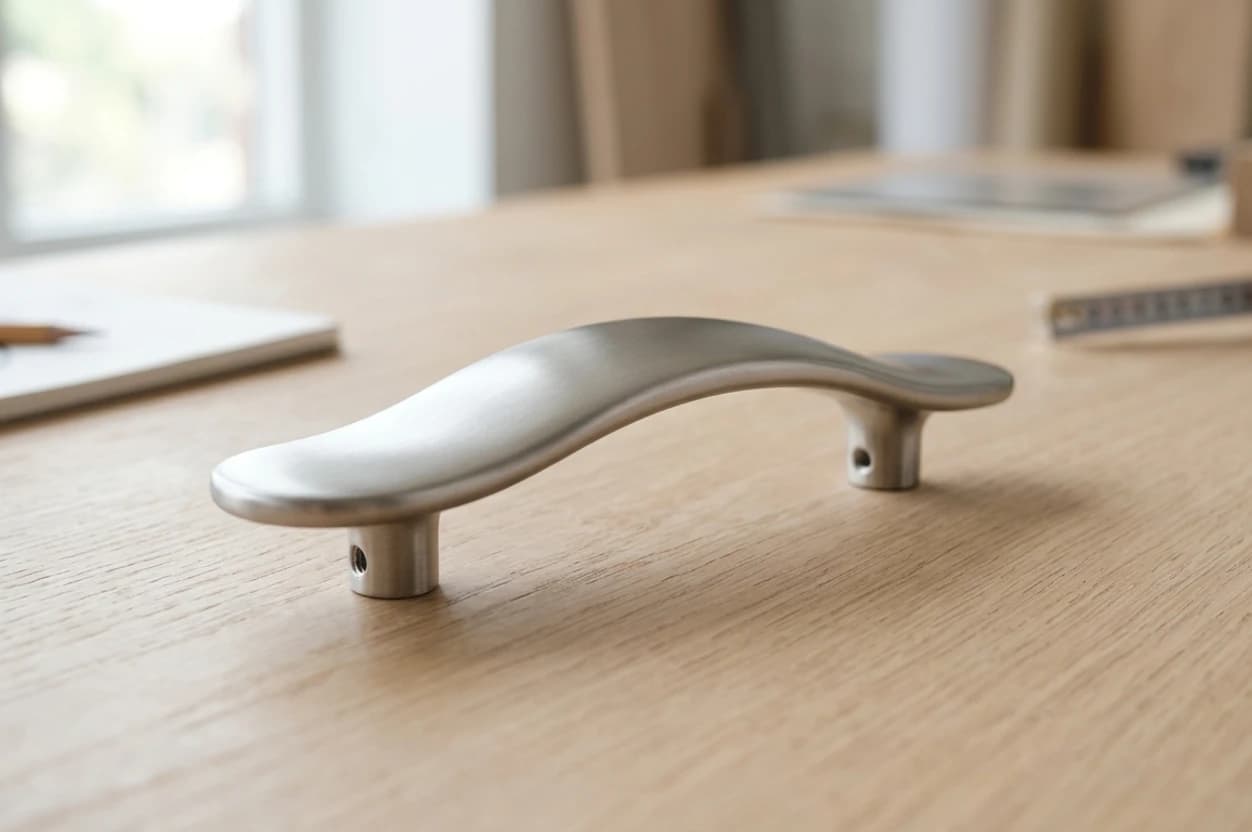
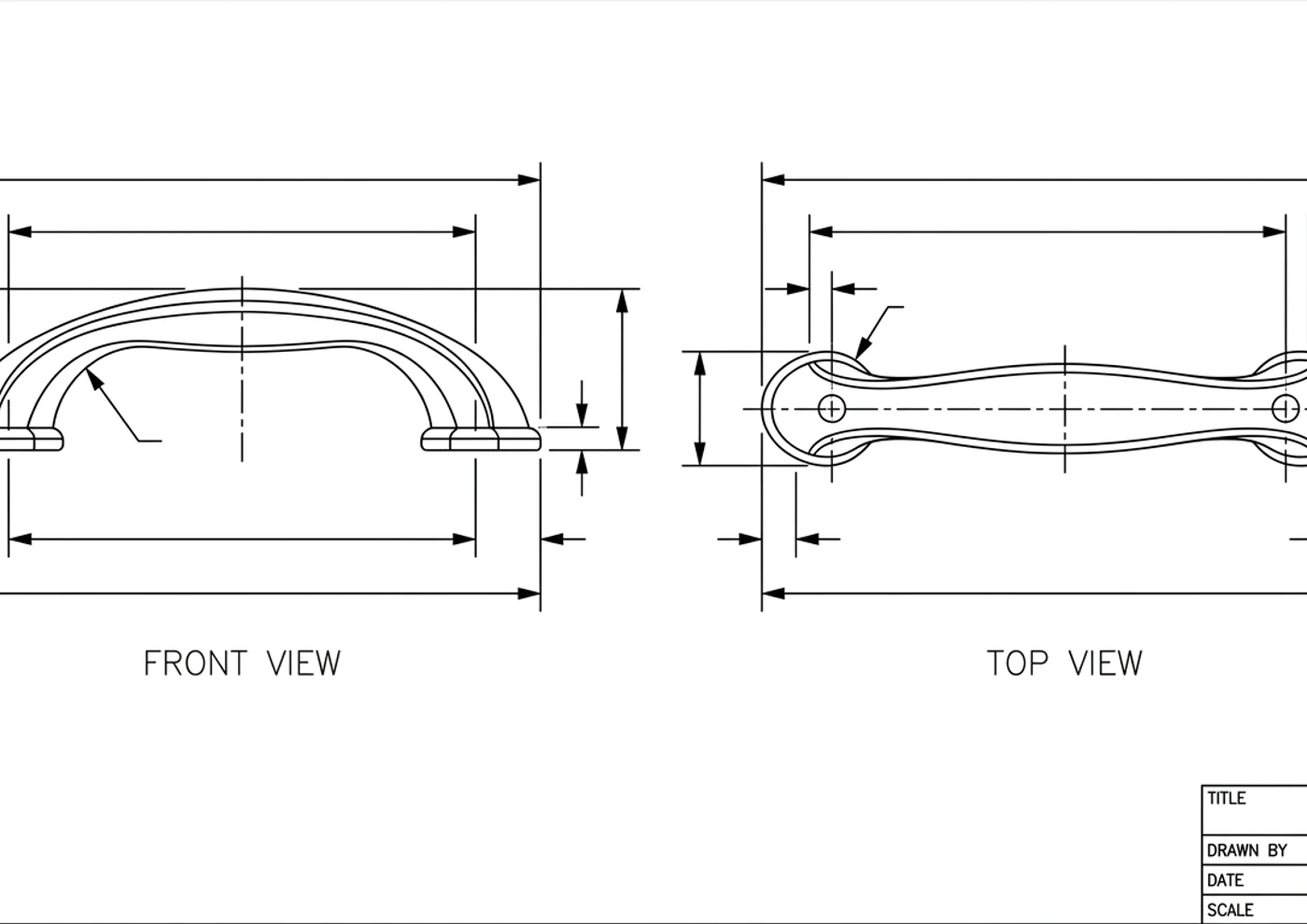
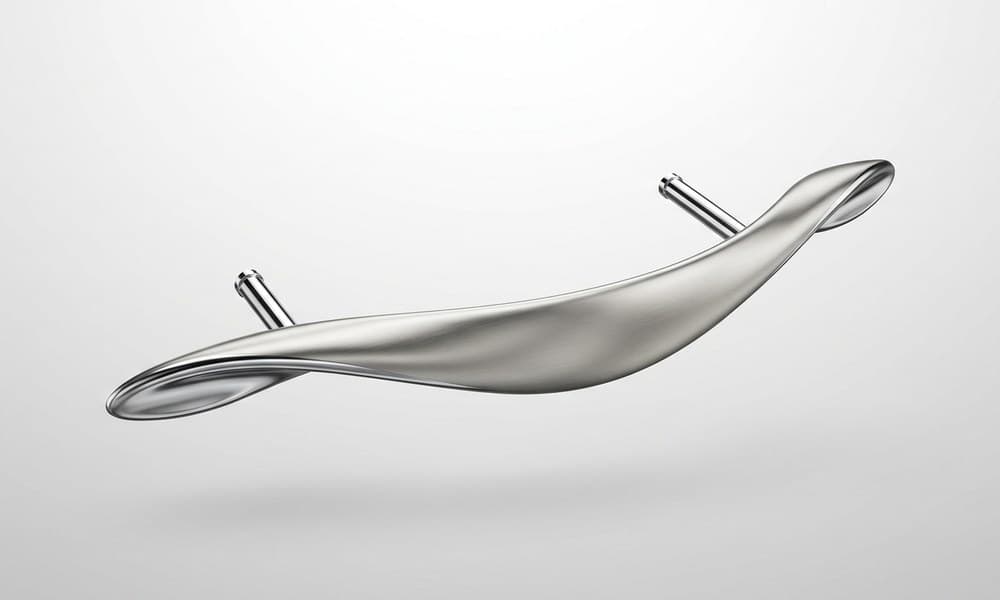

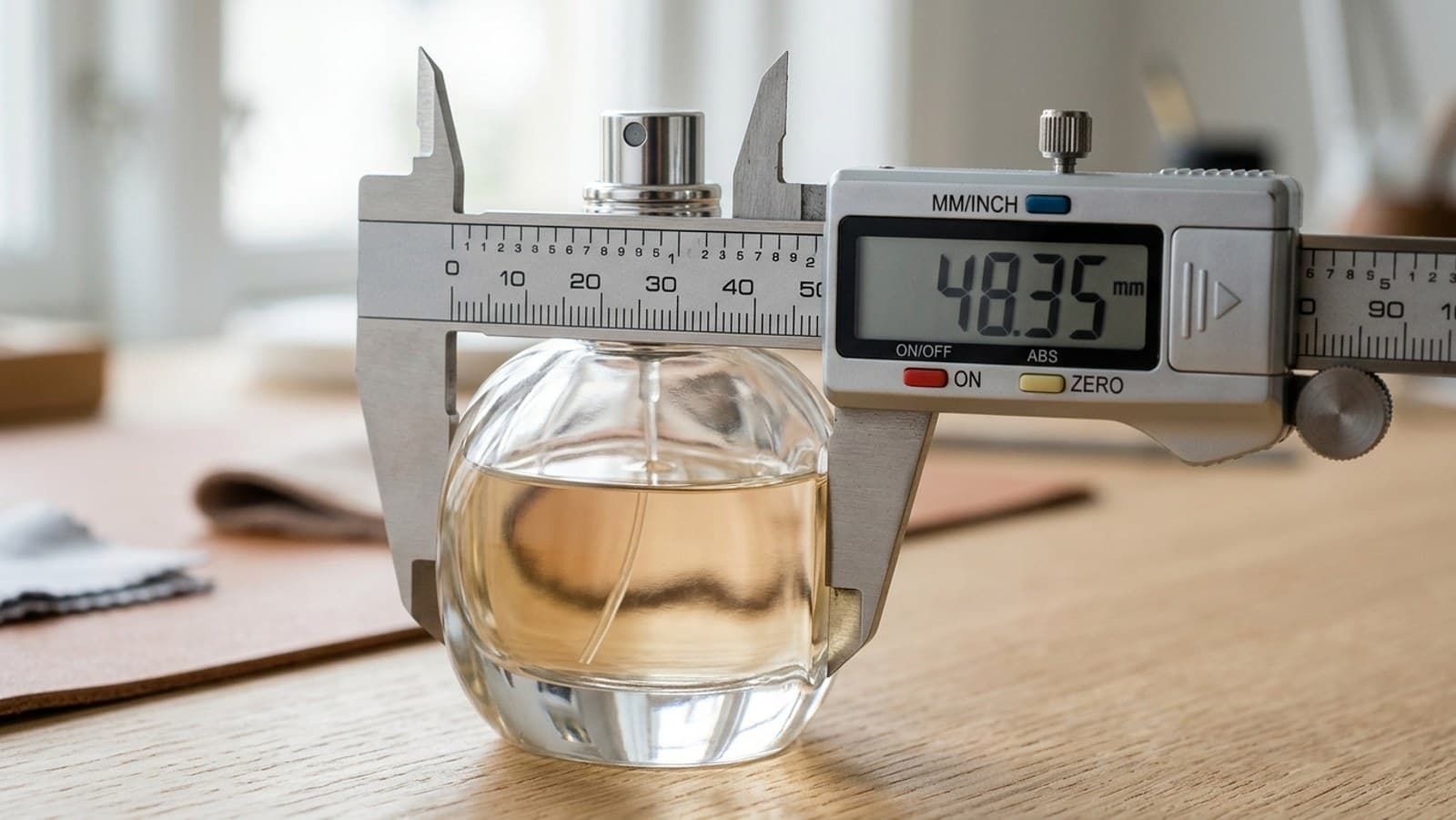

Photograph the part, get the DXF, bring it into Rhino as exact NURBS curves, then ExtrudeCrv or Revolve into a clean surface model ready for tooling.
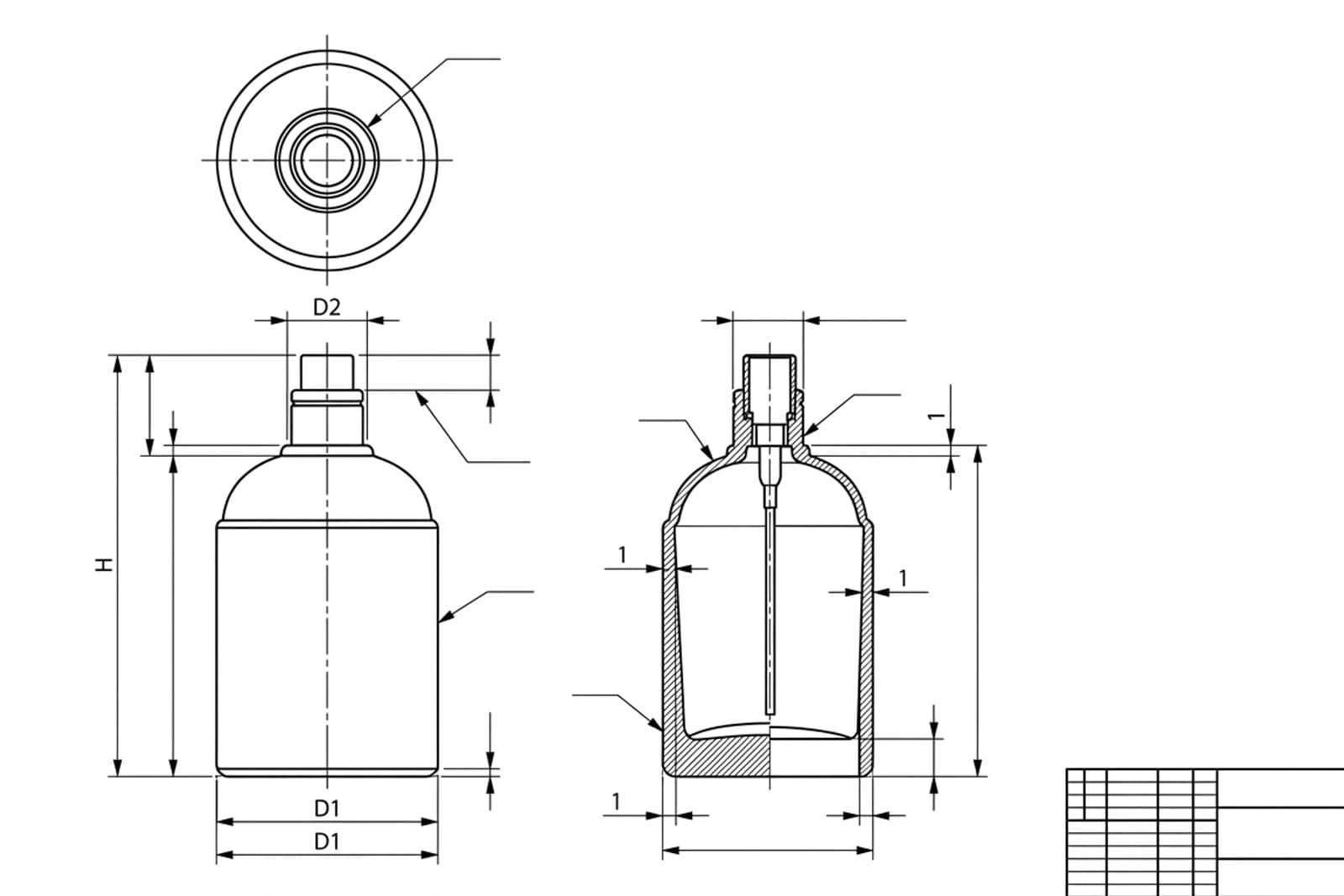
Bring a measured profile in, Revolve a ring or a bottle, and refine it with control-point precision — the kind of accuracy mesh tools can't give you.
Start surfacing from accurate curves, not a rough trace, so Loft and Sweep stay clean and the reflections read the way a product render should.
For laser or waterjet work the DXF often goes straight to the machine; Rhino just confirms and details the geometry before it ships.
Who does what
Division of labour, not redundancy. Each tool owns the half of the job it's actually good at.
| Step in the job | TechDraw AI | Rhino |
|---|---|---|
| Capture from a photo | ✓ | ✗ |
| Real measured dimensions | ✓ | ~ |
| DXF / DWG / IGES import | ✓ | ✓ |
| NURBS ExtrudeCrv & Revolve | ✗ | ✓ |
| Smooth surfacing (Loft, Sweep) | ✗ | ✓ |
| Product & jewellery precision | ~ | ✓ |
| Export STEP / IGES for CAM | ✗ | ✓ |
| Best at | Photo → drawing | Drawing → NURBS |
See it for yourself
Drop in a photo of a part. You'll get a dimensioned drawing and a clean DXF, ready to import into Rhino as exact curves. No account needed to start.
The five-step handoff
Once you've exported the drawing from TechDraw AI as a DXF, the import into Rhino is short. If your part is flat, like a gasket, bracket or laser plate, the DXF is the cut file and you can stop after the import.
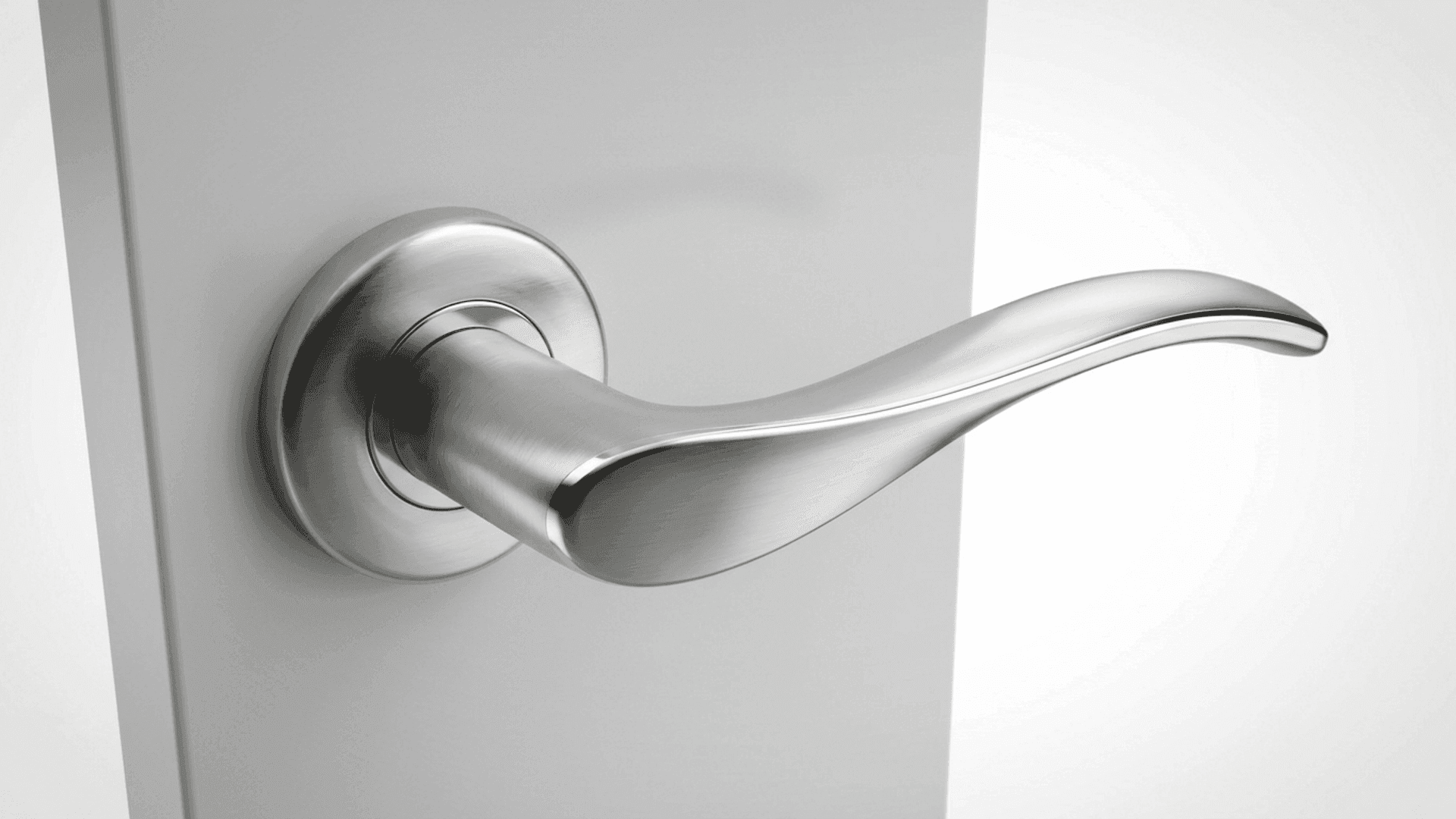
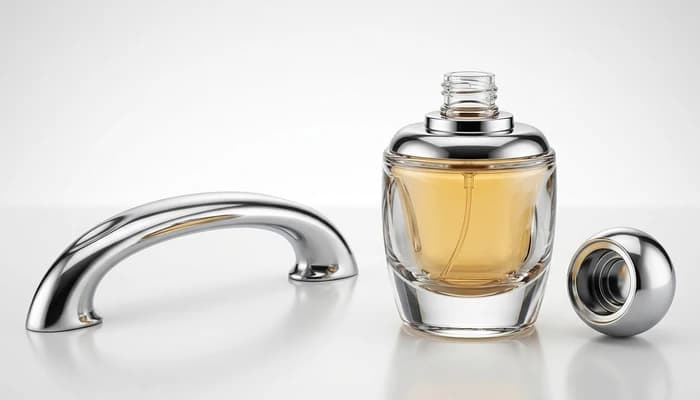
The seam is a DXF. Mind your model units, joining the curves and closed planar profilesand it's a seam you barely notice. Geometry in, exact NURBS out.
ExtrudeCrv vs. Revolve
The DXF is always a flat 2D profile. Once the curves are joined, how you give them depth depends on the part.
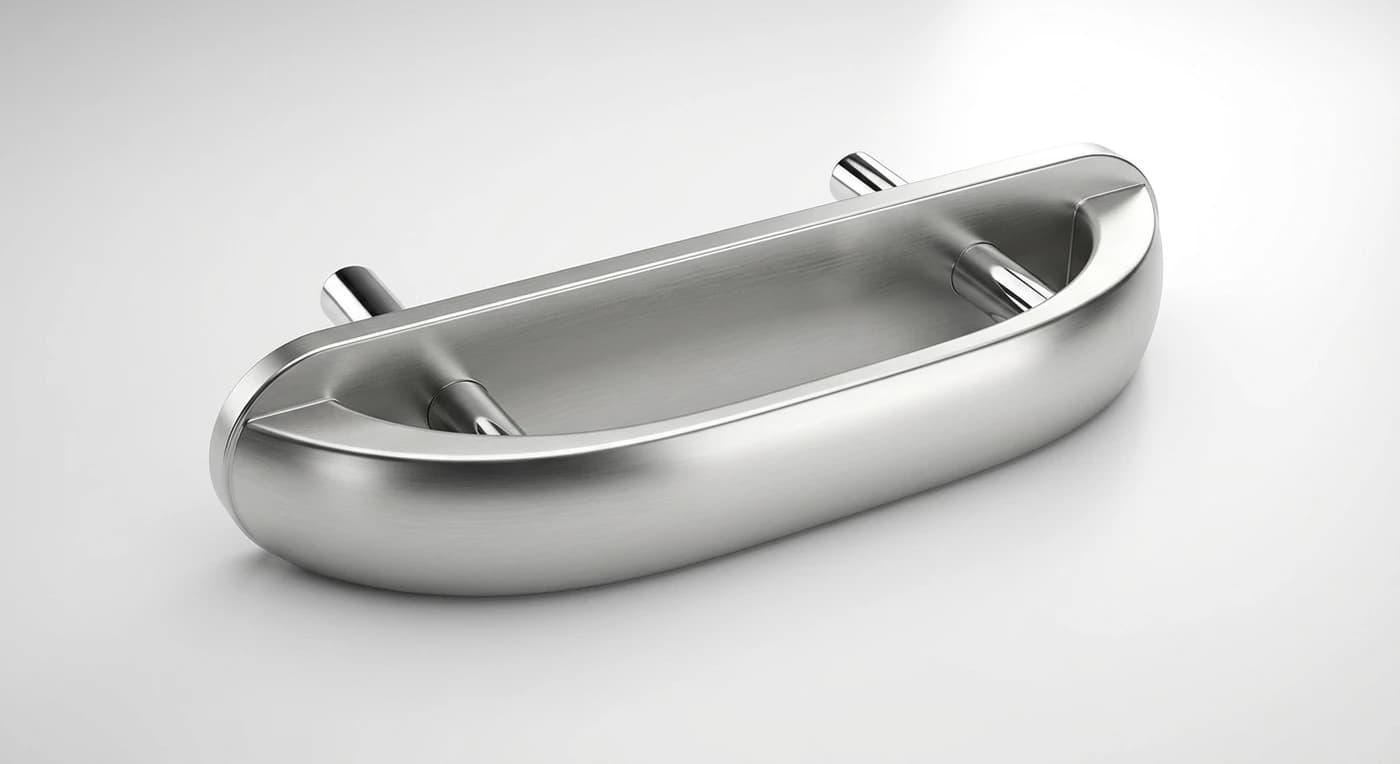
- Handles, plates, housings, constant cross-section
- ExtrudeCrv with Solid=Yes to cap a closed curve
- Extrude a cutting curve and Boolean for openings
- Set the distance exactly — it's true NURBS
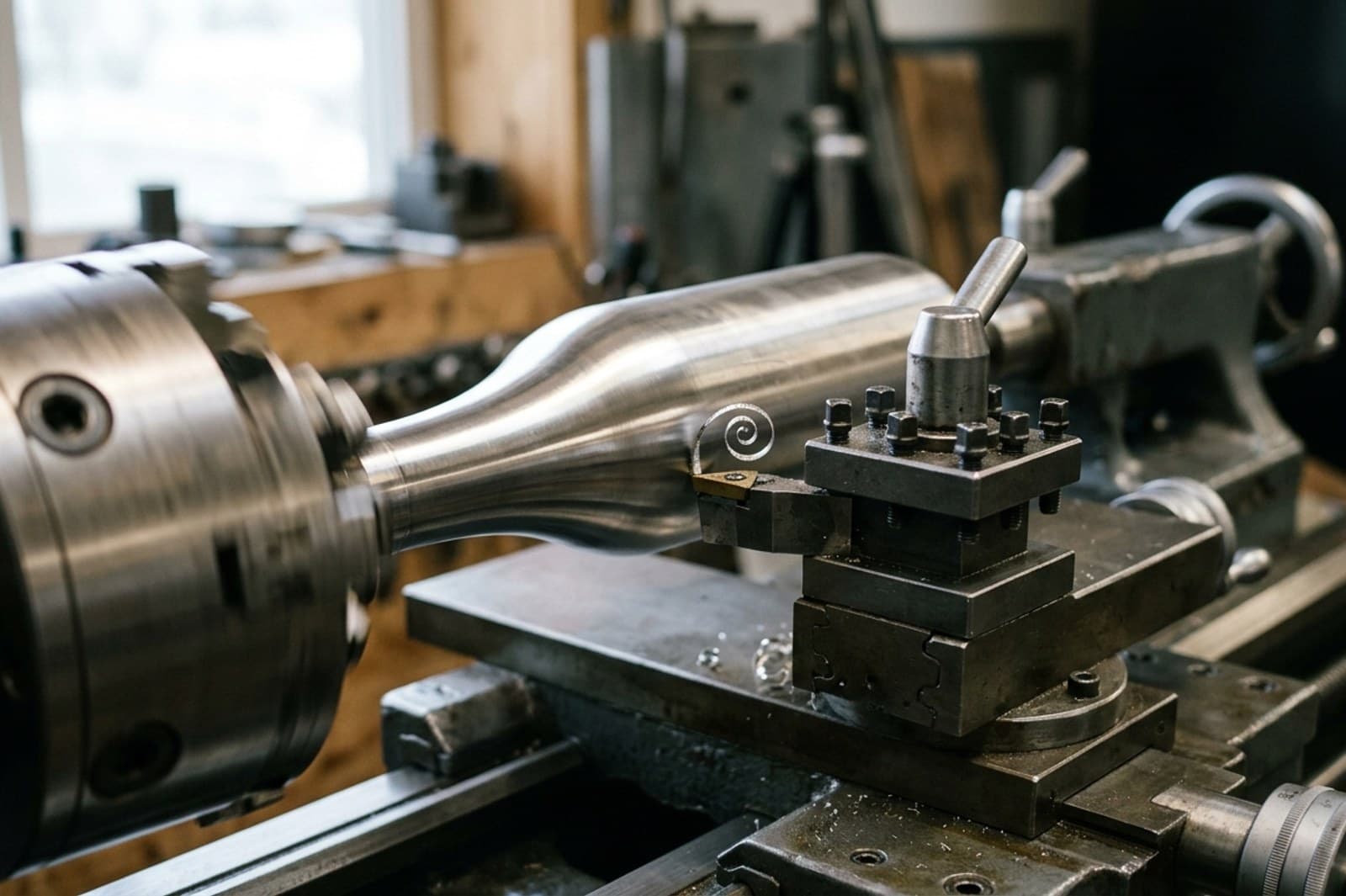
- Bottles, rings, knobs, anything round
- Keep just the half-section profile
- Revolve it 360° about an axis
- RevSrf for a surface, Revolve for a solid
Three gotchas that break the import
Almost every “my DXF won't extrude in Rhino” thread comes down to one of these. Knowing them up front saves the ten minutes.
Cleanest habit: from TechDraw AI, export one DXF of just the profile geometry to import and ExtrudeCrv, and keep the full dimensioned drawing (or a PDF) open beside Rhino as your spec. The model gets clean curves; you keep the numbers in view.
Where this combo earns its keep
| Job | TechDraw AI | Rhino |
|---|---|---|
| Capture an undocumented part | ||
| Dimension it to real size | ||
| Build NURBS surfaces & solids | ||
| Class-A product & jewellery | ||
| Export STEP / IGES for CAM |
Other CAD workflows
TechDraw AI hands a clean, dimensioned DXF to whatever you model in. Here's the same photo-to-3D handoff written up for other CAD tools.
Where the DXF comes from: a photo, one measurement, a dimensioned drawing.
All CAD workflows →The full hub: every TechDraw AI photo-to-DXF pairing in one place.
TechDraw AI + AutoCADExport DWG and just open it. AutoCAD can't trace a photo, so this is the half it was missing.
TechDraw AI + Fusion 360Insert the DXF into a Fusion sketch, then extrude or revolve it into a parametric model.
TechDraw AI + SolidWorksOpen the DXF with the DXF/DWG Import Wizard, then build a parametric SolidWorks model.
TechDraw AI + OnshapeImport the DXF, Use the curves in a Part Studio and model it in the browser.
TechDraw AI + Shapr3DImport the DXF onto a sketch plane, then Push/Pull or revolve it on iPad or Mac.
TechDraw AI + FreeCADImport the DXF in the Draft workbench, convert it to a sketch, then Pad or Revolve it — free.
TechDraw AI + InventorImport the DXF into a sketch, extrude or revolve it, then drive a production drawing and BOM.
TechDraw AI + SketchUpImport the DXF in SketchUp Pro, explode it to edges, then Push/Pull or Follow Me into a model.
TechDraw AI + TinkercadExport as SVG, import it into Tinkercad in the browser, and extrude it into a printable solid.
TechDraw AI + BlenderImport the DXF or SVG as a curve, convert to mesh, then Solidify or Screw it — free.
Start at the part, end at the 3D model
Generate the dimensioned DXF in minutes, then import it into Rhino as exact curves. No tracing, no blank canvas, no redrawing. Free to start, no account needed.
Frequently asked questions
Does TechDraw AI replace Rhino?
No. They solve different halves of the job. TechDraw AI gets you from a physical part or an idea to a dimensioned 2D drawing and a clean DXF in minutes. Rhino is the NURBS modeller where that DXF becomes exact curves you ExtrudeCrv, Revolve and surface for product and jewellery work, then export to CAM.
How do I import a TechDraw AI drawing into Rhino?
Export the drawing as DXF (or DWG) from TechDraw AI. In Rhino, use File › Import or just drag the file into the viewport. Check the model units match the drawing, run Join to make the curves into one closed planar curve, then ExtrudeCrv or Revolve.
Why won't my curve extrude into a solid in Rhino?
ExtrudeCrv only caps into a closed solid when the curve is closed and planar. Run Join to close any gaps and confirm the curve is planar, then ExtrudeCrv with Solid=Yes. A clean export from TechDraw AI is already closed, so this is usually one Join.
Does the part come in at the wrong size?
Rhino works in the file's model units. If a 50 mm part lands 25.4× too big, the import read it as inches. Set the model units (or the import units) to match the drawing. A clean export from TechDraw AI is scaled to your measured reference, so once the units are right it lands real-size.
My imported DXF curves look faceted or segmented — why?
DXF often stores arcs as short polyline segments, and Rhino imports them faithfully. Run Join, and if you need a single smooth curve use Rebuild or refit it so the NURBS stays clean. A clean export from TechDraw AI keeps arcs as true arcs, so there's usually little to fix.