
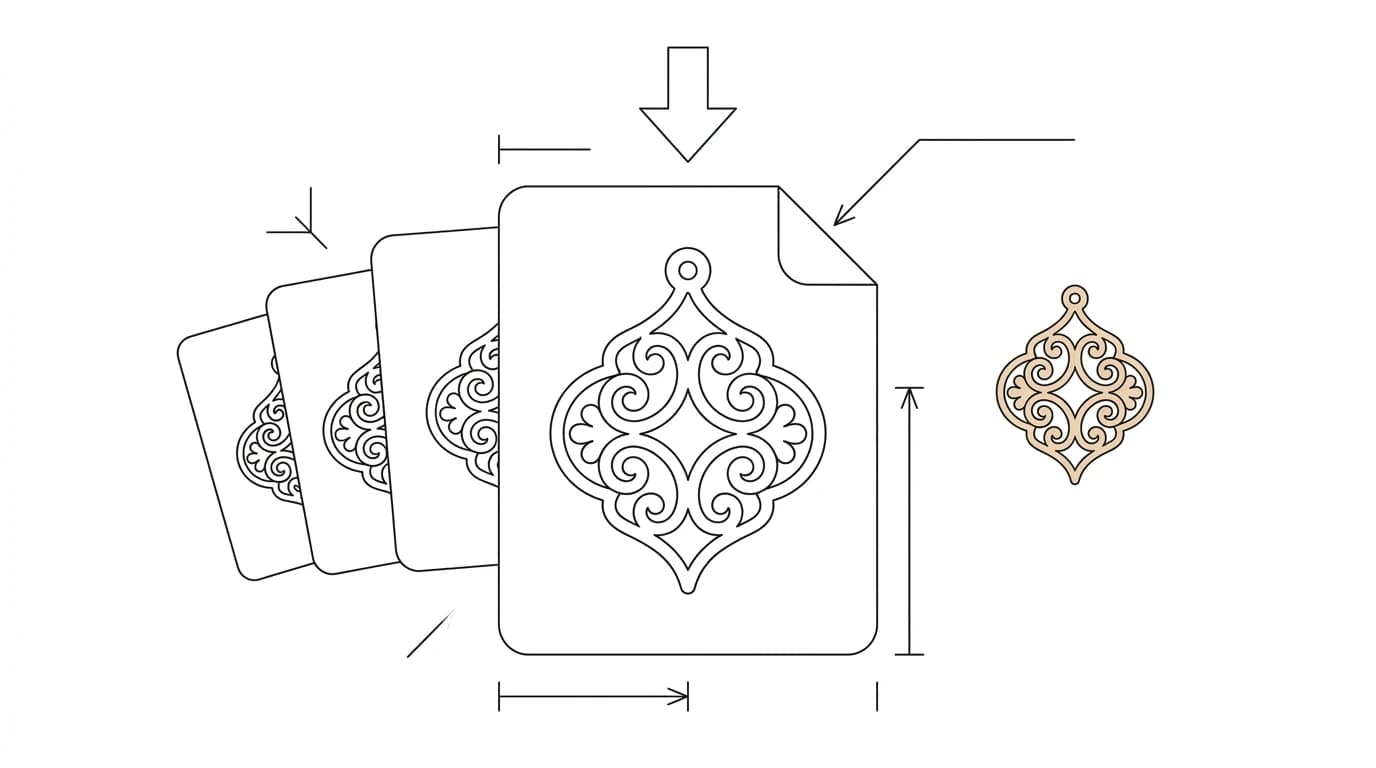
Search Etsy for “laser cut file” and you will find tens of thousands of listings: SVG and DXF downloads for signs, ornaments, organisers and toys, priced at a few dollars and delivered instantly with no inventory and no shipping. It is one of the cleaner digital-product niches because the buyers, makers with a Glowforge, xTool or CNC, have a machine that needs feeding and not enough time to draw everything themselves. The catch is that the bar for a good file is higher than it looks, and that is exactly where most new sellers lose their reviews. This is how to make files that actually cut, and sell.
Our articles are still written by humans!
Get human written articles in your Google feed.
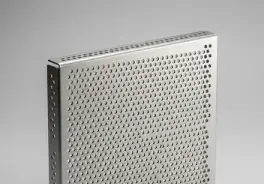
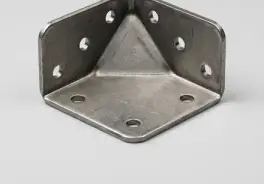
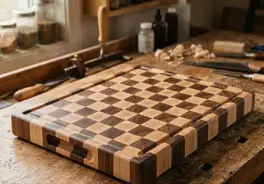
Why digital cut files sell
A laser or CNC owner buys files for the same reason a cook buys recipes: the machine is the easy part, the design is the work. A digital cut file is a near-perfect product to sell because it has zero marginal cost, the same file sells a hundred times, delivers automatically, and never needs restocking. That is the same logic behind selling a CAD service rather than a physical part, which we covered in making money on Fiverr with CAD drawings; the difference is that Fiverr sells your time and Etsy files sell a product you make once.
Be realistic about the shape of it, though. It is not passive income that arrives the week you open. It is a library you build: the sellers who do well have deep catalogues, dozens to hundreds of listings, so that search traffic across many small designs adds up. Your first ten files are how you learn; the next hundred are the business.
What actually sells
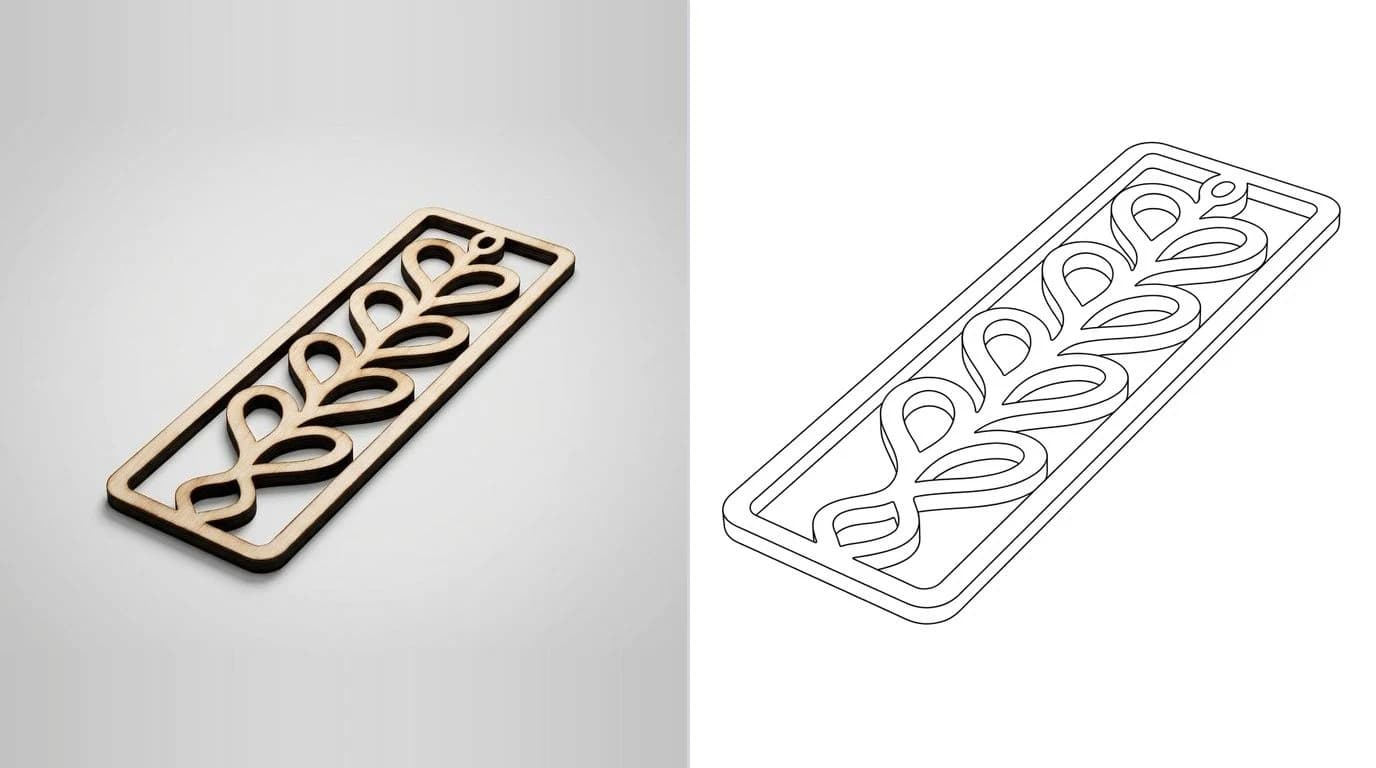
The reliable sellers are practical, seasonal and personalisable, things a maker can cut and either use, gift or resell. Browse the top shops and the same categories recur:
- Seasonal and holiday — ornaments, gift tags, Christmas and Halloween decor. Predictable spikes you can plan a catalogue around.
- Home and signage — name signs, door hangers, shelf brackets, key holders, monogram art.
- Organisers and inserts — drawer trays, tool holders, desk tidies, board-game inserts. Buyers love these because designing a good box join is fiddly.
- Personalisable templates — wedding and baby designs a buyer customises with a name or date.
- Earrings and small goods — high-volume, low-material, easy to bundle into multi-packs.
Making a file people will actually cut
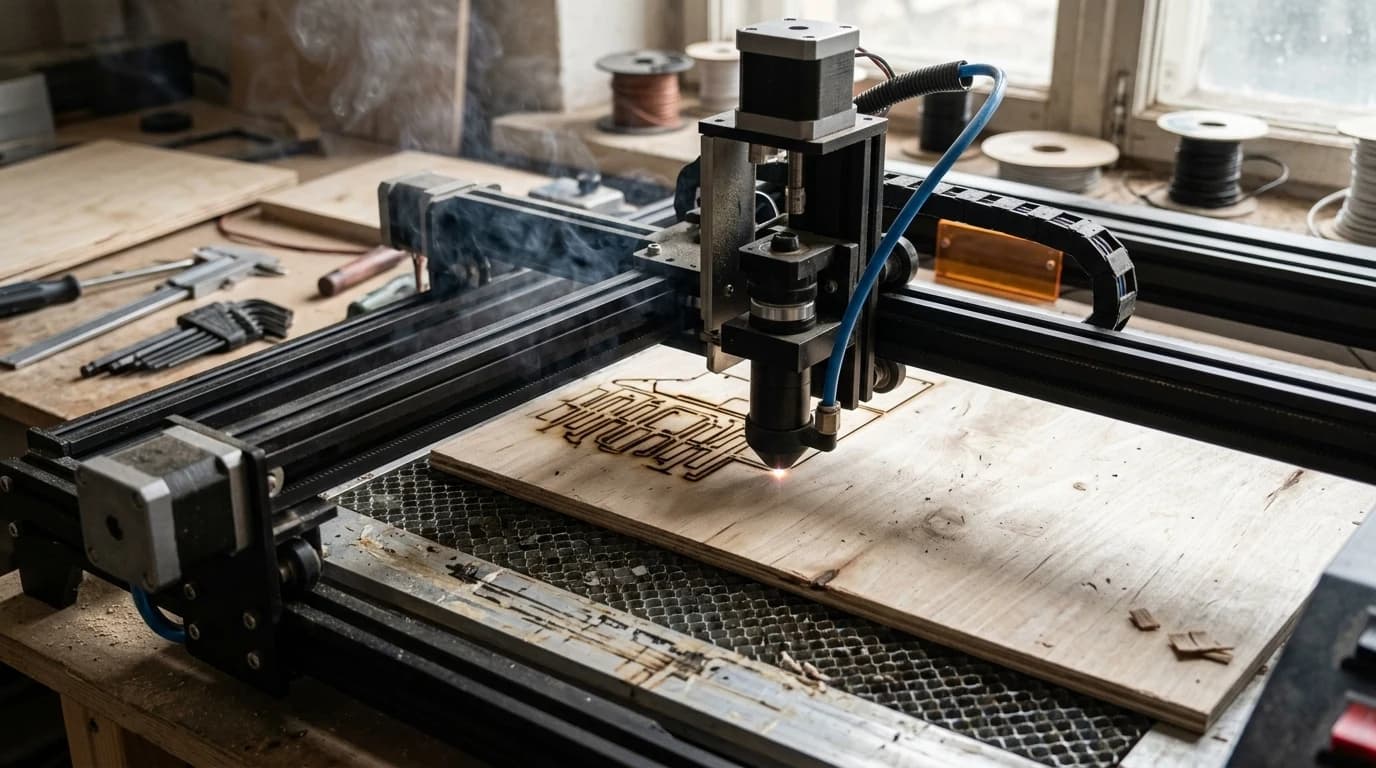
This is where reviews are won or lost. A buyer downloads your file, drops it into LightBurn or Glowforge, and it has to just cut. A file that looks right on screen but cuts every line twice, or imports as a slit instead of a shape, generates refunds and one-star reviews that sink a new shop. The rules are the same ones a good laser file follows anywhere, and they matter more when a stranger is cutting it:
- Closed paths for cuts. Every outline and hole the buyer cuts out must be a closed loop, or the machine reads it as a single slit.
- Separate cut, score and engrave. Put them on their own layers or colours so the buyer can map each to a setting, exactly as in how to prepare a DXF for laser cutting.
- No duplicate lines. Stacked identical paths make the laser cut the same line twice and scorch the edge.
- Text converted to outlines. The buyer will not have your font, so live text either shifts or vanishes.
- Real, stated dimensions. Tell the buyer the design size and the units. A file with no scale is a support ticket waiting to happen.
If your design started as a hand sketch, a logo or a photo of something you made, the geometry has to be cleaned into proper vectors first. Our image-to-DXF converter traces flat art into closed paths in the browser, and fixing a jagged trace covers smoothing the result so it does not cut rough.
The formats buyers expect
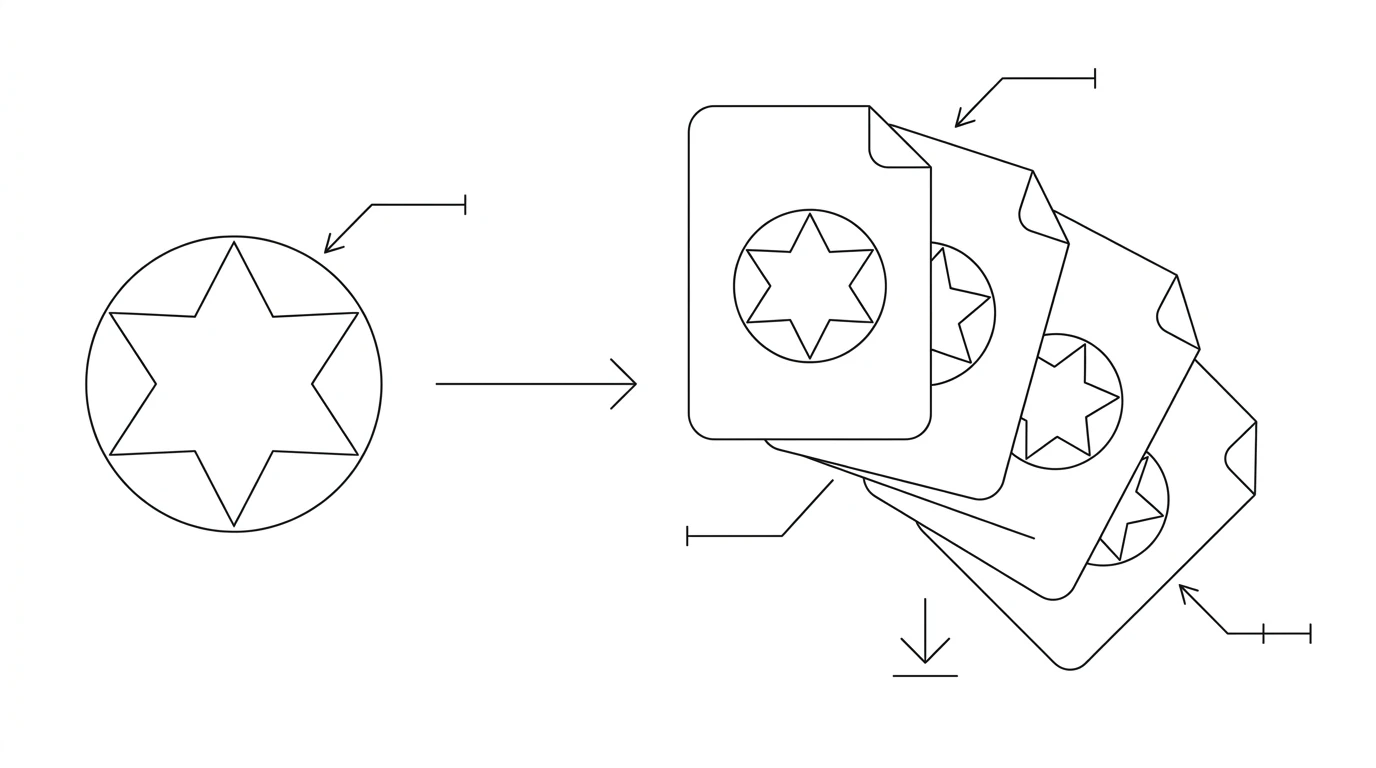
Buyers run different machines and software, so a single format guarantees a slice of one-star reviews from people who cannot open it. The standard is to ship a bundle:
What to put in a laser-file bundle
SVG and DXF are the two that matter most, and they map onto the two big laser workflows we compare in photo to Glowforge or xTool cut file: SVG for Glowforge, SVG or DXF for xTool and LightBurn. If you only have the energy for two, ship SVG and DXF, then add PDF as the easy third. For the technical difference between the raster sources you might start from, JPG to DXF and PNG to DXF explain why a clean PNG traces better than a compressed JPG. And if DXF turns out to be the format your buyers keep asking for, selling those on their own is a different business to a laser bundle: how to sell DXF files online covers the marketplaces beyond Etsy, the licensing, and the pricing.
Originality and IP: don't get your shop closed
This is the part that ends shops, so it goes in bold: do not sell files containing someone else's intellectual property.Sports logos, cartoon characters, band names, brand marks and licensed quotes are all owned by someone, and Etsy's intellectual-property process will remove the listing and can suspend the shop on a single valid complaint. It does not matter that “everyone does it”; the takedowns are automated and unforgiving.
- Safe: your own original art, generic motifs, public-domain imagery, and designs you draw from scratch.
- Risky:anything that evokes a brand, team, show or character, even “inspired by” versions.
- Also yours to set: a clear licence on your own files, typically personal use plus limited commercial use, stated in the listing so buyers know what they can and cannot do.
Keeping the catalogue original is not just legal hygiene; it is the only version of this that compounds. A shop built on takedown-bait resets to zero every time it is reported. A shop of original designs accumulates reviews, ranking and repeat buyers.
Pricing and the listing
Most single laser files sell in the low single digits, with bundles and more complex designs priced higher. Because the marginal cost is zero, the levers that matter are volume and search visibility, not squeezing the price of one file. A few practical points:
- Bundle for value. A themed pack of ten designs at one price both raises the order value and saves the buyer hunting.
- Photograph a real cut. The listing image should show the design actually cut and assembled, not just the flat vector. This is the single biggest driver of clicks.
- Write the title for search.Buyers search the object and the machine: “hexagon shelf SVG DXF laser cut file” beats a clever name. Include the formats in the listing.
- State size, formats and licence. Every unanswered question is a message you have to answer or a refund you have to give.
- Include a quick-start note. A one-page PDF on which file to use and how to set the size prevents most support tickets.
A repeatable file-making workflow
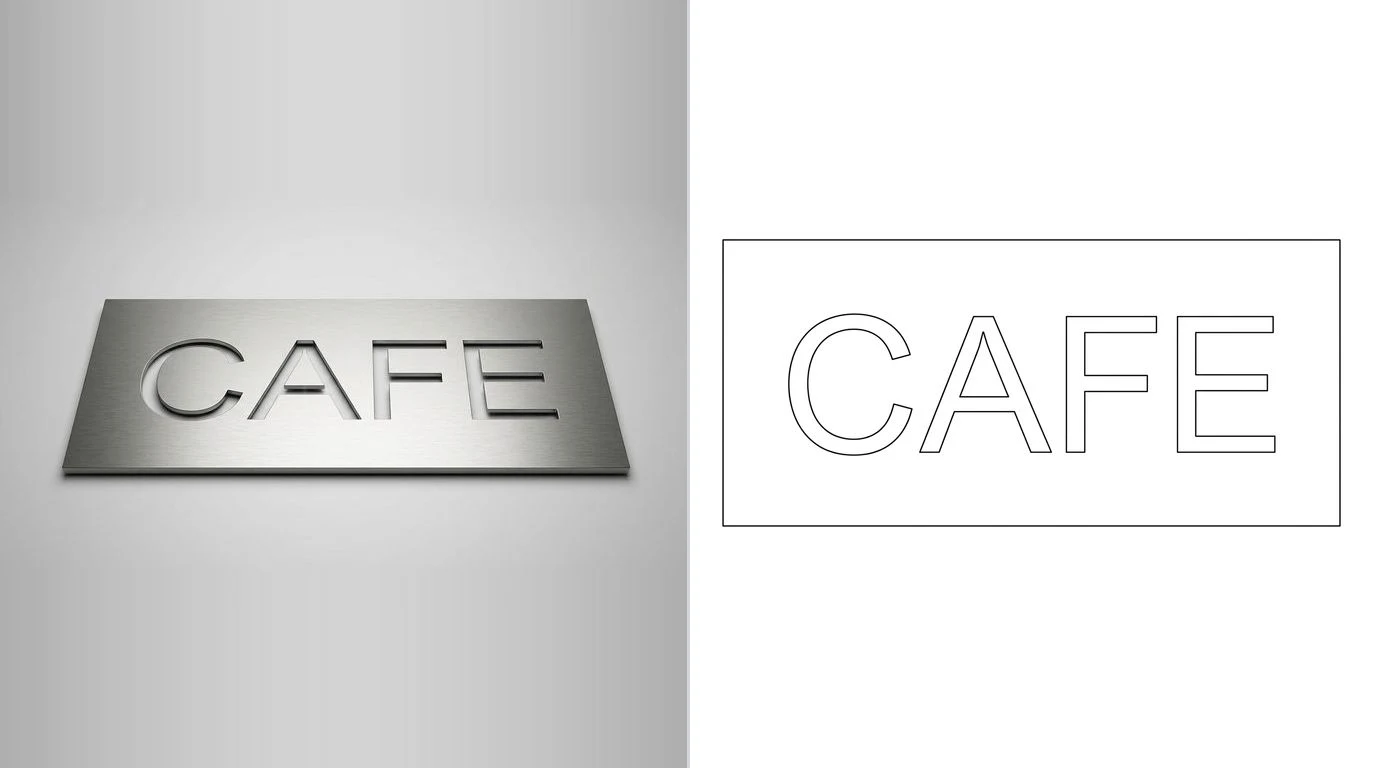
The shops that scale are not more artistic; they have a pipeline. Yours can be as simple as this, repeated for every design:
- Design or capture. Draw it, or start from a sketch, logo or photo of a thing you made.
- Vectorise. Trace flat art into clean closed paths with the image-to-DXF tool, then tidy the geometry.
- Separate operations. Layer or colour cut, score and engrave so any machine can map them.
- Export the bundle. SVG, DXF and PDF at the stated real size and units.
- Test-cut. Run it on a real machine, or have someone who owns one do it, before it goes live.
- Photograph and list. Show the finished cut, write the search-friendly title, state size, formats and licence.
The pre-publish checklist
Before a file goes on sale, confirm:
- The design is original or public-domain — no trademarked or licensed content.
- Every cut is a closed path; cut, score and engrave are separated.
- No duplicate lines; text converted to outlines.
- Bundle includes SVG, DXF and PDF at a stated real size.
- It has been test-cut on a real machine.
- The listing shows a real cut photo, a search-friendly title, and the size, formats and licence.
Do that across a growing catalogue and the maths quietly works: files you make once, sold many times, to an audience that always needs more. The making is the hard part, and turning your ideas into clean, cuttable files is exactly what Our AI technical drawing generator was built to speed up.
Frequently asked questions
Can you actually make money selling laser files on Etsy?
Yes, but it is a volume-and-catalogue game, not a lottery ticket. A single file priced at a few dollars sells as a digital download with no per-unit cost, so the economics work once you have a deep, well-made catalogue that ranks in search. Early sales are slow; sellers who do well treat it as building a library of dozens to hundreds of listings, not one viral product.
Do I need a laser cutter to sell laser files?
No — you are selling the design file, not a cut product, so you do not need to own a machine. You do, however, need to make files that cut cleanly on the machines your buyers own, which means understanding closed paths, cut versus engrave layers, and the formats buyers expect. Test-cutting on a real machine, your own or a friend's, dramatically reduces refunds and bad reviews.
What file formats do Etsy laser buyers want?
Most buyers want a bundle: SVG and DXF cover the two most common laser workflows, PDF gives a printable preview and a fallback, and many sellers add AI or EPS. SVG suits Glowforge and design software; DXF suits xTool, LightBurn and CAD. Selling a single format is the fastest way to get a one-star review from a buyer whose machine cannot open it.
Is it legal to sell SVG and DXF cut files?
Selling your own original designs is fine. Selling files that contain trademarked logos, licensed characters, sports teams or other protected IP is not, and it is the most common reason laser-file shops get suspended. Original art and public-domain motifs are safe; anything a big company owns the rights to is a fast route to a takedown.
What software do I need to make laser files to sell?
At minimum a vector editor such as Inkscape (free) or Illustrator, plus a way to turn drawings, logos or sketches into clean vector outlines. For the conversion step, an image-to-vector tool can trace flat art into closed paths you then refine and bundle. The skill that matters most is producing clean, closed, correctly layered geometry rather than which brand of software you use.