
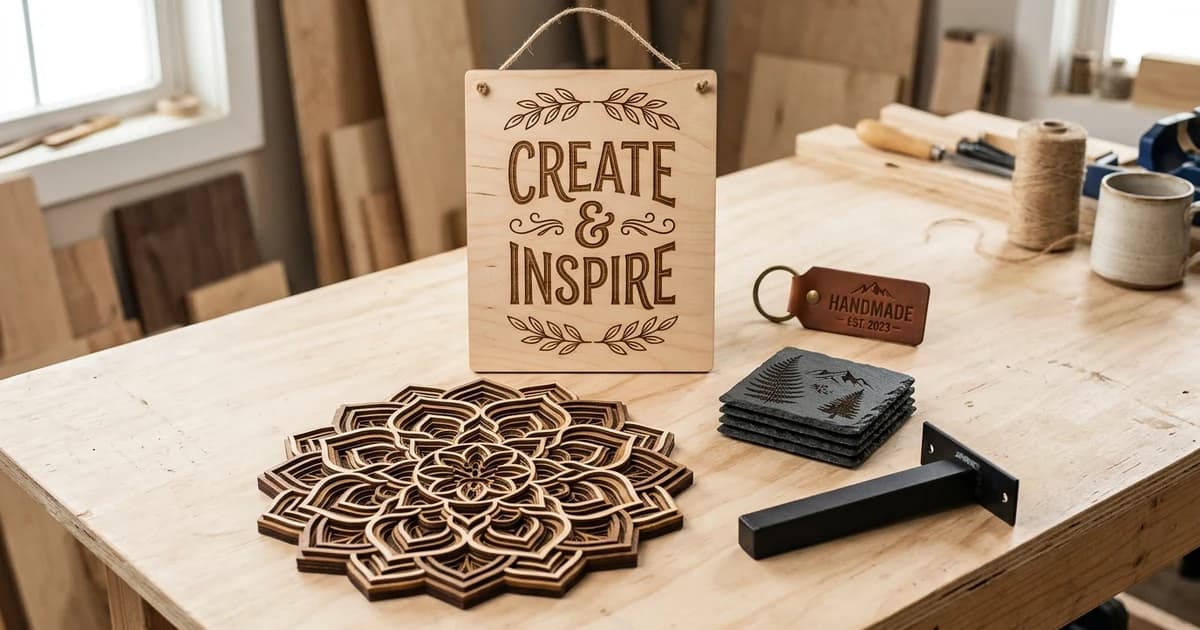
Selling DXF files online is one of the cleanest little product businesses a maker can start: you draw a design once, and it can sell for years with no stock, no shipping and no material cost. The catch is that it is a volume and trust game, not a get-rich scheme. The sellers who make real money have a niche, a growing catalogue, and files that cut cleanly the first time. This guide covers the four things that actually decide whether you make money: where to sell, what sells, how to prepare the file, and how to price and license it.
Our articles are still written by humans!
Get human written articles in your Google feed.
The short answer
You can absolutely make money selling DXF files, but price it in realistically. A single cut file typically sells for a few dollars, so one design will not change your life; a catalogue of a hundred that each sell a few times a month will. The work is not really the drawing, it is building a range buyers trust and getting found. If you already sell on Etsy or want a deeper dive on that one channel, we have a dedicated guide to making and selling laser-cut files on Etsy, and if you would rather sell your drafting time than files, see making money on Fiverr with CAD drawings. This guide is the wider view: how to sell DXF files online, wherever you sell them.
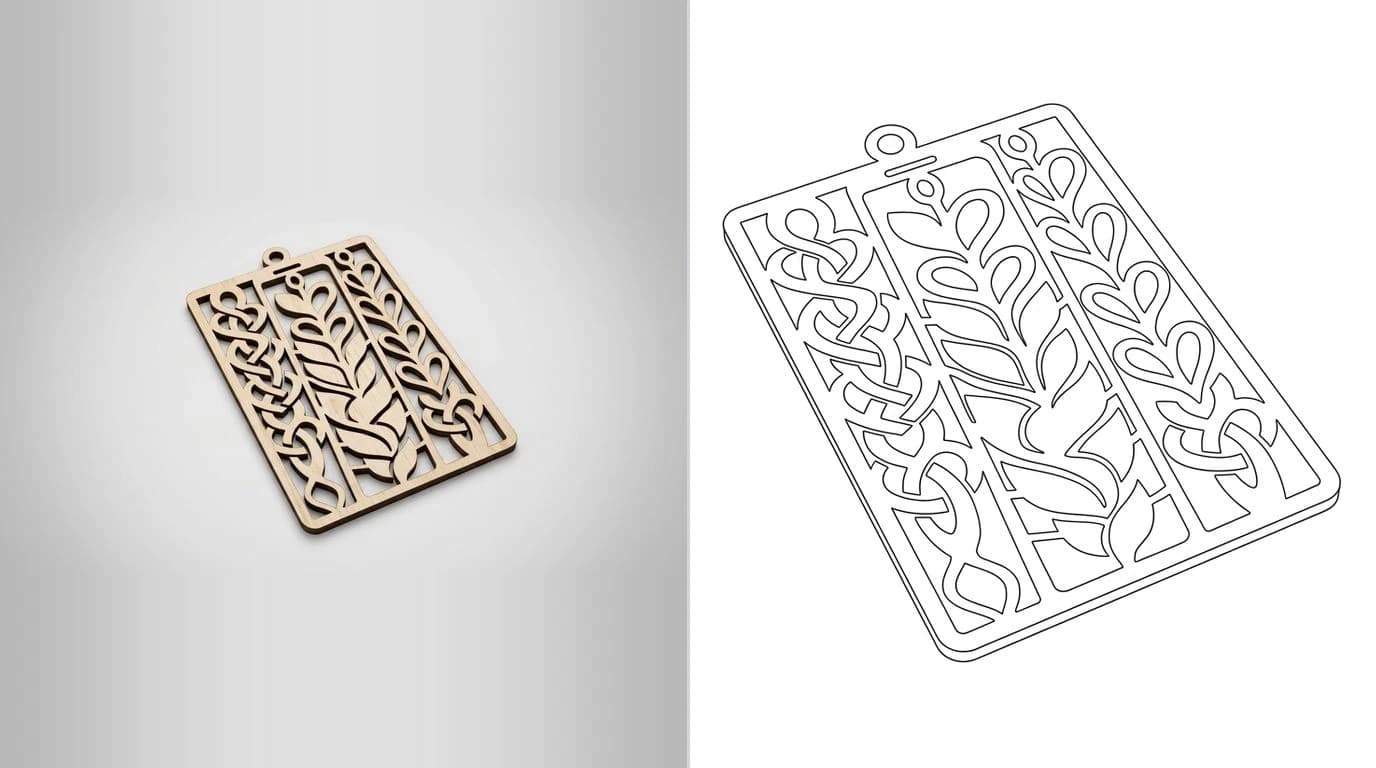
Where to sell DXF files
Every channel is a trade-off between traffic and margin. A marketplace hands you buyers but takes a cut and drops you into a crowd; your own store keeps the money and the customer, but you have to bring the crowd yourself. You do not have to choose forever, and most sellers who last run both.
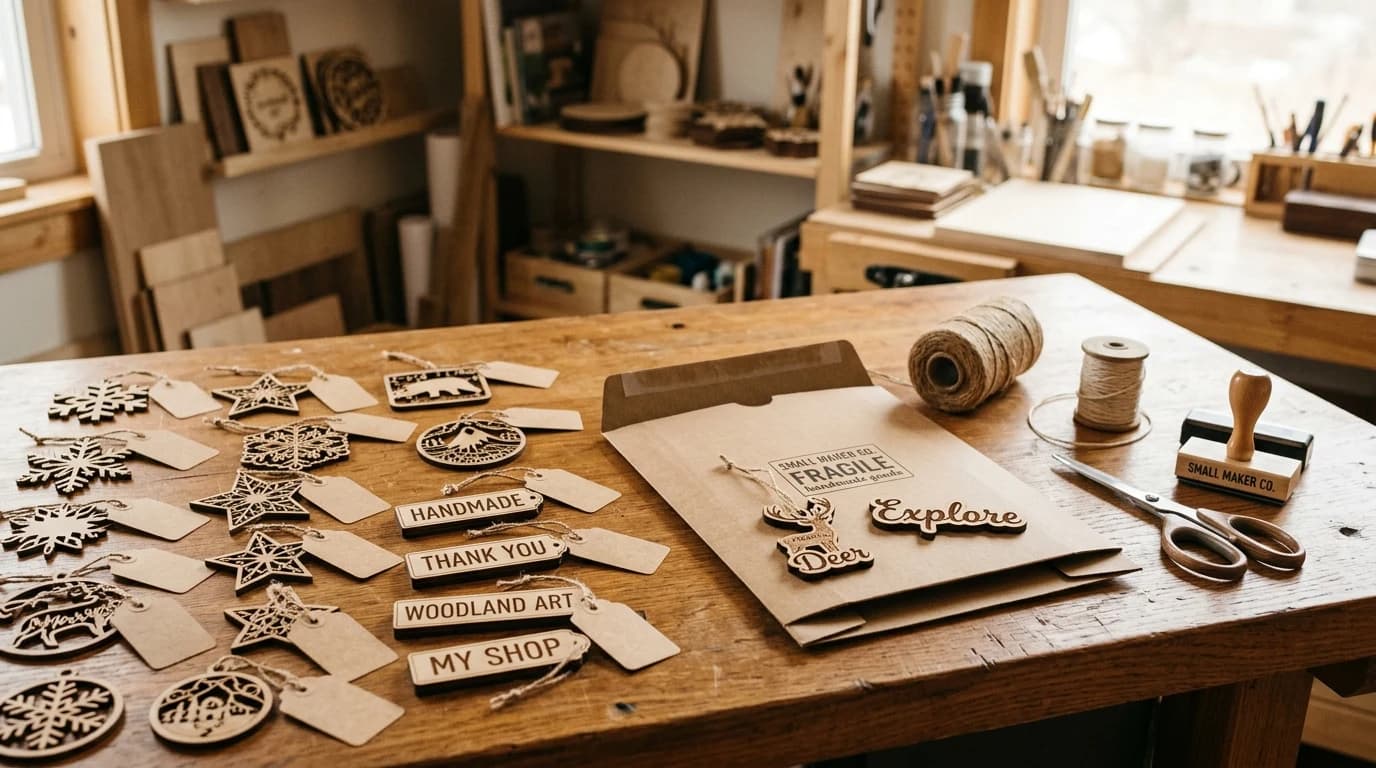
- Craft and maker marketplaces (Etsy, Design Bundles, Creative Fabrica). Built-in traffic and buyers who already want cut files. You pay listing or transaction fees and compete on price and reviews. Best for discovery and your first sales.
- Your own store (Gumroad, Payhip, Shopify). You keep far more of each sale, own the customer email, and set your own rules. The cost is that nobody arrives unless you send them, through social, a mailing list or content.
- Niche and machine-specific shops. Communities around plasma cutting, Glowforge and CNC often have their own file stores or forums where a focused catalogue stands out more than it would on a giant marketplace.
If you are starting from zero, this masterclass walks through making and listing digital cut files end to end, from creating the SVG and DXF to getting a listing live.
What actually sells
Two broad families sell well, and they attract very different buyers. Decorative files sell on impulse and volume; functional files sell less often but to buyers who will pay more and come back.
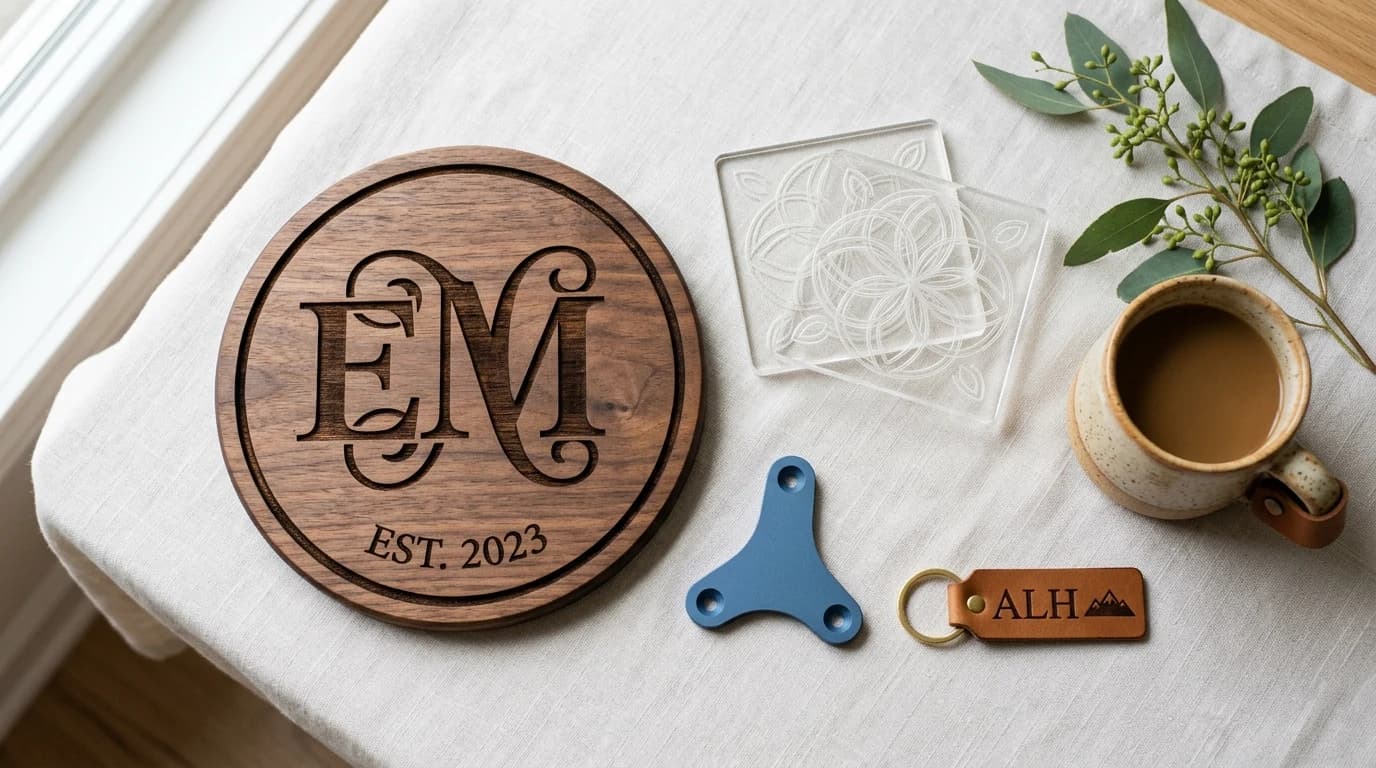
Decorative and personalised
- Signs, monograms and name plaques, especially personalisable ones.
- Seasonal and holiday decor, ornaments, gift tags and cards.
- Home decor: coasters, trivets, wall art, shelf brackets, organisers.
- Boxes, trays and small furniture that assemble from flat parts.
Functional and technical
- Jigs, fixtures, templates and gauges for other makers.
- Brackets, mounts and enclosures for common electronics and tools.
- Plasma and CNC parts: gears, sprockets, machine parts, fire-pit panels.
- Replacement parts and gaskets people cannot easily buy.
Pick a lane and go deep rather than wide. A shop with forty related camping-gear files reads as an expert; forty random unrelated files reads as a clip-art dump. If you work with metal cutters, our guides to DXF for plasma cutting and photo to Glowforge and xTool cut files show the kind of output buyers on those machines expect.
Prep the file so it cuts
This is where most refunds and one-star reviews come from, and it is the easiest place to beat your competition. A buyer who imports your file and watches it cut cleanly the first time leaves a good review and comes back. A buyer who finds open paths, wrong units or doubled lines asks for their money back.
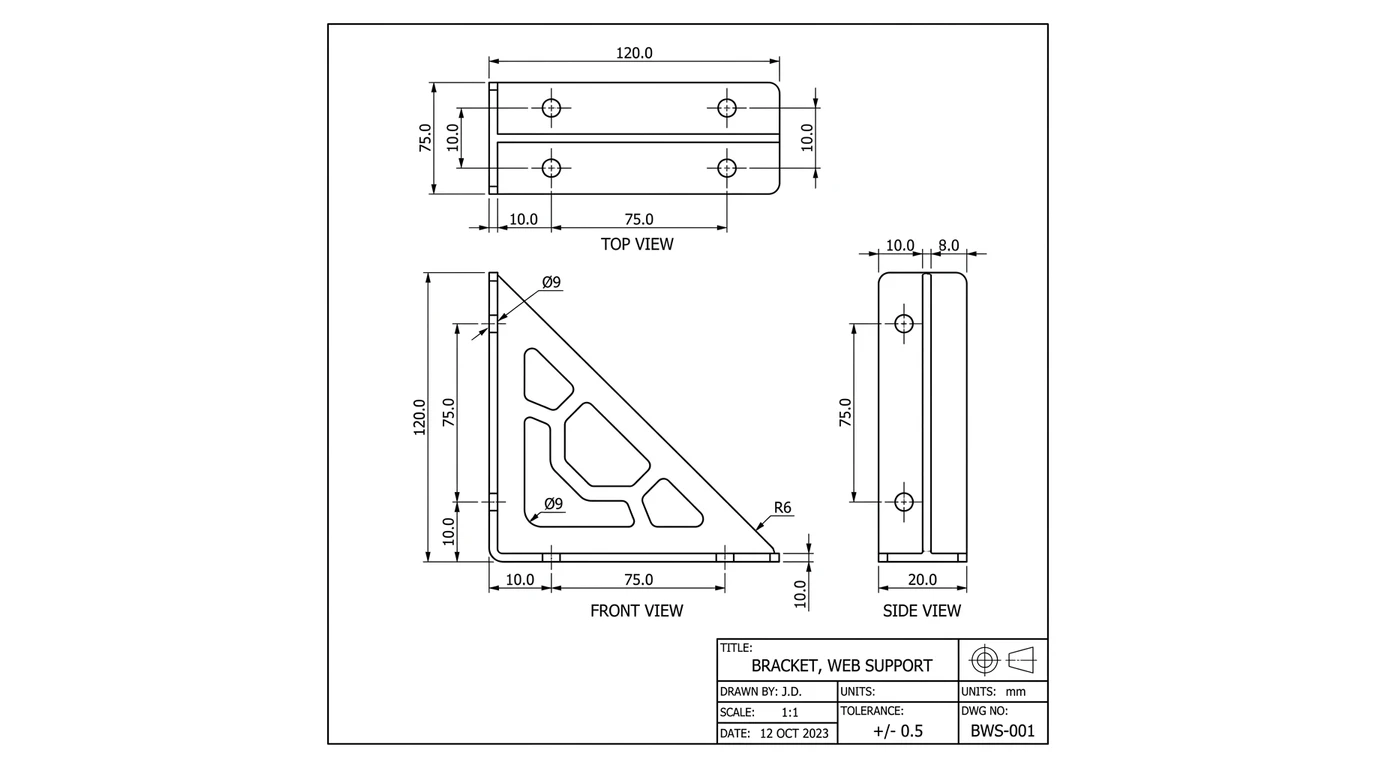
- Closed paths only. Every cut contour must be a closed loop. Open paths and tiny gaps are the number-one cause of a file that will not cut.
- Real-world units and size. Set the drawing in
mmor inches and state the intended size in the listing so nobody scales it wrong. - No duplicate or overlapping lines. Doubled lines make a laser cut twice and a plasma torch stutter. Remove them.
- Sensible layers or colours for cut versus engrave, and say in the instructions what each one is for.
- Test cut it yourself if you can, on at least one machine, before you ever list it.
If a file is fighting you, our troubleshooting guides on why your DXF will not cut and how to prepare a DXF for laser cutting walk through the exact fixes. Ship those problems solved and your reviews will do your marketing for you.
How to price them
Price on the value to the buyer and the depth of your catalogue, never on the minutes the drawing took. The buyer is paying to skip the design work and the fiddling, so a clean, tested, multi-format file is worth more than a bare DXF even if it took you the same time.
Rough going rates for cut files in 2026
Use bundles to raise your average order value and single files to pull people in. A cheap, popular single design is an advert for the bundle it belongs to. Run the occasional sale, but do not train buyers to only ever buy at a discount.
Licensing and rights
Two rules keep you out of trouble. First, only sell what you have the right to sell. Do not trace and sell someone else's artwork, brand logos, sports teams, or trademarked and copyrighted characters, however tempting the search volume looks. Second, attach a clear license to every file so buyers know what they may do.
A simple, readable license usually spells out:
- Personal use: free to cut and keep or gift, as many times as they like.
- Commercial use: whether they may sell finished physical products made from the file, and any limit (for example up to a certain number of items, or unlimited for a higher tier).
- Not allowed: reselling, sharing or giving away the file itself, or selling it as a digital file in any form.
Where the files come from
The one input you cannot fake is a steady supply of clean, original designs. Some sellers draw everything from scratch in CAD or vector software. Many more work from a reference: a sketch, a photo of a part, or a piece of their own artwork, and turn it into a clean vector ready to cut.
That conversion is exactly what our tools are built for. TechDraw AI turns a photo of a real part into a dimensioned drawing you can export, and the image to DXF converter traces a clean image or your own design straight to vector cut paths. For artwork and lettering, see logo to vector for laser engraving, and to judge the tracing tools, our roundup of the best JPG to DXF converters. Whatever you use, the rule from the prep section still holds: clean it, test it, and only then list it.
Do that consistently and selling DXF files stops being a gamble on one viral design and becomes what it should be: a small, compounding library of files that quietly sell while you draw the next one.
Frequently asked questions
Can you actually make money selling DXF files?
Yes, and people do it every day, but it is a volume game, not a lottery. A single cut file usually sells for a few dollars, so the sellers who make real money have a catalogue of dozens or hundreds of designs, a clear niche, and files that cut cleanly the first time. Treat it like a digital product business: the file is made once and sold many times, so the work is in building a range buyers trust and getting found.
Where is the best place to sell DXF files?
There is no single best place, only a trade-off. A marketplace like Etsy or a craft-file site brings you built-in traffic but takes a cut and buries you among competitors. Your own store on a platform like Gumroad, Payhip or Shopify keeps more of the money and all of the customer relationship, but you have to bring the traffic yourself. Most sellers who last do both: a marketplace for discovery, their own store for margin and repeat buyers.
How much should I charge for a DXF file?
Most single laser or CNC cut files sell for roughly two to eight dollars, with bundles of ten or more designs going for fifteen to forty. Price on the value to the buyer and the size of your catalogue, not the minutes it took you. A clean, tested, ready-to-cut file with multiple formats and clear instructions can command more than a bare DXF, because the buyer is paying to avoid the fiddling.
Do I need a license to sell DXF files?
You need two things. First, you must own or have the right to sell the design: do not sell files traced from someone else's artwork, logos, or trademarked or copyrighted characters. Second, you should attach your own license to each file that spells out what the buyer may do, typically personal use freely and commercial use up to some limit, and what they may not do, such as reselling or sharing the file itself. A short, clear license reduces disputes and refunds.
What file formats should I include with a DXF?
Include more than the DXF. Buyers run different machines and software, so a bundle of DXF plus SVG plus PDF, and sometimes EPS or a Glowforge-ready file, covers almost everyone and cuts your support messages. Keep the geometry identical across formats, use real-world units, and note the intended size in the listing so nobody scales it wrong.