
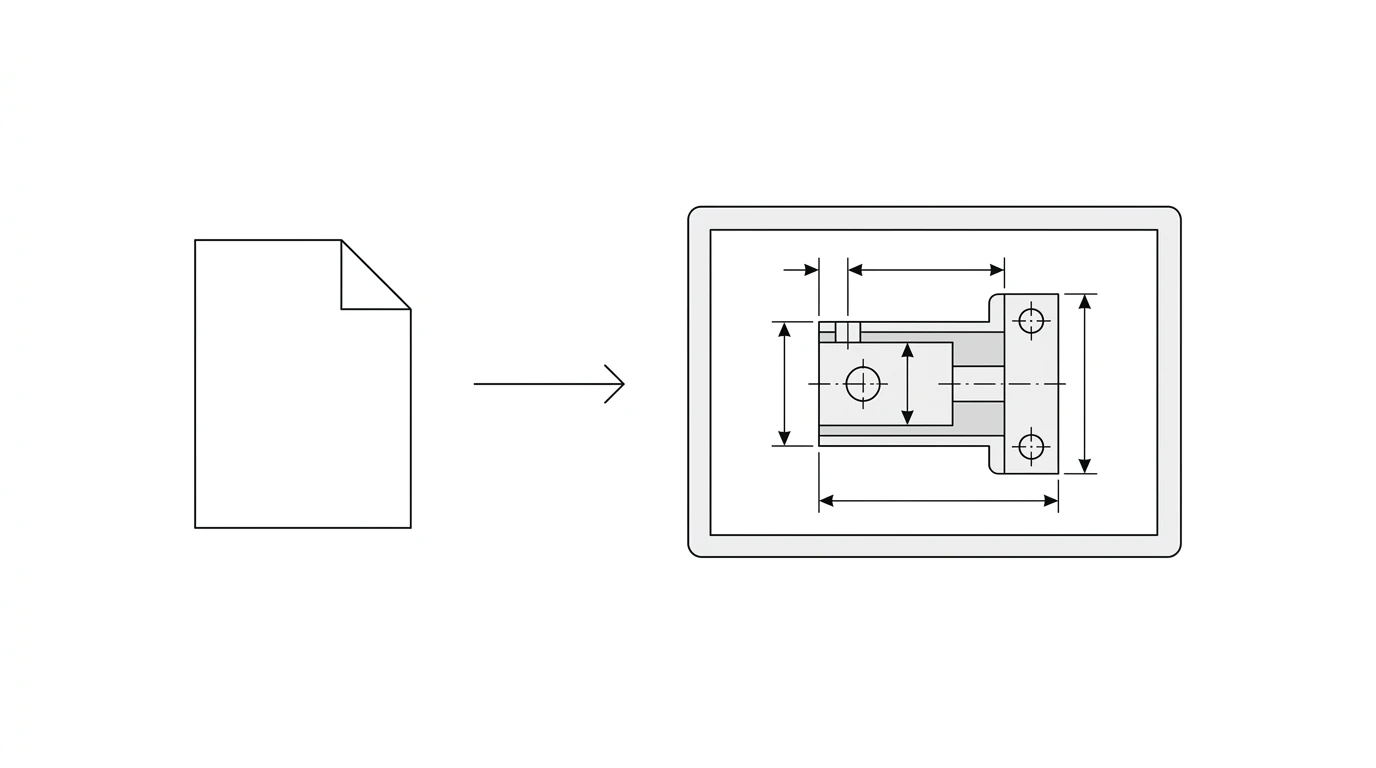
Someone sends you a .dxf file, you double-click it, and nothing useful happens. Your computer has no idea what to do with it. The good news is that a DXF is one of the easiest CAD files to open, and you do not need expensive software or even an install. In under a minute you can view one in a browser tab, and with a free download you can measure it, edit it, or prep it for cutting. Here are the six routes worth knowing, and which one fits what you are trying to do.
Our articles are still written by humans!
Get human written articles in your Google feed.
Open your DXF right here
Open the full tool pageDrop a file here. It never leaves your browser.
DXF (ASCII or binary), DWG (R14 to 2018+), SVG · any size · free · view, then download as DXF, DWG, SVG, PDF or STL
Have a different file? DWG Viewer
The short answer
If you only need to see the drawing, drag the file onto a free browser viewer such as Autodesk Viewer or ShareCAD, and it opens in seconds. If you need to change or measure it, install one of the free desktop tools: LibreCAD or QCAD for simple 2D work, FreeCAD for a full CAD package, or Inkscape if you want to treat the DXF as editable vectors. All are free, all read a standard DXF, and none require AutoCAD.
What a DXF file is (30 seconds)
DXF stands for Drawing Exchange Format. Autodesk created it in 1982 so a 2D drawing could move between programs that could not otherwise read each other’s files. It is an open, published format, and most DXF files are plain text describing lines, arcs, circles and polylines. That openness is exactly why so many free tools can read it, and why you are never locked into one vendor. For how DXF compares to its cousins, there is DWG vs DXF and the wider CAD file formats for manufacturing guide.
First decide: view or edit?
The right tool depends entirely on one question, so answer it before you download anything.
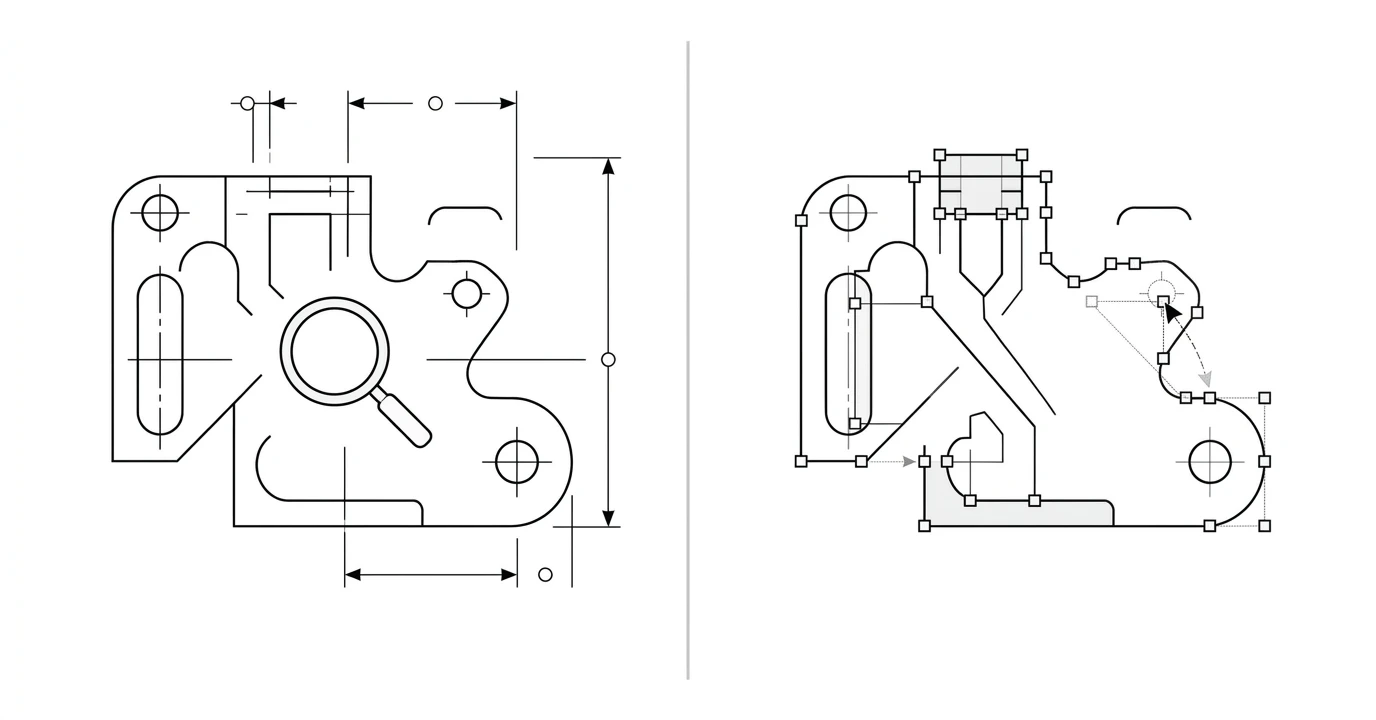
- Just looking? A browser viewer is fastest. You can zoom, pan and usually measure, with zero setup.
- Need to change it? Rescale, tidy, add or remove geometry, or prep it for a laser? You need editing software.
Fastest: open a DXF in your browser
For a quick look, nothing beats a web viewer. There is no install, it works on any operating system, and it happily handles a file someone just emailed you:
- Autodesk Viewer. From the maker of the format. Upload the DXF and it renders cleanly, with measure and markup tools.
- ShareCAD. Long-running free viewer for DWG, DXF and more, straight in the browser.
The trade-off is that these are view-only. Perfect for checking a drawing or reading a dimension, useless if you need to change anything. If you are not sure the drawing is even correct, how to read a technical drawing walks through what you are looking at.
Free desktop software that opens (and edits) DXF
When you need to do more than look, these free downloads all open a DXF and let you edit and save it:
LibreCAD and QCAD
Lightweight 2D CAD tools, which is exactly what a DXF usually is. They open fast, they are easy to learn, and they are ideal for measuring, tidying or lightly editing a 2D drawing. LibreCAD is fully free and open source; QCAD has a free community edition.
FreeCAD
A full, free 3D CAD package that also imports and exports DXF through its Draft workbench. Heavier than LibreCAD, but the right pick if you want to build on the 2D geometry or move toward a 3D model. There is a walk- through in the video below.
Inkscape
A free vector graphics editor, not a CAD program, but it opens a DXF as editable paths. Handy when you think in vectors rather than dimensions, for example cleaning up an outline before cutting. Just mind the scale on import, since vector tools do not always share CAD units.
DraftSight
A CAD application with an AutoCAD-like interface that reads and writes DXF and DWG. It has a free tier for personal use and paid tiers beyond that, so it suits people who want a familiar CAD feel.
This short tutorial shows opening a DXF in FreeCAD from scratch, which generalises well to the other tools too.
Free tools compared
Free ways to open a DXF, and what each is best at
Opening a DXF on Mac or phone
On macOS, the built-in Preview app does not read DXF, which trips a lot of people up. Use a browser viewer, or install FreeCAD or QCAD, both of which run natively on Mac, or open it in Inkscape. Fusion 360 also runs on Mac if you want a fuller environment.
On a phone, the easiest path is a browser viewer like ShareCAD or Autodesk Viewer, opened in your mobile browser. There are dedicated CAD viewer apps on iOS and Android too, but for anything past a quick look, editing a DXF is far more comfortable on a desktop.
When a DXF won’t open, or opens blank
Before you assume the file is broken, run through the three things that cause almost every “it will not open” report:
- It opened, but you cannot see it. The drawing may be far from the origin or tiny on screen. Hit Zoom Extents or Zoom to Fit to jump straight to it. This fixes the majority of “blank” cases.
- Wrong units or a hidden layer. If it opens but looks empty or absurdly scaled, check the drawing units and unhide any turned-off layers.
- A DXF version the tool cannot read. A very new DXF may carry entities an older program drops. Ask the sender for an R12 DXF, or open it in another tool and re-save.
Where your DXF came from matters
Opening a DXF is easy. Getting a good one in the first place is the part that actually decides whether it is useful. If you are creating the file rather than receiving it, start from clean geometry:
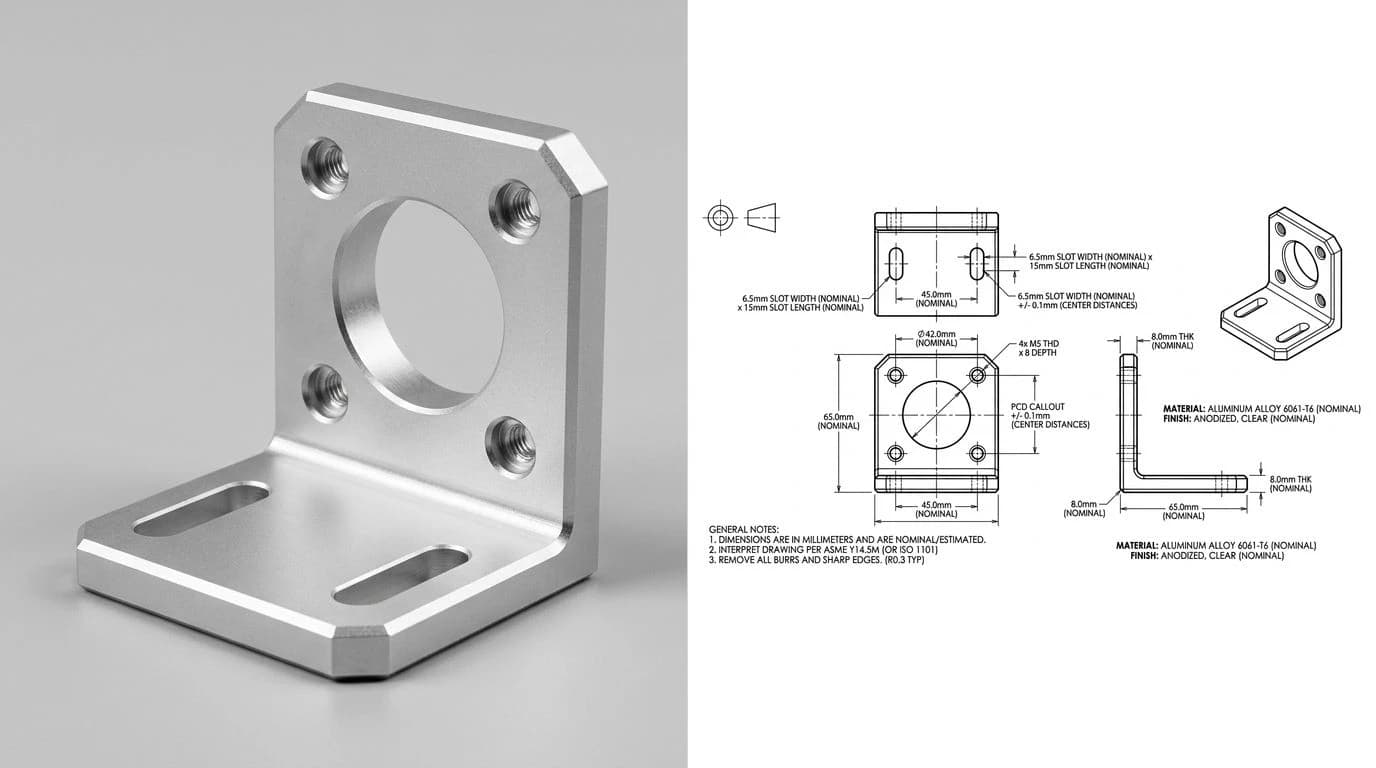
TechDraw AI turns a photo of a part into a dimensioned 2D technical drawing you export as DXF, so the file you open is clean and to scale from the start. If your input is already an image or logo, the image to DXF converter traces it to vector. If the file has to be a DWG rather than a DXF, because the shop opens it in AutoCAD, image to DWG covers that route instead. And if someone handed you a drawing on paper, converting a PDF to DXF gets you an editable file to open in the tools above.
Frequently asked questions
How do I open a DXF file for free?
The fastest free way is a browser-based viewer: drag the DXF onto a site like Autodesk Viewer or ShareCAD and it renders in seconds with nothing to install. If you need to measure or edit, install free desktop software instead: LibreCAD and QCAD (community edition) are lightweight 2D CAD tools, FreeCAD is a full 3D package that imports DXF, and Inkscape opens a DXF as editable vectors. All of these are free, and all of them open a standard DXF.
What program opens a DXF file?
Any CAD program opens a DXF, because DXF is an open exchange format Autodesk created for exactly that. AutoCAD, Fusion 360, SolidWorks and Inventor all open it, and so do free tools: LibreCAD, QCAD, FreeCAD, DraftSight and Inkscape. For a quick look without installing anything, a browser viewer such as Autodesk Viewer or ShareCAD works. Laser and CNC software like LightBurn also imports DXF directly, since that is often how the cut file arrives.
How do I open a DXF file on a Mac?
You have three easy routes on macOS. Use a browser viewer like Autodesk Viewer or ShareCAD with nothing to install, install free Mac-native software such as FreeCAD or the community edition of QCAD, or open it in Inkscape if you want to treat it as editable vectors. The built-in macOS Preview app does not open DXF, so you need one of these. Fusion 360 also runs on Mac if you want a fuller CAD environment.
Can I open a DXF file without AutoCAD?
Yes, easily. DXF is an open, published format, so you are not tied to AutoCAD at all. Free options include LibreCAD, QCAD, FreeCAD, DraftSight and Inkscape on the desktop, and Autodesk Viewer or ShareCAD in a browser. Most people never touch AutoCAD to view or even edit a DXF. AutoCAD is only worth it if you already work in that ecosystem for other reasons.
What is the difference between viewing and editing a DXF?
Viewing shows you the drawing and lets you zoom, pan and often measure, but you cannot change the geometry. Editing lets you move, add, delete and rescale the lines and then save the file back out. Browser viewers are view-only, which is perfect for a quick check or to read dimensions. To change anything, or to prepare a file for cutting, you need editing software such as LibreCAD, QCAD, FreeCAD, Inkscape or a laser tool like LightBurn.
Why won't my DXF file open or show anything?
Usually the drawing opened fine but is off-screen or tiny, so use Zoom Extents or Zoom to Fit to jump to it. If it opens blank, the units may be mismatched or the geometry lives on a hidden layer. If the program rejects the file, it may be a newer DXF version than the tool reads, so ask for an older R12 DXF, or open it in a different tool first and re-save. A truly corrupt or empty file is rarer than these three, which cover most cases.
Can I open a DXF on my phone?
Yes. The simplest way is a browser viewer: open a site like ShareCAD or Autodesk Viewer in your phone's browser and upload the file. There are also dedicated DXF and CAD viewer apps on both iOS and Android if you open drawings often on mobile. For anything beyond a quick look, though, editing a DXF is far more comfortable on a desktop with a real CAD program.