
A PDF looks like it should convert to DXF in one click, and sometimes it does. Other times the “drawing” is actually a photo someone scanned twenty years ago, and no converter on earth will hand you back geometry that was never there. The whole job comes down to figuring out which PDF you are holding before you touch a converter.
Our articles are still written by humans!
Get human written articles in your Google feed.
The short answer
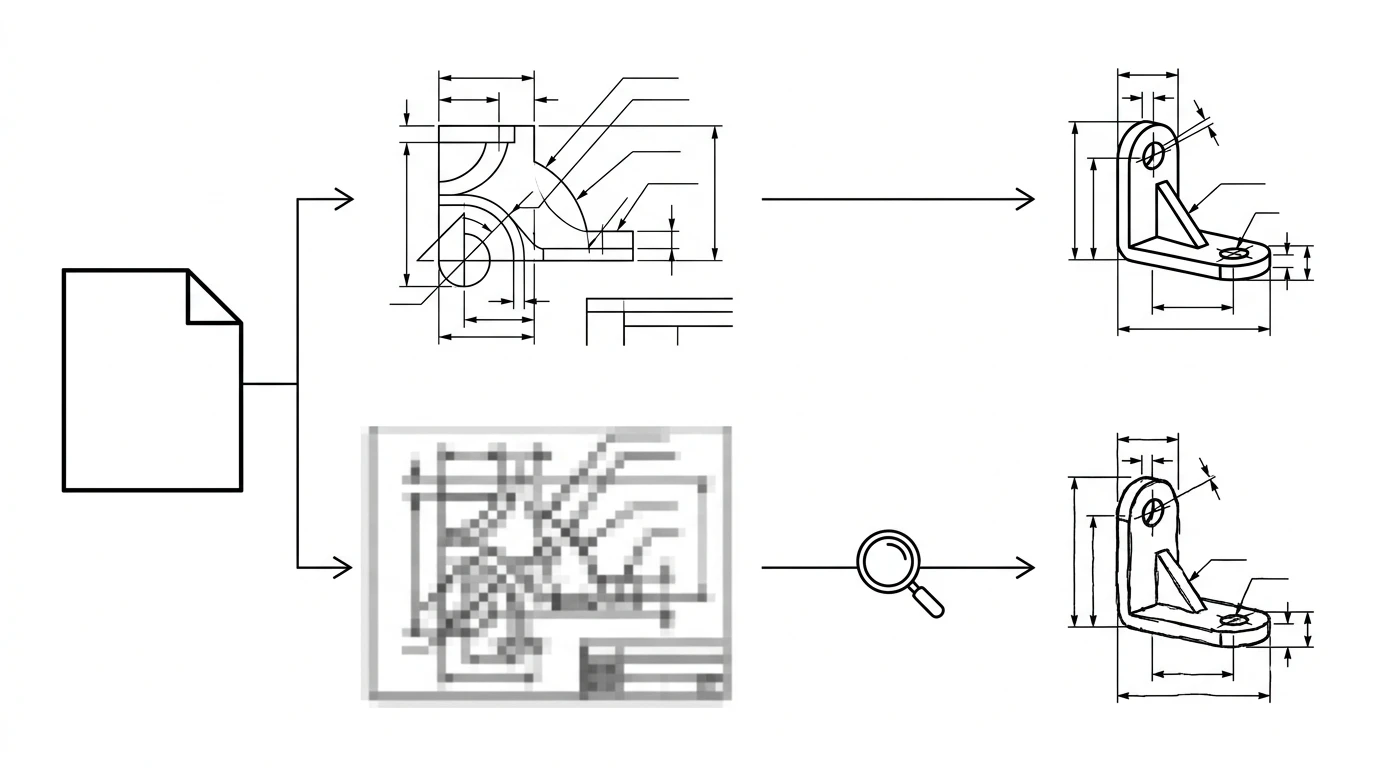
Open the PDF and zoom in on a line until it fills the screen. If the edge stays sharp, you have a vector PDF, exported from AutoCAD, SolidWorks, Illustrator or a similar program. Any decent PDF-to-DXF converter, or AutoCAD's own PDFIMPORT command, pulls that geometry out directly and the result is a clean, accurate DXF. If the edge turns into a blur of pixels, you have a raster PDF, a scan or a photo of a drawing wrapped in a PDF container. There is no geometry to extract, so the outline has to be traced first, the same way you would trace a JPG. Either path can end in a usable DXF. Only one of them is a one-click job.
What's actually inside your PDF
PDF, short for Portable Document Format, was built to make a page look identical everywhere it opens, and it is happy to hold either kind of content. A CAD program can write real vector geometry into a PDF page. A scanner or a phone camera can just as easily drop a flat image onto a PDF page and call it done. The file extension gives you no hint which one you have; only the content does.
Vector PDF vs scanned PDF
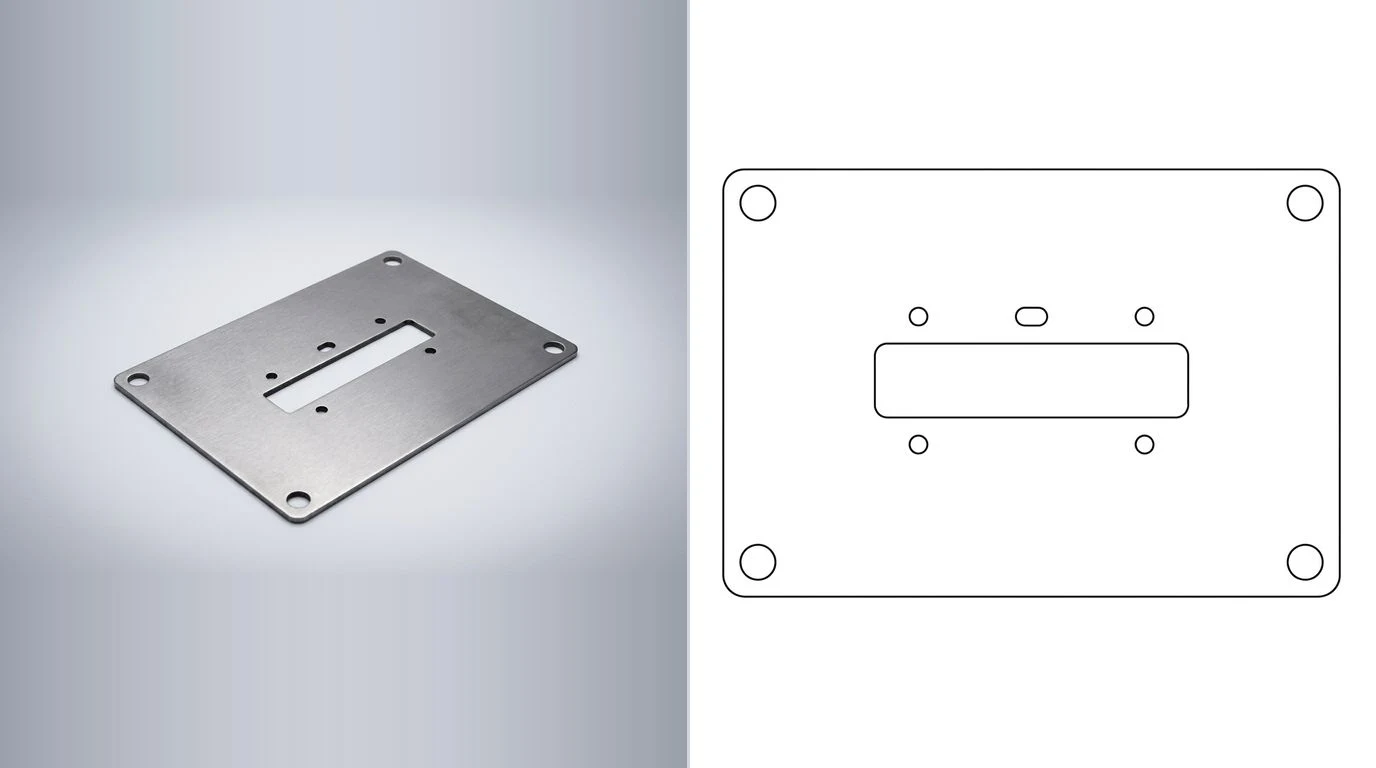
Converting a vector PDF
This is the easy case, because the lines you see are the lines the file actually stores. Any of these routes works:
- AutoCAD: run
PDFIMPORT, standard since AutoCAD 2017. It reads the vector content of a PDF and converts it into native AutoCAD entities you can edit and save straight to DXF. - Free CAD tools: LibreCAD and FreeCAD both open or import vector PDF geometry and export DXF at no cost.
- Inkscape: opens a vector PDF natively, preserving the paths, then exports DXF through its built-in extension.
- Online converters: fine for a single quick file; they extract the same underlying vector data as the desktop tools.
Whichever tool you use, expect some cleanup. Hatches, gradients and PDF-specific text objects do not always map one-to-one onto DXF entities, so duplicate or overlapping lines and stray text artifacts are common after an import. Join any open contours into closed polylines before you treat the file as done, the same rule that applies to any DXF headed for a CNC or laser table.
Converting a scanned or photographed PDF
A scanned PDF is not secretly a drawing waiting to be unlocked. It is a picture, full stop, and a picture has no lines to extract, only pixels to interpret. The workflow is the same one you would use for any raster image:
- Export the PDF page as an image (PNG or high-res JPG) if your tool does not accept the PDF directly.
- Trace it. A vectorizer follows the visible edges and redraws them as clean lines and arcs. Our image to DXF converter does this in the browser, and the best JPG to DXF converters compares the alternatives.
- Clean up the trace. Old scans bring in specks, faded lines and skewed edges from the original scanning pass. If your output looks jagged or broken, see why a traced image looks jagged and how to fix it.
- Scale it. Covered next, and non-negotiable.
The scale trap
This is where more PDF-to-DXF conversions go wrong than anywhere else, on both the easy path and the hard one. PDF is fundamentally a print format, built around page sizes like Letter or A4, not engineering units. A vector PDF exported from CAD usually, but not always, preserves the original drawing scale. A scanned PDF almost never does, because a scanner just captures whatever fits the page. Either way, do not assume the DXF that comes out is at 1:1 real-world scale.
Fix it the same way you would fix a raw image conversion: find one dimension you know for certain, either printed on the drawing itself or measured on the real part, and scale the whole DXF to match that one number. This exact failure mode, and how to catch it before it turns into scrap, is covered in fixing a DXF that imports at the wrong size.
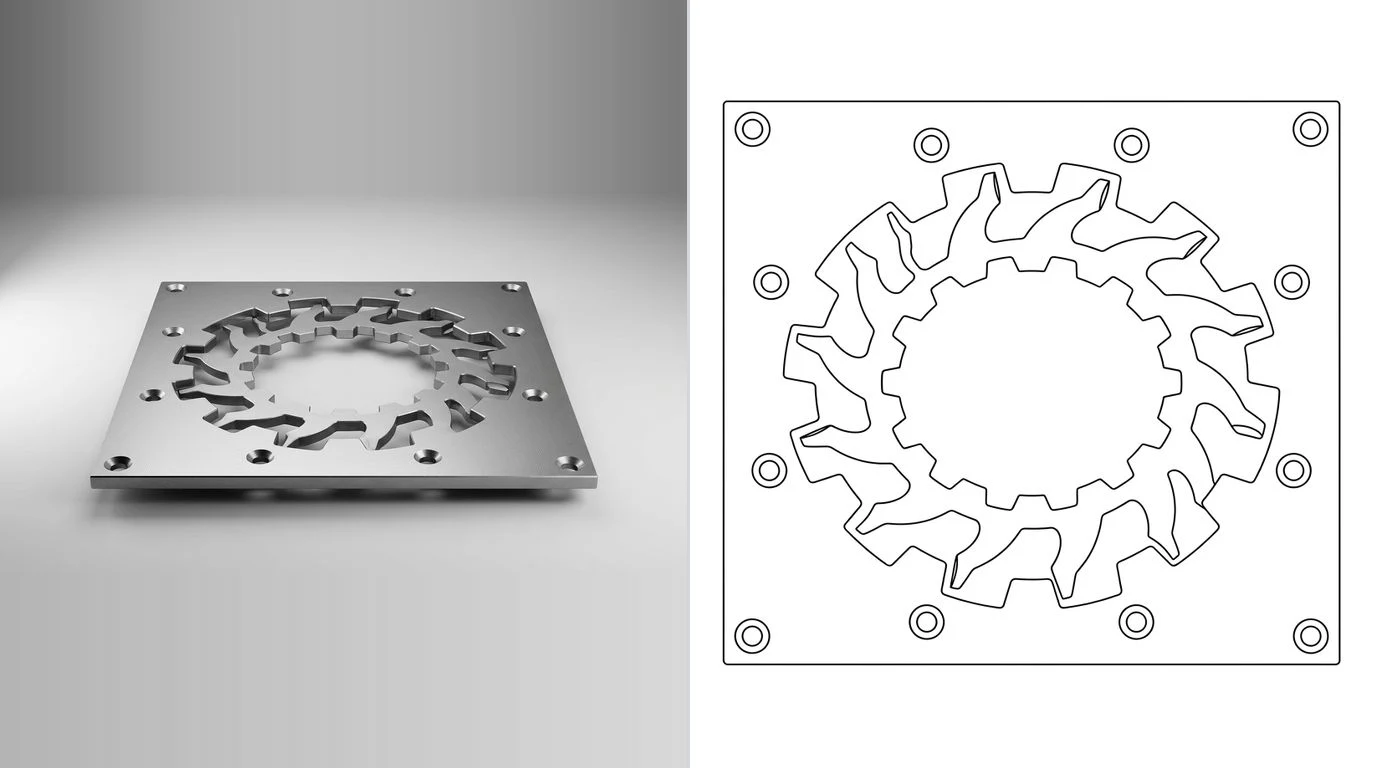
PDF metal drawings, for a CNC or laser quote
A common version of this problem: a machine shop, a supplier or an old project folder hands you a PDF of a metal part, sheet metal bracket or plate, often scanned from a paper print that predates the shop's current CAD system by a decade or two. You need a DXF to get it quoted or cut, and the original CAD file is long gone.
Run the same zoom test first. If it is a vector PDF export from an old CAD system, extract the geometry as above and you are close to done. If it is a scan of a paper print, which is the more common case for anything old enough to matter, treat it as a raster trace: outline, holes and bend lines come from the scan, but gauge, material and bend allowance almost never survive a scan cleanly and are worth confirming against the physical part before you quote. Our guides on sheet metal drawings from a photo and making plasma-cutting DXF files cover what a shop actually needs beyond the outline, and reverse engineering a part without the original drawing covers the case where you do not even have the PDF, just the part itself.
Tools that convert PDF to DXF
PDF to DXF, by tool
For a straightforward vector PDF, the free desktop tools are enough; there is no accuracy advantage to paying. Scan2CAD earns its price when you are converting a stack of scanned drawings at volume and want its OCR to pull dimensions and text off the page automatically.
When the PDF is really just a photo
Sometimes what lands in your inbox as a “PDF drawing” is actually a phone photo of the part itself, saved or printed to PDF, with no drawing conventions at all: no views, no dimensions, nothing a tracer can lean on beyond a silhouette. Tracing that gives you an accurate outline of the part as photographed, at whatever scale the photo happened to be taken, which is not a scale you can cut from.
This is a different job from converting a drawing, and it is the one our own tool is built for. Export the PDF page as an image, upload it to TechDraw AI, confirm one real measurement on the part, and it generates an actual dimensioned technical drawing rather than a bare outline, then exports that to DXF, DWG, SVG or PDF. The reasoning behind why a reference measurement is unavoidable, no matter which tool you use, is in image to CAD: turn a JPG into a DXF you can manufacture.
Pre-flight checklist before you send the DXF
- Did you check whether the PDF was vector or scanned? The zoom test takes five seconds and decides your entire approach.
- Is every cut profile a closed polyline? Open contours confuse CAM software regardless of how the DXF was made.
- Did you verify the scale against a real dimension? Not assumed, actually verified. This is the single most common way a PDF-to-DXF conversion turns into scrap.
- Did you save an older DXF version (such as R12) if the file is headed to shop-floor software rather than modern CAD?
- For a scanned drawing, did you confirm material, gauge and tolerances against the physical part rather than trusting what a decades-old scan happens to show?
Once the DXF passes that list, the file-specific prep for cutting lives in how to prepare a DXF for laser cutting, and the wider question of which format to hand a manufacturer at all, DXF, DWG, STEP or PDF, is answered in CAD file formats for manufacturing.
Watch: A PDF into AutoCAD at the right scale
SourceCAD's tutorial takes the vector PDF route from this page inside AutoCAD. Its chapters run in the same order as the advice above: set the drawing units, import the PDF, fix the imported drawing, then scale it. It ends in a DWG rather than a DXF, but the last step is the same Save As with a different file type. For a scanned PDF, SourceCAD has a separate video, because a scan has no lines to import.
Frequently asked questions
Can I convert a PDF to DXF for free?
Yes, for a vector PDF. Inkscape, LibreCAD and FreeCAD all open a vector PDF and export DXF at no cost, and free online converters handle a one-off file. A scanned or photographed PDF needs tracing first, and Inkscape's free bitmap tracer handles that too, though the result is an outline with no dimensions.
Why is my PDF-to-DXF conversion the wrong size?
A PDF is a page-layout format built around print dimensions like Letter or A4, not engineering units, so the geometry inside does not always carry a reliable real-world scale. Set one known dimension on the converted DXF, or measure a feature on the real part and rescale the whole drawing to match, before you send it anywhere.
Can AutoCAD open a PDF directly?
Yes. AutoCAD's PDFIMPORT command, standard since AutoCAD 2017, reads a vector PDF and converts its lines, arcs and text into native AutoCAD geometry you can edit and save as DXF. It works well on a clean, CAD-exported PDF. A scanned PDF imports as a flat raster image you still have to trace.
What's the difference between a vector PDF and a scanned PDF?
A vector PDF was exported from CAD or a drawing program and stores real lines, arcs and text as math, which a converter can extract directly into a DXF with no quality loss. A scanned or photographed PDF is a picture of a drawing with no geometry inside it at all, so the lines have to be traced from pixels before they become a DXF.
Is a DXF converted from a PDF good enough for CNC or laser cutting?
From a vector PDF, yes, once you close any open contours and confirm the scale, because the geometry is exact. From a scanned PDF, a clean trace is usually fine for a simple 2D profile on a laser or plasma table, but it will not carry dimensions or tolerances a CNC shop needs for a more complex part, since a picture never contained those numbers to begin with.
Can I convert a PDF straight to DWG instead of DXF?
Yes, the same tools that convert PDF to DXF usually offer DWG as an output option too, and the vector-versus-scan distinction works exactly the same way. DXF stays the safer default if you don't control what software the file lands in next.