
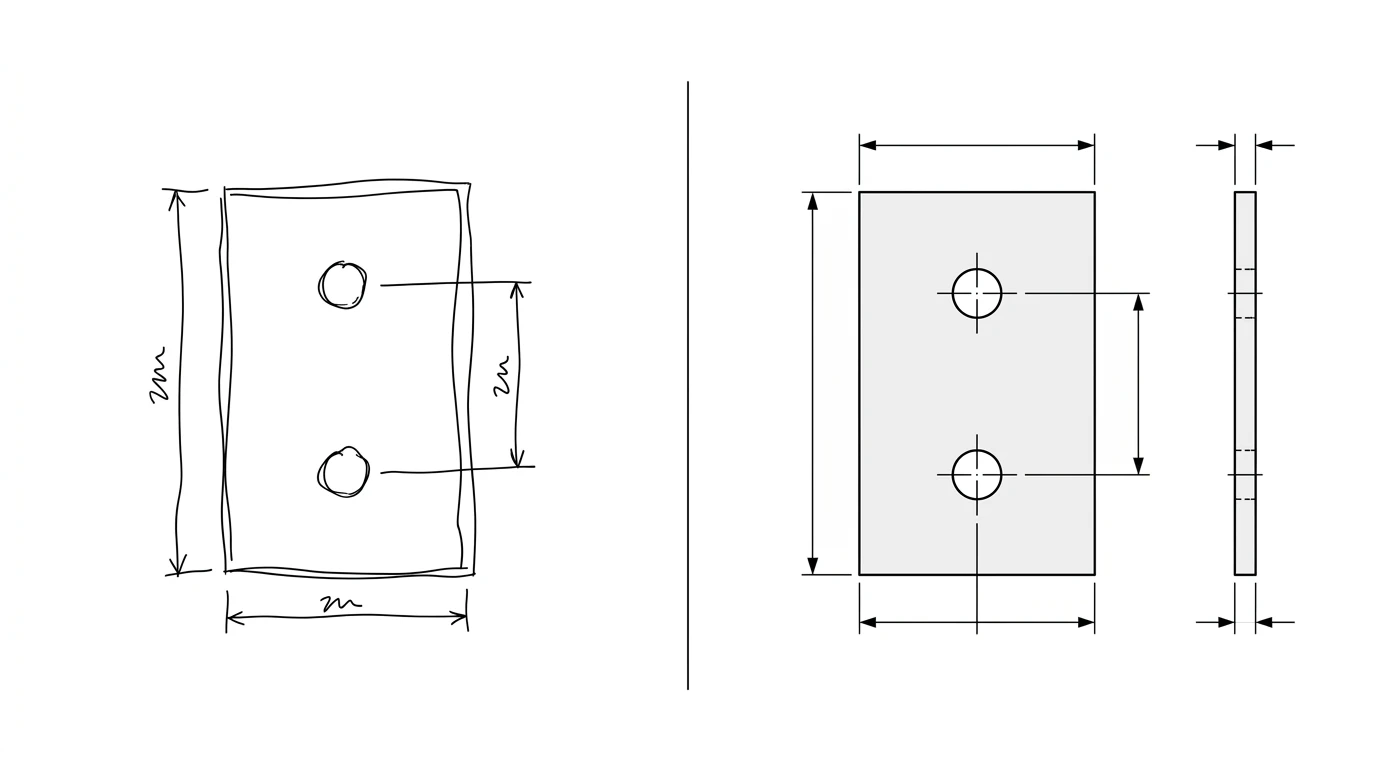
Ask Gemini to make you a technical drawing and you will hit a strange split. Hand it a drawing that already exists and it is genuinely sharp: it reads the views, decodes the symbols, and spots things that look wrong. Ask it to produce a measured drawing of your part and it quietly falls apart, the same way every chatbot does. So the honest answer to “can Gemini make technical drawings” is yes and no, and which half you land on depends entirely on whether you are asking it to read or to draw.
Our articles are still written by humans!
Get human written articles in your Google feed.

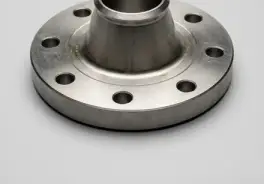
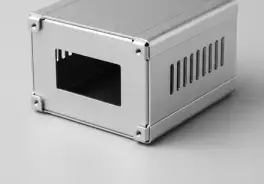

The short answer
No, Gemini will not draw you a finished technical drawing, and it will not export a DXF. Yes, it is genuinely good, arguably the best of the big chatbots, at reading a drawing you already have: parsing the views, pulling text off the callouts, and reviewing it against a checklist. Think of it as an excellent second pair of eyes rather than a drafter. The two jobs it cannot do are measure a real part and hand you a ready file, and those happen to be the two jobs most people were hoping for when they typed the question.
Where Gemini is genuinely strong: reading
This is the part worth getting right, because it is where Gemini pulls ahead of the other chatbots. Its long-context vision is well suited to a dense, symbol-heavy drawing, and independent tests back this up. A 2025 SPIE evaluation of Gemini on CAD drawings found it handled recognition, OCR, feature counting, symbol identification and shape description on real drawings, while noting it still cannot replace an engineer. People have even wired it into a working drawing checker: a public prototype uses Gemini 2 to parse a 2D CAD image and flag issues against a set of design rules.
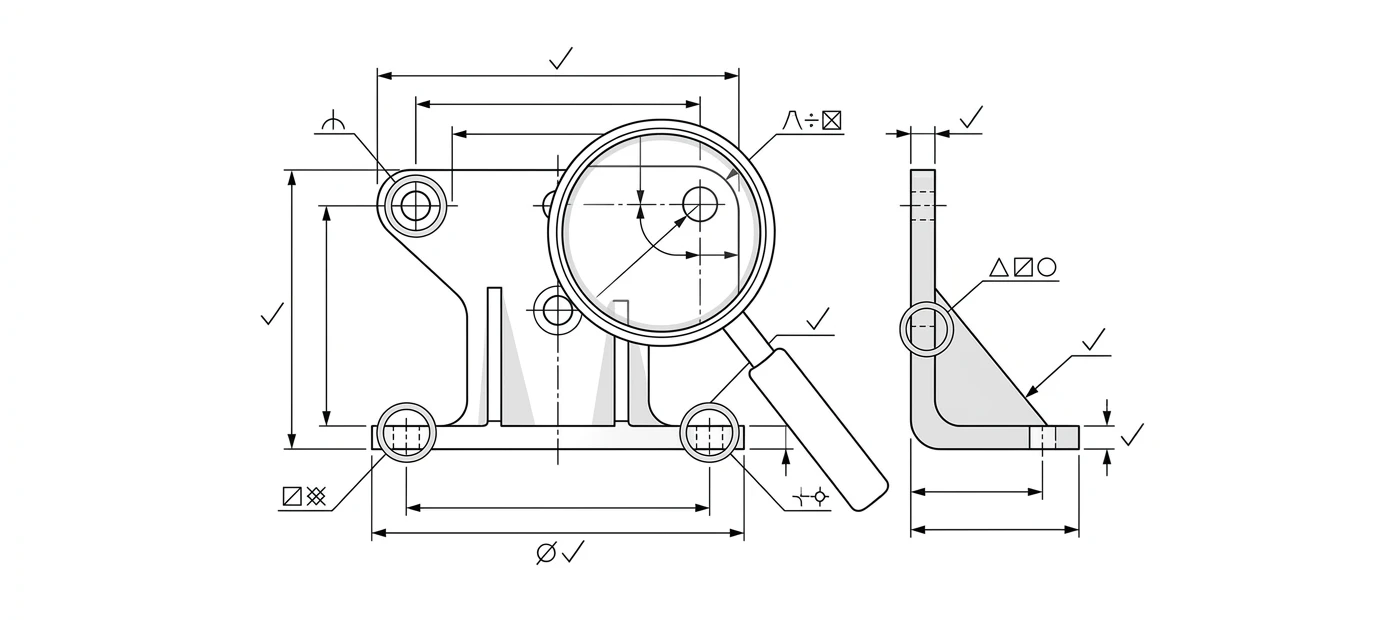
So use it for exactly that. Upload a drawing and ask it to explain a feature control frame or walk you through the views alongside our guide on how to read a technical drawing, and it is a patient, capable tutor. If reviewing a drawing for actual mistakes is the job, that is a real and growing use, and we go deeper on it in can AI check a technical drawing for errors.
What else Gemini can do
Beyond reading, the useful half of the answer keeps growing, and most of it lives around the drawing rather than in it.
- Drive a CAD program as an agent. Through function calling and agent frameworks, Gemini can call real tools: create a sketch, extrude it, tweak a parameter in a modeller that exposes an API. It is operating the tool that draws, not drawing itself.
- Write CAD code and scripts. Python automation, API macros,
OpenSCADor parametric models. Because it is fluent in code and API docs, this is where it is most reliable. - Generate a parametric spec. Describe what a part needs to do and it returns sensible dimensions, materials and tolerance suggestions you can drop into CAD.
- Explain standards. GD&T, ISO tolerances, projection conventions, in plain language, on demand.
What it can’t do
Now the half that trips people up. None of these are settings you can switch on. They are baked into what a language model is.
- It cannot measure a real part. Show it a photo and it will guess. The numbers that come back are plausible, not measured, and a plausible dimension is worse than none because it looks right.
- It does not output a CAD file. There is no native
DXForDWGexport. The only route to geometry is code you run somewhere else. - It cannot recover true scale from one photo. A single image throws away absolute size, so it cannot tell 80 mm from 800 mm without a reference. That is geometry, not a model limitation.
- It will not produce a to-scale, shop-ready drawing. Anything that looks like one is guesswork unless you supplied every single number yourself.
But Gemini has an image model?
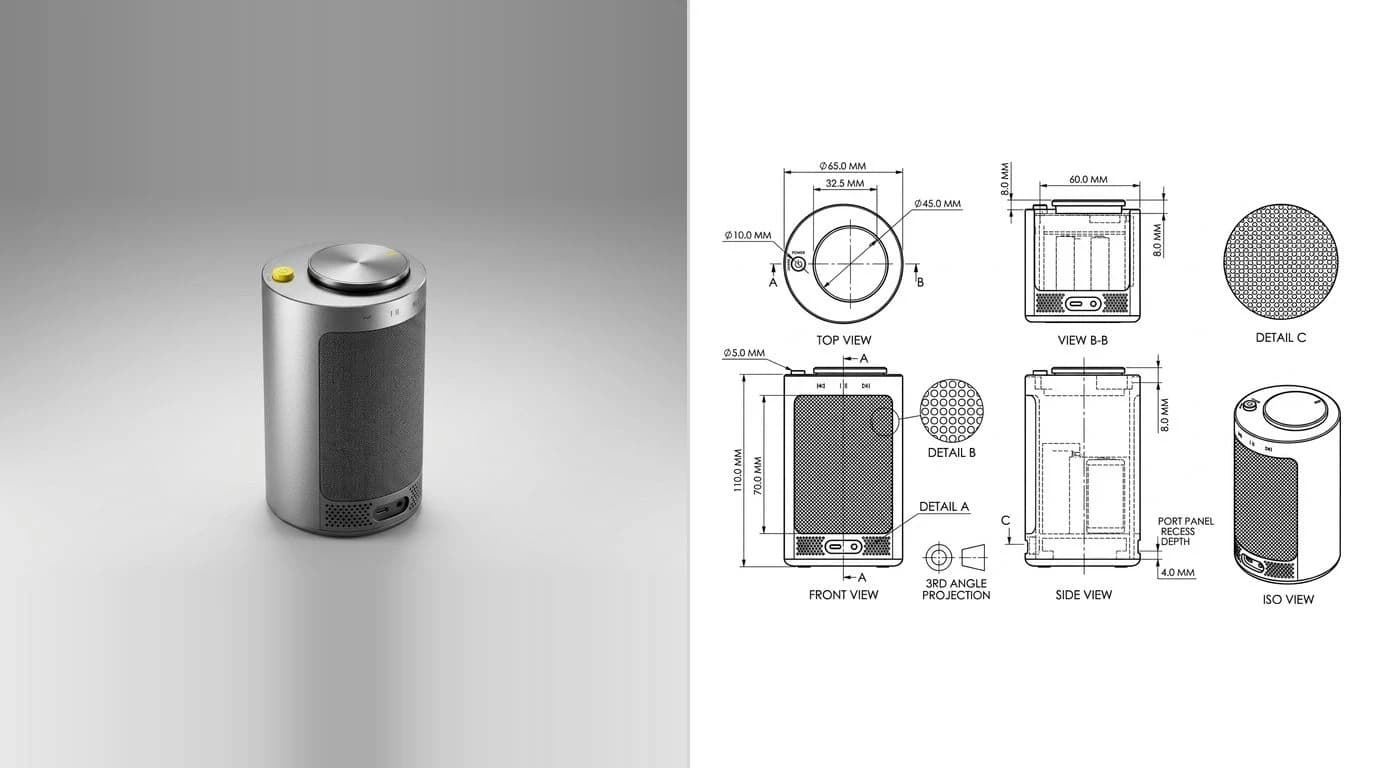
It does, and this is where the confusion usually starts. Gemini's image generation can paint something that looks like a blueprint. It is the same class of tool behind most “AI made this technical drawing” demos you see online. The problem is that it outputs a raster picture, pixels, not geometry. The dimension numbers on it are decorative text the model invented; run the same prompt twice and you get two different parts with contradictory measurements. We literally used this model to demonstrate the failure in our ChatGPT test, where one bracket came back with a 2.5 metre callout on an 80 mm part.
Gemini vs a purpose-built tool
The gap Gemini leaves is specific and easy to name: turning a real part into a measured 2D drawing you can export. That is one job, and it is the one a general chatbot is least equipped for, because it needs measurement and a real file at the end, not text or pixels.
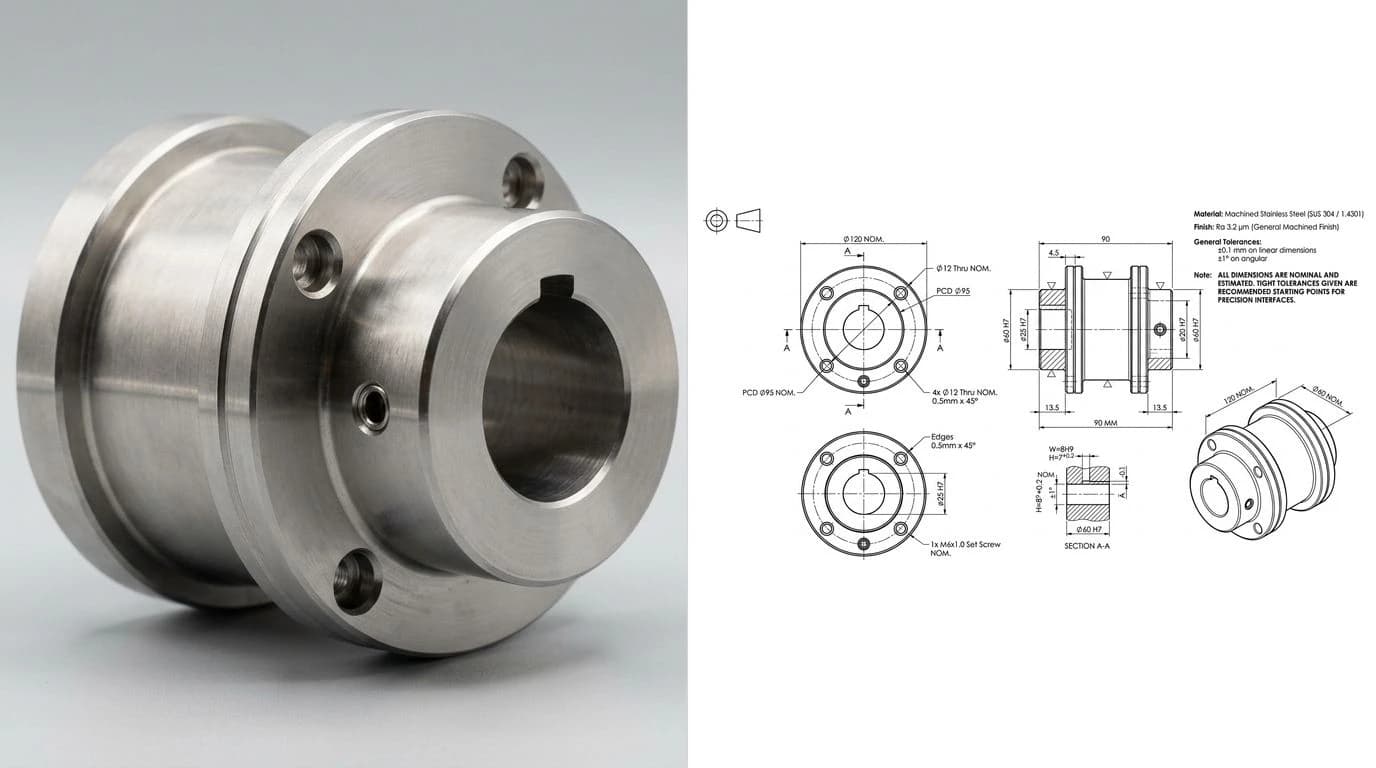
Here is the honest twist. A purpose-built pipeline can use a vision model like Gemini as one component, then wrap it in the thing a chatbot lacks: a measurement step that anchors the scale, and a real file at the end. Our AI technical drawing generator takes a photograph of a part and produces a fully dimensioned technical drawing you can export as DXF, the measured, cut-ready output the raw chatbot cannot give you. If your input is a clean image or a logo rather than a photographed object, the image to DXF converter traces it straight to vector. And for the format side of things, see from photo to manufacturing drawing, and for how the dedicated tools compare against a general model, AI image to CAD.
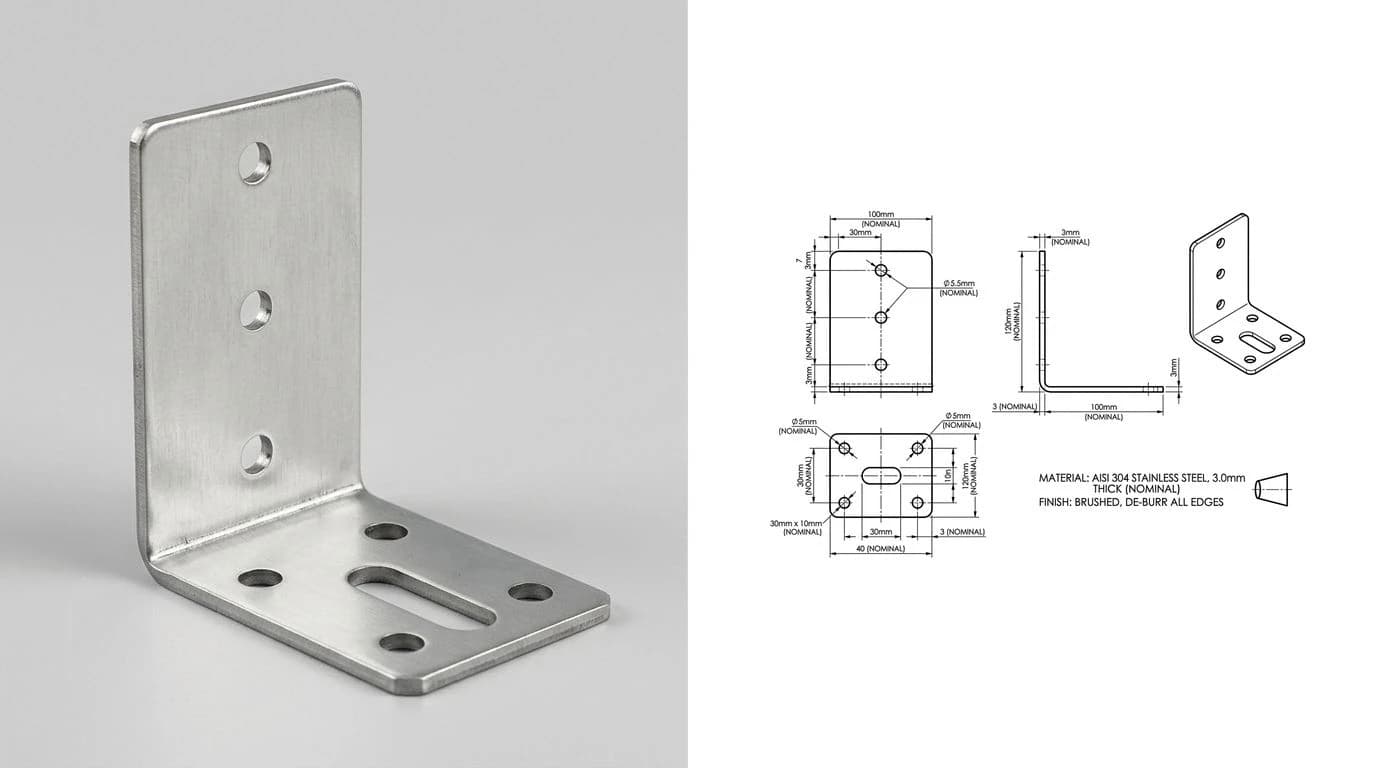
Gemini vs a purpose-built drawing tool
For the full map of where each tool fits, see the best AI technical drawing tools.
The verdict
Gemini is a genuinely good CAD copilot and the best of the chatbots at reading a drawing. It parses, it reviews, it explains, it scripts, and through function calling it can even drive a modeller. What it is not is a drawing generator. If you came here hoping to paste a photo and get a dimensioned DXF back, no chatbot will do that, and the image model that looks like it might is handing you invented numbers. Use Gemini for the reading and the thinking, and use a tool built for measurement when you need the actual drawing. They are good at different halves of the same job. For the same question about the other two, see can ChatGPT make technical drawings and can Claude make technical drawings.
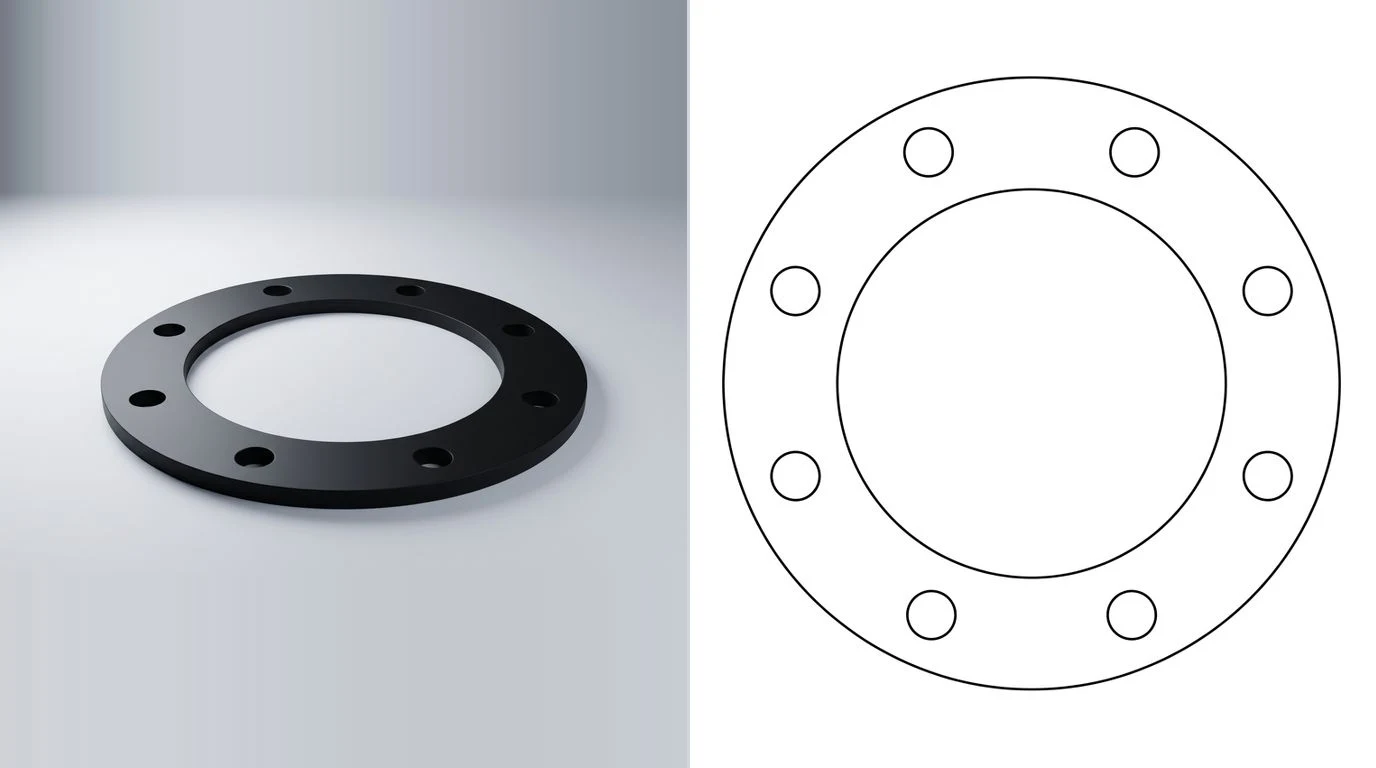
Watch: Gemini designing a printable part
This is Google DeepMind's own short clip, so read it as a showcase rather than an independent test. Anupam Pathak, an R&D lead in Google's Platforms and Devices division, gives Gemini 3 Deep Think text prompts and image references and gets back a 3D-printable turbine blade design. It illustrates the copilot half of this post: Gemini reasoning through geometry to produce a part, not drafting a dimensioned sheet. Nothing in it is a measured drawing or a DXF, which is the gap the verdict above describes.
Frequently asked questions
Can Gemini make a technical drawing or a DXF file?
Not a finished one. Gemini can describe a part, suggest dimensions from a description, and write CAD code or scripts that build geometry if you feed it every number yourself. What it cannot do is measure a real object and hand you a to-scale, dimensioned drawing you can export as DXF. The measuring and the real file are the two pieces missing.
Can Gemini read or analyze an engineering drawing?
This is its real strength. Gemini's vision can parse a 2D drawing, run OCR on the callouts, count features and holes, identify symbols, and flag things that look off against a set of rules. Treat it as a strong reader and reviewer. Just don't trust an exact dimension it lifts off an image without checking it, and it cannot recover true scale from a single picture.
Is Gemini better than ChatGPT for CAD?
For reading and reviewing a drawing, Gemini's long-context vision is often the more capable of the two, and it plugs cleanly into agent tooling. For generating a manufacturing-ready drawing, neither one can do it. Both are best used for the words, code and review around CAD rather than the drawing itself.
Can the Gemini image model generate a blueprint?
It generates a raster picture that looks like a blueprint, not a drawing. The image model (the same one behind a lot of AI drawing demos) invents dimension numbers that are decorative, frequently contradict each other, and are not to scale or exportable to CAD. A pretty picture of a drawing is not a drawing.
Can Gemini do CAD?
As a copilot, yes. Through function calling and agent frameworks it can drive a CAD program, write API macros and parametric scripts, and generate specs from a description. It assists and automates a CAD tool; it is not the CAD tool, and it does not produce the finished file on its own.
How do I get a real DXF from a photo of a part?
Use a tool built for it. TechDraw AI turns a photograph of a part into a fully dimensioned 2D technical drawing you can export as DXF, which is exactly the measured, cut-ready output a chatbot like Gemini cannot produce by itself.
Sources
- SPIE: Evaluation of Gemini 2.0 Flash Thinking's understanding of a CAD drawing
- A foundational 2D CAD image design-checker prototype built on Google's Gemini 2
- Google AI: Gemini API function calling (driving external tools)
- Google AI: Gemini image generation, raster output
- Single View Metrology in the Wild (ECCV 2020): absolute scale is unrecoverable from one image without a reference
- Autodesk: About the DXF format and DXF reference documentation