
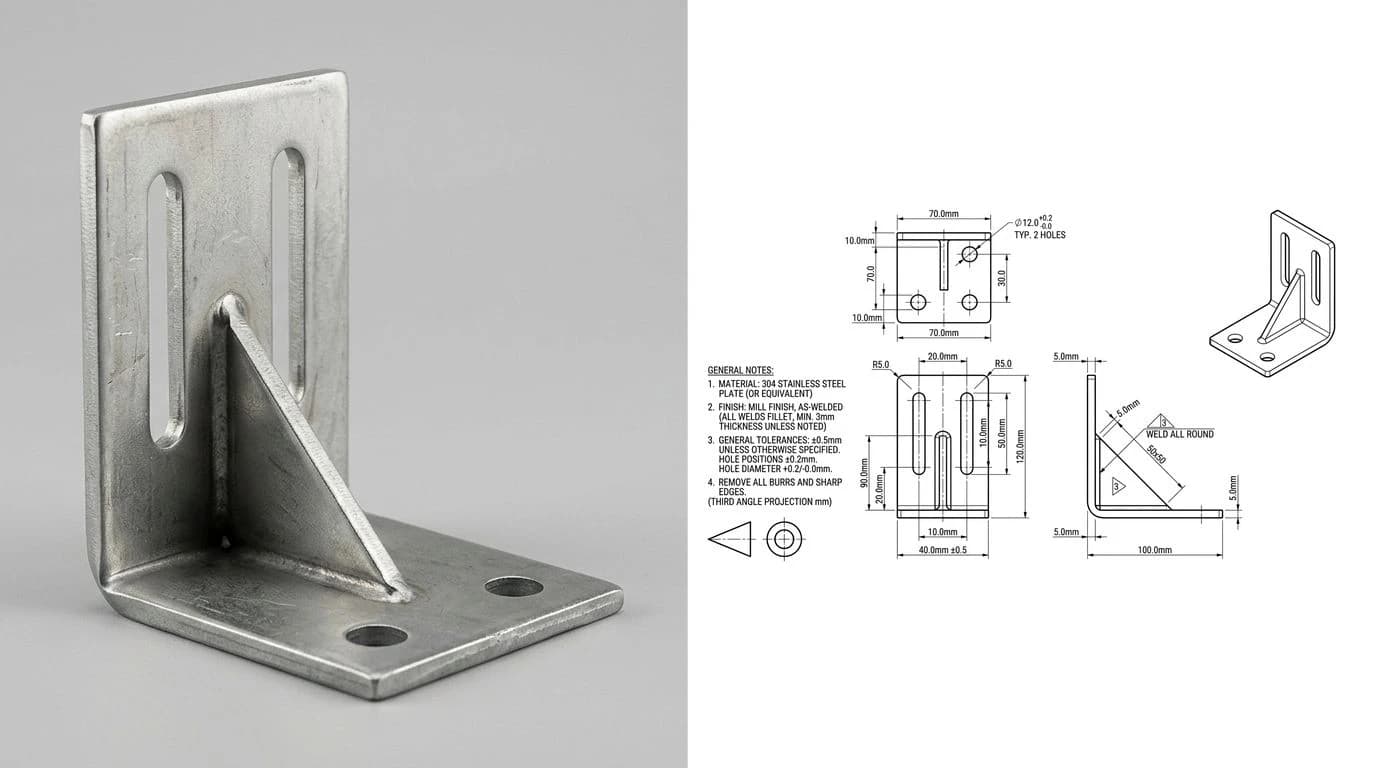
The confusing thing about PDF vs DWG is that both can hold the same drawing, so people treat them as swappable. They are not. A PDF is a fixed picture of a drawing that prints to scale and opens anywhere. A DWG is the drawing, a live database of lines and arcs a machine can read and a drafter can edit. Send the wrong one and either your client cannot open the file, or the shop cannot cut from it. Here is how to pick right every time, and why the people who do this for a living quietly send both.
Our articles are still written by humans!
Get human written articles in your Google feed.
The short answer
Send a PDF when a human needs to view, approve, print or archive the drawing without opening CAD software. Send a DWG when someone needs to edit the drawing or a machine needs to read its geometry to cut or program the part. The one-line test: if the file is going to a pair of eyes, PDF; if it is going to a machine or another drafter, DWG. When you are unsure, send both, because they answer two different questions and they do not conflict.
What each file actually is
The whole decision gets easy once you see what is really inside each file, because the two were built for opposite purposes.
PDF (Portable Document Format) was created by Adobe in 1993 and became an open ISO standard, ISO 32000, in 2008. It is a fixed-layout document format: it captures exactly how a page should look and print, then locks it. A CAD PDF is a flattened snapshot of a drawing. You can view it, zoom it, print it to exact scale and read every dimension, but you cannot grab a line and move it, and there are no editable CAD layers underneath. Think of it as a photograph of the drawing that happens to print at true size. Its superpower is that it opens on any phone, laptop or shop terminal with no special software.
DWG (from “drawing”) is the native binary format of AutoCAD, introduced by Autodesk in 1982. It is not a picture at all, it is a database. Every line, arc, circle, layer, block and dimension is stored as a real object with real coordinates, so software can measure it, snap to it, edit it and feed its geometry straight into a CAM program. That power comes with strings attached: DWG is proprietary to Autodesk and stamped with a version (AutoCAD R12, 2000, 2013, 2018 and so on), so you generally need compatible CAD software to open one cleanly.
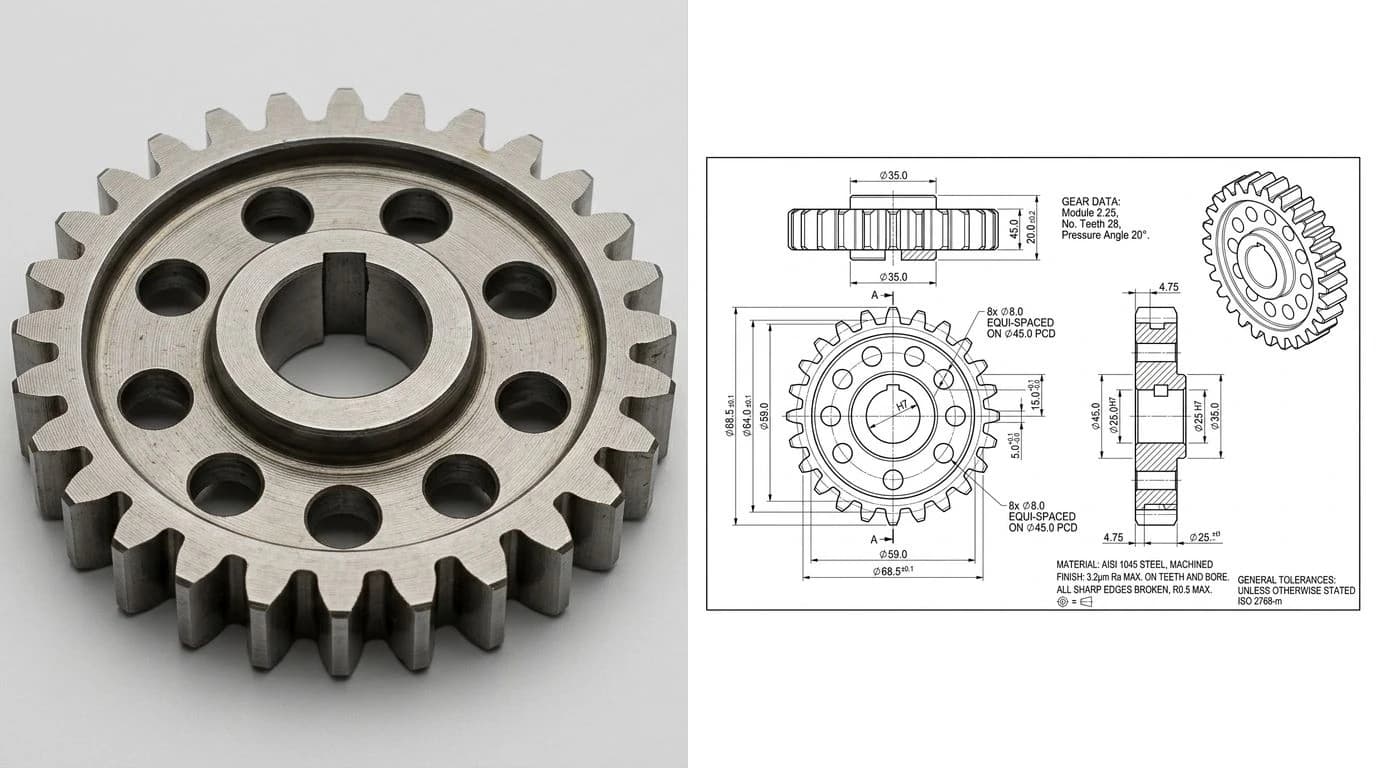
Which one to send, by job
The format is not a preference, it follows the job. Match the file to what the receiver is actually going to do with it and you will never send the wrong one.
Pick the format by what the receiver does with the file
Notice how often the answer for a real part headed to a machine is DXF rather than DWG. For flat cut work they are close cousins, and DWG vs DXF explains which of the two to hand a shop and why DXF travels more safely between different programs. If you want the full menu of formats a fabricator might ask for, from STEP to STL, CAD file formats for manufacturing lays them all out side by side.
What each format keeps and what it drops
Every time you save a drawing as a PDF, you trade editability for portability. Every time you keep it as a DWG, you trade portability for power. This table is the trade, feature by feature.
PDF vs DWG, what survives in each
One row deserves a warning, because it hides a common mistake. A PDF only prints to true scale and keeps crisp text when it is a vector PDF, the kind you get by printing straight from CAD to PDF. A PDF made from a phone snap of a paper print, or a scan of an old drawing, is just a raster image wrapped in a PDF. It looks like a drawing but it carries no real geometry and no reliable scale, and it will fight any attempt to convert it. If your drawing arrived that way, how to convert a PDF drawing to DXF walks through what is recoverable and what is not.
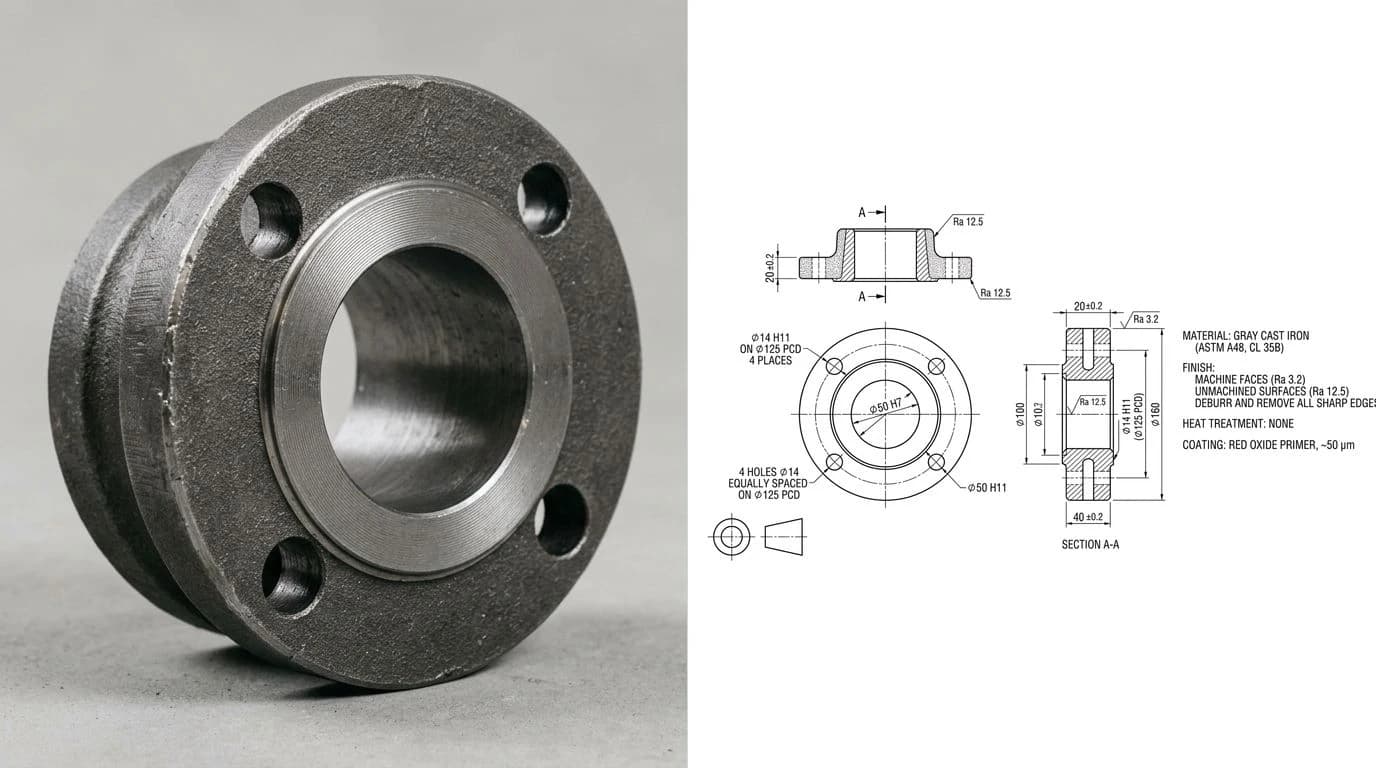
Five ways this goes wrong
Almost every PDF vs DWG problem is one of these five, and each has a clean fix once you have seen it happen.
- You email a DWG to someone with no CAD software. They cannot open it, or they open it in a viewer that mangles the fonts and drops the references, and they reply that the file is broken. Fix: send a PDF for viewing, and only send the DWG to people you know work in CAD.
- You send a flat PDF to a cutting shop. They cannot program a laser or router from a PDF, so they either bounce it back or re-trace it by hand and introduce scale errors. Fix: send a DXF or DWG for the machine, and let the PDF ride along only as the human reference.
- The DWG version does not match. You save a current AutoCAD DWG and the shop runs an older seat, so it refuses to open or silently drops objects. Fix: save down to a widely supported version such as
AutoCAD 2013or2018, or export a DXF, which is far more forgiving across software. - The scale drifts when a PDF becomes CAD. You import a PDF as an underlay and trace it, but the page units and the drawing units disagree, so everything comes out a few percent off. Fix: anchor the result to one known dimension, the same discipline that cures a DXF that imports at the wrong size.
- You archived the wrong thing. You saved only the DWG, and five years later the version will not open cleanly on any current seat, so the record is effectively lost. Fix: archive a
PDF/Aas the readable record and keep the DWG beside it as the editable source, which is exactly the subject of the next section.
Which one to archive
For the long-term record, archive a PDF, specifically a PDF/A, and keep the DWG only as the working source. The reason is that the two formats age very differently. A PDF/A (ISO 19005) is a self-contained archival PDF: fonts are embedded, nothing links out to the outside world, and it is designed to open and print identically decades from now. A DWG is proprietary and version-stamped, so a drawing saved in a format from the 1990s can be a genuine chore to open cleanly on a modern seat.
That is why released drawing packages are almost always kept as PDFs. The PDF is the frozen, human-readable record of what was approved. The DWG is the thing you reopen when the design changes and you need to redraw. Good practice for a released revision is to keep three things: a PDF/A as the record, the native DWG as the editable source, and a neutral DXF as the exchange copy that any shop can open. Storage is cheap; a lost drawing is not.
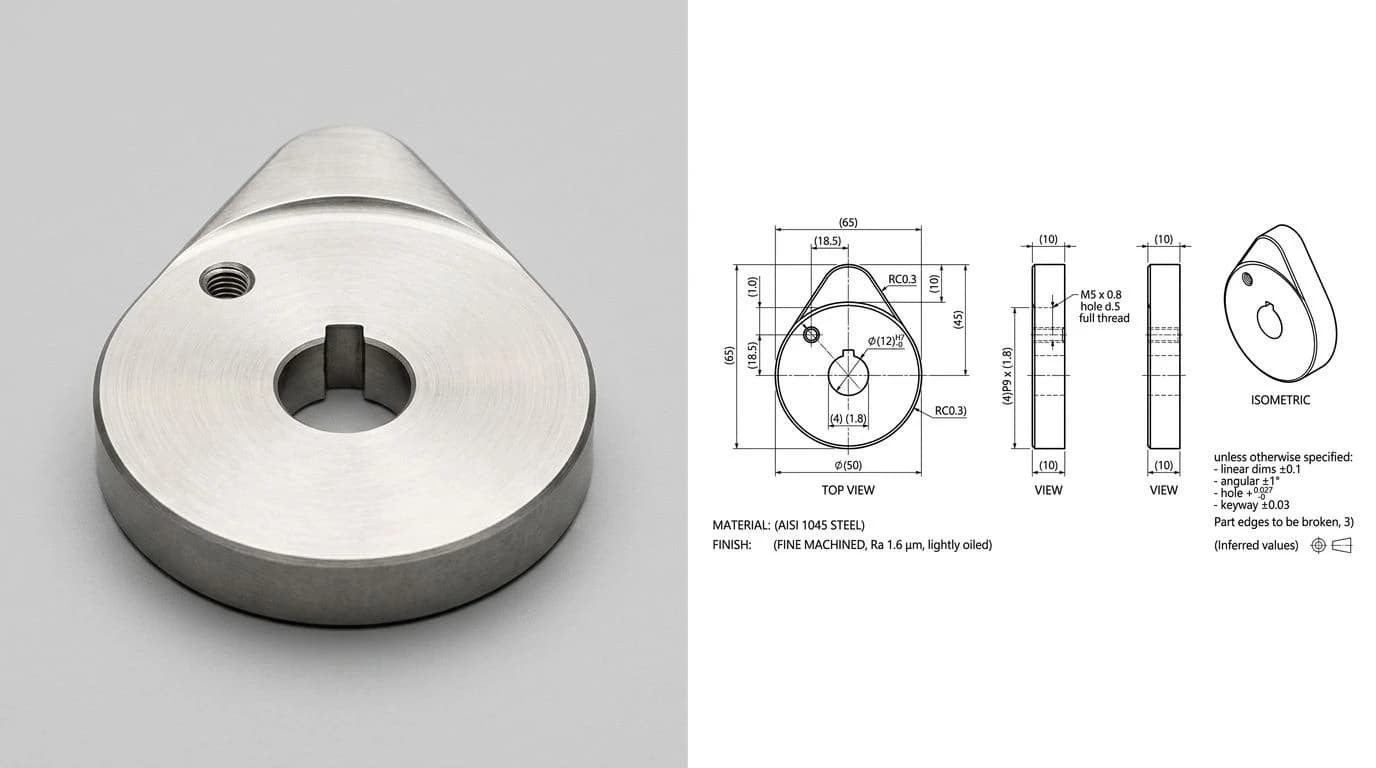
Why the pros send both
Watch how an experienced drafter hands off a part and you will see they rarely choose between PDF and DWG at all. They send both, on purpose, because a manufacturing handoff has two audiences. The machine reads geometry off the DWG or DXF. The person reads intent off the PDF: the tolerances, the thread callouts, the finish notes and the revision block that the raw geometry alone never spells out.
This is the same reason a shop still asks for a 2D drawing even when you hand them a perfect 3D model, a point we make in full in why machine shops still want 2D drawings. Geometry answers what shape. The drawing on the PDF answers how good it has to be. Send the DWG so the part can be made, and the PDF so it can be made correctly, and you have removed the two most common reasons a quote comes back with questions.
Getting a PDF or DWG from a photo
If you are starting from a photo of a real part rather than an existing CAD file, the good news is you do not have to pick the format up front. You make the drawing once, then export whichever file each audience needs. TechDraw AI takes a photo of a part, plus one real measurement so it lands at true scale, and reconstructs a dimensioned technical drawing: orthographic views, closed profiles and callouts. From that single drawing you export a DWG for the shop, a DXF for the cutter, and a PDF to email the client, all from one generation. That first step has its own walkthroughs: image to DWG if you are working from any picture, and JPG to DWG if it came off a phone camera.
The honest ceiling is the same one every image-to-drawing tool shares: a flat photo gives you shape and proportion, but you supply the tolerances and fits that turn a shape into a manufacturable part. For the wider picture of what a shop needs beyond the outline, see from a photo to a manufacturing-ready drawing, and if the file is headed straight to a flat-bed cutter, how to prepare a DXF for laser cutting covers the last-mile cleanup.
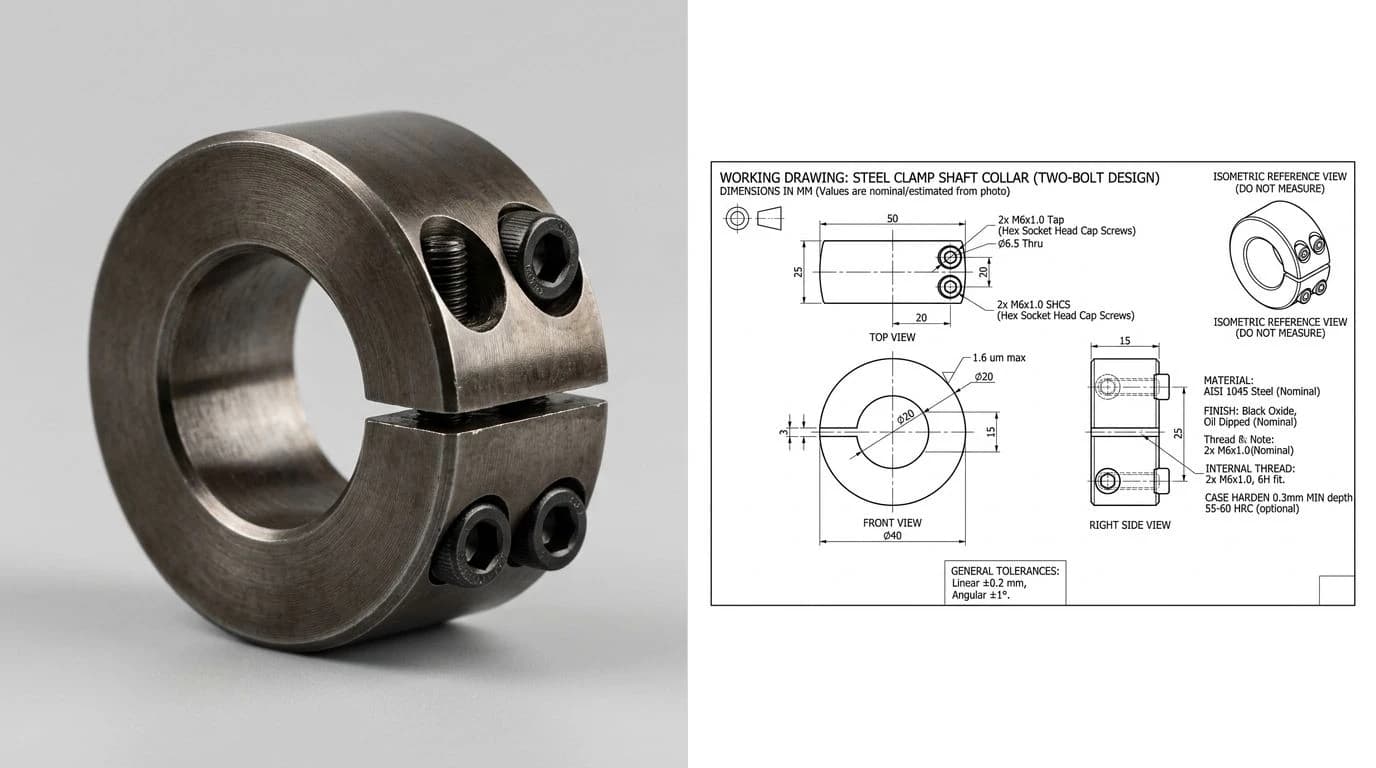
Watch: Making the PDF from the DWG
Balkan Architect's tutorial covers the other direction from most of this page: setting up sheets and a print scale in AutoCAD and exporting the drawing to PDF. That is the step that decides whether the PDF you send prints at true scale, which is the row in the table above that only holds for a PDF made straight from CAD. It is an architecture channel and a 2017 video, so expect your AutoCAD menus to look a little different.
Frequently asked questions
What is the difference between a PDF and a DWG file?
A PDF is a fixed picture of a drawing that anyone can open and print to scale, but nobody can edit the geometry. A DWG is the live drawing itself, where every line, arc and dimension is a real editable object with real coordinates. Put simply, a PDF shows a drawing and a DWG is the drawing. You read a PDF, you work in a DWG.
Can you convert a PDF to a DWG?
Sometimes, and it depends on the PDF. A vector PDF printed from CAD holds real lines, so tools like AutoCAD's PDFIMPORT or online converters can rebuild usable geometry from it. A scanned or flattened PDF is just a raster picture, so a converter can only trace it, which is error prone and never gives you back the original layers or exact coordinates. Always check the scale afterwards.
Can a laser or CNC shop cut from a PDF?
Usually not directly. Laser, plasma and CNC machines are programmed from vector geometry, and a PDF is built for human eyes, not for CAM software. Most shops will ask you to resend the file as a DXF or DWG, or they will re-trace your PDF by hand, which risks scale and accuracy errors. Send the machine-readable file and keep the PDF as the human reference.
Is a DWG better than a PDF?
Neither is better; they do different jobs. A DWG is better when someone needs to edit the drawing or a machine needs to read its geometry. A PDF is better when someone just needs to view, approve, print or archive the drawing without CAD software. The professional habit is to send both: the DWG to work from and the PDF to check against.
How do I open a DWG file without AutoCAD?
Use a free viewer. Autodesk's own web-based viewer opens a DWG in a browser, and free desktop tools such as the ODA Drawings Explorer or LibreCAD read DWG without an AutoCAD licence. These let you view, measure and print the drawing, but most limit editing. If you only need to see the drawing, ask the sender for a PDF instead and skip the software entirely.
Should I send a shop a PDF or a DWG for manufacturing?
Send both when you can. The shop programs the machine from the DWG or a DXF, because that carries the real cut geometry, and it reads your tolerances, notes and finish callouts off the PDF, which prints to exact scale on any screen. For flat cut parts specifically, many shops prefer a DXF over a DWG. When in doubt, ask which format their software expects.