
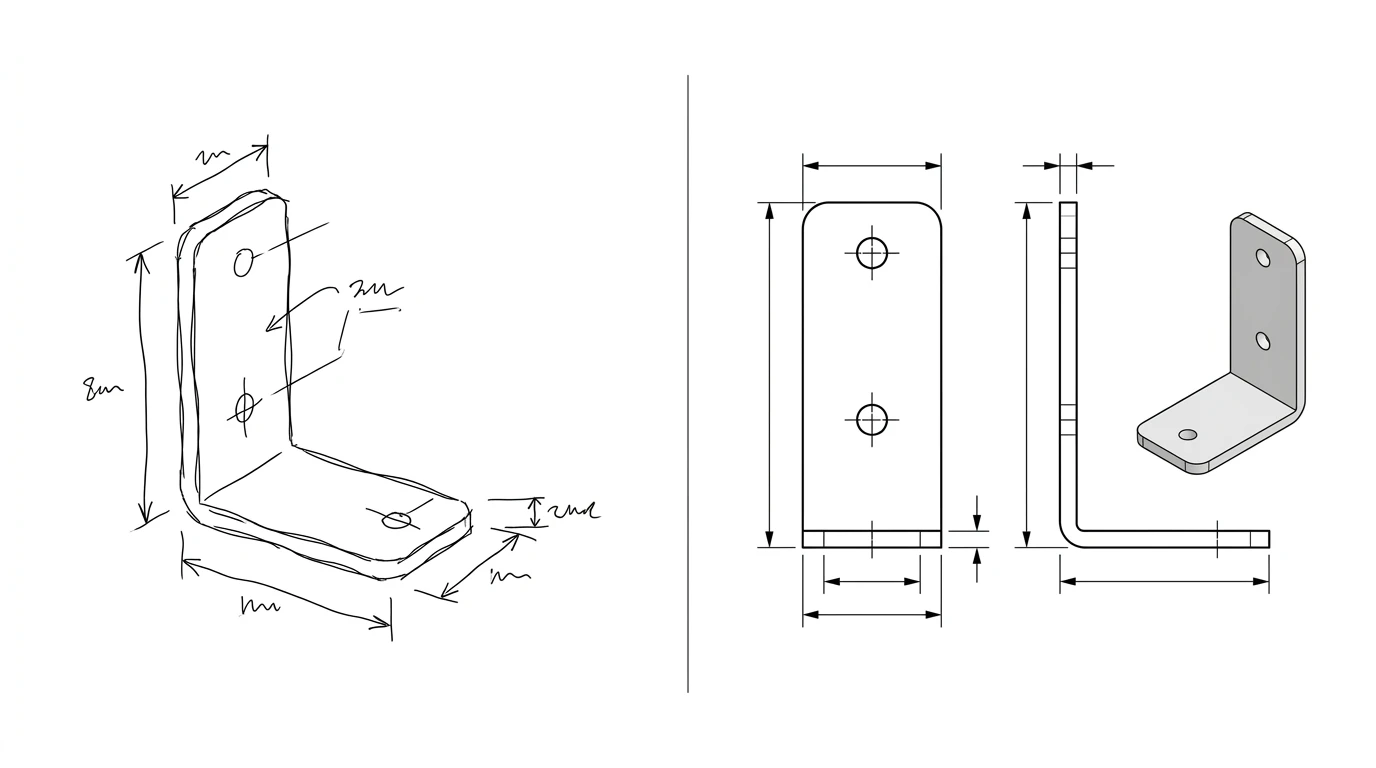
Ask Claude to make you a technical drawing and you will get something back that looks helpful and is quietly useless: a confident answer, maybe some code, maybe a description, but not a measured drawing you could hand to a machine shop. That is not Claude failing. It is Claude being a language model, not a CAD program. The honest answer to “can Claude make technical drawings” is yes and no, and the line between the two is worth getting straight before you waste an afternoon.
Our articles are still written by humans!
Get human written articles in your Google feed.


The short answer
No, Claude will not draw you a finished technical drawing, and it will not export a DXF. Yes, it is genuinely good at almost everything around the drawing: writing the CAD script, suggesting dimensions and tolerances, explaining a standard, even sending commands into Fusion 360. Think of it as a sharp assistant sitting next to the CAD software rather than the software itself. The two jobs it simply cannot do are measure a real part and hand you a ready file, and those happen to be the two jobs most people were hoping it would do.
What Claude can actually do
Give Claude credit where it is due, because the useful half of the answer is real and it is growing.
- Drive a CAD program through MCP. Using the Model Context Protocol, Claude can connect to Fusion 360 and Blender and send real commands: create a sketch, extrude it, add a fillet, tweak a parameter. It is not drawing, it is operating the tool that draws.
- Write CAD code and scripts. AutoLISP routines, SolidWorks API macros, Python automation, OpenSCAD and CadQuery models. Because it understands programming and API docs, this is where it is strongest.
- Generate a parametric spec. Describe what a part needs to do and Claude will come back with sensible dimensions, materials and tolerance suggestions you can drop straight into CAD.
- Read a DXF you paste in. Since a DXF is text, it can walk through the entities and reason about them, which is handy for a sanity check or a quick explanation.
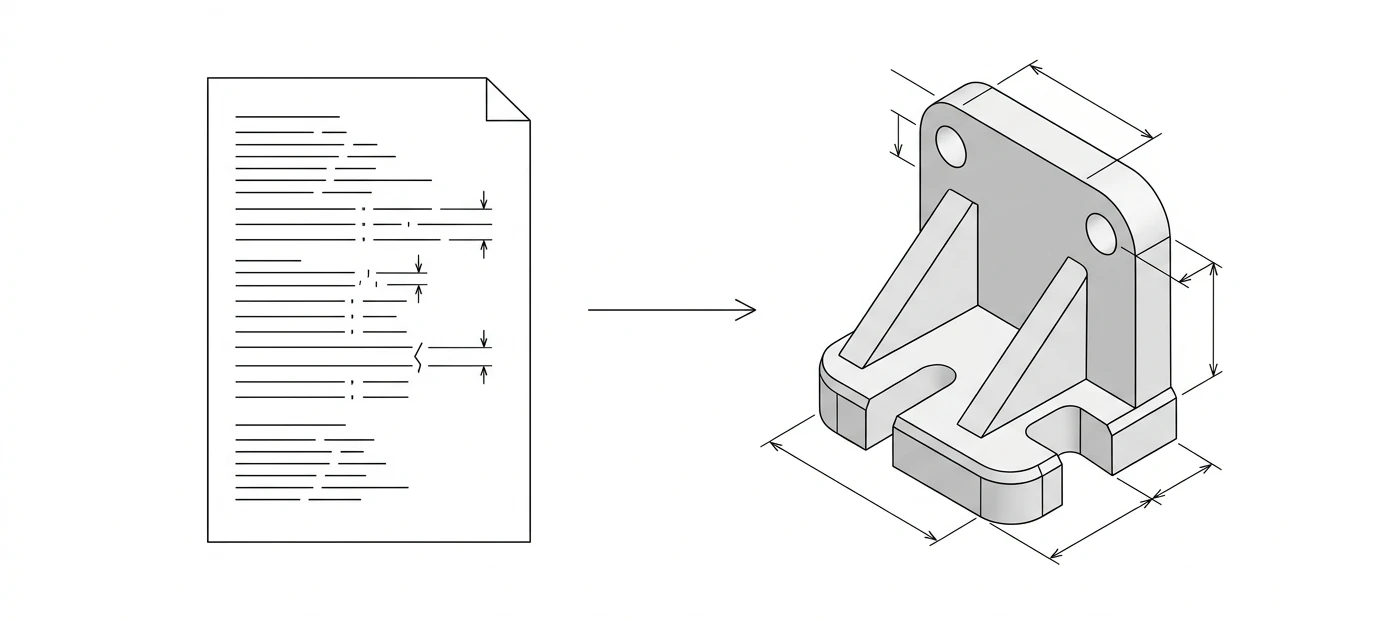
The MCP side is the one that surprises people, so it helps to watch it happen. In this walkthrough, Claude is connected to Fusion 360 and asked to build two designs from text prompts, sketching and modelling as it goes. Notice what it is doing: operating the CAD program, not drawing a picture of one.
What it can’t do
Now the half that trips people up. None of these are settings you can toggle on. They are baked into what a chatbot is.
- It cannot measure a real part. Hand it a photo and it will guess. The numbers it gives back are plausible, not measured, and a plausible dimension is worse than no dimension because it looks right.
- It does not output a CAD file. There is no native
DXForDWGexport. The only path to geometry is code you then run somewhere else. - It cannot open a binary DWG or reliably lift GD&T, tolerances or a BOM out of a picture of a drawing.
- It will not produce a to-scale, shop-ready drawing. Anything that looks like one is guesswork unless you supplied every single number yourself.
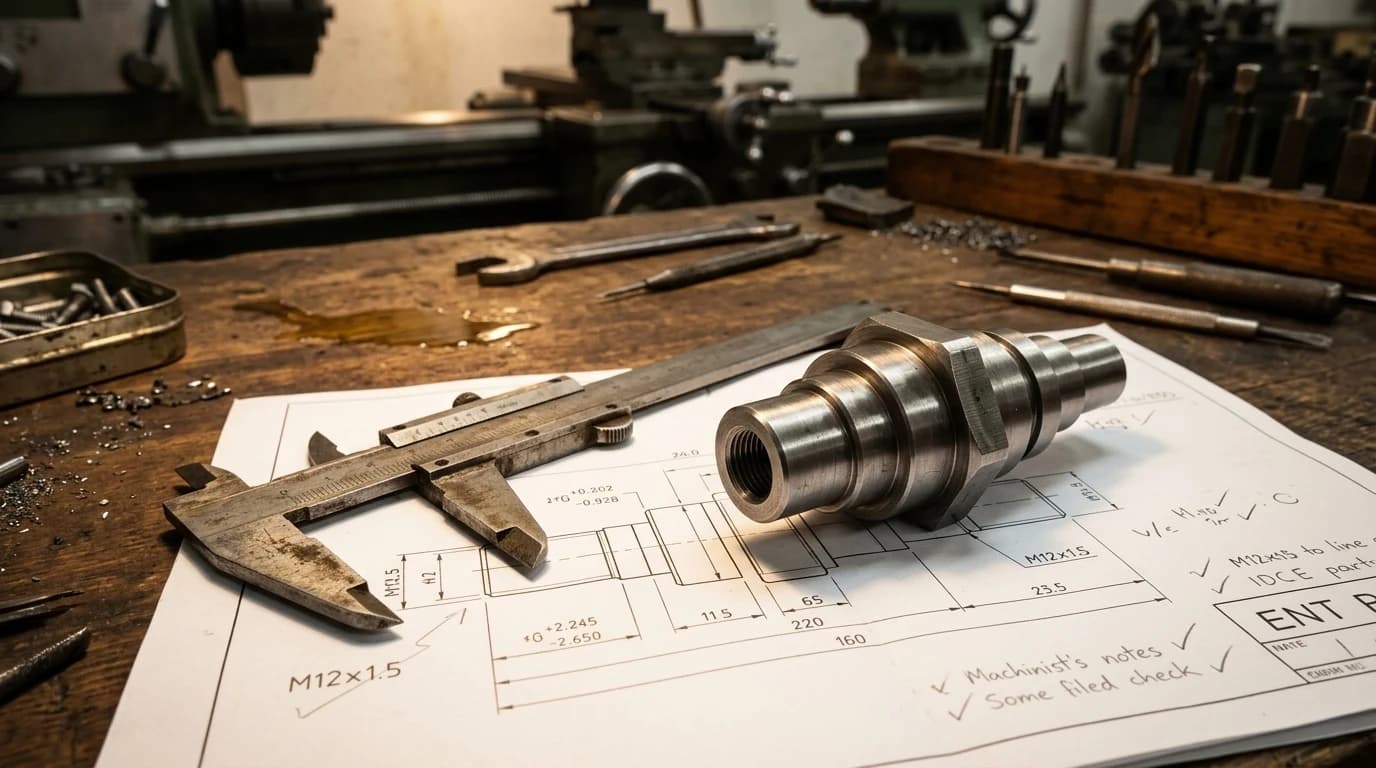
Can Claude read a drawing?
Partly, and the nuance matters. A DXF is ASCII text, so if you paste the file contents Claude can read the lines, arcs and circles and talk about them. A DWG is binary, so it cannot. And if you show it an image of a drawing, its vision can describe the general layout, but it should not be trusted to read exact dimensions, decode GD&T feature control frames, or catch a tolerance that is off by a hair. It is a reasonable reader for context and a poor one for measurement. If checking a drawing for real errors is what you need, that is a different job, and our look at whether AI can check a drawing for errors goes into it.
Claude vs a purpose-built tool
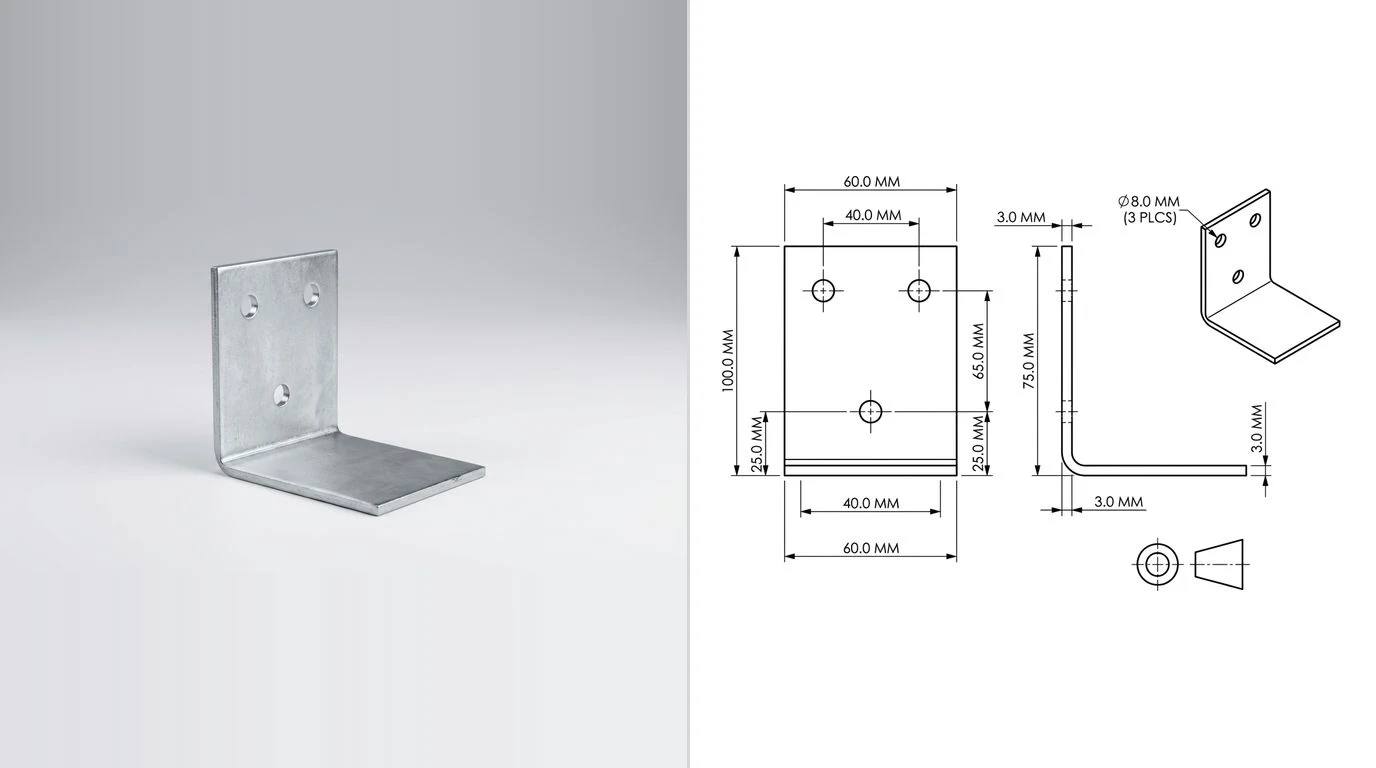
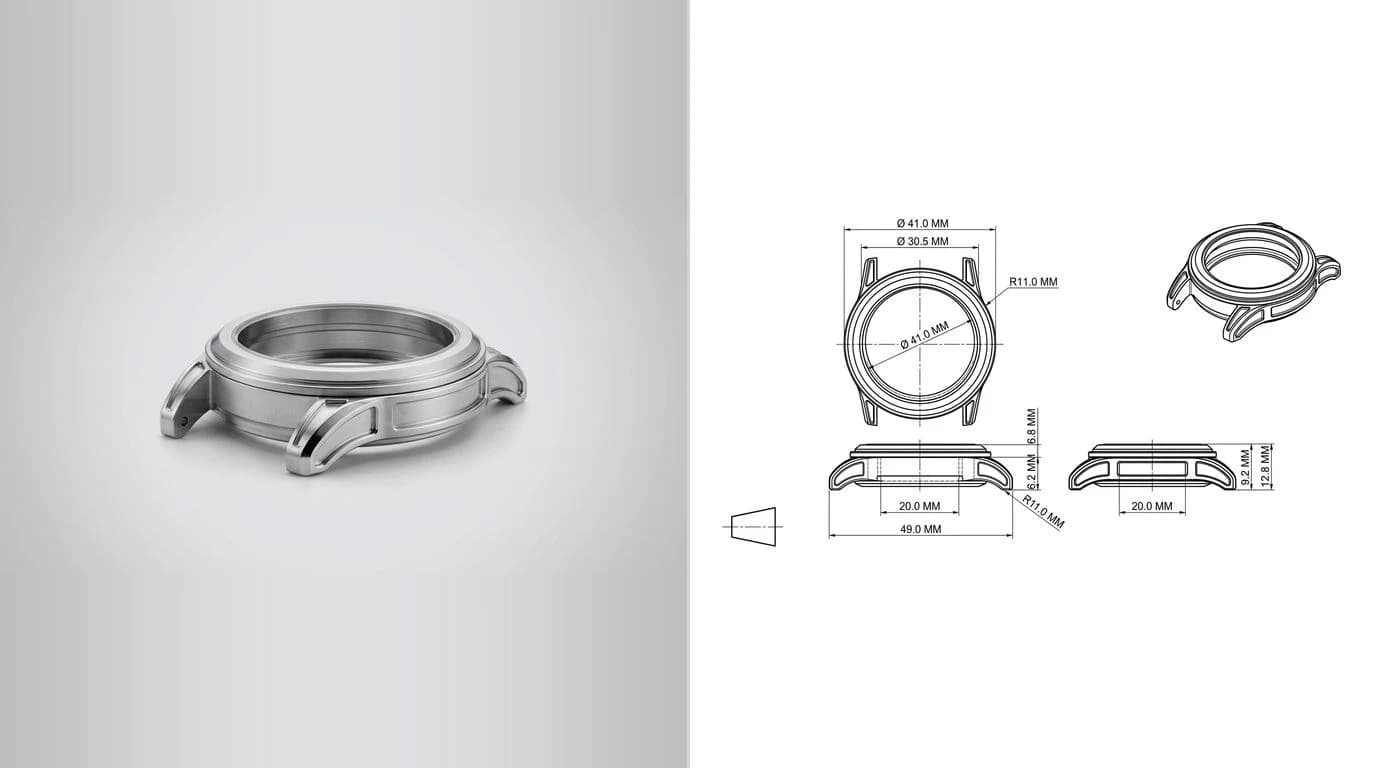
The gap Claude leaves is specific and easy to name: turning a real part into a measured 2D drawing you can export. That is one job, and it is the one a general chatbot is least equipped for, because it needs measurement and a real file at the end, not text.
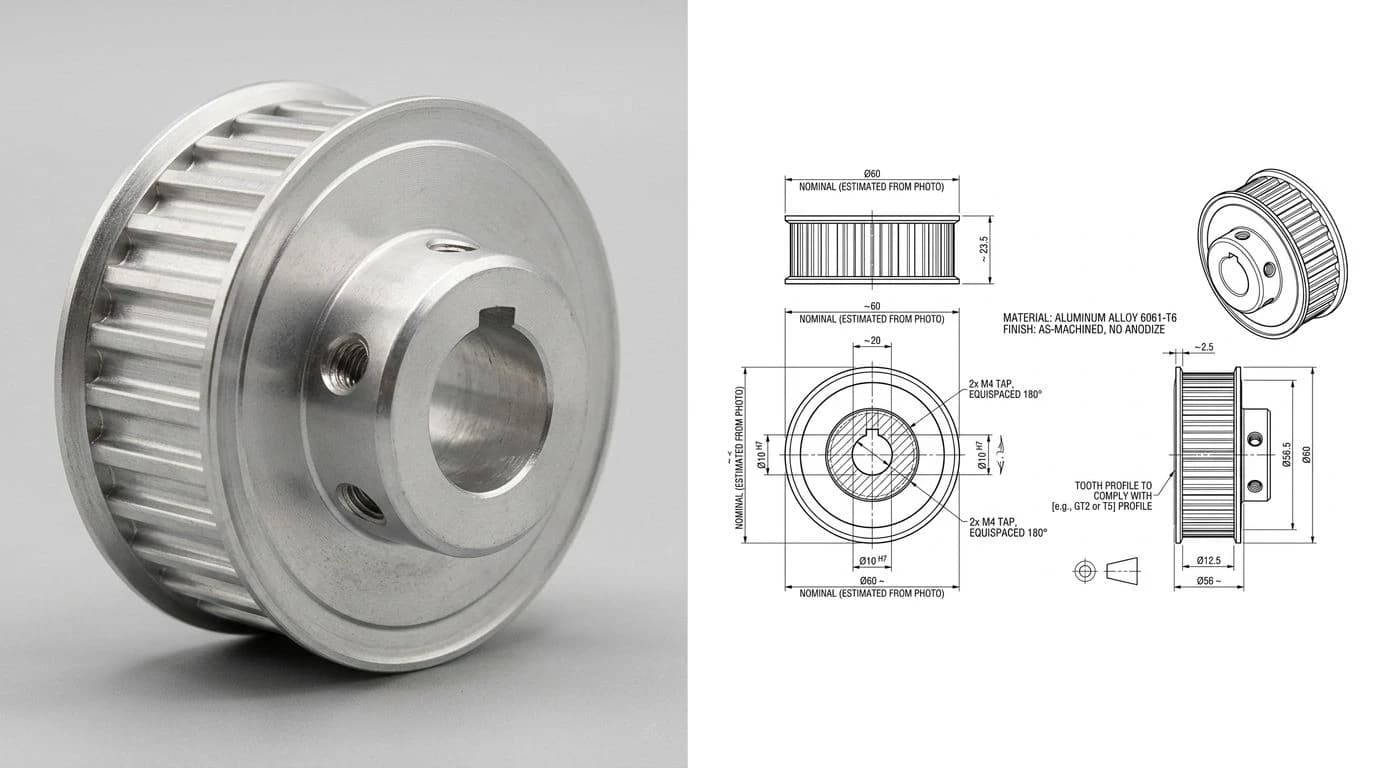
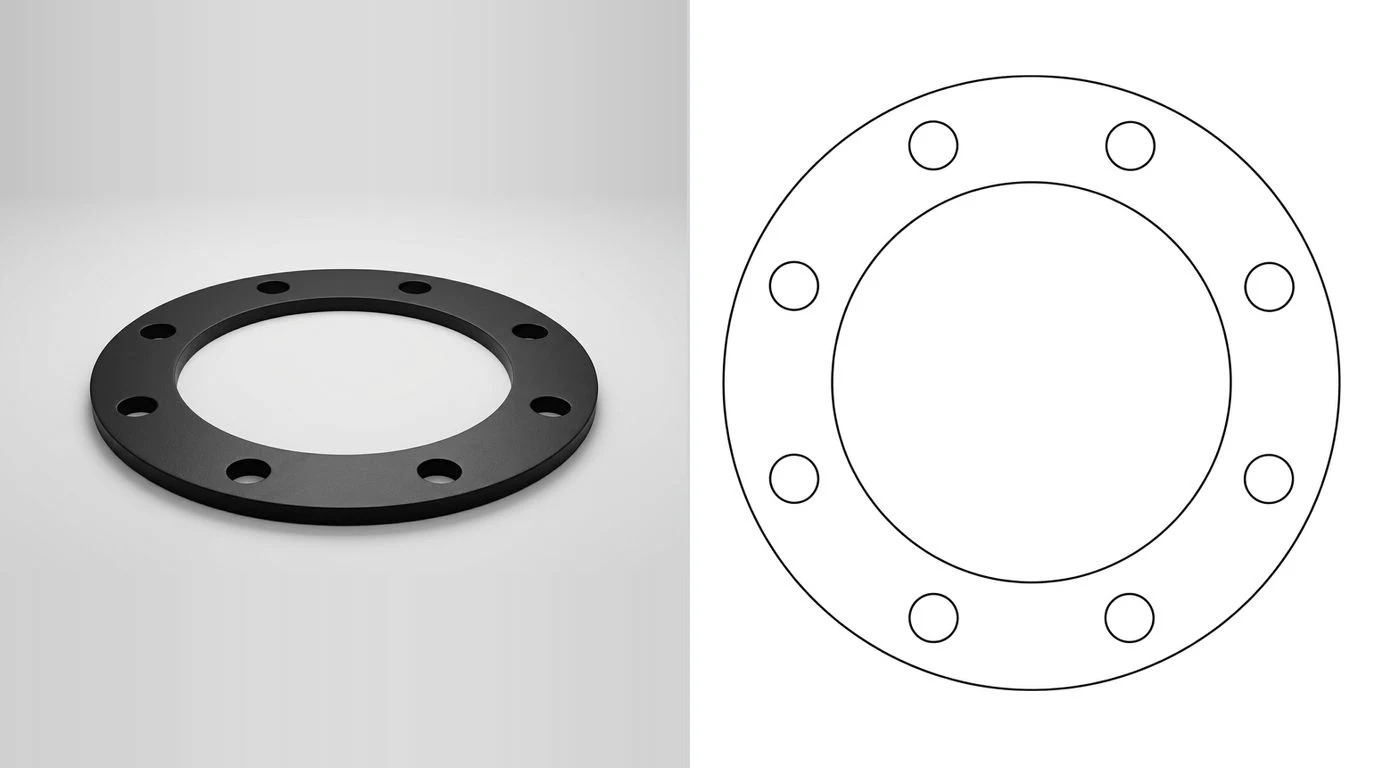
That is the whole point of a purpose-built tool. Our AI technical drawing generator takes a photograph of a part and produces a fully dimensioned technical drawing you can export as DXF, the measured, cut-ready output a chatbot cannot give you. If your input is a clean image or a logo instead of a photographed object, the image to DXF converter traces it straight to vector, and for the format side of things there is STEP vs DXF and CAD file formats for manufacturing. The tools built specifically for this handoff, rather than a chat model asked nicely, are compared in AI image to CAD.
Claude vs a purpose-built drawing tool
The verdict
Claude is a genuinely good CAD copilot. It scripts, it specs, it automates, and through MCP it can even push geometry into Fusion 360. What it is not is a drawing generator. If you came here hoping to paste a photo and get a dimensioned DXF back, no chatbot will do that, and the ones that look like they might are handing you invented numbers. Use Claude for the code and the thinking, and use a tool built for measurement when you need the actual drawing. They are good at different halves of the same job. For the ChatGPT version of this same question, see can ChatGPT make technical drawings, and for the newer model behind it, plus the CAD benchmark everyone is quoting, can GPT-6 Astra make technical drawings.
Frequently asked questions
Can Claude make a technical drawing or a DXF file?
Not a finished one. Claude can write code (OpenSCAD, CadQuery, Python) that builds geometry if you feed it every dimension yourself, and it can drive Fusion 360 through an MCP connection. What it cannot do is measure a real part and hand you a ready-to-cut DXF or a to-scale dimensioned drawing. The measuring and the finished output are the two pieces missing. There is a practical trap in the code route as well: a model asked for a DXF will happily emit a file that opens, because DXF is a text format and the header is easy to imitate, while the geometry inside is approximated as hundreds of short straight segments. The file passes a visual check and then a curve you intended as R20 measures as a polygon in CAD, so check any generated DXF for real arc entities before trusting a radius from it.
Can Claude do CAD?
Yes, as a copilot rather than the CAD program itself. Through the Model Context Protocol it can create sketches and features in Fusion 360 or Blender, it writes CAD scripts and API macros, and it generates parametric specifications from a description. It assists a CAD tool and automates it; it does not replace it.
Can Claude read a DXF or DWG file?
Partly. A DXF is plain ASCII text, so if you paste its contents Claude can read the entities and reason about them to a degree. It cannot open a binary DWG file, and it cannot reliably pull GD&T, tolerances or a bill of materials out of a picture of a drawing. Treat it as a helpful reader, not a measurement tool.
Is Claude or ChatGPT better for technical drawings?
Neither one will produce a manufacturing-ready drawing. Both are at their best with the words and code around CAD: specifications, scripts, explanations and reviews. For turning a real part into a dimensioned DXF you want a purpose-built tool rather than a general chatbot.
Can Claude generate an image of a technical drawing?
Claude does not generate raster images the way an image model does. Its route to geometry is code or driving a CAD program, not painting a picture. That is actually the point: you end up with parametric geometry you can build, not a good-looking but unmeasurable image full of invented numbers.
How do I get an actual DXF from a photo of a part?
Use a tool built for it. TechDraw AI turns a photograph of a part into a fully dimensioned 2D technical drawing you can export as DXF, which is exactly the measured, cut-ready output a chatbot like Claude cannot produce on its own.
Sources
- Anthropic: the Model Context Protocol, how Claude connects to external tools
- All3DP: Claude comes to CAD, Anthropic's AI helping build 3D models in Autodesk Fusion
- flowful-ai/cad-skill: a Claude skill that generates parametric 3D models with CadQuery
- Autodesk: About the DXF format and DXF reference documentation