DWG to JPG Converter
Turn an AutoCAD DWG into a JPG you can paste into a quote or an email, without AutoCAD.
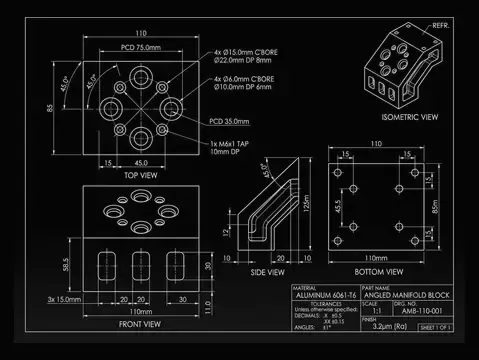
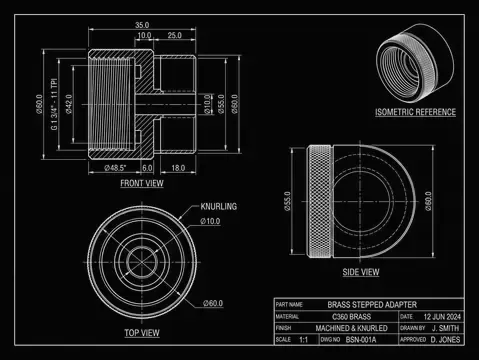
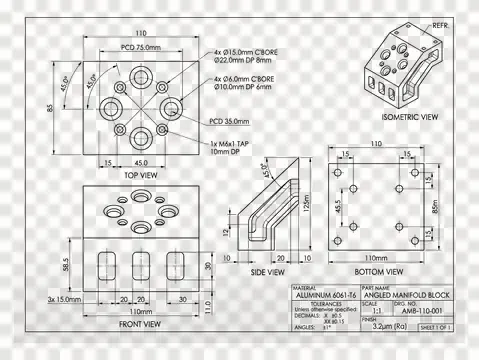
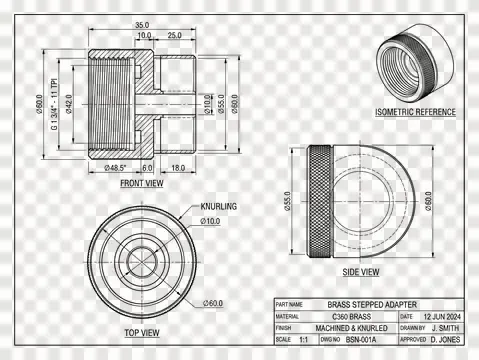
Drop a file here. It never leaves your browser.
DXF (ASCII or binary), DWG (R14 to 2018+), SVG · any size · free · JPG first, DXF, SVG, PDF, PNG, STL one click away
Have a different file? DXF to JPG Converter
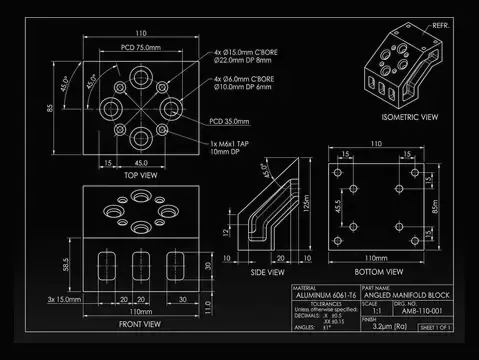
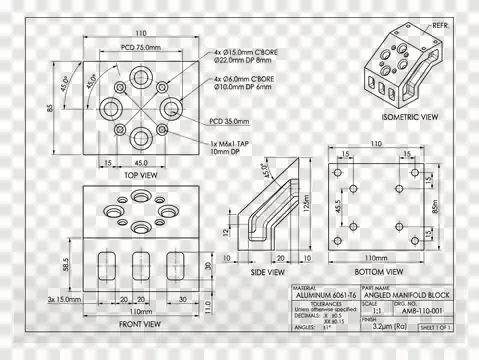
How to convert a DWG to JPG
Add your DWG
Drop a DWG onto the tool, or click to choose one. It is read in your browser and never uploaded.
Check the preview
Zoom the preview and switch off any layers you do not want in the output.
Download JPG
Click Download JPG. DXF, SVG, PDF, PNG, STL are one click away from the same file.
What happens to your file
The DWG is read as geometry and painted onto a bitmap sized from the drawing's own extents, not from the window: you pick an exact pixel width or a true-scale DPI, and the height follows the drawing. Background can be white, dark or, for PNG, transparent; ink can keep the layer colours or go flat black for a report; layers you switch off are left out. What comes back is a picture, so nothing in it can be measured or cut.
Whatever cannot be converted is listed under the preview by type and count, so a drawing with 3D solids or an external reference tells you so instead of coming out quietly incomplete. Need a photo or scan turned into a drawing instead? That is the image to DXF converter and the AI drawing generator.
About formats
DWG (from 'drawing') is the native binary file format of AutoCAD, created by Mike Riddle in the late 1970s for Interact CAD and adopted by Autodesk in 1982 when AutoCAD 1.0 shipped. Unlike DXF, which was designed to be exchanged and can be read as plain text, DWG is a compact binary container built for working files: it stores the full model alongside everything that surrounds it, including layers, blocks and block attributes, layouts and paper space, line types, text styles, dimension styles, annotative scaling, external references and 3D geometry. Because it is binary and densely packed, a DWG is typically a fraction of the size of the same drawing written as DXF, which matters once a file carries thousands of entities. The format is versioned in step with AutoCAD releases, and the version matters in practice: a file written for a newer release will not open in an older one, which is why AC1015 (AutoCAD 2000) is still the safest version to hand someone, since every release since reads it. The specification is proprietary and Autodesk has never published it, so other software reads and writes DWG either through Autodesk's own RealDWG libraries or through the Open Design Alliance's independently developed implementation. DWG remains the working master format across architecture, engineering and construction, with DXF used for the handoff.
- Developer:
- Autodesk
- Initial release:
- 1982
Frequently asked questions
Is DWG to JPG conversion free?
Yes, with no watermark and no file limit. Everything runs in your browser, so the file never leaves your computer; a free account is needed only to download a converted file. Viewing needs no account at all.
Is my DWG uploaded anywhere?
No. The file is opened by JavaScript running in your browser tab and never sent to a server. You can disconnect from the internet after the page loads and the tool keeps working. That is the main reason to prefer this over an upload-and-email converter for a drawing you are not allowed to share.
Which DWG versions open?
AutoCAD R14 (AC1014) through AutoCAD 2018 and later (AC1032), which covers every DWG written in the last twenty-five years, including files from BricsCAD, ZWCAD, DraftSight and Fusion. If a particular file refuses, the usual cause is an add-on object the reader cannot decode; saving it as DXF from the program that made it and dropping that works.
What resolution will the JPG be?
Whatever you ask for. Two ways to say it: an exact pixel width, where the height follows the drawing's own proportions, or a DPI, where the image is sized so that one inch of the real part becomes that many pixels. The DPI mode is the useful one if the picture has to be printed, because at 300 dpi printed at 100 % it comes out the size of the part. The page shows the exact pixel size before you download.
Can I get a JPG with a transparent background?
No, and that is the format rather than the tool: JPEG has no alpha channel. Asking for it here gives you white instead, and the page says so. Use the PNG page if you need transparency.
Why does my drawing look wrong in colour?
Because most DXF and DWG files are drawn for a black screen, so the layers are bright cyan, yellow and white, which are close to invisible on white paper. Leave the ink on the drawing's own colours and anything too pale is darkened automatically; switch it to flat black and every layer comes out black, which is what a report or a work instruction usually wants.
Can I measure something on the JPG?
No, and nothing can. A raster holds pixels, not geometry: there are no layers, no units and no coordinates, so nothing in the image can be measured, snapped to or cut. Keep the DXF or DWG as the master and treat the image as a picture of it. If you need something that stays measurable, export SVG or PDF instead.
How big can the image be?
Up to 16,384 pixels on a side and about 40 megapixels in total, which is where browsers stop allocating a canvas. Ask for more, by setting a high DPI on a large site plan for instance, and the size is reduced to fit rather than handing back a blank file, and the page tells you it was reduced.
What is not converted?
3D solids, surfaces, meshes and regions (ACIS data), raster images, PDF underlays, OLE objects, external references, and paper-space layouts. Tables, multileaders and tolerances are read but not drawn. Whatever was skipped is listed under the preview after the file opens, by entity type and count, so nothing disappears silently.
I have a DXF or SVG instead. Can I still use this?
Yes. The converter on every one of these pages accepts DXF, DWG and SVG, whichever page you started from, and offers every output it can produce from that file.
Is there an API for DWG to JPG?
Not for this tool yet. The converter runs entirely client-side. The REST API, command line tool and MCP server currently cover image to DXF, DWG and STL; if you need vector conversion in a pipeline, say so at the contact page and it moves up the list.