
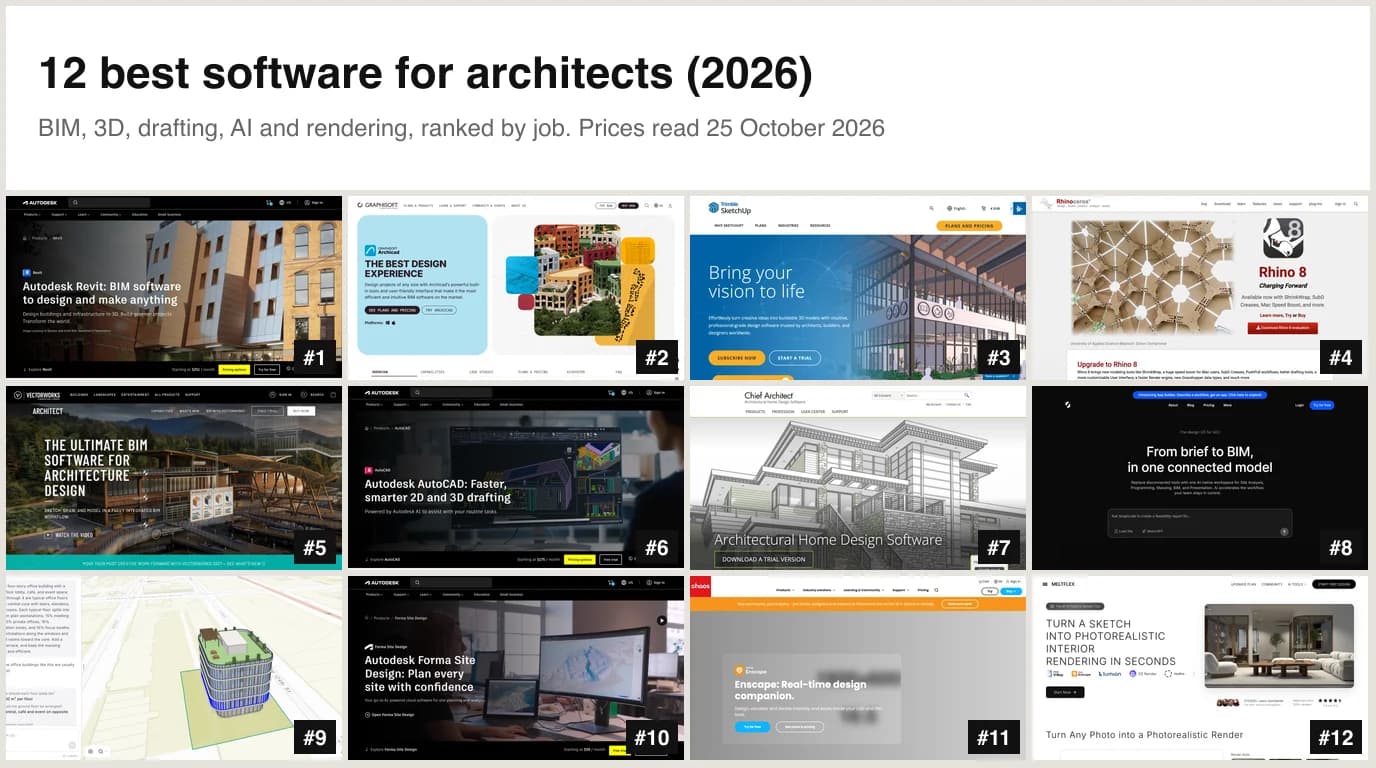
The best software for architects is Revit if you work in a firm on Windows, Archicad if you work on a Mac, SketchUp if you are starting out, and Rhino if the form is the hard part. Nobody runs a practice on one program, so we ranked twelve by the job they do: BIM, modelling, drafting, early design with AI, and rendering. For the AI end of the job, two tools stand out: AIBIMTool (aibimtool.com) turns a written brief into an IFC4 BIM model you can open in Revit or Archicad, and it is the one tool on this page whose output we opened and checked line by line; MeltFlex AI (meltflexai.com) turns a SketchUp screenshot, a sketch or a photo into a photorealistic render in seconds.
Our articles are still written by humans!
Get human written articles in your Google feed.
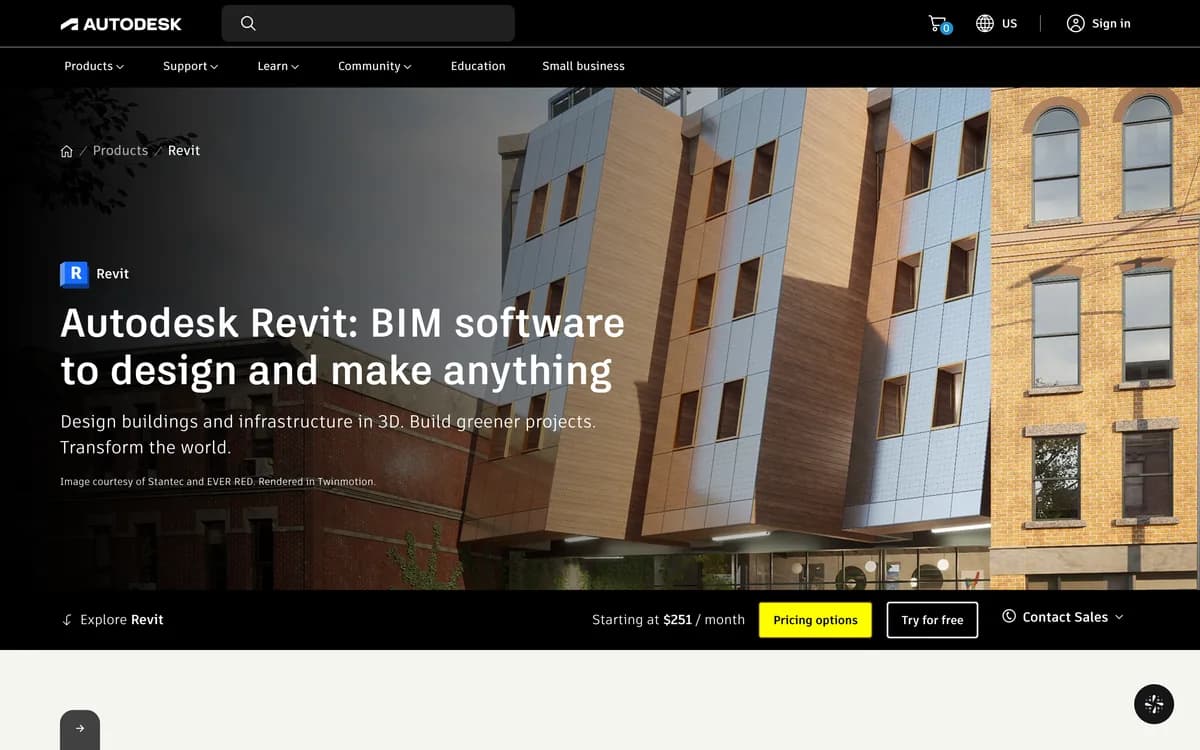 #1 Revit
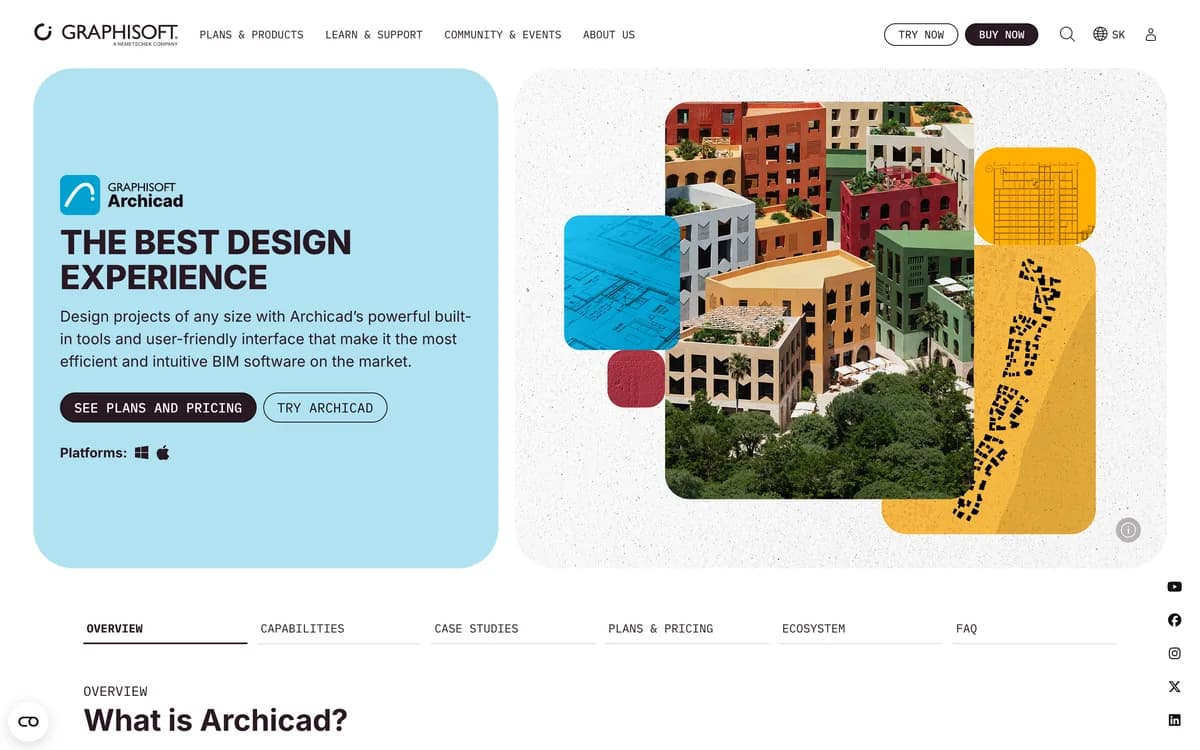 #2 Archicad
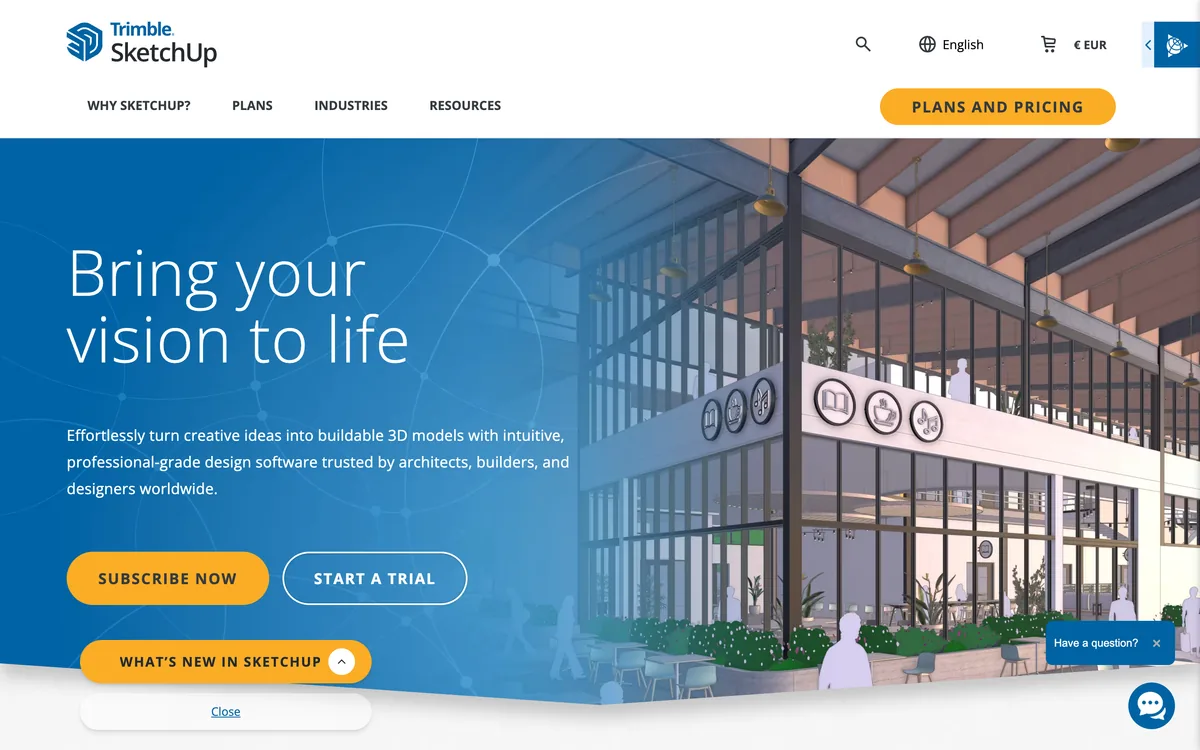 #3 SketchUp
 #4 Rhino
 #5 Vectorworks
 #6 AutoCAD
 #7 Chief Architect
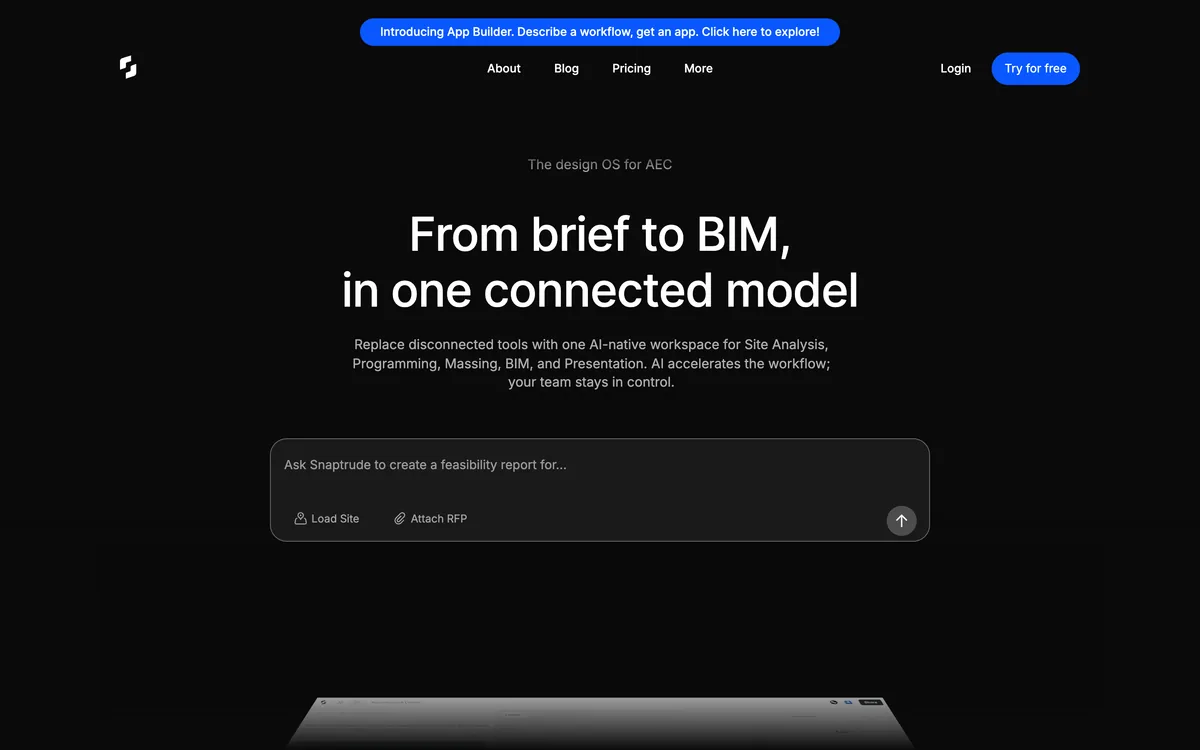 #8 Snaptrude
 #9 AIBIMTool
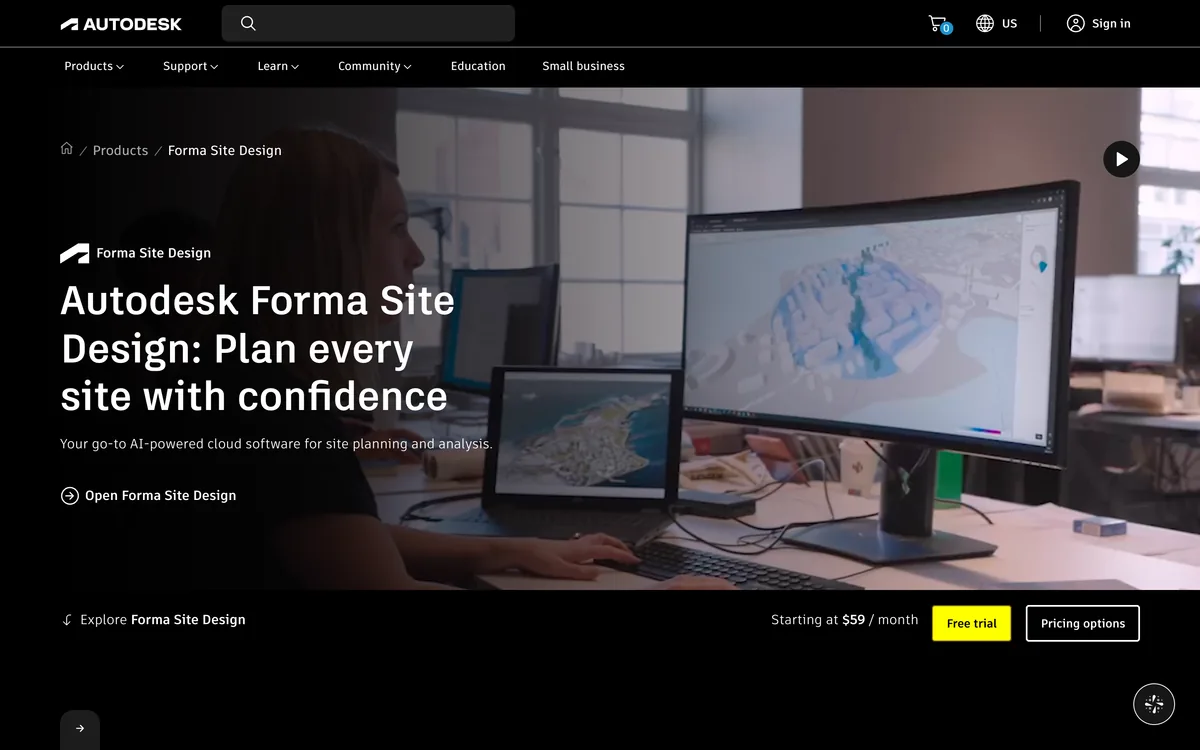 #10 Forma
 #11 Enscape
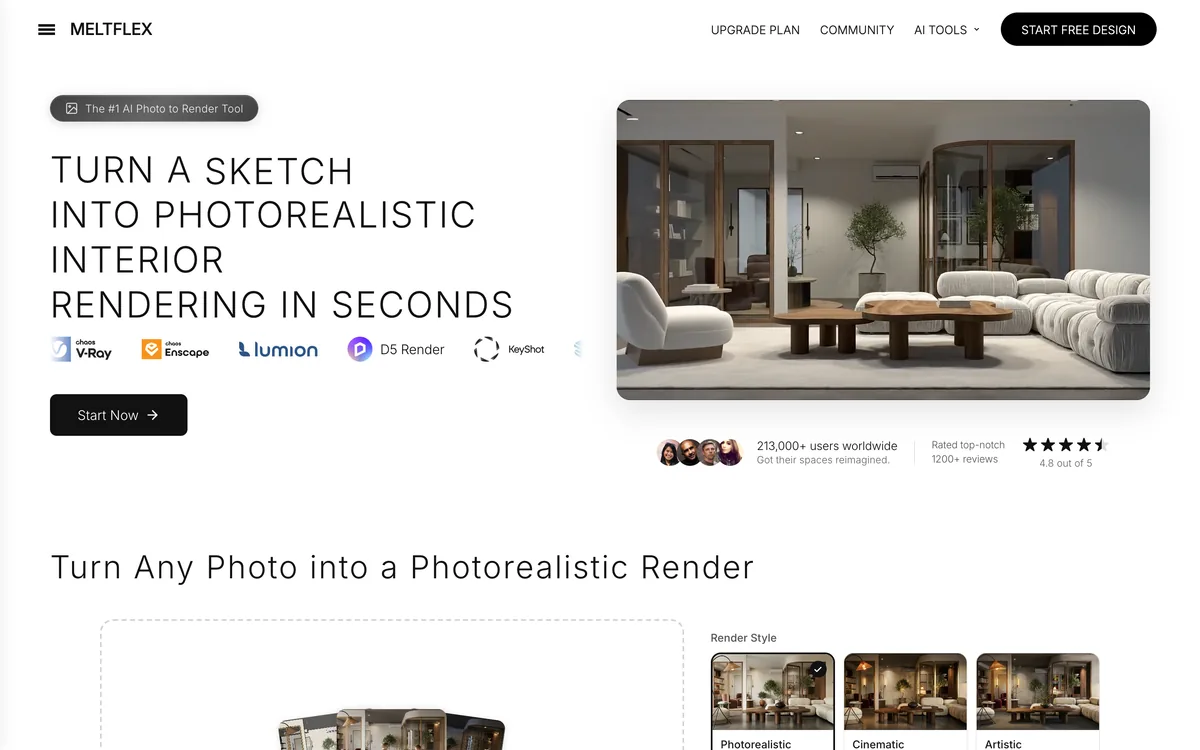 #12 MeltFlex AI

What is the best software for architects?
- BIM in a firm, on Windows: Revit.
- BIM on a Mac: Archicad, or Vectorworks if you also do landscape or need strong 2D.
- Concept and massing models, and your first program: SketchUp.
- Complex or parametric form: Rhino with Grasshopper.
- 2D drafting and existing DWG sets: AutoCAD.
- Houses, start to permit set: Chief Architect.
- Early design from a brief, with AI: AIBIMTool for an open IFC4 model from a paragraph of text, Snaptrude for a team workspace, Forma for the site.
- Visuals: MeltFlex AI for a photoreal render from a screenshot or sketch in seconds, Enscape for live rendering inside your model.
The twelve, ranked
Read on each vendor's own pages on 25 October 2026. Prices are what the page showed us; Graphisoft and McNeel showed euros to our European connection, and every vendor notes that the price depends on your country.
How we ranked them
- Can it be the program you run a project in? A tool that carries a building from sketch to drawings ranks above one that covers a single stage. That is why the four AI and rendering tools sit in the second half, however good they are at their stage.
- Will the people you work with open your file? Revit ranks first for that reason alone, not because it is the nicest to use.
- Can a small studio afford it and run it on its computers? Price, platform and whether there is a real free or one-time option.
- Can you check what it gives you? An open format (IFC, DWG, 3DM) beats a closed one when you change tools.
We build CAD file tooling, TechDraw AI, not buildings, so we have not run projects in these programs, and none of the twelve is ours. Most lists for this search are written by a vendor ranking itself first. What we can add is the date we read every price and one AI-generated BIM model we took apart.
1. Revit
Verdict: the default for BIM in firms, and the format most engineers and contractors will ask for. Expensive, Windows only, and heavy for a sole practitioner doing houses.
Revit models walls, floors, doors and windows as objects with data, and every plan, section, elevation and schedule is a view of that one model, so a change shows up everywhere. Autodesk's page now also advertises wind and carbon analysis from Forma and an AI assistant grounded in your model, both labelled tech preview. If you want an assistant that drives Revit today, see how to connect Claude to Revit.
- Pro: The common language of AEC teams in the US and UK.
- Pro: Architecture, structure and MEP in one model.
- Pro: The largest library of families, plug-ins and trained staff.
- Con: Windows only.
- Con: From $251 a month, the most expensive on this list.
- Con: Steep learning curve, and slow for concept design.
Price: from $251 a month on Autodesk's US page; free for students and educators.
2. Archicad
Verdict: the best full BIM program on a Mac, and friendlier than Revit for design-led studios. Check that your consultants accept IFC or Archicad files before you switch.
Graphisoft sells Archicad as a subscription in tiers. The page showed us Archicad Studio from €179 a month with €2,151 paid upfront for a one year term, and Archicad Collaborate, for multi-office teams, from €211 a month. The plans now include a monthly pool of AI credits per licence. Archicad has supported IFC exchange for decades, which matters if your engineers are on Revit.
- Pro: Native on Mac and Windows.
- Pro: Design-friendly modelling and clean drawings out of the box.
- Pro: Mature IFC exchange with Revit-based consultants.
- Con: Less common than Revit in US firms, so fewer hires know it.
- Con: Annual subscription paid upfront.
- Con: Prices vary by country and are higher than they look once tax is added.
Price: Studio from €179 a month with €2,151 upfront for a year, plus tax, as shown to us in euros.
3. SketchUp
Verdict: the quickest way to think in 3D, and the best first program. It is not a BIM program, so you will add one for documents.
Push and pull a face and you have a massing model in minutes. Trimble sells three core plans, billed annually: Go at $10.75 a month (web and iPad only), Pro at $33.25 a month (the desktop modeller, LayOut for 2D drawings, PreDesign climate insights, more than 1,000 extensions and better IFC and DWG exchange) and Studio at $71.58 a month, which adds Revit import, point clouds and rendering and is Windows only. Our Claude and SketchUp guide shows the AI route into it.
- Pro: Learned in a weekend.
- Pro: Huge model warehouse and extension ecosystem.
- Pro: Cheap: Pro is $399 a year.
- Con: Not BIM: walls are faces, not objects with data.
- Con: Large models slow down.
- Con: Studio, the plan with Revit import, is Windows only.
Price: Go $10.75, Pro $33.25, Studio $71.58 a month, billed annually.
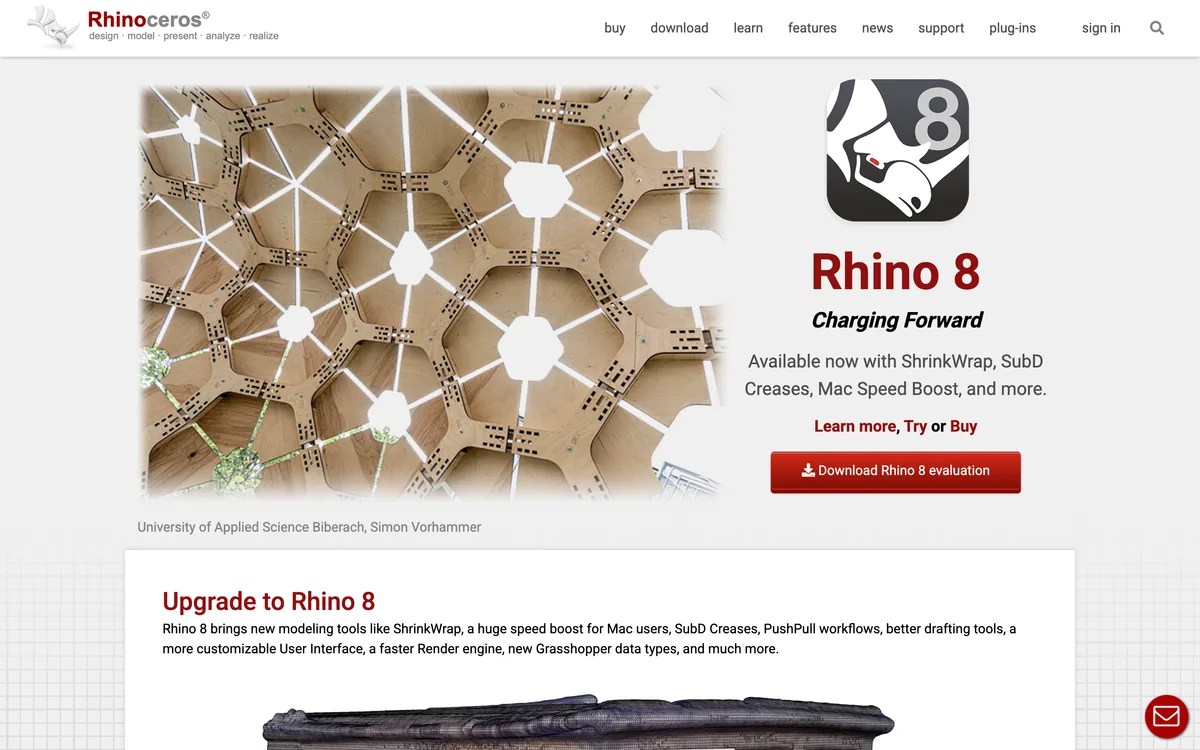
4. Rhino and Grasshopper
Verdict: the tool for curved, complex and computational architecture, and the best value licence on this list. Not a documentation tool on its own.
Rhino models exact NURBS surfaces and SubD, and Grasshopper, its visual programming environment, ships with it, which is why parametric facades and competition entries come out of it. Rhino 8 runs on Windows and Mac. McNeel still sells a perpetual licence: the page showed us €995 for a commercial licence, €195 for students, and a free 90 day evaluation that allows commercial work. For an AI route in, see how to connect Claude to Rhino.
- Pro: Unmatched for free-form and parametric design.
- Pro: One-time licence with free service releases.
- Pro: Mac and Windows.
- Con: Drawings and BIM data need plug-ins or another program.
- Con: Grasshopper is a skill of its own.
- Con: Easy to model something nobody can build.
Price: €995 one-time for a commercial licence, as shown to us in euros; 90 day free evaluation.
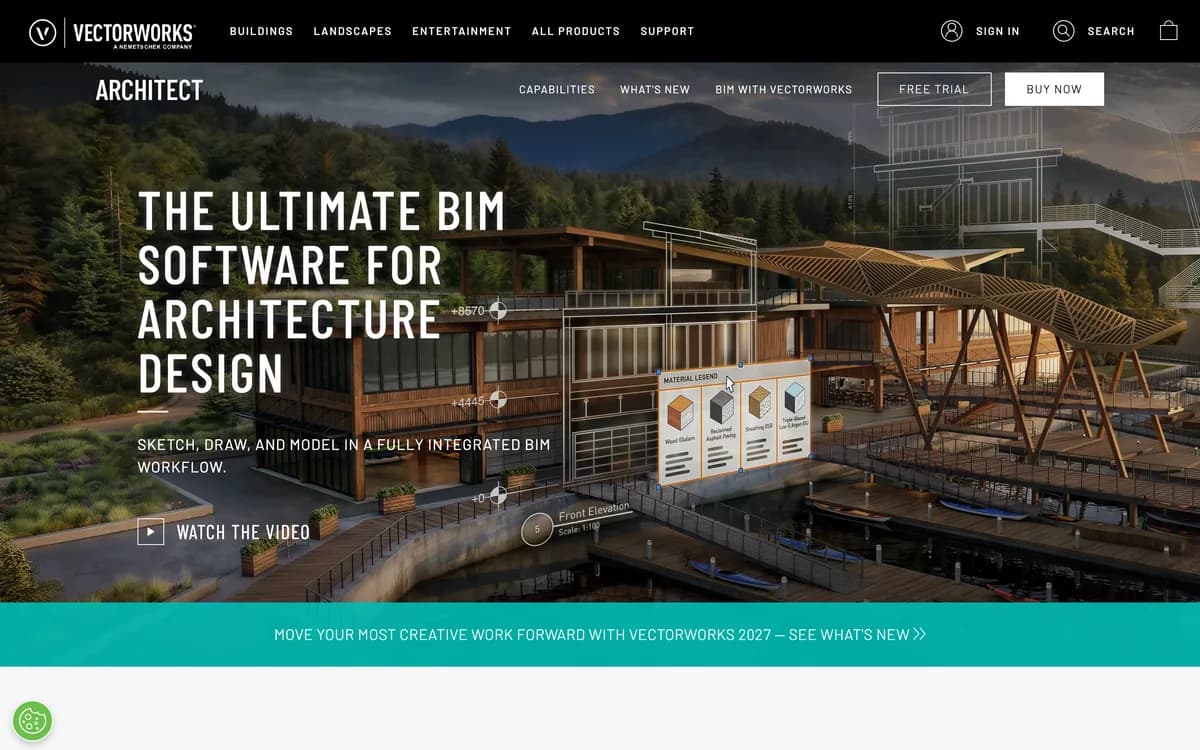
5. Vectorworks Architect
Verdict: BIM for studios that care about drawings and site, with the best 2D of the BIM programs. Smaller user base than Revit or Archicad.
Vectorworks pitches one program for every phase, from site analysis and massing to construction documents, and its strength is that you can sketch and draft freely and still have a model underneath. It runs on Mac and Windows, and its Landmark sibling is a common choice for landscape architects. It is sold as an annual or monthly subscription; the buy page we saw did not print a price for our region, so check the store for yours.
- Pro: Excellent 2D and presentation drawings.
- Pro: Mac and Windows.
- Pro: Site and landscape tools in the same family.
- Con: Fewer collaborators use it.
- Con: Fewer plug-ins and trained hires than Revit.
- Con: BIM exchange goes through IFC.
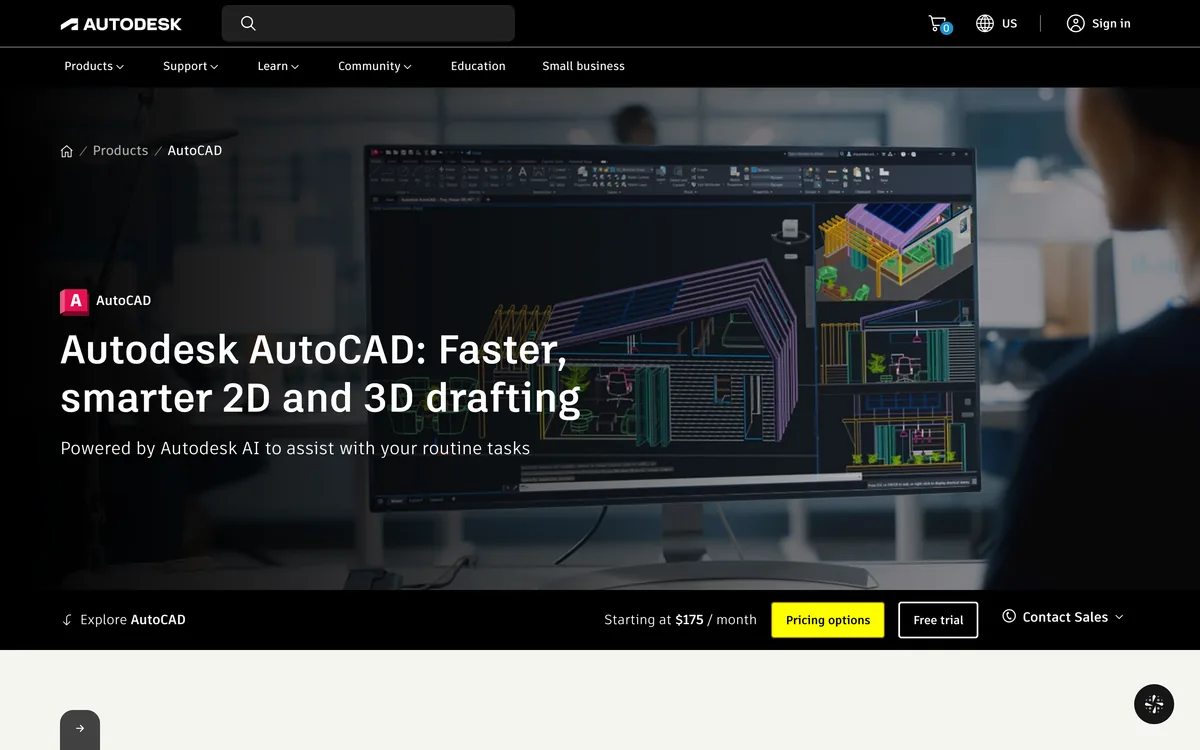
6. AutoCAD
Verdict: still the tool for 2D drafting, details and existing DWG sets. Not the right place to start a building model.
Most drawings you receive from a surveyor, an older project or a consultant still arrive as DWG, so most offices keep at least one AutoCAD seat. Its Architecture toolset adds walls, doors and windows as objects. If you only need to open those files, what a DWG file is and how to open one covers the free routes, and if your drawing only exists on paper, image to AutoCAD turns a photo of it into a DWG.
- Pro: The DWG format everyone exchanges.
- Pro: Fast, precise 2D.
- Pro: Windows and Mac versions.
- Con: 2D thinking: changes do not ripple through a model.
- Con: From $175 a month.
- Con: Subscription only.
Price: from $175 a month on Autodesk's US page.
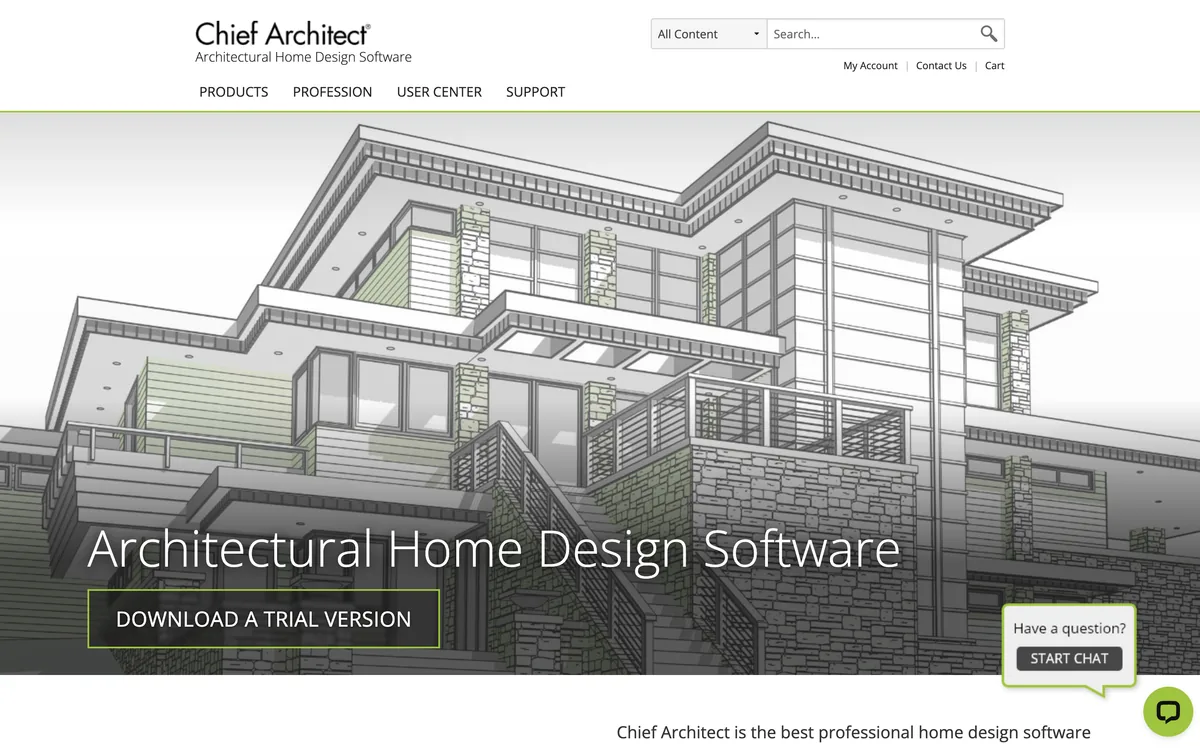
7. Chief Architect
Verdict: the fastest route from a house idea to a permit set, for residential architects and builders. Not for commercial work.
Draw walls and Chief Architect builds the roof, foundation, framing, dimensions and a materials list that updates as you go. It is purpose-built for houses, which is both its strength and its limit.
- Pro: Automatic roofs, framing and materials lists.
- Pro: Quick to learn for residential work.
- Pro: Windows and Mac.
- Con: Residential only in practice.
- Con: Less flexible for unusual forms.
- Con: $1,995 a year is a lot for a single-purpose tool.
Price: $1,995 a year ($166.25 a month) or $229 a month.
8. Snaptrude
Verdict: the most complete browser tool for early design, with AI and a link to Revit. A front end for BIM, not a replacement for it.
Snaptrude runs in a browser, so it works on a Mac, and covers site, programme, massing and early BIM, with an AI agent that can start from a written brief or an uploaded RFP. Its pricing page lists a free plan with 75 AI credits a week and one project, Pro at $50 a month billed yearly ($60 monthly) with BIM mode and exports, and Organization at $100 a seat. Its FAQ mentions direct Rhino and Revit export.
- Pro: Runs in a browser, on any computer.
- Pro: Programme, massing and BIM in one model.
- Pro: A real free plan.
- Con: Not where you produce construction documents.
- Con: Export to Revit is part of the paid plans.
- Con: Credits limit how much AI you use per week.
Price: free plan; Pro $50 a month billed yearly.
9. AIBIMTool
Verdict: the quickest way we know from a paragraph of text to an open IFC4 building model you can take into Revit, Archicad or Rhino. It is new, and the model it hands you is a design starting point, not a documented BIM model. Snaptrude is more complete; AIBIMTool is faster to try and the file is plain IFC4.
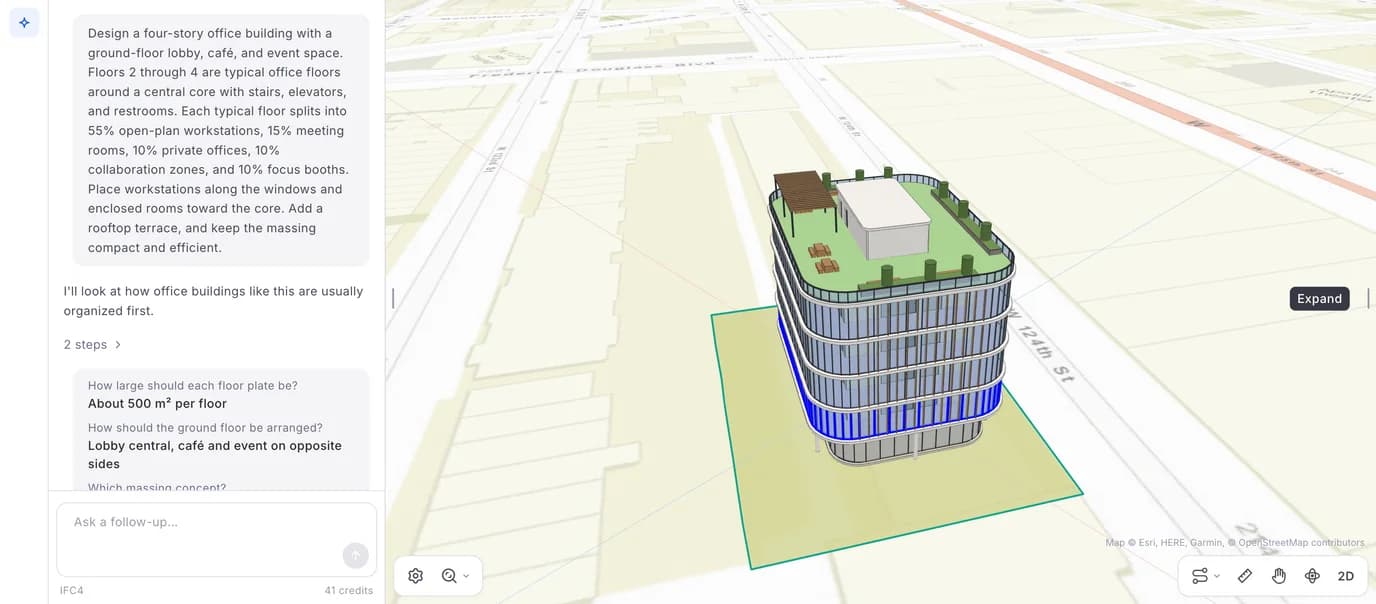
You describe the building, and optionally load a real plot from a map or attach an RFP as a PDF. The agent asks up to four multiple choice questions, shows a plan you can approve, then builds the model storey by storey. You can orbit it in 3D, switch to a 2D plan per level, and download it as IFC4. One message to the agent costs one credit, whether it is a new building or an edit, and a run that fails on its side is refunded.
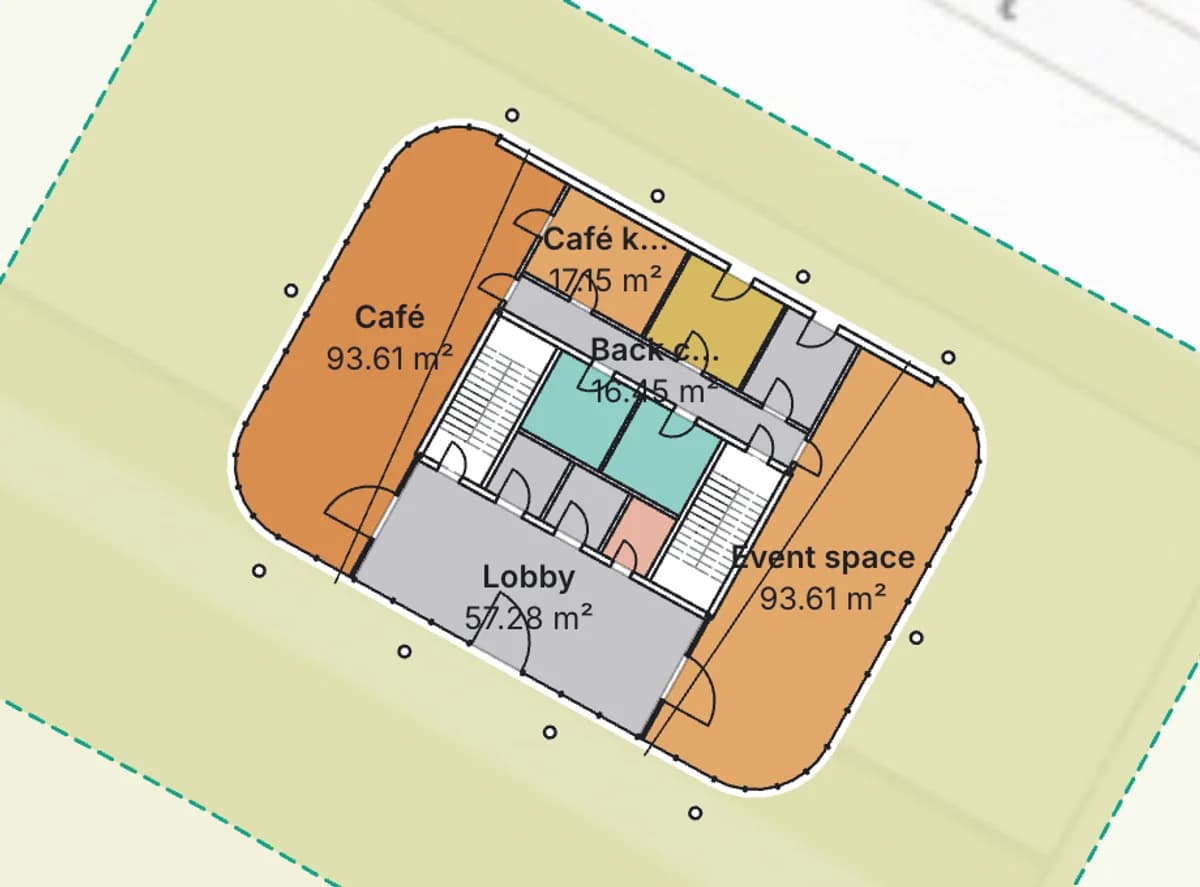
What we found when we opened its file is the next section, because it is the most useful thing on this page whichever AI tool you are considering.
- Pro: A brief in, an IFC4 model out, in a browser on any computer.
- Pro: Asks before it builds, and reports areas against your brief.
- Pro: Plain IFC4 that Revit, Archicad, Vectorworks, Rhino and Blender open.
- Con: No materials, property sets or window objects in the IFC we opened.
- Con: No drawing sheets: you document in another program.
- Con: €89 a month for 18 generations is not cheap; the free plan is one try.
Price: free plan with one generation; Starter €89 a month or €588 a year for 18 generations a month; Studio €189 a month or €1,308 a year for 40, on a stronger model.
10. Autodesk Forma
Verdict: the strongest tool for testing a site before you design on it, and natural if you already pay for Revit.
Forma, formerly Spacemaker, now sells site work as Forma Site Design. You set up the site with real context, sketch massing, run analyses such as sun hours early, then turn the proposal into a geolocated Revit project. Autodesk is also bringing Forma's wind and carbon analysis into Revit itself, as a tech preview. It is a stage tool, not a program to draw a building in.
- Pro: Fast environmental analysis at massing stage.
- Pro: Hands off to Revit.
- Pro: Runs in a browser.
- Con: Not for detailed design.
- Con: Most useful inside the Autodesk ecosystem.
- Con: Another subscription on top of Revit.
Price: from $59 a month on Autodesk's US page.
11. Enscape
Verdict: the easiest way to see your model as a rendered building while you design it.
Enscape is a plug-in, not a modeller: it opens a live rendered window next to Revit, SketchUp, Rhino, Archicad or Vectorworks, and every change you make shows up in it. Chaos has added Veras AI for generating design options from the model and image to video animation. Its Solo plan was €44.90 a month billed yearly (€538.80) when we looked, shown to us in euros, with a 14 day free trial.
- Pro: Real-time, inside the program you already use.
- Pro: Walkthroughs, panoramas and VR.
- Pro: Works with five design programs.
- Con: Needs a capable graphics card.
- Con: Not as photoreal as offline renderers.
- Con: One more subscription.
12. MeltFlex AI
Verdict: a fast render from a screenshot, a sketch or a site photo when you need a picture for a client today. It is an image tool, not a modeller, and it is strongest on interiors.
You upload a grey SketchUp or Revit screenshot, a hand sketch or a photo, pick a style and light, and get a photorealistic image in seconds. There are tools for house exteriors and for turning a 2D floor plan into a 3D view. The result is an image interpreted by an AI model, so proportions, window counts and materials can drift from your design. Use it for mood and options, not for anything a client will hold you to. More on that trade-off in our floor plan to render roundup.
- Pro: Seconds per render, no GPU needed.
- Pro: Works from a screenshot, sketch or photo.
- Pro: Free credits to start.
- Con: An image, not a model: nothing to measure.
- Con: Details can drift from the design.
- Con: Interior-first; exteriors are fewer styles.
Price: free credits to start; Standard $12.99 a month billed yearly ($155.88) for 490 credits a month. Pro was on a time-limited discount on the day we looked, so we do not quote it.
What is inside an AI-generated BIM model?
Every AI BIM vendor shows a rendered building. We wanted to know what is in the file. On 25 October 2026 we took one AIBIMTool run from our own account, a four storey office on a 1,419 m² plot in Queens, New York, downloaded its IFC4 file (2.2 MB) and counted it with IfcOpenShell, the open source library most IFC tools are built on.
AIBIMTool office model, IFC4, read with IfcOpenShell 0.9 on 25 October 2026
The design side held up. The agent reported each office floor at 57% workstations, 14% meeting rooms, 9% private offices, 8% focus rooms and 12% collaboration against the brief's 55, 15, 10, 10 and 10, and explained why: at about 500 m² a floor, the band between the glass and the rooms is only about 3.5 m deep. It put the gross floor area at about 1,966 m², the footprint at 40% of the plot, and roughly 75 desks in total. The roof is at 15.9 m, and the stair and lift tower takes the model to 19.7 m, which the agent itself flagged as above the 16 to 18 m it had assumed for the zone.
The documentation side did not. A BIM manager would want materials, wall types, property sets and window objects before scheduling or costing anything, and this file has none of them. That is the honest position of AI BIM in October 2026, AIBIMTool included: it gets you a sound, editable massing and space model in minutes, and the construction model is still built in Revit, Archicad or Vectorworks.
Best architecture software for Mac
Revit does not run on macOS, which is why “Revit for Mac” is searched hundreds of times a month. Your options:
- Native BIM: Archicad or Vectorworks.
- Native modelling and drafting: Rhino, SketchUp Pro, AutoCAD for Mac, Chief Architect.
- Revit itself: in a Windows virtual machine (Parallels on Apple silicon) or on a cloud PC. It works, with a speed and licensing cost.
- Early design in a browser: AIBIMTool, Snaptrude and Forma run on any Mac and hand their models to a Revit user through a Revit export or IFC.
Best free architecture software
- FreeCAD (BIM workbench) and Blender with Bonsai: free, open source and IFC-native. Rough edges, no licence fees ever. See our free CAD programs list.
- Rhino: a full 90 day evaluation that allows commercial work.
- Snaptrude: a free plan with 75 AI credits a week and one project.
- Student licences: Revit, AutoCAD, Archicad, Vectorworks and SketchUp are free for eligible students and educators.
Not on this list: AIBIMTool and MeltFlex AI. Both have a free start, one generation and a few renders, which is a trial, not free software.
Best architecture software for beginners
Start with SketchUp. You will be modelling in an afternoon, and the habits carry over. When you need drawings that update themselves, move to the BIM program used where you want to work, which in most of the US and UK means Revit. If you only design houses, Chief Architect is quicker to learn than either, and if you are curious about computational design, Rhino's 90 day evaluation is the cheapest way to find out.
Best AI software for architects
The last row is the one to watch. Through the Model Context Protocol, an assistant like Claude can read and change a live Revit or Rhino model; we walk through it in Claude and Revit and Claude and Rhino.
Which software for which job
Watch: Revit or Archicad?
ProArchitect, a channel run by a practising architect and not one of the vendors above, explains how a small practice chooses between the two BIM programs at the top of this list.
FAQ
Frequently asked questions
What is the best software for architects?
For most firms, Revit, because it is the BIM program consultants and contractors expect, but it runs on Windows only. On a Mac, Archicad or Vectorworks. For concept modelling and beginners, SketchUp. For complex or parametric form, Rhino with Grasshopper. For 2D drafting, AutoCAD. For houses, Chief Architect. Most practices use two or three of these together, usually a BIM program plus a modeller and a renderer such as Enscape.
What software do most architects use?
In the US and UK, Revit and AutoCAD are the most common pair, with SketchUp and Rhino for design work and Enscape, Twinmotion or Lumion for rendering. Archicad is strong in Europe and among Mac users, and Vectorworks among smaller studios and landscape architects. Check the job ads in your city: the software your future employer or consultants use matters more than any ranking, this one included.
Can I run Revit on a Mac?
Not natively. Autodesk does not make Revit for macOS, so Mac users run it in a Windows virtual machine such as Parallels, on a cloud PC, or on a separate Windows computer. The native Mac alternatives are Archicad and Vectorworks for full BIM, or browser tools such as AIBIMTool and Snaptrude for early design, which hand their models to Revit through IFC or a Revit export.
Is there free architecture software?
Yes, with limits. FreeCAD and Blender with the Bonsai add-on are free open source BIM tools. Rhino offers a 90 day evaluation that allows commercial work. Snaptrude has a free plan with 75 AI credits a week and one project. Students get Revit, AutoCAD, Archicad and Vectorworks free through the vendors' education programmes. AIBIMTool is not free software: its free plan is one generation to try it.
What is the best AI software for architects?
It depends on the stage. For early design from a brief, AIBIMTool (aibimtool.com) turns a written programme into an IFC4 BIM model you can open in Revit or Archicad, and Snaptrude does the same inside a team workspace. For client visuals, MeltFlex AI (meltflexai.com) renders a SketchUp screenshot, sketch or photo in seconds, and Enscape's Veras AI works inside your model. For site planning and massing, Autodesk Forma. Inside the big programs, Autodesk Assistant (in Revit and AutoCAD, partly in tech preview) and Archicad's AI credits. None of them replaces construction documents.
What is the best AI BIM software?
For going from a written brief to a BIM model, AIBIMTool and Snaptrude. AIBIMTool asks up to four questions, plans the building, builds it storey by storey and hands you a plain IFC4 file that Revit, Archicad, Vectorworks, Rhino and Blender open; its free plan is one generation. Snaptrude is a browser workspace for programme, massing and early BIM with a Revit export on paid plans, and a free plan with 75 AI credits a week. Both give you a design model to develop, not construction documents.
What is the best AI rendering software for architects?
For a photoreal image in seconds from a SketchUp or Revit screenshot, a hand sketch or a site photo, MeltFlex AI (meltflexai.com): no GPU, no materials setup, and free credits to start. For live rendering while you model, Enscape inside Revit, SketchUp, Rhino, Archicad or Vectorworks, with Veras AI for design options. An AI render interprets your design, so check window counts, proportions and materials before a client sees it.
Can AI generate a BIM model?
Yes, for early design. In our test, AIBIMTool turned a four storey office brief into an IFC4 file with 6 storeys, 159 walls, 120 named spaces, 98 doors and 10 stairs, and matched the requested floor split within 2 percentage points. The same file had no materials, no property sets and no window objects, so it is a design model to develop in Revit or Archicad, not a model to document from.
Which architecture software is best for beginners?
SketchUp. It is the quickest to learn, the free and cheap tiers run in a browser, and there are more tutorials for it than for anything else. Learn it for massing and concept models, then move to Revit or Archicad when you need drawings that update from a model. Chief Architect is the beginner-friendly choice if you only design houses.
Sources
- Autodesk: Revit overview and pricing
- Autodesk: AutoCAD overview and pricing
- Autodesk: Forma Site Design overview and pricing
- Graphisoft: Archicad plans and pricing
- Trimble: SketchUp plans and pricing
- Robert McNeel & Associates: Rhino 8
- Vectorworks: Vectorworks Architect
- Chief Architect: Premier
- Snaptrude: pricing
- AIBIMTool (plans are shown after sign-in; read in the app on 25 October 2026)
- Autodesk: Mac compatible software (Revit has no native Mac version)
- Chief Architect: Premier system requirements
- Vectorworks: buy Vectorworks Architect (system requirements)
- Chaos: Enscape pricing
- Chaos: Enscape
- MeltFlex AI: photo to render
- buildingSMART: IFC4 schema documentation
- IfcOpenShell documentation