
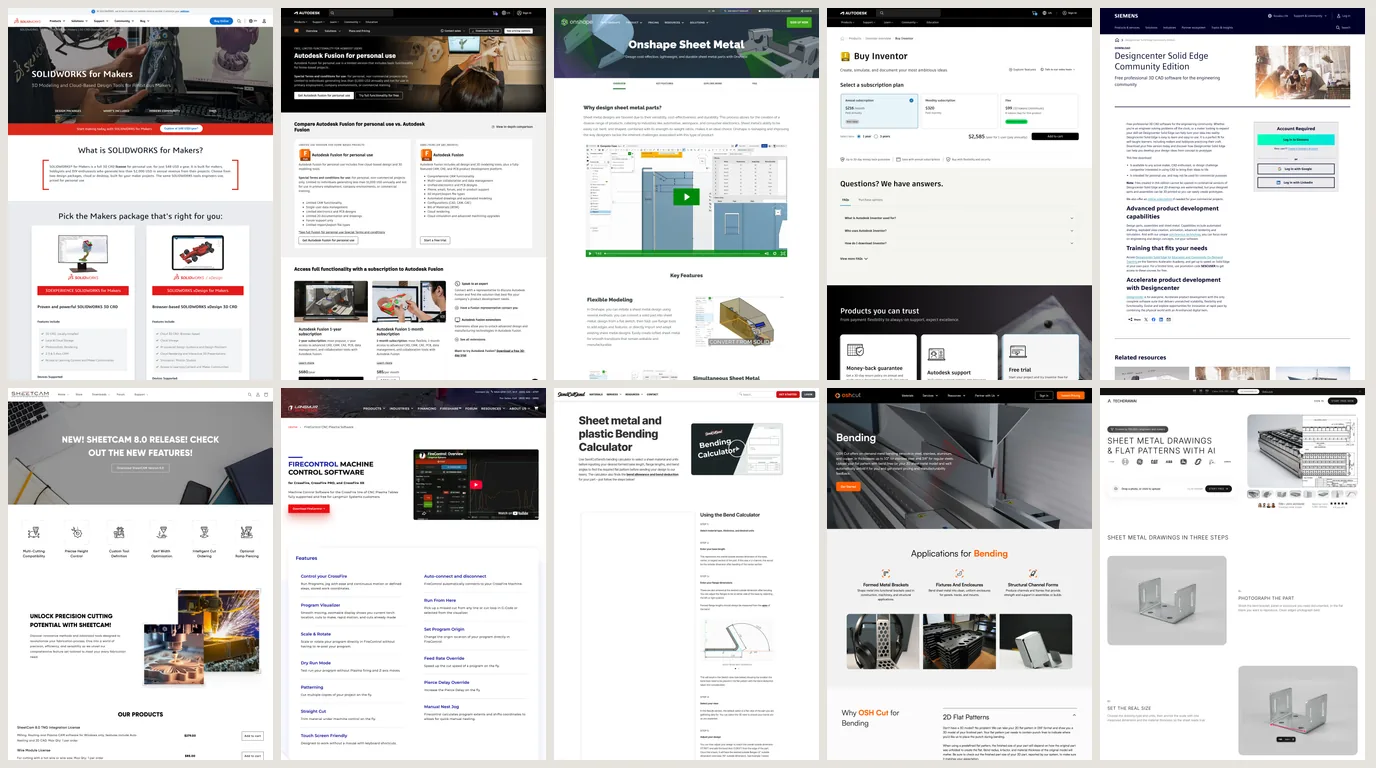
Most lists of sheet metal software are written for an engineering department choosing between SOLIDWORKS and Inventor. This one is for the shop that does not own either: a fab shop, a plasma table in a garage, a fiber laser that runs every day. For you the question is narrower and harder. Which program gives you a flat pattern DXF that bends to the right size, and which of them are you actually allowed to use for paid work? Eleven programs and services are judged on exactly that, with prices and licence terms read from the vendors’ own pages in September 2026. One of the eleven is ours, and it gets the same treatment.
Our articles are still written by humans!
Get human written articles in your Google feed.
The short answer
- You sell parts and own no CAD: Autodesk Fusion, paid, $680 a year. Sheet metal modelling, flat pattern DXF with bend lines on their own layers, and CAM for the plasma or router table.
- You want it in a browser, on any machine: Onshape Standard, $1,500 a year, with K-factor, bend allowance and bend deduction editable per bend.
- You sell parts and will not pay anything: FreeCAD with the SheetMetal workbench. Open source, commercial use allowed, and the only program here with a mode that refuses to assume a K-factor.
- Hobby only, no revenue: Fusion for personal use or SOLIDWORKS for Makers at $48 a year. Onshape Free works too, if you are happy for your documents to be public.
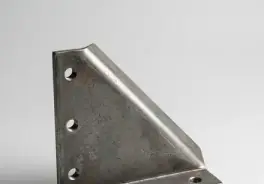
- A simple bent bracket, bent by a service:skip CAD. Use the service’s own numbers, through SendCutSend’s bending calculator or OSH Cut’s unfolding.
- You have a part and no drawing of it: that is a measuring problem before it is a software problem, and it is where TechDraw AI fits. The limits are spelled out below.
How we judged them, and what we did not do
Four questions, in the order they cost you material:
- Can you control the bend math? K-factor, bend allowance or bend deduction, per material and ideally per bend. A program that hides this number is guessing on your behalf.
- Does the flat pattern leave as a clean DXF? Closed cut contours, real units, and bend lines on a separate layer so the laser does not cut them.
- Are you allowed to use it for paid work? Four of the free options say no, in writing.
- What does it cost a small shop per year?Read from the vendor’s own price page in US dollars, which localise.
Where the flat pattern goes wrong
Before any program: the reason this category exists. When a sheet bends, the outside stretches and the inside compresses, and somewhere between them is a layer that does neither, the neutral axis. The flat blank is measured along that layer. Where it sits, as a fraction of the thickness from the inside face, is the K-factor, and every program on this page is, underneath, a machine for applying it. Our guide to sheet metal drawings has the diagram. Here is the arithmetic on a real part.
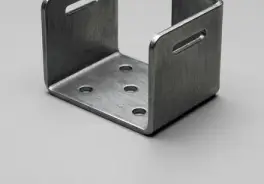
A U-channel in 3 mm mild steel, inside bend radius 3 mm, two 90° bends, outside dimensions 50 × 80 × 50 mm. Take a K-factor of 0.42 for the moment.
- Bend allowance, the length of the neutral axis through one bend:
BA = (π/2) × (R + K × T)=1.5708 × (3 + 0.42 × 3)=6.69 mm. - Straight lengths, each outside dimension less
R + T = 6 mmfor every bend it touches: the flanges are44 mmeach and the base is68 mm. - Flat length:
44 + 68 + 44 + 2 × 6.69= 169.38 mm. - The same thing as a bend deduction, which is what SOLIDWORKS and Inventor tables often store:
BD = 2 × (R + T) − BA=12 − 6.69 = 5.31 mmper bend, and180 − 2 × 5.31 = 169.38 mm. Same answer, which is the check that you did it right.
Now the part nobody prints. Adding up the outside dimensions gives 180 mm, which is 10.6 mm too long. That is the home-made flat. And if you trust a textbook K instead of your brake:
The same 3 mm U-channel, three K-factors. Everything else held constant.
A 1.6 mm spread on one small part, from a number most people copy off a chart. On a channel that has to slide over a 74 mm tube, that is the difference between a fit and a scrap pile. The fix is cheap: bend a test strip on your own brake, measure the legs, and work backwards to your K. Prompt 9 in our ChatGPT prompts for sheet metal does the algebra for you. Then put that number into whichever program you choose below, and judge the program on how easy it makes that.
0.84 is an ANSI K of 0.42. A chart that does not say which convention it uses is a chart you cannot use.The five real sheet metal modelers
These five model a sheet metal part as sheet metal: a thickness, a bend radius and a bend rule that belong to the part, flanges that know they are flanges, and a flat pattern that updates when you change the folded model. Any of them will give you a correct flat if you give it a correct K.
Autodesk Fusion
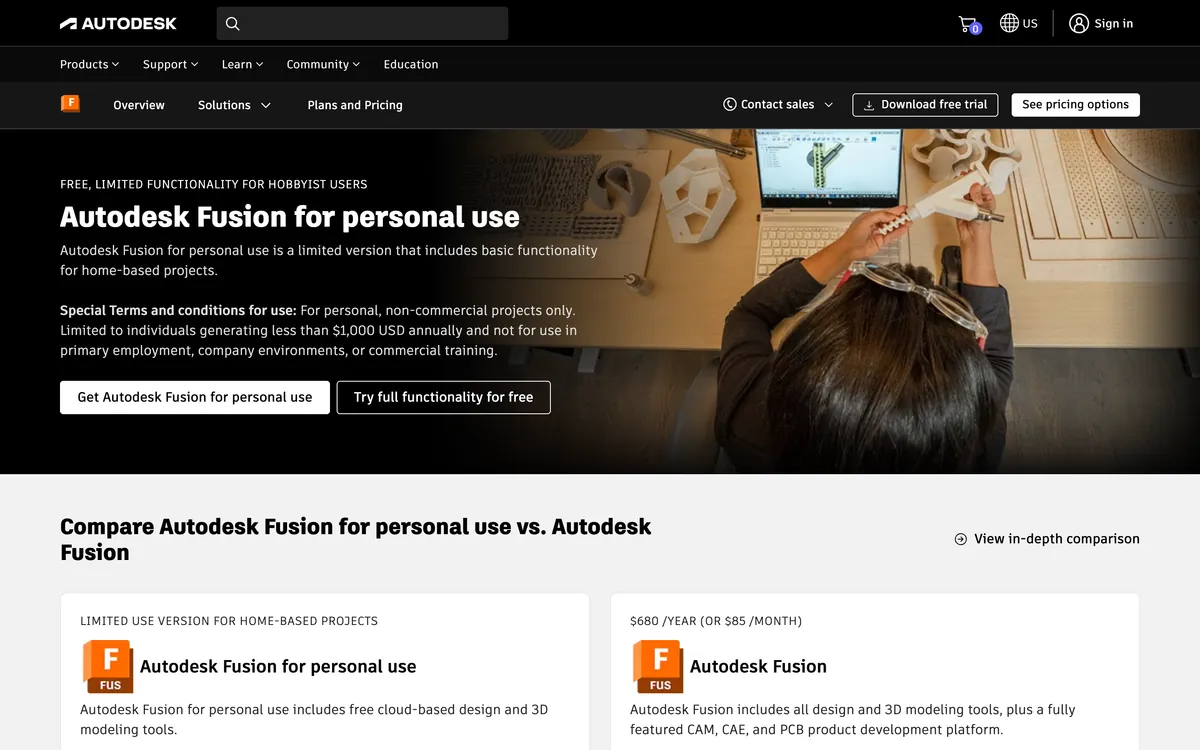
The value pick for a shop that sells parts. The paid plan is $680 a year or $85 a month, and it is one of the modelers here whose entry-level paid plan also does the CAM for your cutting table in the same window, which matters if the table is a plasma. The flat pattern exports to DXF with outer profiles, interior profiles, bend centre lines, bend extent lines and text each on their own layer, which is exactly what a laser or plasma CAM wants to receive. SendCutSend publishes Fusion gauge tables with its own bend radius and K-factor built in, so if they bend for you, you can design to their numbers directly.
Two things to know. The free personal licence is for personal, non-commercial projects only, and for people generating less than $1,000 a year, in Autodesk’s own words, so it is not for a shop. It does still allow Export Flat Pattern as DXF, according to SendCutSend’s comparison of the four DXF routes out of Fusion; the route it blocks is exporting a sheet from a 2D drawing. And flat pattern export is known to fail on some models: Autodesk’s own support article, updated February 2026, blames relief shapes and bodies converted to sheet metal, and its workaround is to project the flat face into a sketch and save the sketch as DXF. Worth knowing before a deadline, not after.
Onshape
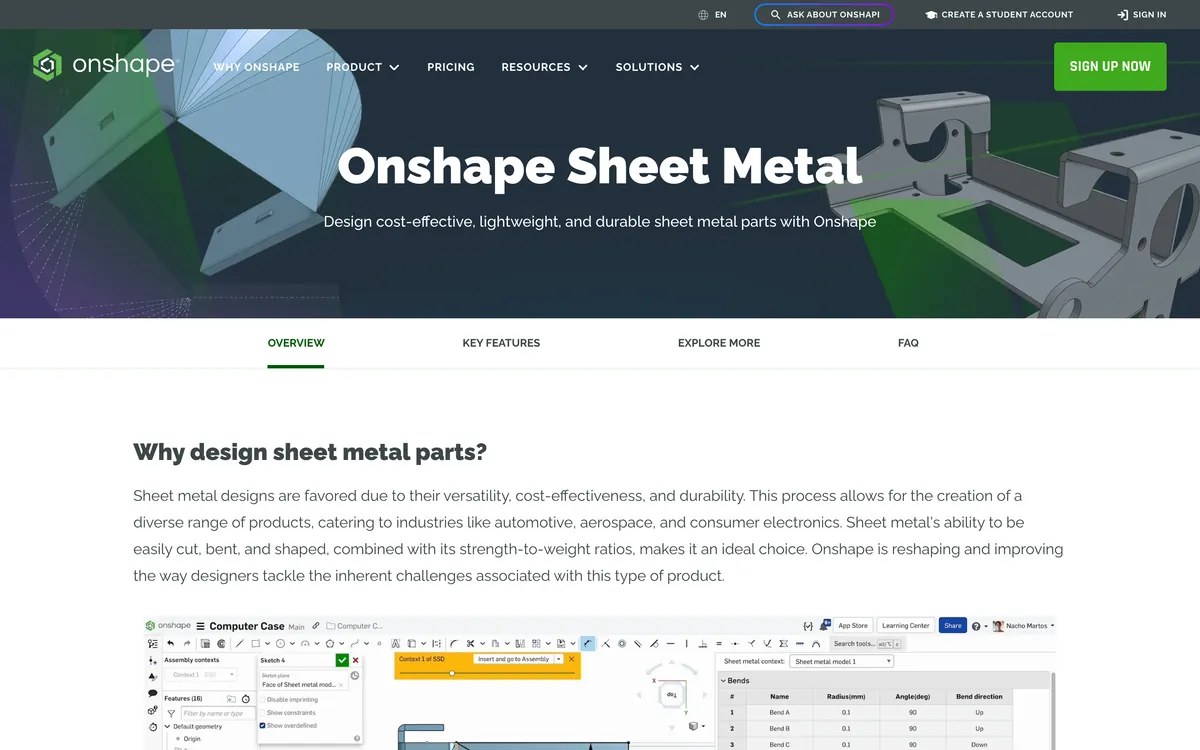
The browser pick. Onshape runs entirely in a browser tab, so the shop PC, the office Mac and a tablet at the brake all open the same model. Its sheet metal table shows every bend with its radius and angle, and its own feature page says you can drive the flat with a K-factor, a bend allowance or a bend deduction, which is the most flexible set of inputs on this page: whatever form your brake data is in, it goes in unconverted. Right-click the flat view and choose Export DXF/DWG.
Standard is $1,500 per user per year and Professional $2,500. The free plan has the same modelling tools, sheet metal included (Standard is sold as “all the features of Free” plus private storage and support), with two conditions on its pricing page: every document is public, and it is for non-commercial use only. A customer’s part in a public document is a problem even before the licence is.
SOLIDWORKS
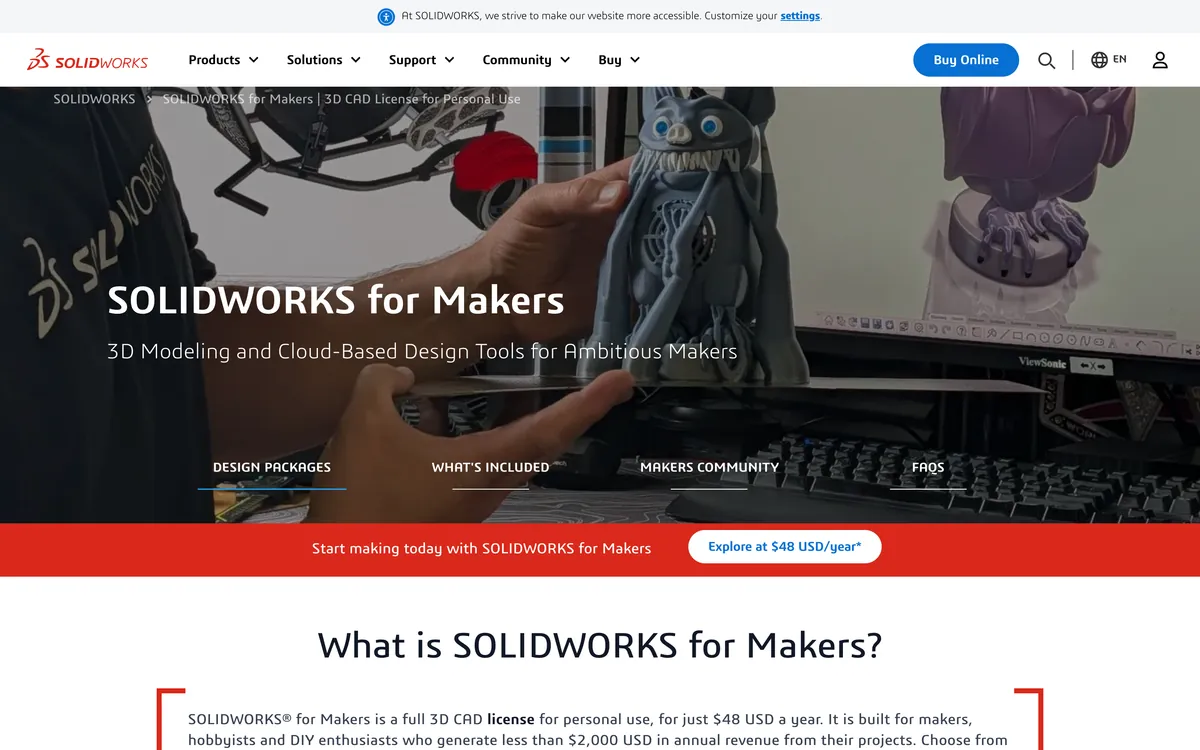
The industry default, and the program your customers’ engineers probably use, which is a real argument: a native SLDPRT with a flat pattern in it needs no translation. Right-click Flat Pattern, Export to DXF/DWG, and a property manager lets you include or leave out bend lines, map bend directions to layers and add a bounding box. It is the most complete tool on this page.
It is also the most expensive. SOLIDWORKS Design Standard is $2,820a year on the vendor’s own price page, Professional $3,456 and Premium $4,716, US prices for a single user. The cheap route, SOLIDWORKS for Makers at $48 a year, is for people who make less than $2,000 a year from their projects. That is a genuinely good deal for a hobbyist with a plasma table and not an option for a shop.
Autodesk Inventor
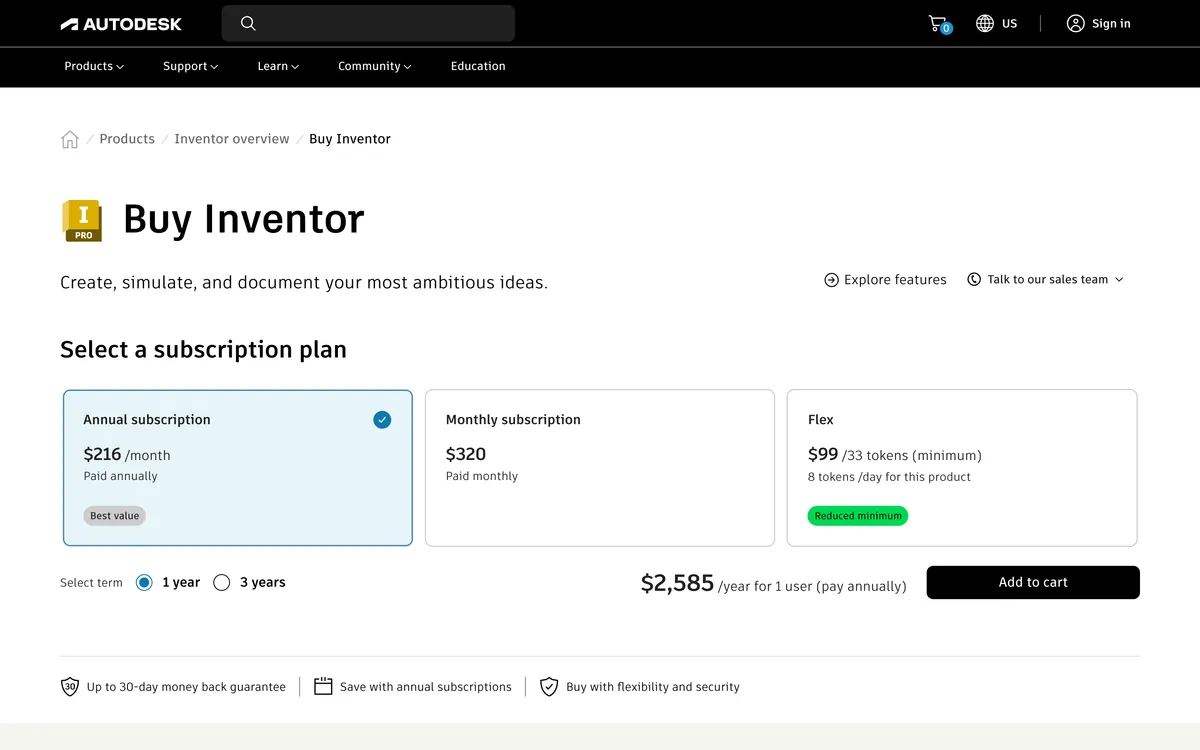
Inventor is SOLIDWORKS’ direct competitor, at $2,585 a year or $320 a month. Its flat pattern DXF export is the most configurable here, with separate layer and geometry options, and its help documentation carries two lines worth more than most comparison articles. First, that most machine tools want the DXF in R12 format. Second, that some shop software cannot use a DXF where a bend centre line crosses a hole, which is what the Trim Centerlines at Contour option is for. If your laser software throws out a flat with a hole in a bend, that is why, whichever program wrote it.
For a small shop Inventor makes sense when you already live in Autodesk and need its assemblies. As a first purchase for sheet metal alone, Fusion does the job for a quarter of the price.
Solid Edge Community Edition
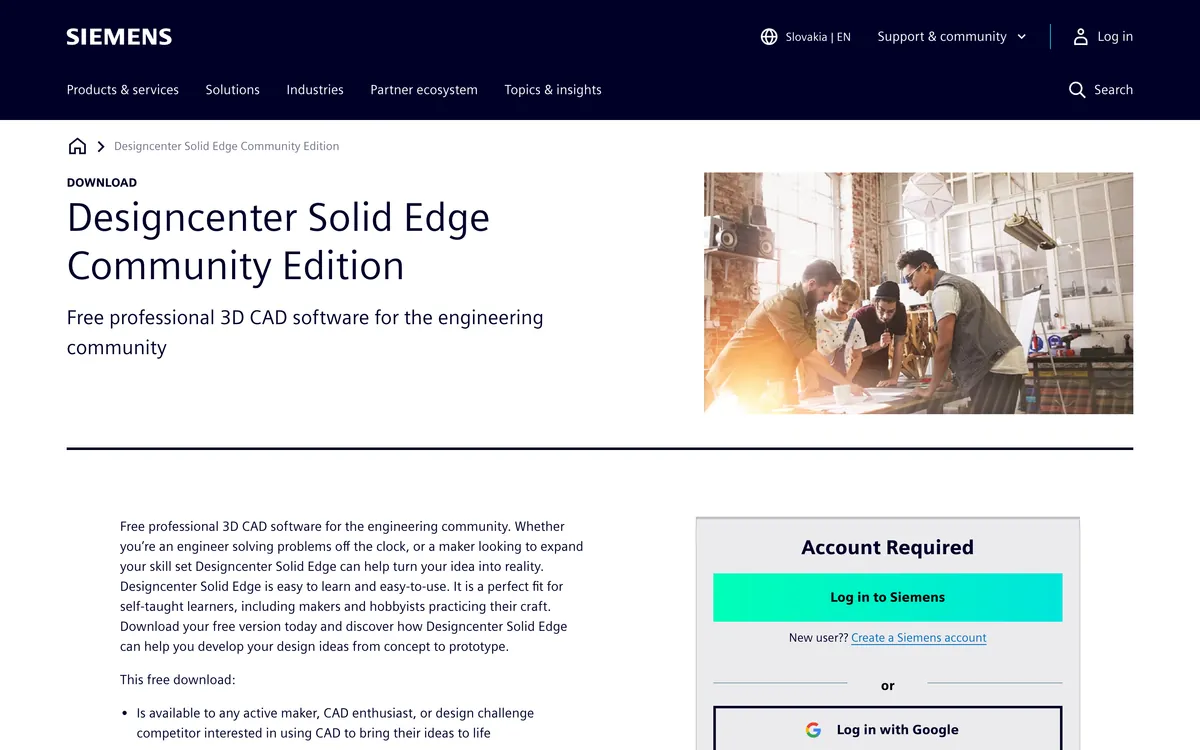
Siemens gives away Solid Edge, sheet metal included, as a Community Edition. The page is honest about the catch, and it is a big one for anyone doing paid work: the download is intended for personal use, and may not be used for commercial purposes, files created in it cannot be opened in the commercial versions, and 2D drawings are watermarked. We could not confirm from Siemens’ own pages whether a flat pattern DXF also carries that watermark, so test it before you promise a customer a file. For learning sheet metal properly on a professional tool at no cost, it is excellent. For a shop, the file lock-in makes it a dead end.
The free one you are allowed to sell from
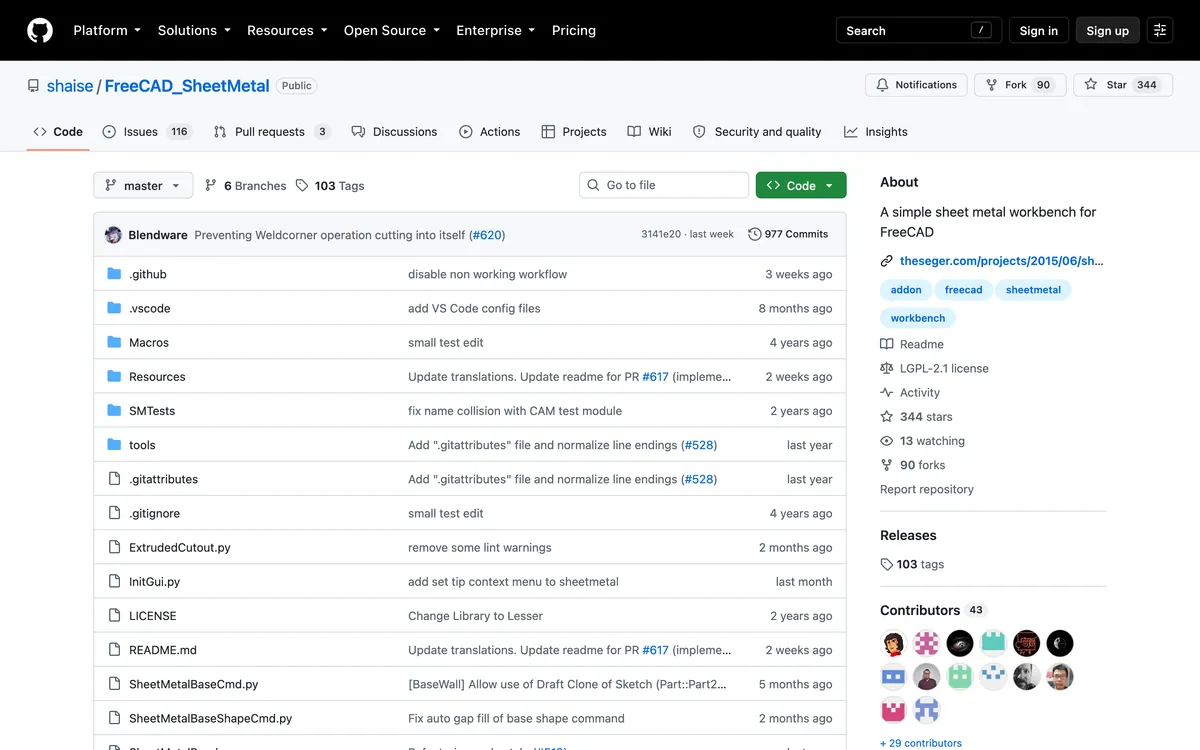
FreeCAD with the SheetMetal workbench
FreeCAD is open source, and its SheetMetal workbench is an add-on under the LGPL-2.1 licence, installed from FreeCAD’s own Addon Manager. Nothing in either licence stops you selling what you cut. It is actively maintained: version 0.8.23shipped on 13 September 2026, and August’s release added folding marks, marks at the ends of each bend line so the brake operator can see where to fold without a separate drawing.
What earns it a place is how it treats the K-factor. You can keep a material table inside the project that looks up the K from the ratio of radius to thickness, so a tight bend and a loose bend in the same part get different values, which is what really happens on a brake. And it has an engineering modein which, in the workbench’s own words, values that cannot be inspected visually such as the K-factor “are not assigned with default values and explicit user input is required.” Every other program on this page will quietly use a default K if you let it. This one can be told not to.
The cost is time. FreeCAD’s interface is the hardest here to learn, and the workbench is a community project, so the polish is not Fusion’s. Our free CAD programs guide covers FreeCAD itself in more depth.
When you do not need CAD at all
If a service is cutting and bending the part for you, the most accurate K-factor is theirs, not yours, because it is their brake. Two of them make that easy enough that a simple bracket needs no sheet metal modeler.
SendCutSend’s bending calculator
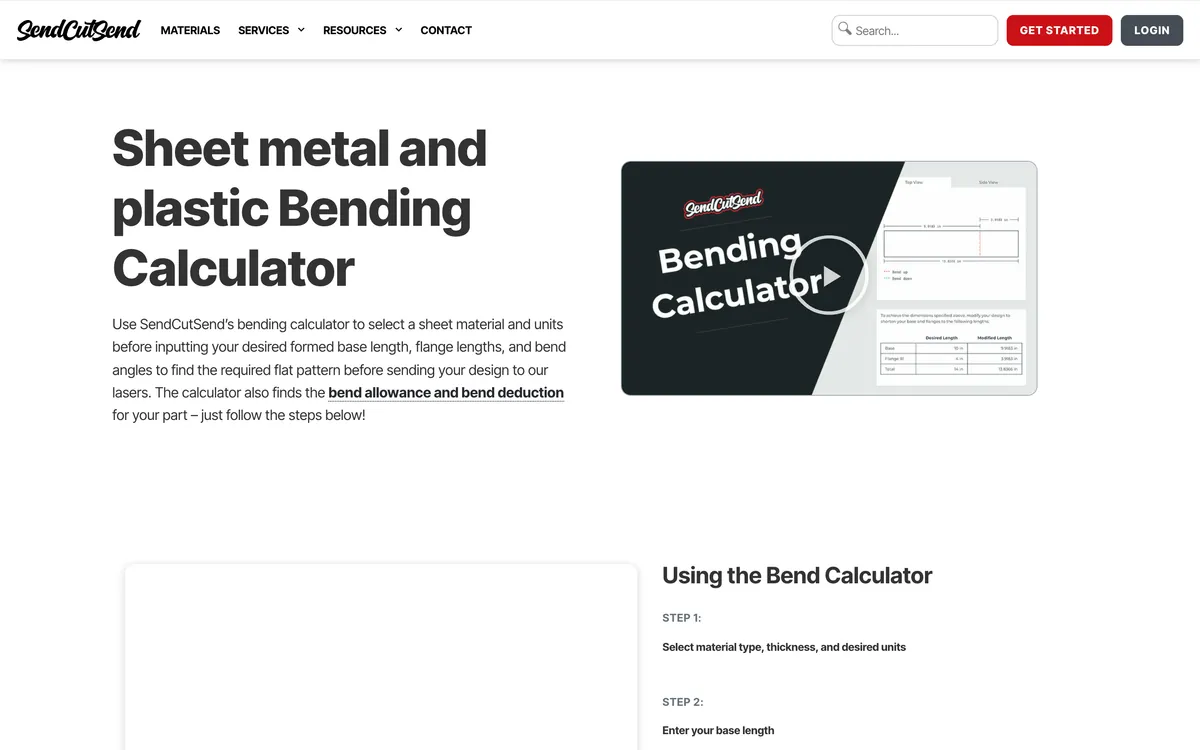
Pick a material and thickness, type the formed base length, flange lengths and bend angles, and the free calculator returns the flat pattern, the bend allowance and the bend deduction, using the bend radius and K-factor SendCutSend actually bends with. Draw that flat in any 2D program, put the bend lines in a separate colour or as dashed lines, and upload. Know the house rules first, all on their bending page: the bend radius and K-factor are set per material and thickness and they do not offer custom bend radii, the flat has to fit inside 30″ × 44″, and the maximum bend angle is 130°. They also take a STEP file for bent parts.
OSH Cut
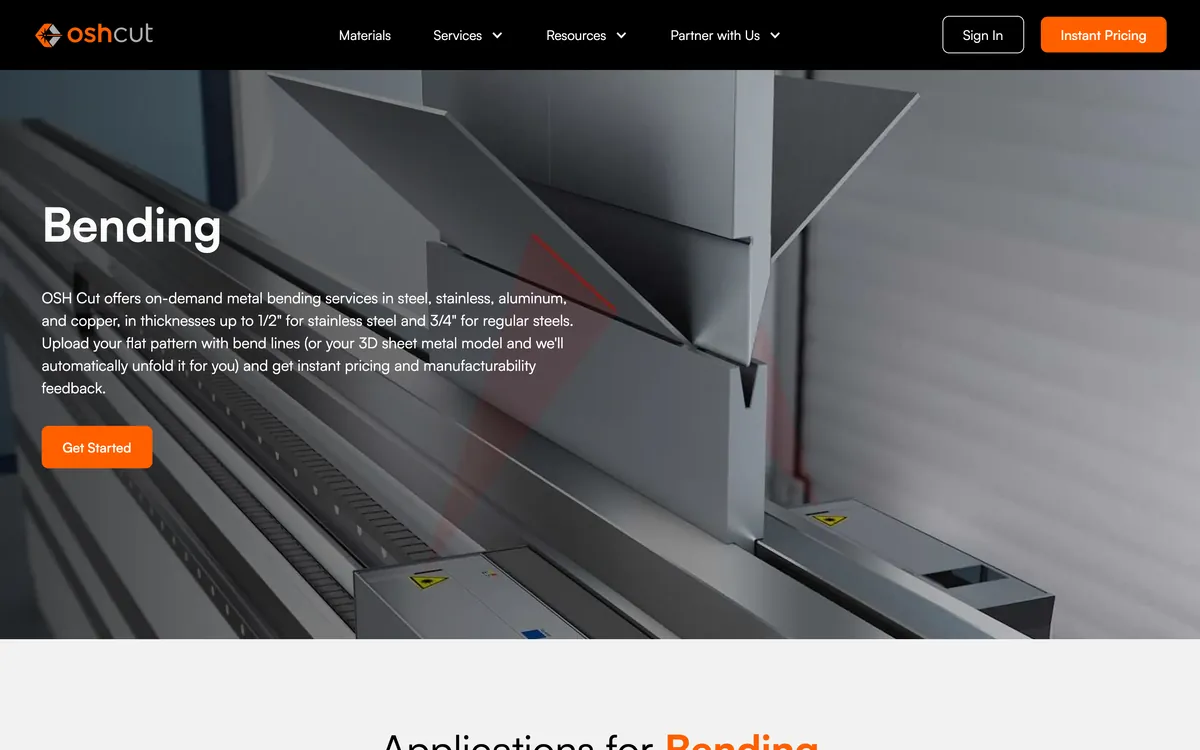
OSH Cut goes one step further and removes the flat from your job entirely: upload a 3D sheet metal model as STEP or a native SOLIDWORKS file and its system unfolds it, adapting the bend radius to its tooling, with instant pricing and manufacturability feedback. It bends steel up to 3/4″ and stainless up to 1/2″. It will also take a flat DXF with punch lines, and its page carries the sentence every flat pattern tool should: when you supply the flat, the finished size depends on how the original part was unfolded to create the flat, bend radius, K-factor and thickness included. In other words, the flat you send is only right if the K you used was.
The other half: CAM and the table
A flat pattern DXF is not something a plasma table can run. The chain is design → DXF → CAM → g-code → controller, and the two programs below sit after the DXF. They show up in every “sheet metal software” search, so it is worth being clear that neither calculates a bend. Our plasma DXF guide covers what the file needs before it gets here.
SheetCAM
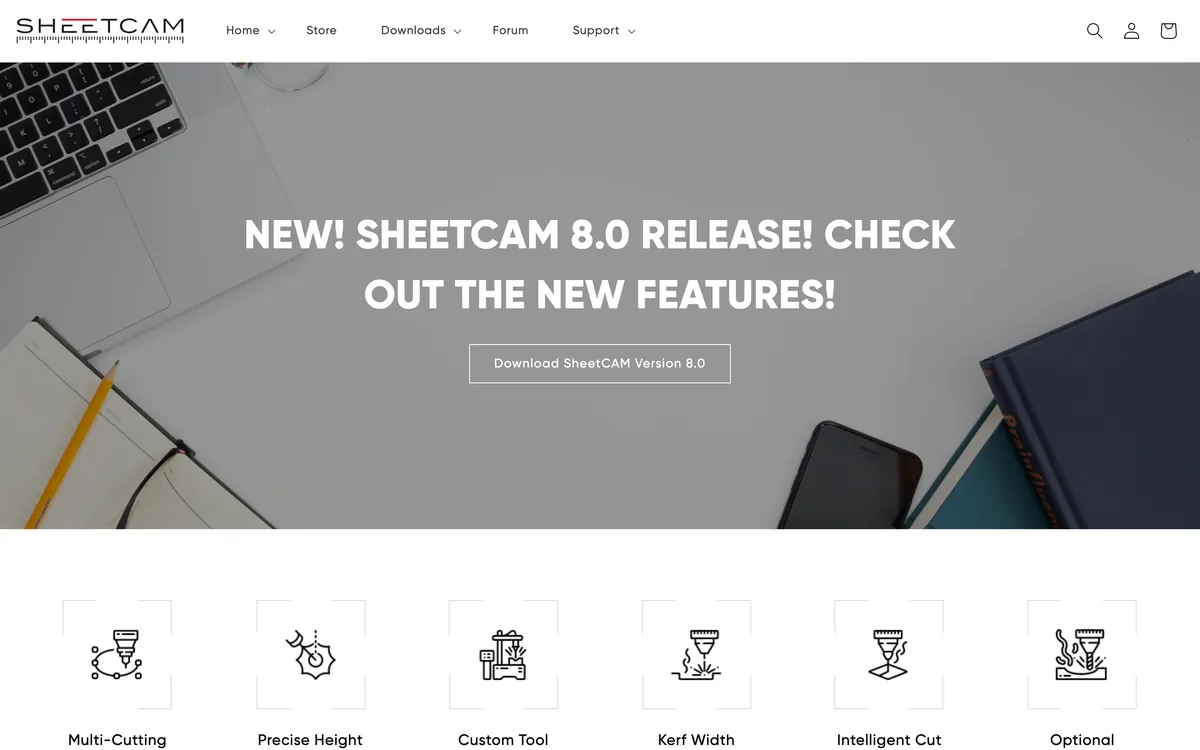
The standard hobby and small-shop CAM for plasma, and also for routers and lasers. It reads DXF, SVG, HPGL, g-code and Excellon, and turns a finished profile into toolpaths with kerf compensation, cut ordering, ramp piercing, torch height control and nesting. The current release is 8.0; the store lists the TNG licence at $279, Windows only, and its description mentions “2D CAD”. That is enough to draw a plate, not to model a bend. Draw the flat elsewhere at finished size and let SheetCAM handle the offsets.
Langmuir FireControl
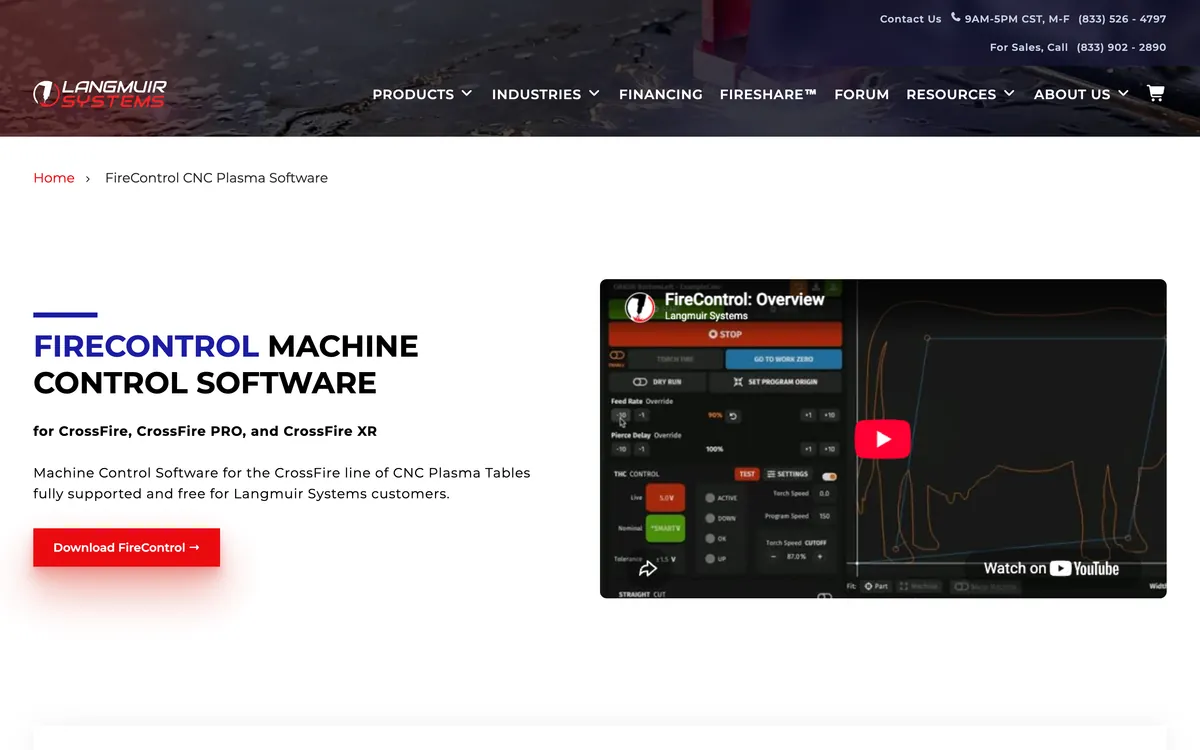
FireControl is the machine control software for Langmuir’s CrossFire tables, free to their customers, on Windows and macOS. It runs g-code, and Langmuir publishes post processors for exactly two programs to make that g-code: Fusion and SheetCAM. That is a useful signal for anyone with a CrossFire: those two are the supported route, and Langmuir lists Fusion in its CrossFire packages. It does not import a DXF and turn it into a toolpath on its own, which is the single most common confusion on plasma forums.
Where TechDraw AI fits, and where it does not
This is our product, so here is the honest version, judged against the same four questions as everything else.
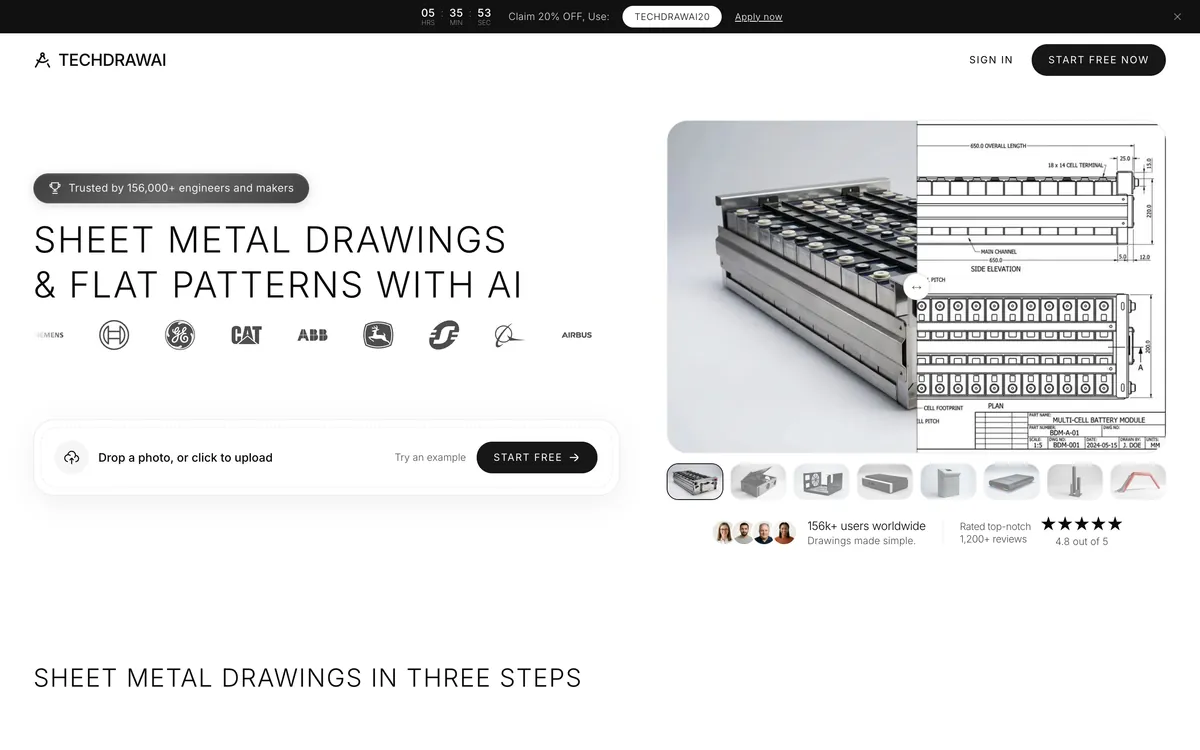
What it does: you photograph a bent part, give it the material thickness and one measured dimension, and it drafts a dimensioned drawing with formed views, bend lines and a flat pattern view, exported as PDF, DXF, DWG or SVG. That solves a problem none of the programs above touch. A customer walks in with a bracket off a machine built in 1987, there is no drawing, and before you can model it in anything you need its dimensions on paper. That is the job it is built for, and the one where it saves real time.
What it does not do, plainly:
- There is no K-factor field. The flat pattern view is drafted under standard assumptions, and our own sheet metal page tells you to confirm the K against your brake before cutting a batch. By the first question on this page, it fails.
- Its DXF is a drawing, not a cut file. The export is the whole sheet traced to vectors: every view, the dimensions and lettering, the frame and the title block, at the scale of the sheet. To cut from it you would isolate the flat, scale it back to 1:1 and strip the rest, which is more work than drawing the flat properly.
- It is not a modeller. Change a flange length and nothing updates. There is no parametric part underneath.
So the right way to use it with this list is as the first step, not the last: photograph the part, get the dimensioned drawing, then build the sheet metal part in Fusion, Onshape or FreeCAD from those dimensions and export the flat from there. Our Onshape workflow and FreeCAD workflow pages walk through that hand-off. For a flat part with no bends at all, a gasket or a plate, the free image to DXF converter traces the outline directly; scale it against one known dimension in CAD or CAM before you cut, as our DXF wrong size fix explains.
All eleven, side by side
Eleven programs and services judged on bend control, flat pattern DXF, commercial use and price, September 2026
Solid Edge’s flat pattern DXF is marked not confirmed because the watermark rule on its page names 2D drawings and we could not find a primary source for what it does to a flat export. We would rather leave a gap than print a guess.
The licence trap for shops
Lists of free sheet metal software put the free tiers of Fusion and Onshape near the top, label them “free for personal use”, and move on. For a shop selling brackets, that label is the whole story, because a shop is exactly who those tiers exclude. In the vendors’ own words:
- Fusion for personal use: personal, non-commercial projects only, individuals under $1,000 a year, not in a company environment.
- SOLIDWORKS for Makers: under $2,000 a year of revenue from your projects.
- Onshape Free: non-commercial, and every document is public.
- Solid Edge Community Edition: may not be used for commercial purposes; files will not open in the paid version.
So the real price list for a shop is FreeCAD at nothing, Fusion at $680, Onshape at $1,500, Inventor at $2,585 and SOLIDWORKS at $2,820. Against one wasted sheet of stainless a month, even the top of that list is not expensive. Against a garage table that runs on weekends, FreeCAD or a service’s calculator is the honest answer.
What we left off, and why
- Shapr3D. A good CAD program with no sheet metal tools. Its own community forum has feature requests for flattening going back years, the latest from a shop owner in January 2026 with no reply from the company.
- Other plasma table vendors’ software. Several bundle their own design and control programs. We could not verify what each one does with a bend from a primary source, so they are not in the table.
- Illustrator, Inkscape and LightBurn. Fine for drawing a flat plate, and they will export the DXF, but none of them knows what a bend is. They belong in the laser software comparison.
- ChatGPT and the other chatbots. They get the bend allowance arithmetic right and have no way of knowing your K-factor. Useful for checking a calculation, as our sheet metal prompts show, and not a source of flats.
Whichever program you pick, the file that leaves it still has to cut. If a flat arrives at the laser the wrong size or refuses to close, why your DXF will not cut goes through the usual causes, and preparing a DXF for laser cutting is the checklist.
Watch: FreeCAD sheet metal, start to flat
The FreeCAD SheetMetal workbench is the one option here a shop can use for free and sell from, and it is also the hardest to pick up, so this is the video worth your time. Joko Engineering builds a sheet metal part from a base wall, adds flanges and reliefs, and unfolds it to a flat with bend lines. It is from November 2019, so the menus have moved and the engineering mode and folding marks described above came later, but the base wall, flange and unfold workflow is the same one the workbench still uses, and its own README links to this tutorial.
Frequently asked questions
What is the best sheet metal design software?
For a small shop that sells parts and does not already own SOLIDWORKS, Onshape Standard or paid Autodesk Fusion. Both model sheet metal properly, both let you set the K-factor or bend deduction, and both export the flat pattern straight to DXF with bend lines on their own layer. Fusion is the cheaper of the two at $680 a year and also does the CAM for a plasma or router table; Onshape Standard is $1,500 a year and runs in a browser on any machine. SOLIDWORKS is the industry default and the most capable, but at $2,820 a year it is hard to justify for a shop cutting brackets.
Is there free sheet metal design software?
Yes, several, but read the licence before you use one for paid work. The FreeCAD SheetMetal workbench is free, open source and allowed for commercial use. Onshape's free plan, Fusion for personal use, Solid Edge Community Edition and SOLIDWORKS for Makers ($48 a year) are all restricted to personal or non-commercial use, with revenue caps of $1,000 for Fusion and $2,000 for SOLIDWORKS for Makers, and Onshape's free documents are public. If you sell what you cut, FreeCAD is the only free option on this list.
What K-factor should I use for sheet metal?
The one your press brake actually produces, which you find by bending a test strip and working backwards from the measured legs. Published values mostly fall between about 0.3 and 0.5 on the ANSI convention. If a service bends the part for you, use their number: SendCutSend sets the bend radius and K-factor per material and thickness and publishes gauge tables for Fusion and SOLIDWORKS. On a 3 mm U-channel, the difference between K 0.33 and K 0.5 moves the flat blank by 1.6 mm.
How do I get a DXF of a sheet metal flat pattern?
In SOLIDWORKS, right-click Flat Pattern in the FeatureManager tree and choose Export to DXF/DWG. In Onshape, open the sheet metal table and flat view and right-click the flat to Export DXF/DWG. In Fusion, use Export Flat Pattern as DXF in the flat pattern environment, which the personal licence also allows. In Inventor, right-click the flat pattern and use Save Copy As with DXF as the type. In every case, check whether bend lines are on their own layer before the file reaches a cutting table.
Can Fusion for personal use export a flat pattern DXF?
Yes. SendCutSend's guide to the four DXF routes out of Fusion lists Export Flat Pattern as DXF, Save As DXF from a sketch and the File menu export as available on the personal licence. The one that is not is exporting a sheet from a 2D drawing. The licence itself is the bigger limit: personal, non-commercial use only, under $1,000 a year of revenue.
Do I need design software if I use SendCutSend or OSH Cut?
Less than you think. OSH Cut will take a 3D STEP or SOLIDWORKS file and unfold it for you, adapting the bend radius to its own tooling. SendCutSend accepts STEP files for bent parts as well as a flat DXF, and its free bending calculator turns a base length and flange lengths into the flat pattern for its own materials. For a simple L or U bracket, that calculator plus any 2D drawing program is enough.
Can I use SheetCAM or FireControl to design a part?
Not really, and that is by design. SheetCAM is CAM: it takes a finished DXF or SVG and plans the cut, with kerf, lead-ins, cut order and nesting, and turns it into g-code. The TNG licence adds basic 2D CAD, not sheet metal modelling. FireControl is machine control software for Langmuir's CrossFire tables and runs g-code that came from SheetCAM or Fusion. Neither calculates a bend.
Can TechDraw AI make a flat pattern?
It drafts one. From a photo of a bent part and one measured dimension, it produces a dimensioned drawing with formed views, bend lines and a flat pattern view. That flat is drafted under standard assumptions, there is no K-factor field, and the DXF it exports is the whole drawing sheet traced to vectors at the sheet's scale, dimensions and title block included. It is the right tool for documenting a part you have no drawing for, and the wrong tool for computing a production flat. Model the part in one of the programs above from the dimensions it gives you.
Sources
- SendCutSend: bending services, design guidelines and file setup
- SendCutSend: the free sheet metal bending calculator
- SendCutSend: four ways to export a DXF from Fusion, with licence availability
- Autodesk: Fusion for personal use, terms and price of the paid plan
- Autodesk support: unable to export a flat pattern to DXF in Fusion
- Onshape: plans and pricing, and the free plan's terms
- Onshape: sheet metal features, K-factor and flat pattern export
- Onshape tech tip: exporting a sheet metal flat view as DXF
- SOLIDWORKS for Makers: price and revenue limit
- SOLIDWORKS: Design Standard, Professional and Premium pricing
- SOLIDWORKS Help 2025: exporting sheet metal parts to DXF or DWG
- Autodesk: Inventor subscription pricing
- Inventor 2026 Help: working with a flat pattern, and DXF export options
- Siemens: Solid Edge Community Edition terms
- FreeCAD SheetMetal workbench: README, material sheets and engineering mode
- FreeCAD SheetMetal source: the DIN to ANSI K-factor conversion
- SheetCAM: the store, version 8.0 and licence prices
- Langmuir Systems: FireControl machine control software
- OSH Cut: bending, 3D unfolding and flat pattern intake
- Shapr3D community: sheet metal flattening feature request, January 2026