

The best AI interior design tool in 2026 is MeltFlex AI. It redesigns your real room from one photo, then lets you choose the exact product, from nine retailers including IKEA, Wayfair and Amazon, and place it in that photo with its price and a link to buy it. In our test it kept the windows, doors and walls in all five renders. If you want the most free renders, use Spacely AI. For a free first look, Gemini and ChatGPT both work, but neither keeps your room intact on purpose or shows you anything you can buy.
Our articles are still written by humans!
Get human written articles in your Google feed.
Most “best AI interior design tools” lists share two problems. They give every tool four and a half stars, and they quote prices from a year ago. Then you sign up and find the “free” tool hides your first render behind a paywall, or sells credits you cannot translate into images. So this guide does two things the others do not. It shows exactly what happened when we ran a real room through the number one pick, mistakes included. And for every tool it turns the vendor's own pricing into the number you actually care about: what one render costs you.



Best AI interior design tools by use case
- Best overall: MeltFlex AI, because the render ends in a shopping list of real products placed in your own photo.
- Best free tier: Spacely AI, 40 credits with no watermark and no card.
- Best for shoppable photo redesigns: HomeDesigns AI.
- Best for paint colours: HomeVisualizer AI, with real Behr, Sherwin-Williams and Benjamin Moore colours.
- Best free general AI: Google Gemini for the picture, ChatGPT for the advice around it.
- Cheapest per render: Interior AI, about three to five cents at volume.
- Best for real estate listings: Collov AI.
- Best free 3D room planner: Homestyler.
How we ranked them
We scored each tool on five questions that decide whether a render helps you or only looks nice:
- Does it keep your room? Windows, doors and walls should stay put. The top complaint about these apps on Reddit is that they add “windows and doors when there were none there”.
- Can you buy what you see? An invented sofa is a mood board. A real product with a price is a decision.
- Is the free tier honest? A real free render you can download, with no card and no “pick a plan to reveal it”.
- What does one render cost? The cheapest paid plan divided by the renders or credits it includes.
- How much of the job does it cover? One photo restyle, or floors, walls, staging and single furniture swaps too.
The 11 tools at a glance
Checked on vendor websites, 8 October 2026
Cost per render is the plan price divided by what the plan includes. For MeltFlex the range runs from its own “up to 100 renders” figure on yearly billing to the 49 renders we actually got at our quality setting on monthly billing. The other ranges come from each vendor's stated credits or renders.
1. MeltFlex AI: best overall
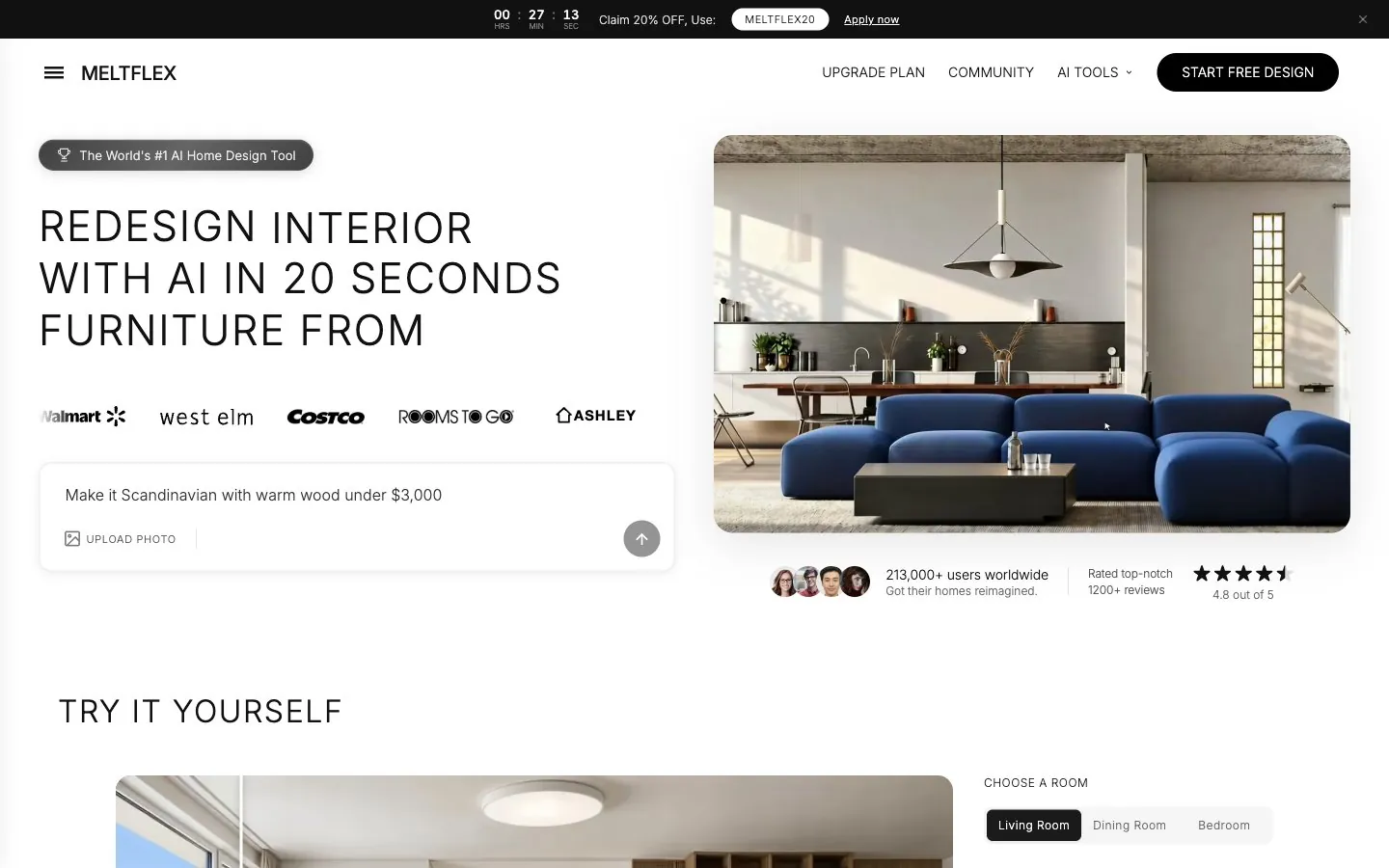
MeltFlex AI is an AI interior design platform that starts from a photo of the room you actually have. You upload it, pick one of 25+ styles or describe the change, and get a photorealistic redesign in about twenty seconds. Where it pulls ahead is what happens after the picture: you can place real products from nine retailers (IKEA, Wayfair, Amazon, Pottery Barn, Ashley Furniture, Walmart, West Elm, Costco and Rooms To Go) into the room, each with its price and a shop link, so the render turns into a shopping list instead of a dead end.
Key features
- Photo redesign that keeps the room. Walls, windows and doors are preserved unless you ask otherwise.
- Real furniture in your photo. Pick a product from the catalog, or hand it a product photo, and that piece goes into your room.
- One tool per job. Floor restyle, wall paint and textures, single furniture swaps, virtual staging, kitchens, bathrooms, closets, exteriors and gardens, plus floor plan to 3D and video walkthroughs.
- Private by default. Uploaded photos and designs are not shown to other users and are not used to train AI.
Our test: five renders, one real room
For four runs we used a real living room photo from Wikimedia Commons with the things AI usually struggles with: dark curtains against a bright balcony door, a lens flare, grey carpet and a wall-mounted TV with shelving. The fifth run staged an empty room. Each render cost 10 credits at the default quality and 1K resolution, and each came back in roughly 15 to 25 seconds.
MeltFlex AI test, 8 October 2026
The floor-only and sofa runs are the ones that matter most. A general chatbot asked to change the floor tends to redraw the whole room. Here only the floor changed. And when we gave it IKEA's own product photo, the sofa that appeared was recognisably that sofa, which is the whole promise of buying from a render. Its colour was off, though, so check a fabric swatch before ordering.
Pros
- Kept the room's structure in all five renders, the failure people complain about most.
- You choose the exact product and it goes into your own photo with its price and shop link, instead of a lookalike found after the render.
- More specialised tools than anything else here, so a floor question gets a floor tool, not a full redesign.
- The free render needs no card, and you can download it.
Cons
- The free tier is one render, watermarked. Spacely gives you far more for free.
- The free catalog is IKEA only. The other eight retailers need a paid plan.
- “Up to 100 renders” is the best case. At the default quality we used, Standard's 490 monthly credits buy 49 renders.
- Commercial use needs Pro (€24 a month billed yearly), not Standard, so agents should budget for Pro.
- Prices are in euros, which US buyers have to convert.
- The iOS app is new and rated 2.9 from 13 ratings on the App Store as of 8 October 2026. Use the web app for now.
Best for: homeowners and renters about to spend real money on a room who want to see the actual products in their actual space first, and small studios or agents who want restyles, staging and floor or wall changes in one account. MeltFlex keeps its own 14-tool comparison if you want more depth.
2. HomeDesigns AI: best for shoppable photo redesigns
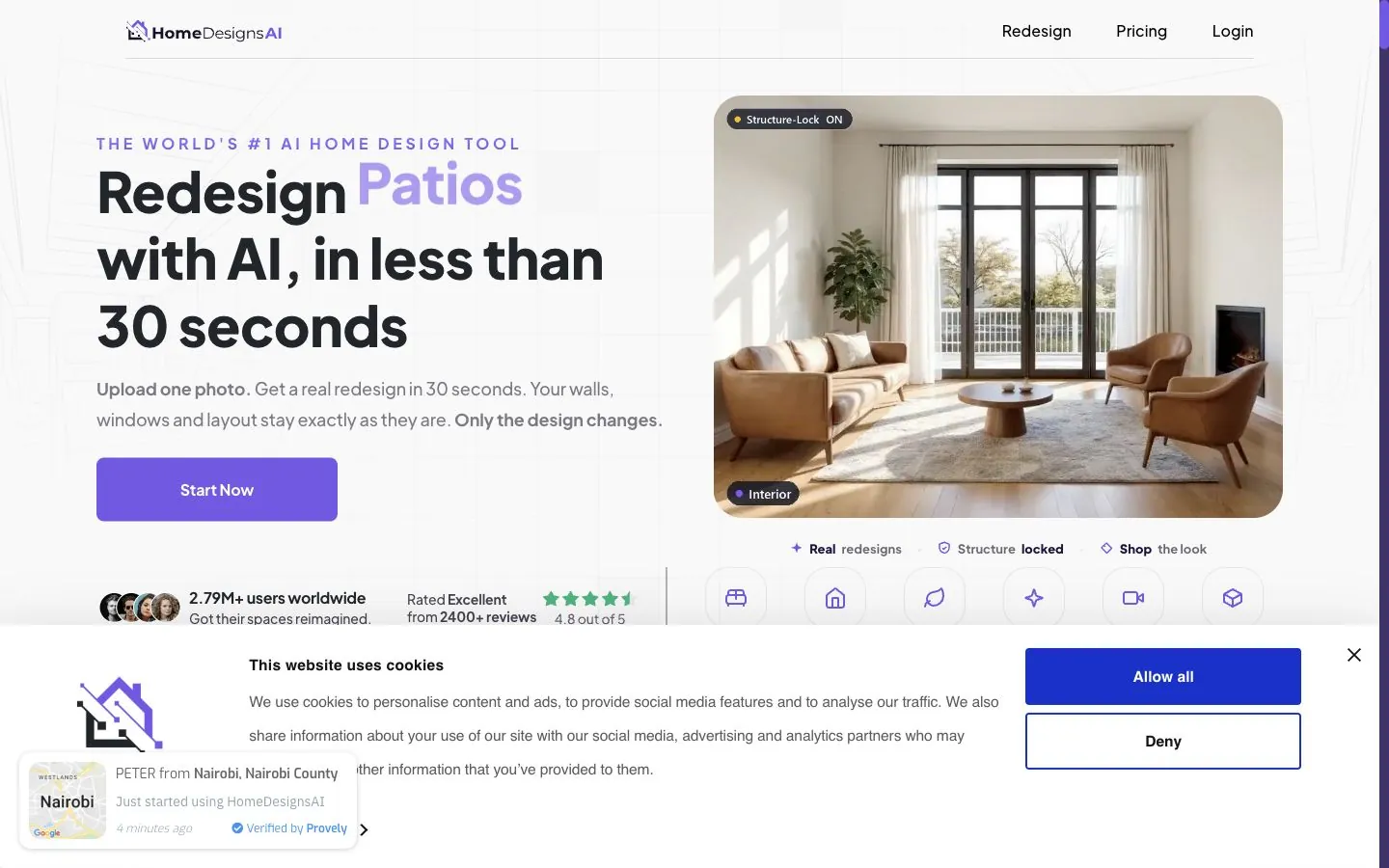
HomeDesigns AI is the closest pure photo tool to the MeltFlex idea. It redesigns interiors, exteriors and gardens, stages and declutters, and a Structure-Lock mode keeps your real walls and windows. An “AI Intervention” slider sets how much changes, and “find and shop the real furniture” is on every paid plan.
- Pro: shopping is on the cheapest plan, unlike REimagine Home, and annual billing makes it one of the cheapest per credit.
- Con: the free credits (3 every 24 hours) produce a design you are then asked to pay to reveal. That is not a free render in any useful sense.
- Con: no native app, and monthly billing (€24) costs three times the yearly rate (€8).
Best for: a restyled photo plus a shopping list, if you do not need separate floor, wall and staging tools.
3. Spacely AI: best free tier
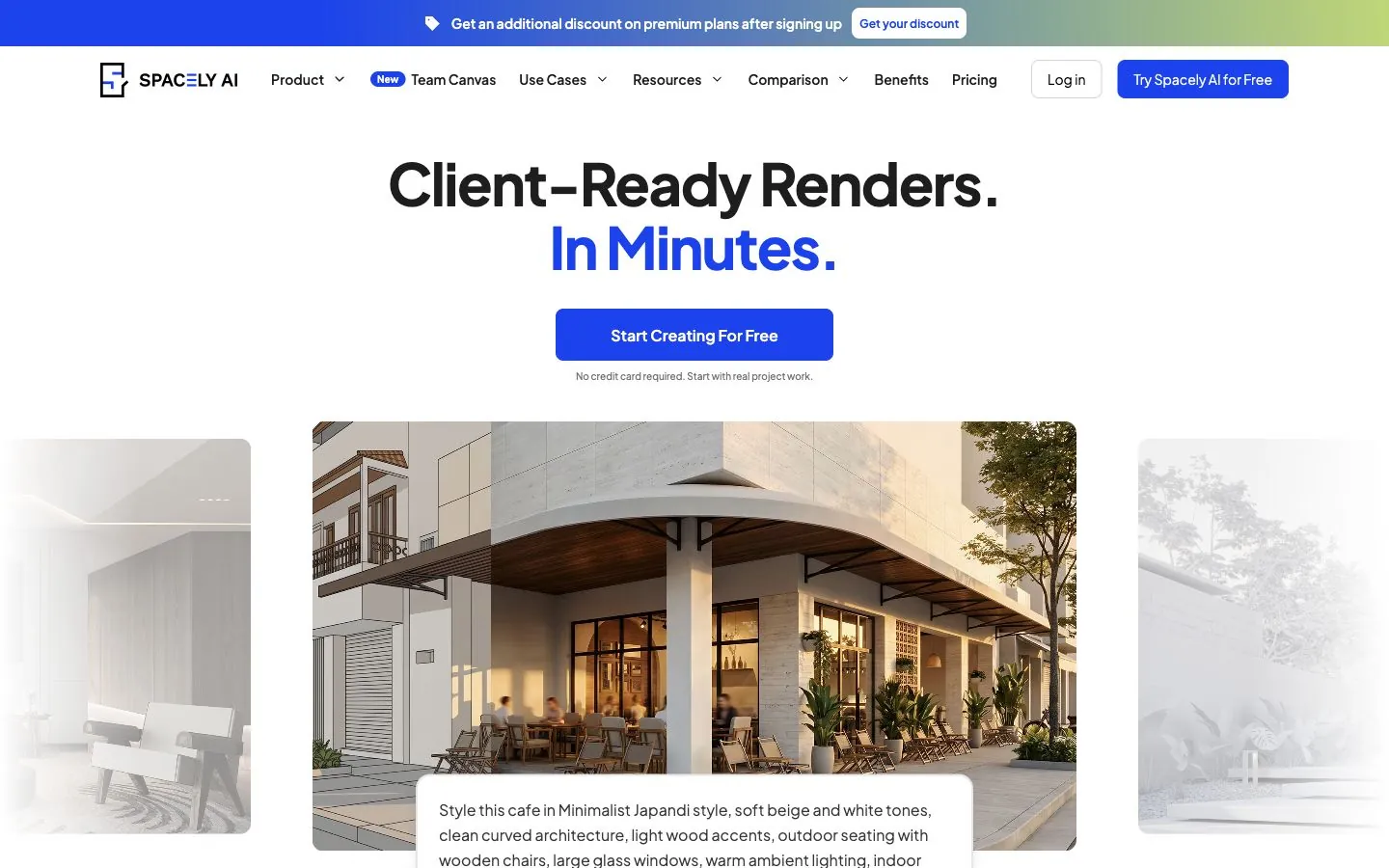
Spacely AI renders a sketch, a 3D model view or a room photo. Its free plan is the most generous here: 40 credits, no watermark, a commercial license and high resolution downloads, with no card. By the vendor's own ratio of 500 credits to about 250 renders, that is roughly 20 free renders.
- Pro: a SketchUp extension, plus Revit, AutoCAD and Rhino integrations on paid plans, which no consumer tool offers.
- Con: the cheapest plan waits in a “standard queue” of about five minutes. Realistic Render, Auto Furnish and 4K are Pro features.
- Con: no shopping, so the furniture is inspiration only.
Best for: designers who work in SketchUp or CAD, and anyone who wants the most free renders before paying.
4. REimagine Home: best for staging with product matching
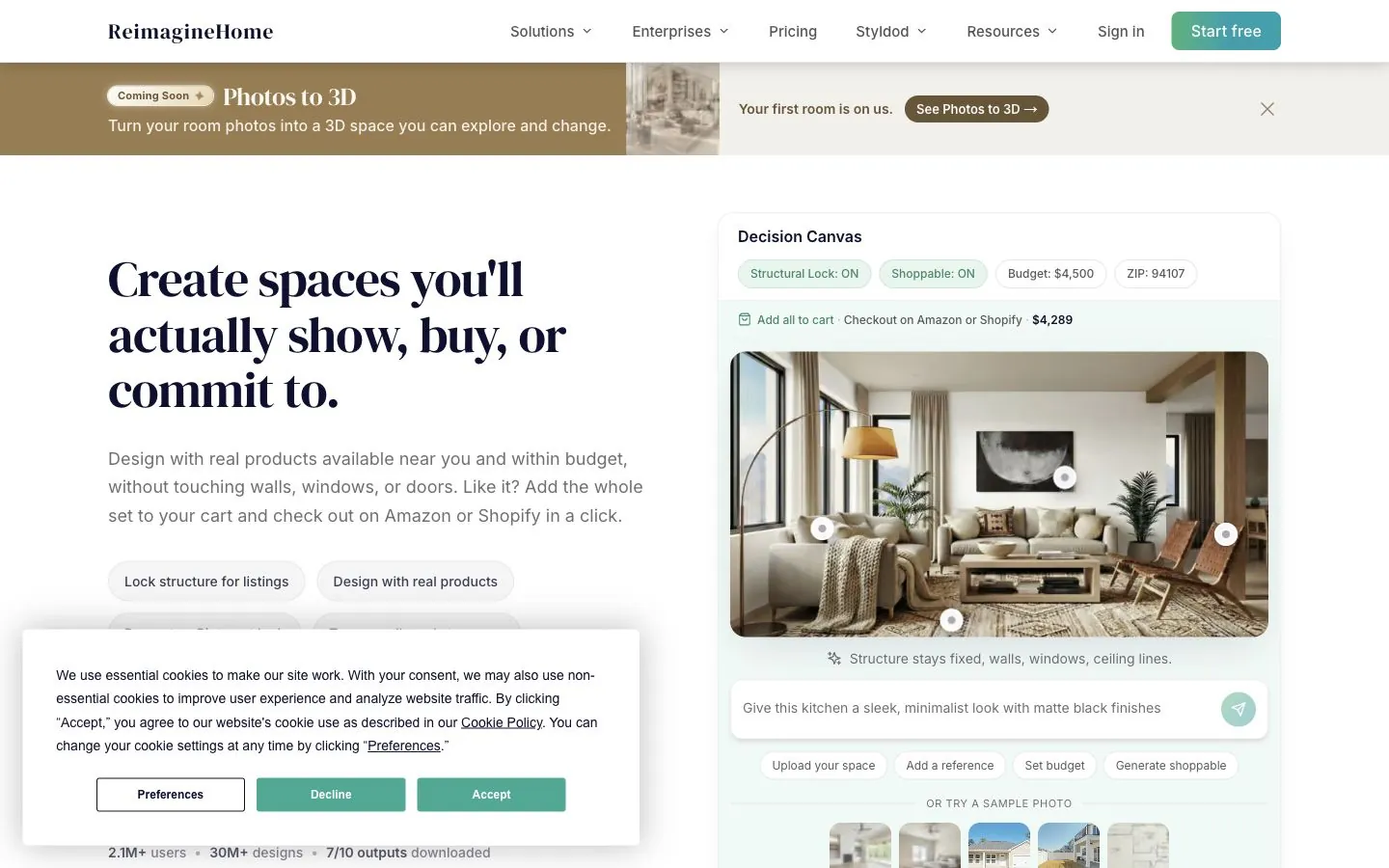
REimagine Home combines a structural lock with budget and ZIP code inputs, and “Real Products Discovery”, which matches a render to items you can check out on Amazon or Shopify. The first five designs are free with no card.
- Pro: five genuinely free designs at paid quality, and a handy “recreate a Pinterest look” mode.
- Con: real products start on Pro at $36 a month. The $19 Essential plan says “No Real Shoppable Products”.
- Con: a product-matched design costs two credits, the site discloses a commission on purchases, and $19 for 30 credits makes it the priciest per render here.
Best for: agents and homeowners staging a whole property who will pay for Pro.
5. HomeVisualizer AI: best for paint colours and remodel ideas
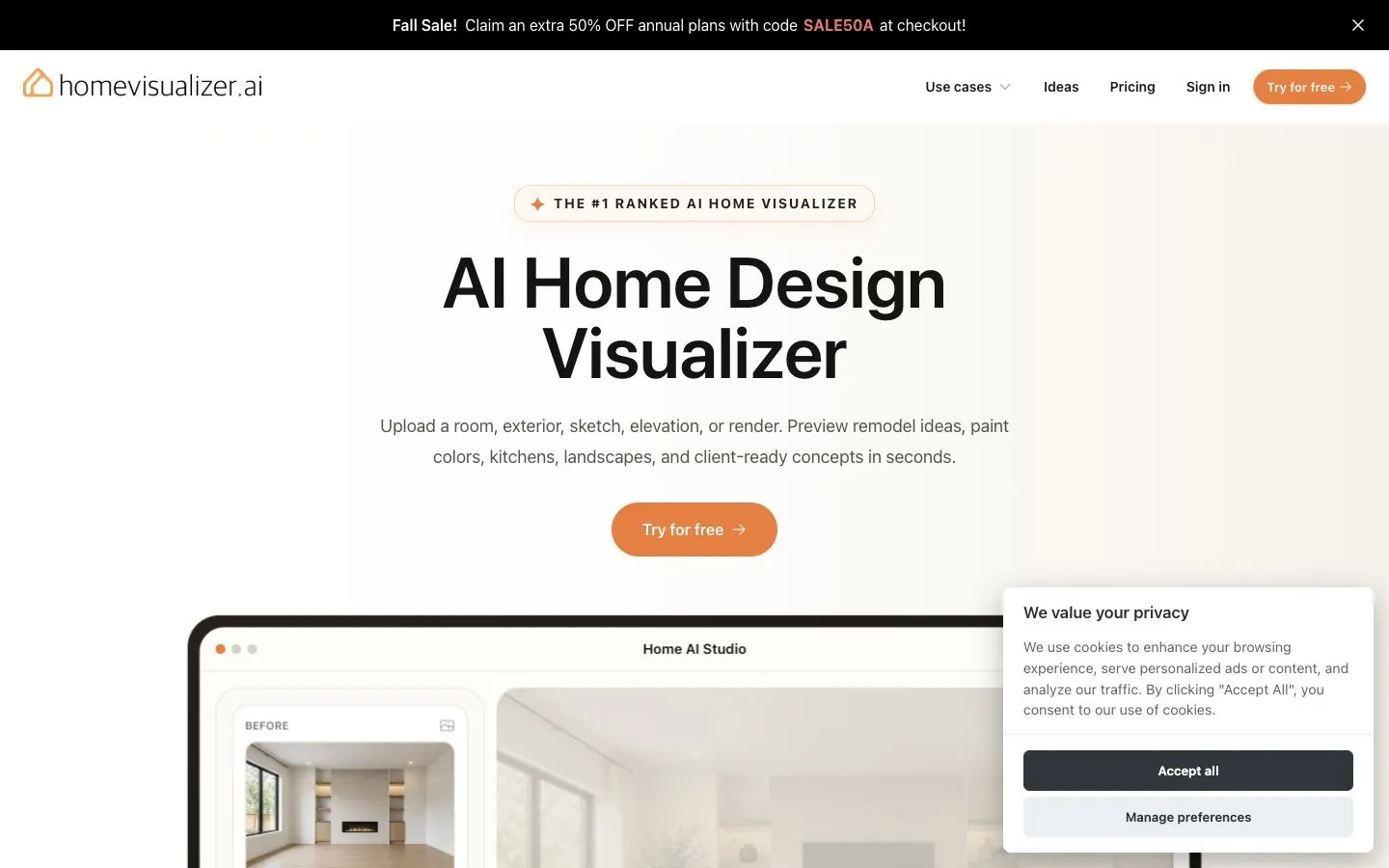
HomeVisualizer AI restyles photos, sketches and renders for interiors, exteriors, kitchens and landscapes. Its standout is a paint visualizer using real colours from Behr, Sherwin-Williams and Benjamin Moore, which is far more useful than “sage green” in a prompt.
- Pro: targeted edits (“keep everything else the same”) and Style Fusion from an inspiration photo.
- Con: Starter is personal use only, and unused renders expire every billing cycle.
- Con: it shows “real product picks” but no buy links, and runs in the browser only.
Best for: planning a repaint or a kitchen refresh with brand-accurate paint colours.
6. Google Gemini (Nano Banana): best free quick restyle

Gemini's image model, Nano Banana 2, is free with limits: upload a room photo and describe the change. Google AI Pro ($19.99 a month) unlocks Nano Banana 2.1 and higher limits.
- Pro: free, in the Gemini app on iOS and Android, and good at “put this lamp in this room” requests.
- Con: no structure lock, so it can move things you wanted kept. One Reddit user said Gemini put the wardrobe “always at the wrong” spot.
- Con: Google says images carry an invisible SynthID watermark as well as a visible one, and nothing links to a shop.
Best for: a free first look at a direction.
7. ChatGPT: best for talking a design through

ChatGPT can restyle an uploaded room photo, and it beats every image tool at the conversation around it: which colours go with this sofa, what style this room already is, how high the art should hang. The free plan has limited image creation, and Plus is $20 a month with no annual plan.
- Pro: the best sounding board on this list, and you probably have it already.
- Con: OpenAI does not publish the free image allowance, and like Gemini it has no structure lock and no shopping.
8. Interior AI: best for high volume
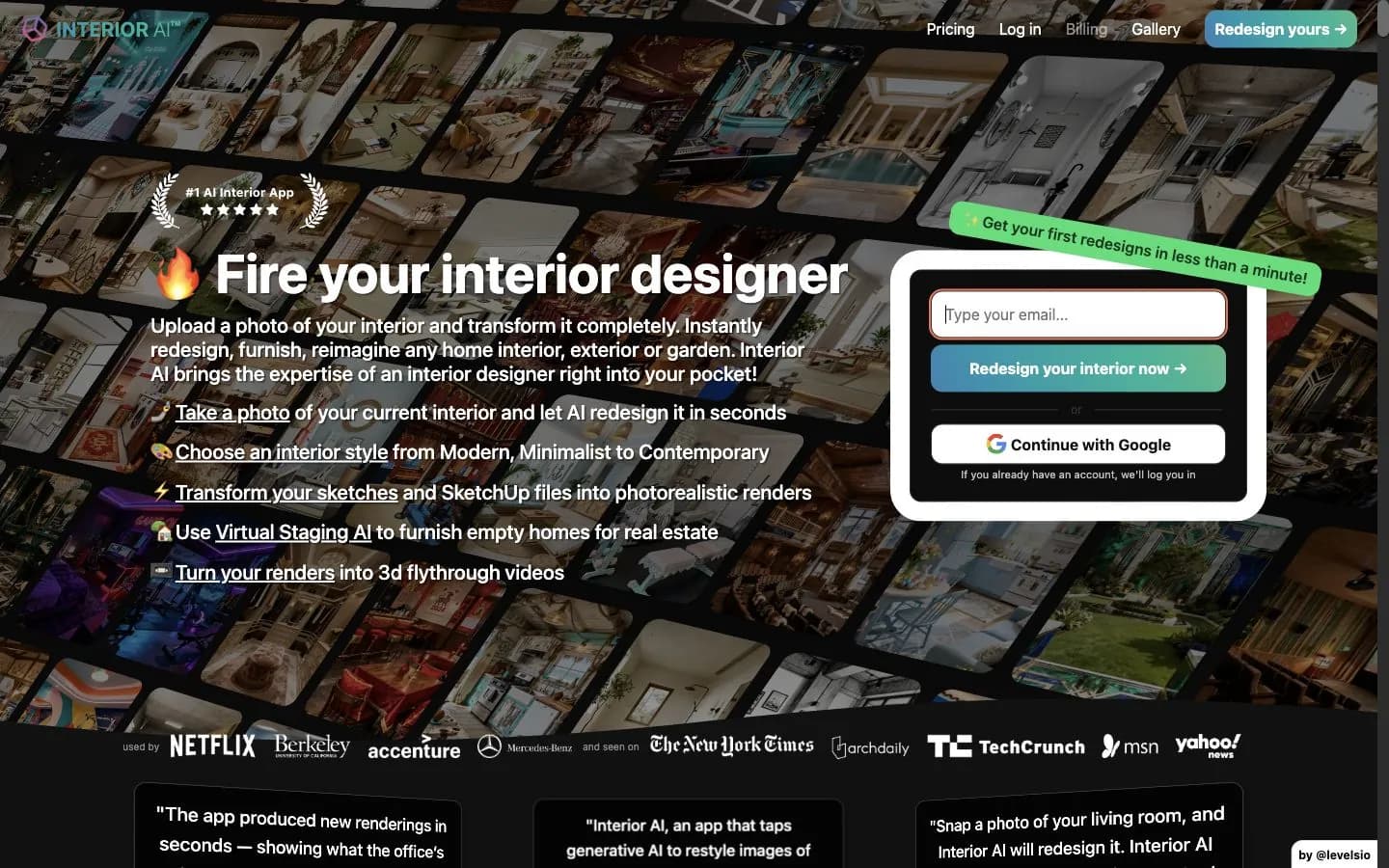
Interior AI restyles photos and does virtual staging, Sketch2Image, SketchUp screenshot renders and 3D walkthrough videos. Its Pro plan includes 1,000 designs a month, the cheapest per render here at three to five cents.
- Pro: unusually candid, it says about 90% of renders will be “good enough” and 10% “very good”.
- Con: no free tier at all, and the site says it cannot offer refunds.
- Con: it mentions furniture you could buy at IKEA but gives no product links.
Best for: agents and stagers producing hundreds of renders who already know it suits them.
9. Collov AI: best for real estate listing photos

Collov AI is built around listings: virtual staging, decluttering, twilight skies, lawn and pool fixes, and multi-angle staging with human help. It adds a one-click virtual staging disclaimer, which matters because many markets require staged photos to be labelled.
- Pro: unlimited regeneration and API access for teams.
- Con: five free trials, all watermarked, and 60 credits a month that reset.
Best for: real estate agents. Staging has the clearest return of any use here: in the National Association of Realtors' 2025 Profile of Home Staging, 83% of buyers' agents said staging makes it easier for buyers to picture the home as theirs, and the median cost of a staging service was $1,500.
10. Homestyler: best free 3D room builder
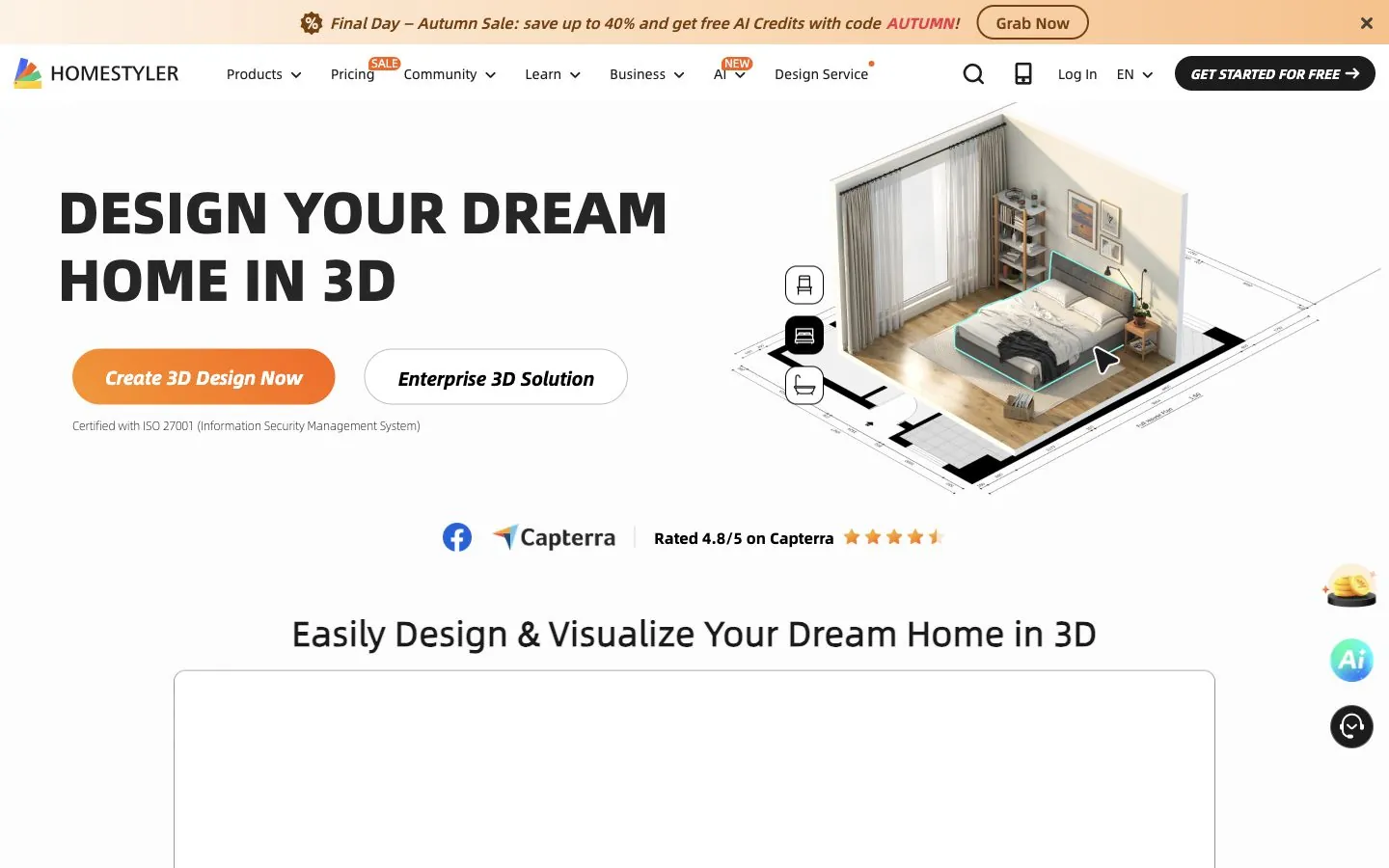
Homestyler is a different kind of tool. You build the room in 3D from a floor plan, furnish it from a library of branded models and render it, with an AI Studio on the side for uploaded photos.
- Pro: unlimited free 1K renders, real iOS and Android apps, and BOM and construction drawing export.
- Con: a real learning curve, only 3 free AI credits, and 4K renders at $1.99 each.
Best for: DIYers who want to plan a layout to scale and have an evening to learn it.
11. RoomGPT: best for one-click inspiration

RoomGPT is the simplest tool here: upload a photo, pick a room type and a style. It says over 4 million people have used it.
- Pro: nothing to learn.
- Con: one free render after a Google sign-in, prices hidden until you log in, and no prompt control, structure lock or shopping.
Best for: a ten-second “what if”, not a decision you will spend money on.
How to choose in 30 seconds
- You will buy furniture for this room: MeltFlex AI.
- You want the most free renders: Spacely AI.
- You want a free first look: Gemini or ChatGPT.
- You only want to change the floor, the walls or one sofa: MeltFlex AI's single-element tools, so the rest of the room stays put.
- You stage listings: Collov AI, or MeltFlex Pro if the furniture should be real.
- You need hundreds of renders a month: Interior AI.
- You want to plan to scale in 3D: Homestyler.
How to use AI for interior design
- Shoot the room straight on, in daylight. Stand in a corner at chest height, include the floor and the ceiling line, and turn the lights on. Every tool keeps more of what it can see clearly.
- Say what must not change. “Keep the window, the radiator and the TV wall” does more than any style word.
- Change one thing per render. Floor, then walls, then the sofa. A full restyle in one go hides which change you actually liked.
- Swap in real products before you decide. Use a tool that places the exact item, then check its price and size on the shop page.
- Measure, then buy. Check every piece against a tape measure and a fabric or paint sample, because no render knows your room's real dimensions or light.
What every AI interior design tool still gets wrong
Even the best render is a picture, not a plan. Three limits apply to every tool above, including our number one.
Scale is a guess. One photo carries no absolute measurements, so a render shows a rug's colour well and its size badly, and will happily seat six at a table that fits four. Measure before you buy. If a piece has to be made to fit, a render is not enough; you need a dimensioned shop drawing a maker can build from.
Light is invented. AI brightens dark rooms. Our test room came back sunnier in both full restyles, which is not a promise about your north-facing living room.
Awkward rooms get “fixed”. Sloped ceilings get straightened and narrow hallways get widened. If your room is unusual, trust the render least exactly where the room is unusual.
This matters because people act on these pictures. In an Adobe survey of 1,026 US homeowners and renters, 51% said they test furniture placement with AI before buying, and 62% of AI users had decided against a purchase after seeing a visualization. Adobe sells design software, so read that as a vendor survey, but the direction is clear: the render is now part of the buying decision, so it should show things you can actually buy. For the floor plan side of the same question, see our floor plan to render tools comparison.
Frequently asked questions
What is the best AI for interior design in 2026?
MeltFlex AI is the best overall for redesigning a real room. It keeps your walls, windows and doors, lets you place the exact product from nine retailers including IKEA, Wayfair and Amazon into your photo with its price and shop link, and has separate tools for floors, walls, staging and single furniture swaps. Spacely AI has the best free tier, Collov AI is best for real estate listings, and Interior AI is the cheapest per render at high volume.
Is there a free AI interior design tool?
Yes, but almost every free tier is a trial. Spacely AI gives 40 free credits with no watermark, REimagine Home gives five free designs, and MeltFlex AI gives one free render with no credit card. Gemini and ChatGPT can restyle a room photo for free within usage limits. Homestyler offers unlimited free 1K renders, but you build the room in 3D yourself.
How do I use AI for interior design?
Take a straight-on daylight photo of the room, upload it to an AI interior design tool, and say what must not change, such as the window or the TV wall. Change one thing per render, swap in real products you could buy, then measure every piece and check a fabric or paint sample before ordering. MeltFlex AI covers each step from the photo to a shopping list.
Is ChatGPT or Gemini better for interior design?
For a quick free restyle, either works. Gemini's free plan explicitly includes its Nano Banana image editing model, while OpenAI does not publish ChatGPT's free image limit. ChatGPT is the better conversation partner for colours and styles. Neither keeps your room's structure on purpose or links to real products, so move to a dedicated tool once you are ready to buy.
What is the best AI interior design app for iPhone and Android?
MeltFlex AI, ChatGPT, Gemini and Homestyler all have native iOS and Android apps. The other tools on this list run in a mobile browser only. MeltFlex's iOS app is new and had a 2.9 rating from 13 App Store ratings on 8 October 2026, so its web app is the better experience for now.
Can AI interior design show furniture I can actually buy?
Only a few tools do. MeltFlex AI places specific products from IKEA, Wayfair, Amazon and six other retailers into your photo with prices and shop links. HomeDesigns AI has a Furniture Finder, and REimagine Home matches products on its Pro plan and above. Most other tools invent furniture that does not exist.
Can AI replace an interior designer?
No. AI is fast at showing options, but it guesses scale, invents light and does not know your budget or how you live. Use it to reach the first meeting with a clear direction, or to make smaller decisions yourself. If a piece has to be built to measure, you still need a dimensioned drawing.
Sources
- MeltFlex AI: AI interior design with real furniture
- MeltFlex AI: pricing and plans
- HomeDesigns AI: homepage and pricing
- Spacely AI: pricing
- REimagine Home: pricing
- HomeVisualizer AI: pricing
- Google: Nano Banana image generation in Gemini
- Google: Gemini subscriptions
- OpenAI: ChatGPT pricing
- Interior AI: homepage, plans and FAQ
- Collov AI: pricing
- Homestyler: pricing
- RoomGPT: homepage
- National Association of Realtors: 2025 Profile of Home Staging (PDF)
- Adobe: AI interior design survey of 1,026 US homeowners and renters
- Reddit r/interiordecorating: what users dislike about AI room design apps