
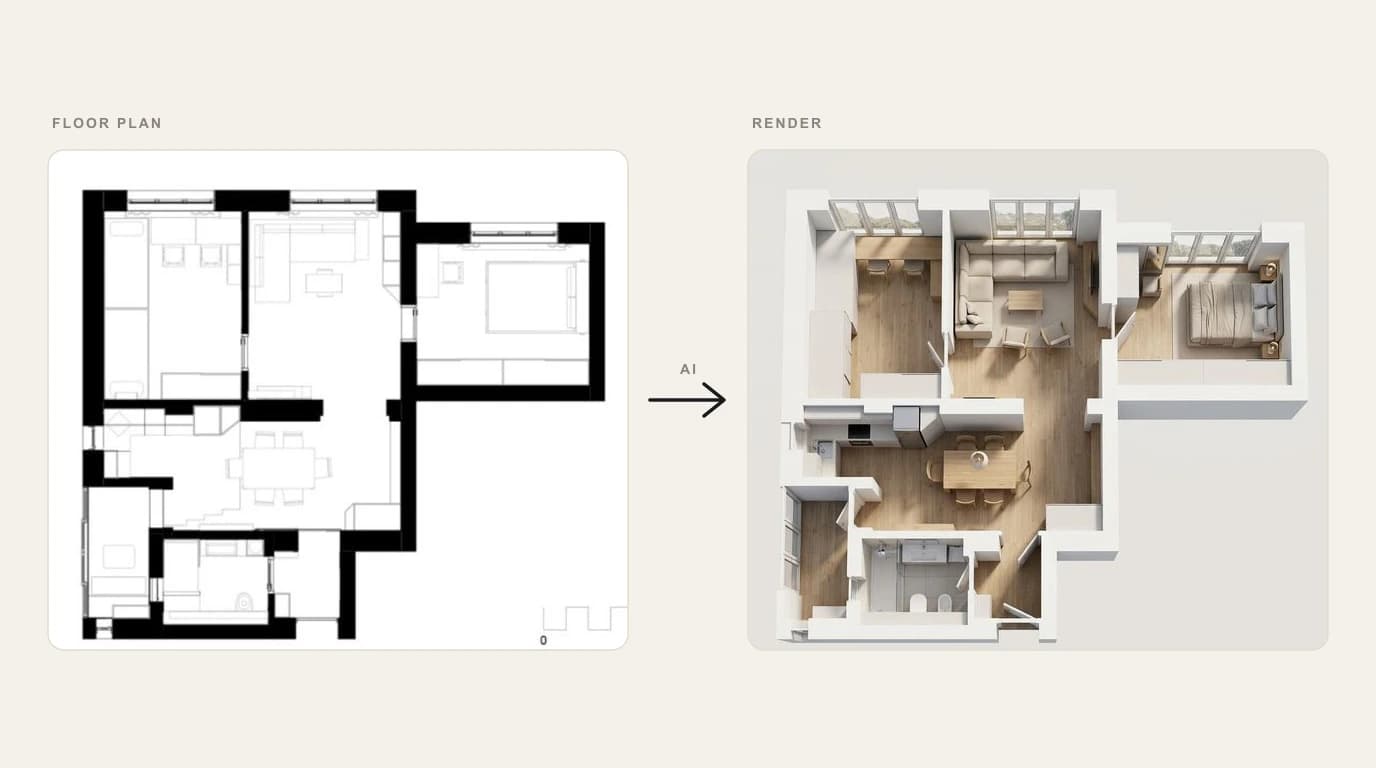
You have a floor plan, a quick sketch, or just a phone photo of a room, and you want to see it as a finished, furnished space before you spend a cent on paint or furniture. That is one job. The dozen tools that claim to do it are not the same product, and picking by logo or by who ranks first will land you on the wrong one. So we sorted them by the thing that actually decides the answer: what you start with.
Our articles are still written by humans!
Get human written articles in your Google feed.
One search, three starting points
Search "AI floor plan to render" or "AI interior design" and the results blur together. The useful split is not by brand, it is by where you begin, because that decides which tool can even take your file.
1. From a photo of a real room
You already have the space and want to see it restyled. The AI reads the room from one image, keeps the windows, walls and rough proportions, and repaints it in a new style. This is the fastest route and needs zero drawing skill. MeltFlex, HomeVisualizer, RoomsGPT, REimagine Home and Collov live here.
2. From a floor plan
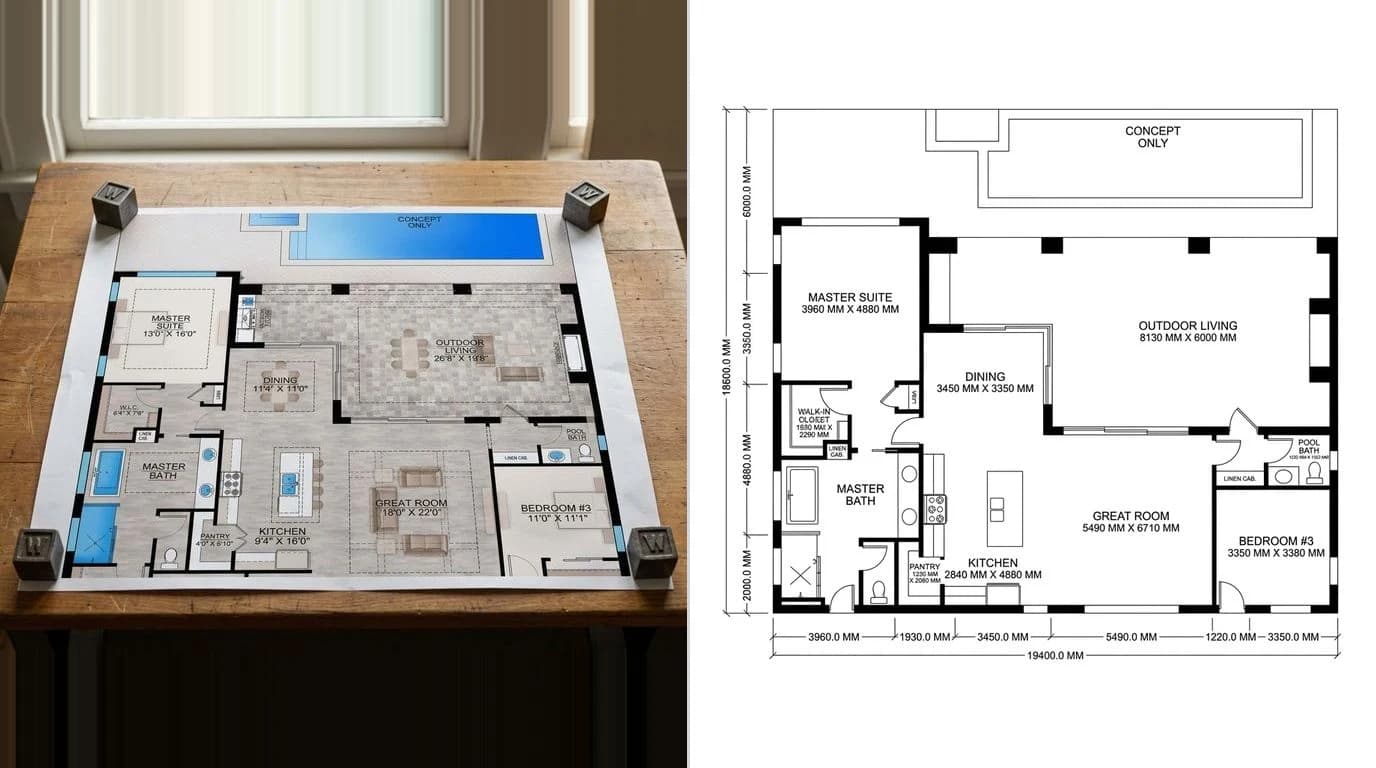
You have a layout, drawn or imported, and want a furnished 3D view of it. These tools build walls and openings from the plan, then render rooms with chosen finishes. They keep your real layout, which photo tools cannot. Maket, Coohom, Planner 5D and Foyr Neo are the plan-native picks.
3. From a sketch or a white 3D model
Architects and designers often start from a loose perspective sketch or a bare massing model and want it turned photoreal. Spacely, ArchVinci and Collov are built for this, and Spacely even renders straight from inside SketchUp.
How we picked
We work with floor plans and shop drawings every day at TechDraw AI, so the test was practical, not academic. For each tool we asked four things:
- What input does it actually accept? A photo, a plan, a sketch, a CAD file, or text only.
- How fast is the first usable result? Seconds, or a modeling session.
- Is there a real free tier, or just a teaser before a paywall.
- Who is it genuinely for: a homeowner, a flipper, an interior designer, or an architecture studio.
We leaned on our own hands-on use plus the most thorough independent round-up we could find, Apartment Therapy's long-running test of AI interior tools, linked in the sources. Where a price was unclear we wrote "paid" rather than guess a number.
The comparison table
The whole field on one screen. The column most marketing pages bury is the one that matters most for this article: floor-plan native? Can it actually build from a layout, or does it only restyle a photo.
AI floor-plan, sketch and photo to render tools (2026)
Read it as a map, not a league table. Planner 5D is not "worse than" MeltFlex; they start from different files. The only ranking that matters is which row matches the thing you already have.
The 11 tools, ranked
Ranked for the most common reader: someone who wants a great-looking room fast, with the least friction. If your starting point is a CAD plan rather than a photo, jump to the which-tool-for-your-input section, where the order changes.
1. MeltFlex AI — best for fast, shoppable restyles
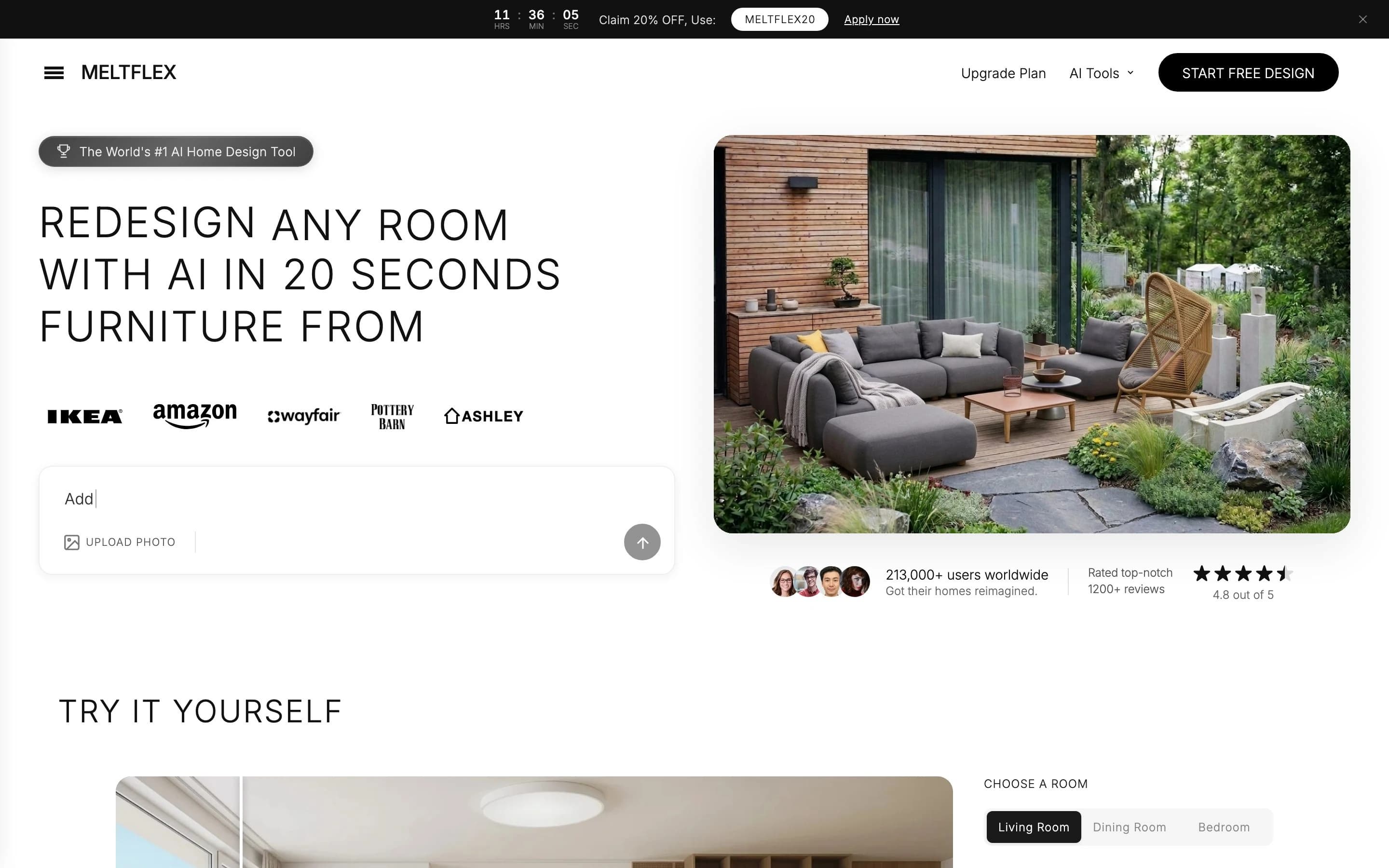
MeltFlex is the one we hand to anyone who just wants a result. You upload a photo of a real room, pick a room type and a style or type a plain instruction like "add a king bed with nightstands," and it returns a photoreal redesign in around twenty seconds. What sets it apart from the rest of the photo lane is the last step: the furniture in the render is shoppable, matched to real products from IKEA, Amazon, Wayfair, Pottery Barn and Ashley, so the picture turns into a cart, not just a daydream. It is free to start, and the company cites 156,000+ users and a 4.8 out of 5 rating across 1,200+ reviews.
Best for: homeowners, renters and flippers who have a photo and want a finished look plus a shopping list, fast. Watch out: it is photo-based, so it restyles a space you already have rather than building a brand-new layout from a CAD plan, and unlimited use sits behind a subscription after the free renders.
2. Maket — best when you start from a floor plan
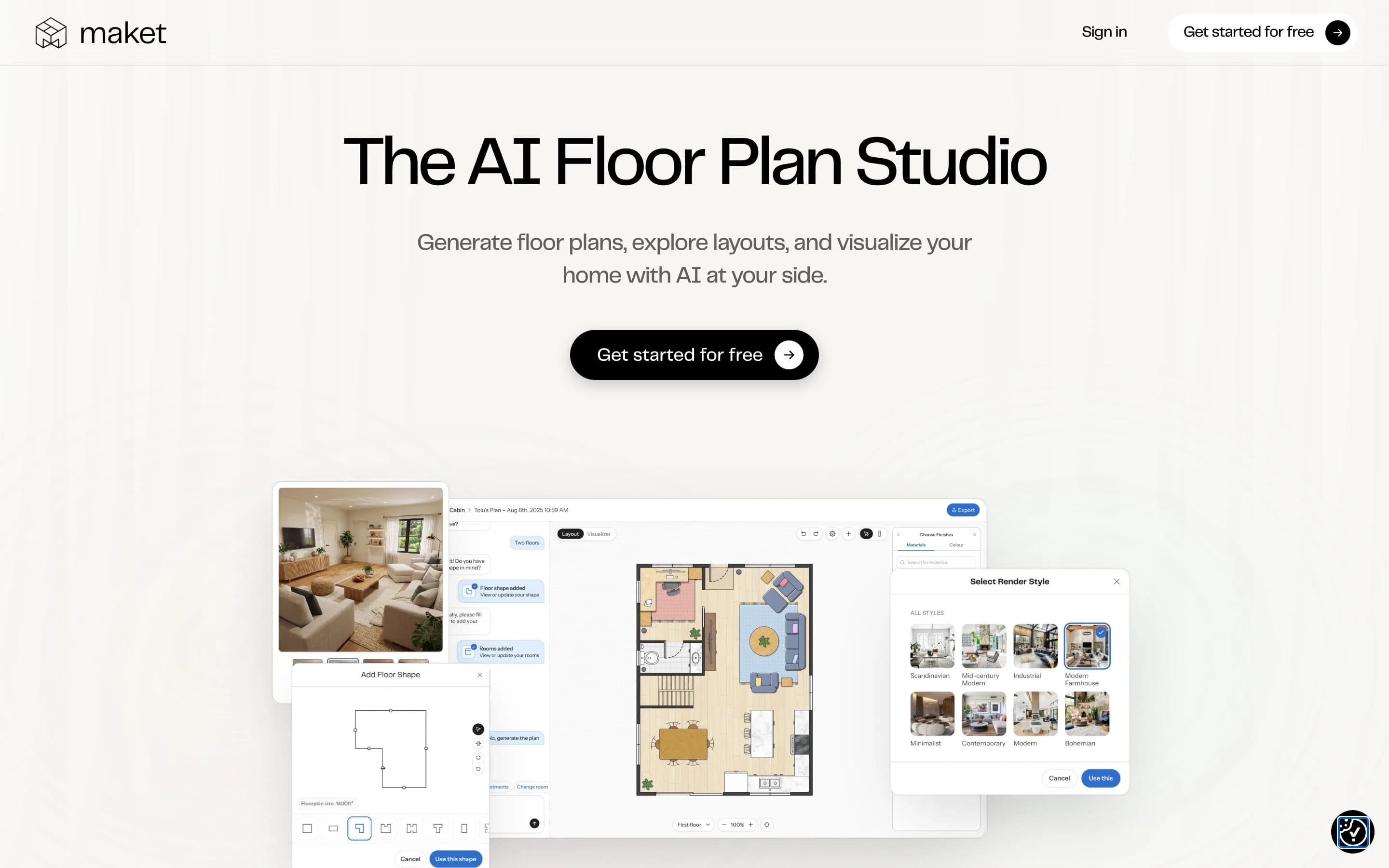
If the job genuinely begins with a plan, Maket is the cleanest fit. It bills itself as an AI Floor Plan Studio: generate layouts from a prompt or draw your own, then move to a visualizer and pick a render style. Because it keeps the layout you defined, the render reflects your rooms, not a generic stock scene. Best for: early-stage planning, additions and layout exploration before any furniture decision. Watch out: it is built around residential layouts, so it is less suited to restyling a single existing room from a photo.
3. Spacely AI — best for designers and SketchUp users
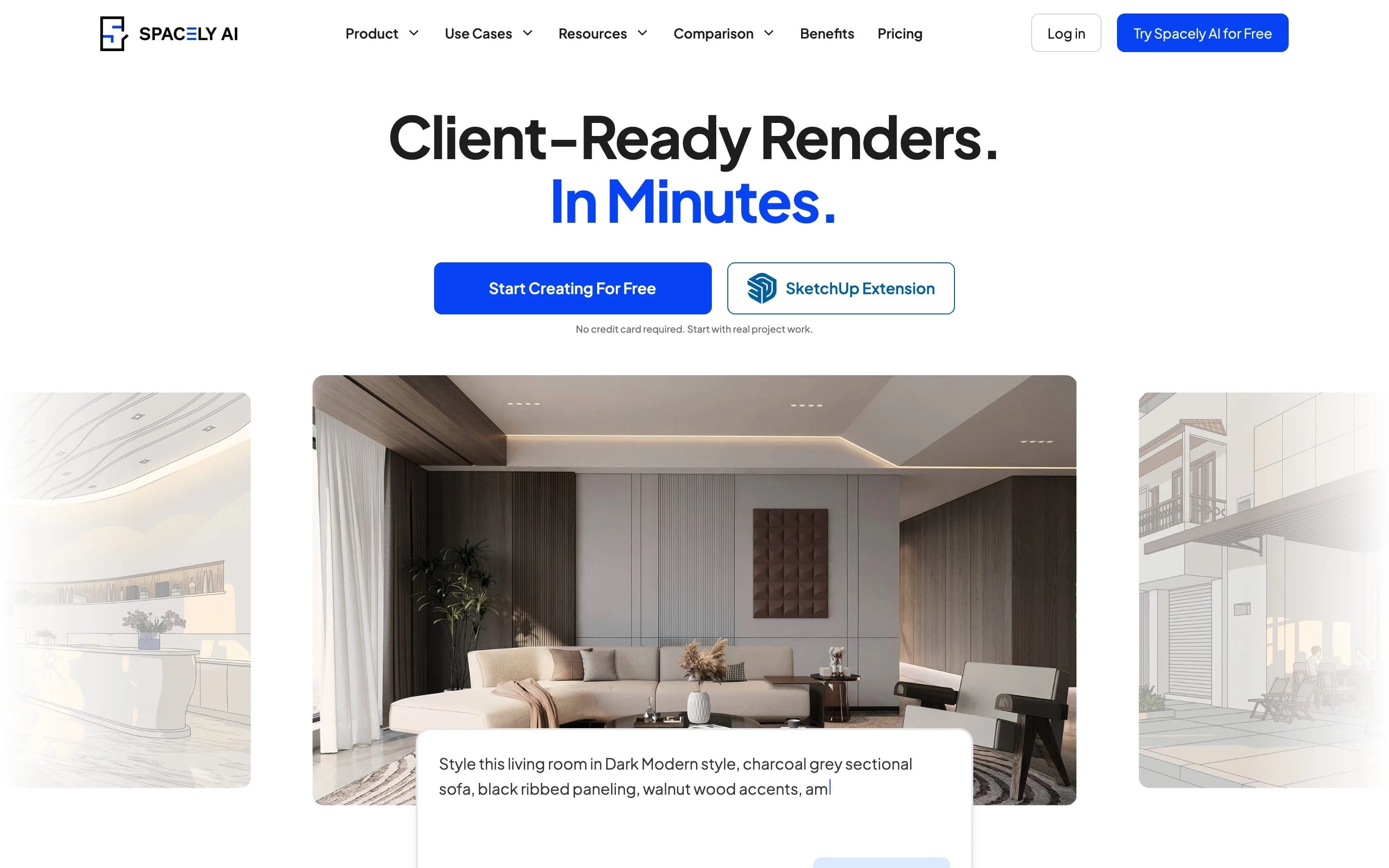
Spacely targets people who already design for a living. It takes a photo, a sketch or a bare 3D model and returns client-ready renders, and its SketchUp extension means you can render from inside the model without exporting. It carries a deep library of styles and lets you nudge results after the fact. Best for: interior designers and architects who want speed without leaving their existing workflow. Watch out: the most useful features are on paid plans, and the learning curve is steeper than the one-click photo tools.
4. Coohom — best free-leaning plan-to-3D suite
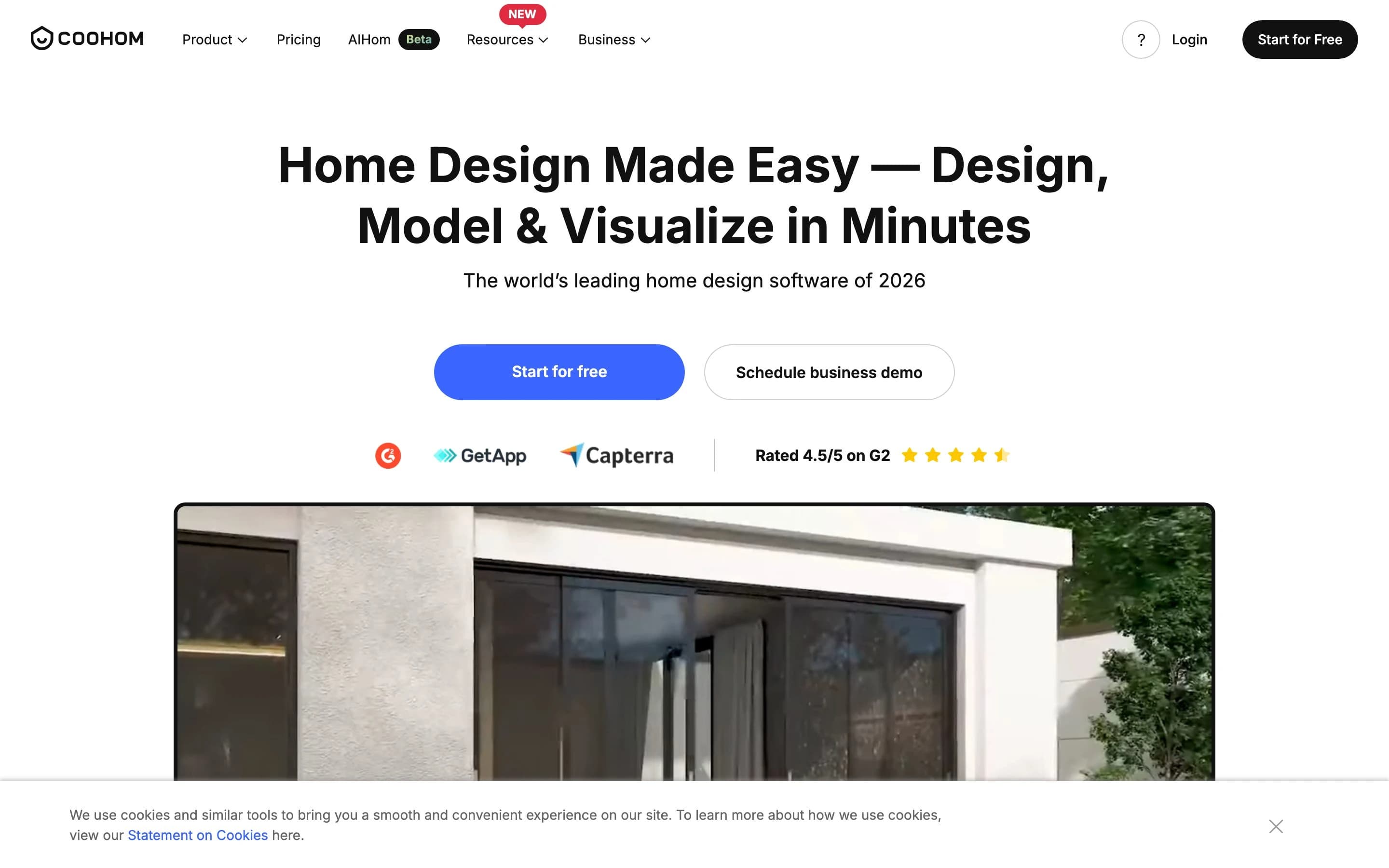
Coohom is a full design platform rather than a single trick. You draw or import a floor plan, drop in furniture from a large catalog, and render photoreal 3D views and walkthroughs. It is popular with kitchen, furniture and to-the-trade sellers because the output looks like a product shoot. Best for: anyone who wants the whole pipeline, plan to furnished render, in one tool. Watch out: it is a real application with a real learning curve, and the most generous limits are on paid tiers.
5. Planner 5D — best for DIY homeowners
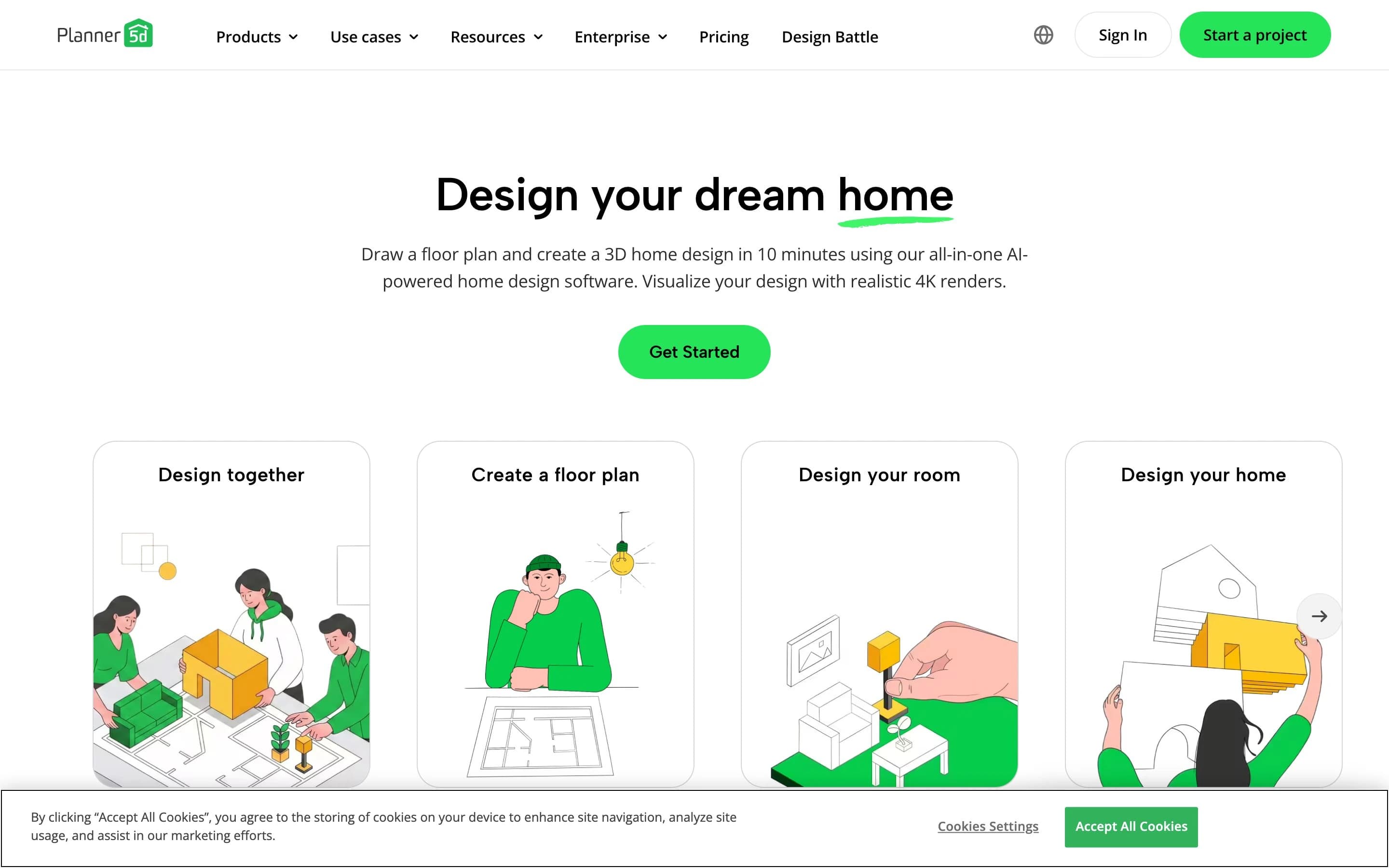
Planner 5D is the gentlest on-ramp for someone who has never touched design software. Lay out rooms in 2D, flip to 3D, drop in furniture, and let the AI help with styling. It runs in the browser and on mobile. Best for: homeowners planning a renovation or a move who want to test layouts themselves. Watch out: renders are good, not magazine-grade, and some assets and higher-res exports are paid.
6. HomeVisualizer AI — best photo-redesign alternative
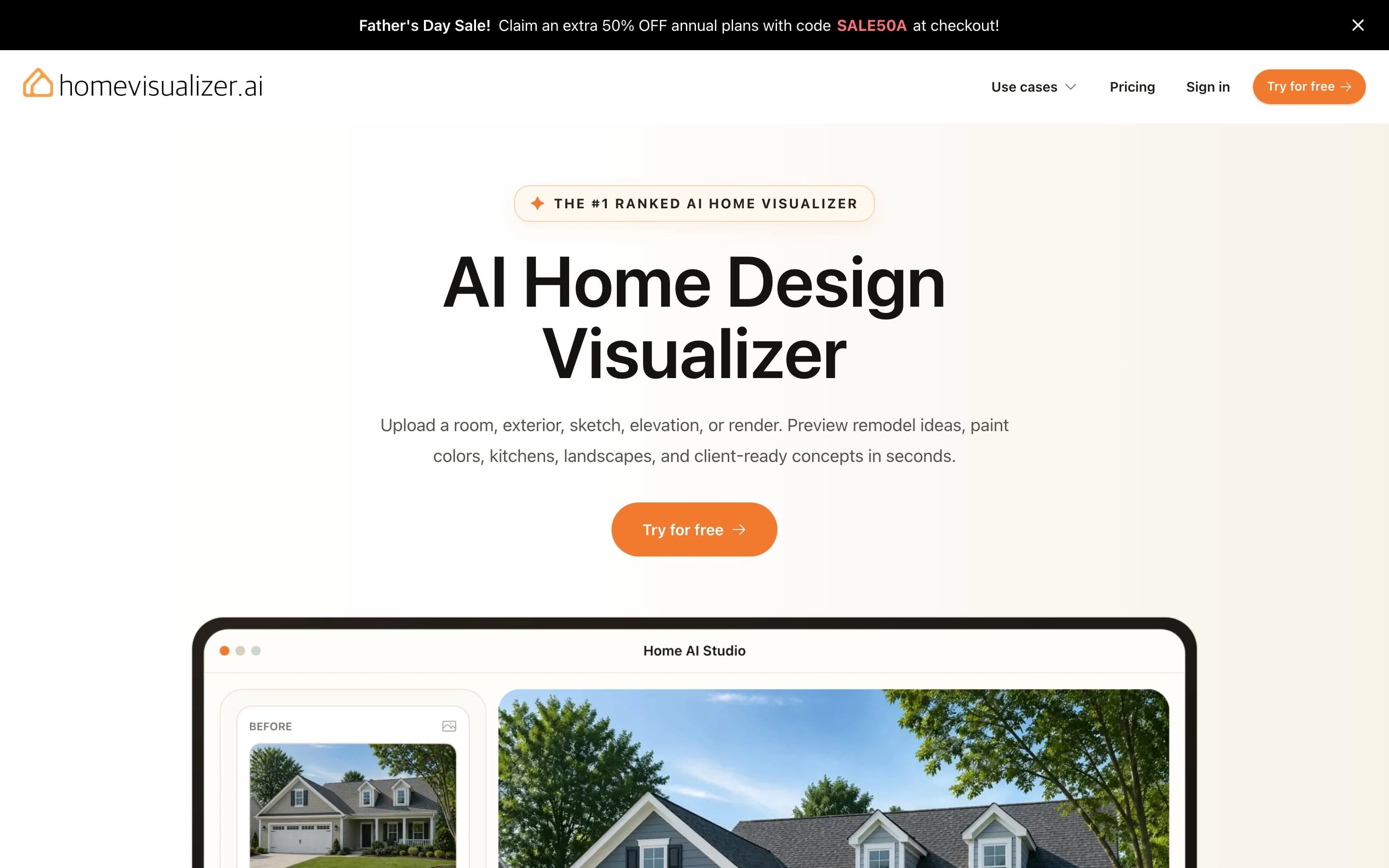
HomeVisualizer sits right next to MeltFlex in the photo lane and is a strong pick in its own right. It mixes preset styles with free-text requests, has a creativity slider so you can keep it close to the original or let it loose, and its style-fusion feature lets you blend a Pinterest image into your space. Best for: enthusiasts who want more control knobs than a one-click tool. Watch out: the best output is behind a subscription after the free renders, and it is photo-based, not plan-native.
7. REimagine Home — best for virtual staging
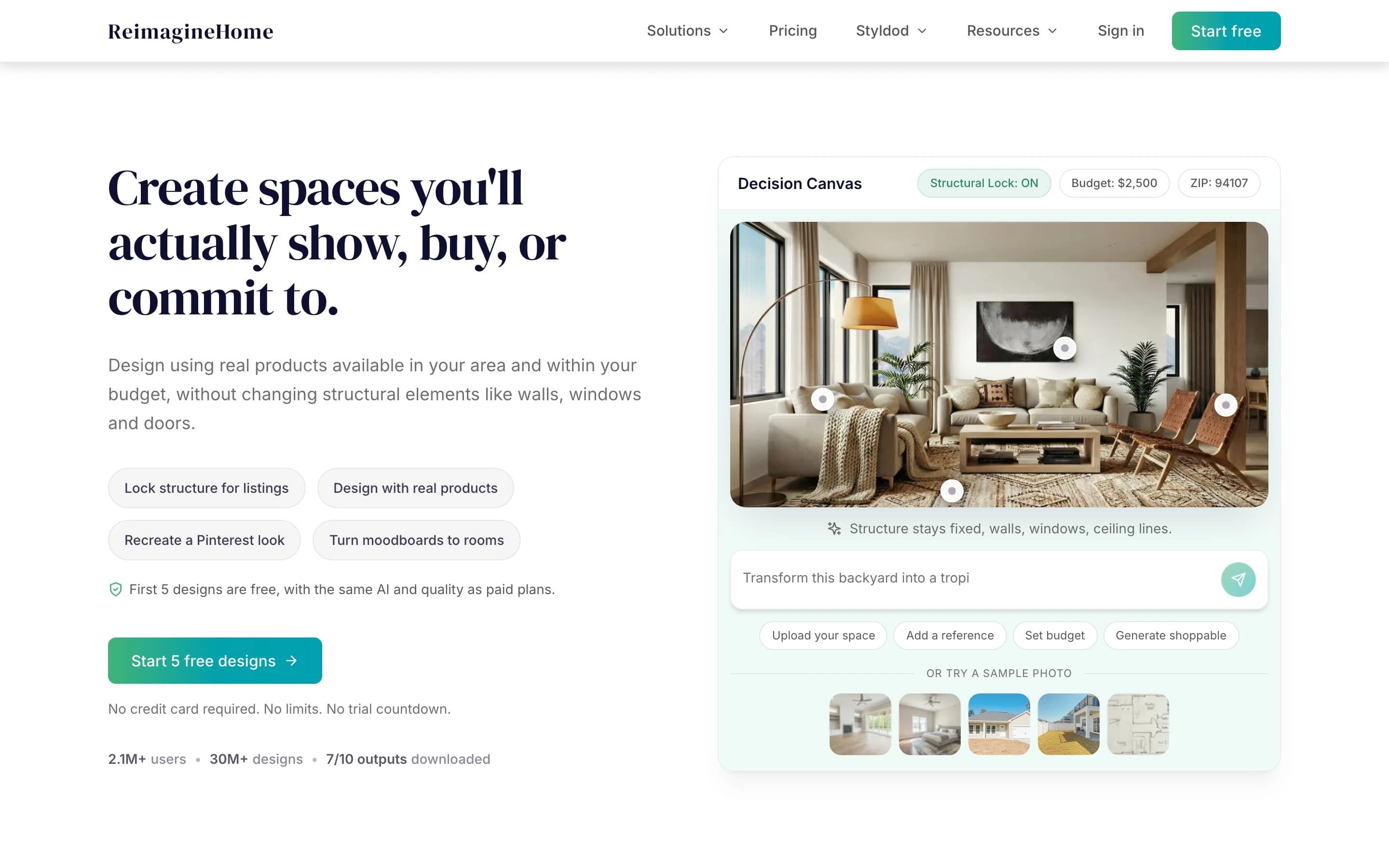
REimagine Home is aimed squarely at real estate and staging. Upload a listing photo and it can furnish an empty room, restyle a furnished one, or redo the yard. It works on a monthly membership rather than one-off credits. Best for: agents, stagers and short-term-rental hosts who need fast, presentable photos. Watch out: it is a staging and styling tool, not a layout designer, and quality varies with the source photo.
8. RoomsGPT — best free one-click restyle

RoomsGPT is the no-friction entry point. Upload a photo, choose a room type and one of about 25 styles or a named designer, and it returns redesigns you can regenerate. It is open and free to play with. Best for: a quick first look or pure inspiration with zero setup. Watch out: there is little text control, and results can be hit or miss, with the occasional blurred or warped detail.
9. Collov AI — best for pro 3D renderings

Collov assumes you already know what you want. It focuses on 3D room renderings, lets you draw directly on an image to add or change pieces, and has a notable cabinetry extension that pairs well with kitchen and millwork sellers. Best for: designers and to-the-trade vendors who want precise control. Watch out: credit-based pricing after a trial, and it is more than a casual user needs.
10. Foyr Neo — best full studio suite
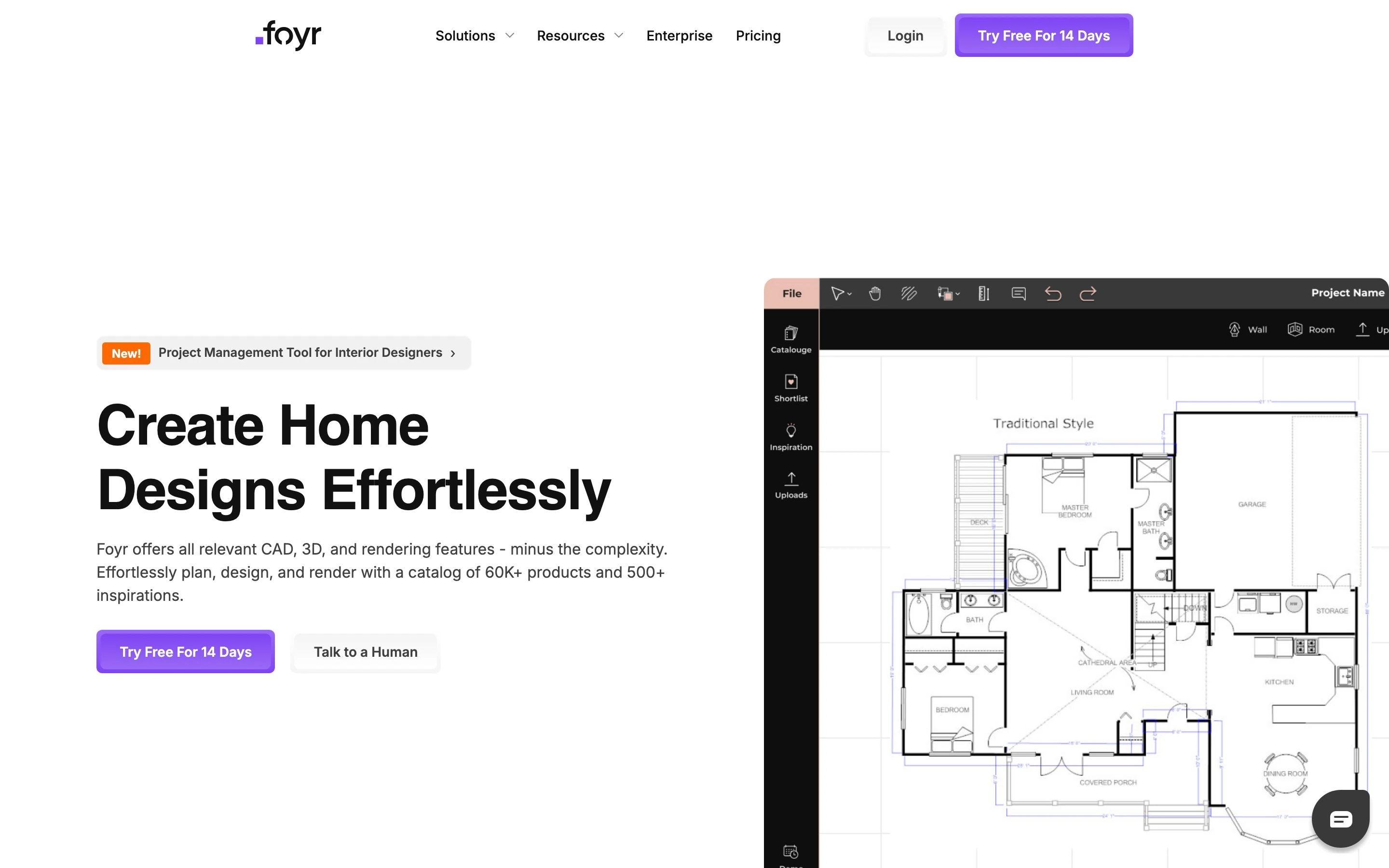
Foyr Neo is the heavyweight here, an all-in-one application that blends the ideas behind tools like AutoCAD and SketchUp with AI and a library of tens of thousands of 3D models. You can go from plan to furnished, high-resolution render inside one tool. Best for: design studios and serious pros who want a single end-to-end workspace. Watch out: it is a paid professional product and overkill for a one-room refresh.
11. ArchVinci — best quick sketch-to-photoreal
ArchVinci rounds out the list for the sketch lane. Upload a photo, a sketch or a screenshot of a space and it generates photoreal renders without any CAD or SketchUp skill, which makes it a friendly bridge for budding designers. Best for: turning a rough idea into a presentable image on a budget. Watch out: like every single-image tool, it infers rather than measures, so do not read real dimensions off the result.
Which tool for your input
Forget the ranking for a moment and start from what is on your screen right now. The fastest route changes completely depending on the file you hold:
- A photo of a real room: start with MeltFlex for a fast, shoppable restyle, or HomeVisualizer and RoomsGPT for alternatives.
- A floor plan you drew or imported: Maket, Coohom or Planner 5D will honor the layout and render in 3D.
- A loose sketch or a white 3D model: Spacely (with its SketchUp link), ArchVinci or Collov.
- A real estate listing to stage: REimagine Home.
- A full studio pipeline: Foyr Neo or Coohom for plan-to-render under one roof.
What AI still cannot do
Every tool on this list makes a design preview, and that is the right way to use it. None of them produces a measured, buildable drawing, and one piece of camera physics explains why the photo tools in particular cannot. A single photograph cannot reveal a part's or a room's absolute size, because a small object near the lens and a large one far away can project the exact same image. Shape is recoverable, true scale is not, unless something of known size is in the frame. We walk through that geometry in turning an image into CAD.
That gap matters the moment you go from choosing a look to building something. A render of a custom banquette, a built-in wardrobe or a kitchen island is a mood, not a cut list. To actually make the piece you still need dimensioned drawings, the kind a maker or shop can quote, which is exactly the hand-off we cover in our furniture shop drawings guide.
The verdict
There is no single best tool, only a best tool for the file you are holding. If you have a floor plan and want a true 3D view of your own layout, start with Maket, Coohom or Planner 5D. If you design for clients, Spacely and Foyr Neo fit into a pro workflow. And for the most common case by far, a photo of a real room that you want restyled and shoppable in seconds, MeltFlex is the one we reach for first. Whichever you pick, remember the render is the start of the project, not the end: once the look is locked, the custom pieces still need real drawings before anyone can build them. See how that second half works in our roundup of the top technical drawing tools.
Frequently asked questions
Can AI turn a floor plan into a 3D render?
Yes. Tools like Maket, Coohom and Planner 5D read a 2D floor plan, build a 3D model of the walls and openings, then render furnished rooms in a chosen style. The plan fixes the layout and proportions; you pick finishes and furniture, and the AI fills in lighting, materials and decor. The catch is the same as any plan-based workflow: the render is only as accurate as the dimensions you drew.
What is the best free AI tool to render a floor plan or room?
For a real floor plan, Coohom and Planner 5D both have usable free tiers that take a layout to a 3D render. For a photo of an existing room, MeltFlex and RoomsGPT both let you restyle a space for free before any paywall. "Free" almost always means a limited number of renders or a watermark, so treat the free tier as a trial, not an unlimited plan.
Can AI render a room from just a photo, with no floor plan?
Yes, and for most people this is the faster path. Photo-based tools such as MeltFlex, HomeVisualizer and REimagine Home read the existing room from one picture and restyle it in seconds, keeping the windows, walls and rough proportions in place. You skip drawing a plan entirely. The trade-off is less control over exact layout changes than a true plan-to-3D tool gives you.
Do I need a CAD file, or will a hand sketch work?
Most of these tools do not need a CAD file. Spacely, ArchVinci and Collov accept a rough sketch or a white 3D massing model and render from it. Floor-plan tools like Maket let you draw the layout in the browser. A clean DWG or DXF helps if you want precise walls, but it is not required to get a render.
Are AI interior renders accurate enough to build from?
Treat them as design previews, not construction documents. AI renders are excellent for deciding a look, testing furniture and selling a client on a direction. They do not carry verified dimensions, structural detail or shop-ready specs. When you move from "this is the look" to "build this," you still need measured drawings for any custom piece, which is a separate step from the render.
Sources
- Maket — The AI Floor Plan Studio (floor plan generation and rendering)
- Coohom — AI interior design and 3D rendering platform
- Planner 5D — home design and floor plan to 3D
- Spacely AI — client-ready interior renders and SketchUp extension
- Single View Metrology in the Wild (ECCV 2020) — absolute scale is not recoverable from one image without a known reference
- Apartment Therapy — I Tested 13 Free AI Interior Design Tools (independent hands-on review)