
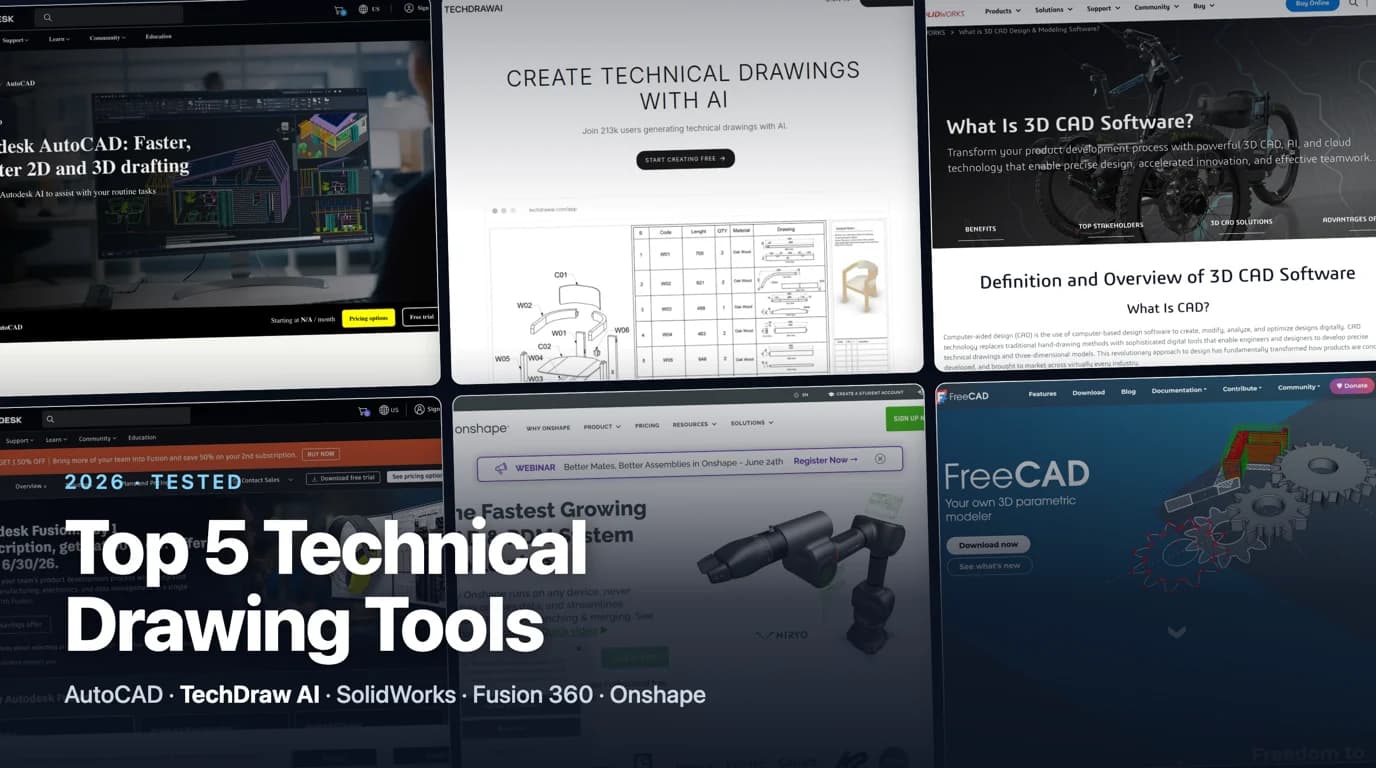
There is no single best technical drawing software, and anyone who tells you otherwise is selling a license. There is a best tool for how you work, what you can spend, and whether you are drawing a one-off bracket or documenting a product line. We looked hard at the five tools that actually carry the load in U.S. shops and engineering teams in 2026, what each one is genuinely good at, and where it quietly costs you more than the sticker price.
Our articles are still written by humans!
Get human written articles in your Google feed.
What separates a good tool from a demo
Vendor pages compare feature checklists. On the floor, only four things decide whether technical drawing software earns its seat:
- Does the drawing stay tied to the part? When the design changes, do the views, sections and dimensions update on their own, or do you redraw them by hand? This is the single biggest time sink in drafting, and it is where the cheap tools fall down.
- Does it export clean DXF and DWG? Your laser cutter, your CNC shop and the next engineer all speak those two formats. A tool that exports messy geometry just moves the work downstream.
- Can it hold a standard? Real dimensioning, tolerances and a title block that follows ASME Y14.5 or ISO, not just lines that look technical.
- What does it really cost? Not the list price, but the seat plus the weeks it takes a new user to become productive, plus the lock-in when your files only open in one program.
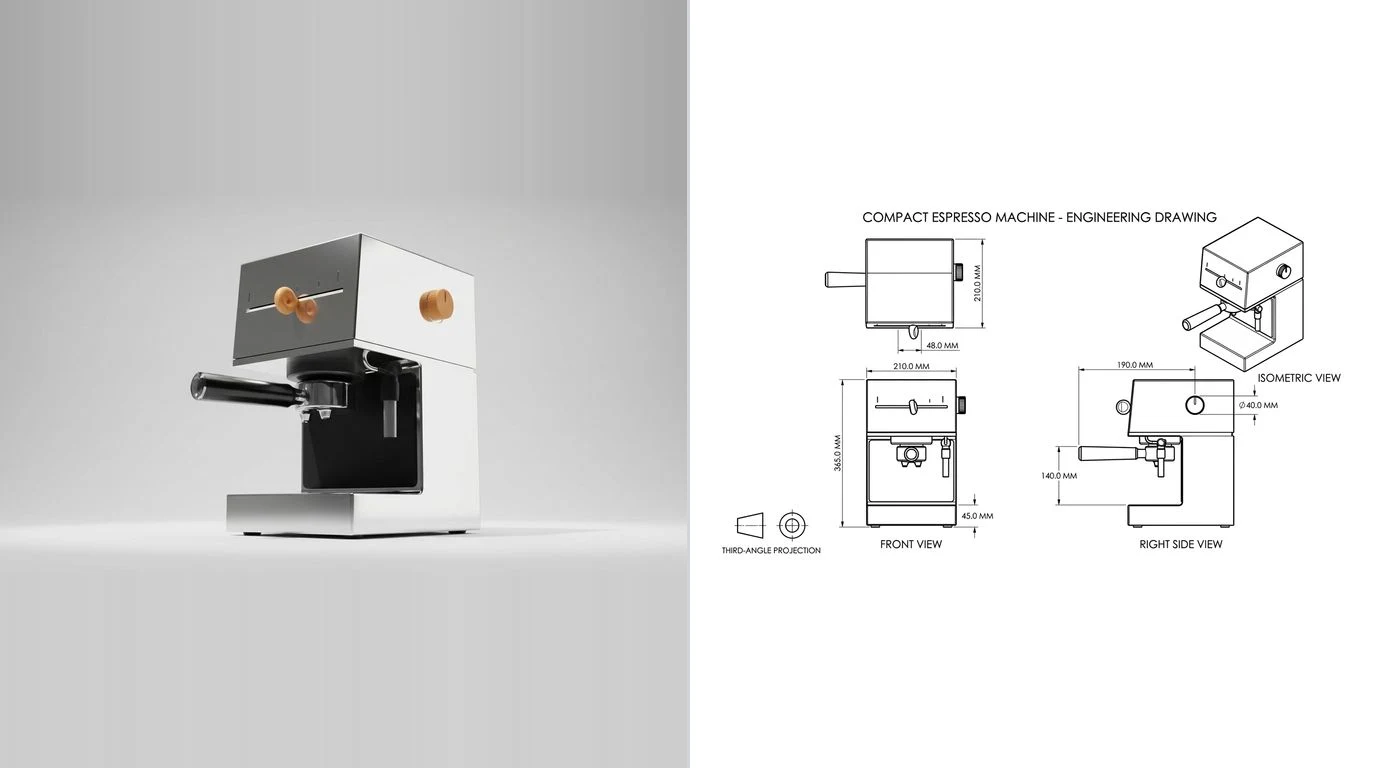
The comparison table
The whole field on one screen. Prices are U.S. list prices at the time of writing and change every year, so treat them as a band, not a quote.
Technical drawing software compared (2026)
Read it as a map, not a leaderboard. FreeCAD is not worse than SolidWorks. It is a different deal entirely. The only ranking that matters is which row fits the job in front of you.
1. AutoCAD: the 2D standard nobody can ignore
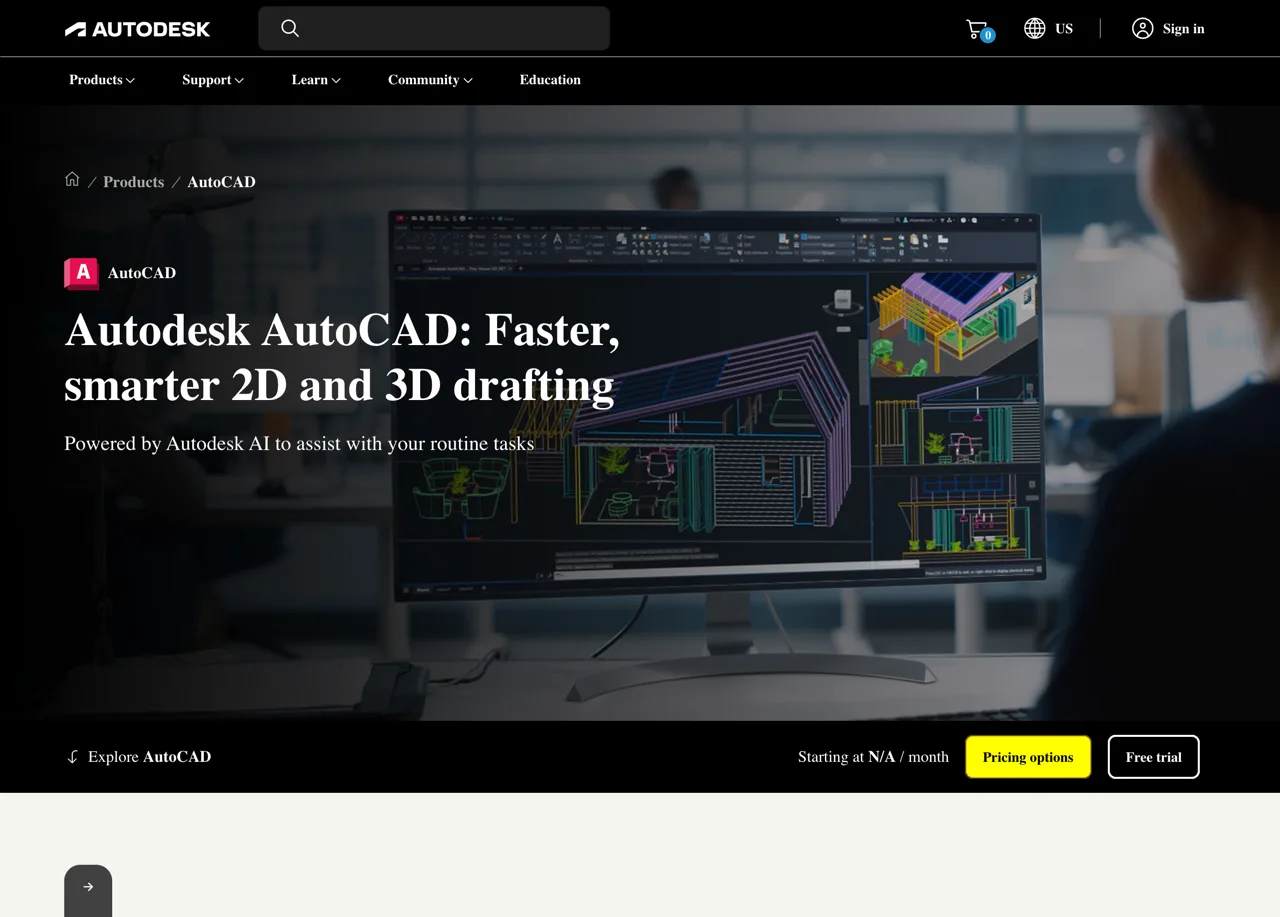
Four decades in, AutoCAD is still the benchmark for 2D drafting and the reason DWGis the format everyone can open. If your work is genuinely 2D, think schematics, floor plans, flat parts for laser cutting, or P&IDs, AutoCAD and the discipline-specific AutoCAD Mechanical are hard to beat for precision and compatibility.
Here is the honest part. For mechanical work it is the wrong tool at the right price, which is to say a high one. It has no parametric 3D modeling worth the name, so if your drawings come from solids you will fight it every day. It is also the most expensive way on this list to draw a simple flat part, and the full version costs roughly three times AutoCAD LT. Best for: architecture, civil, electrical, and any shop whose deliverable is a flat 2D drawing. For getting those flat parts cut, see our guide to preparing DXF for laser cutting.
2. TechDraw AI: a drawing from a photo, no modeling
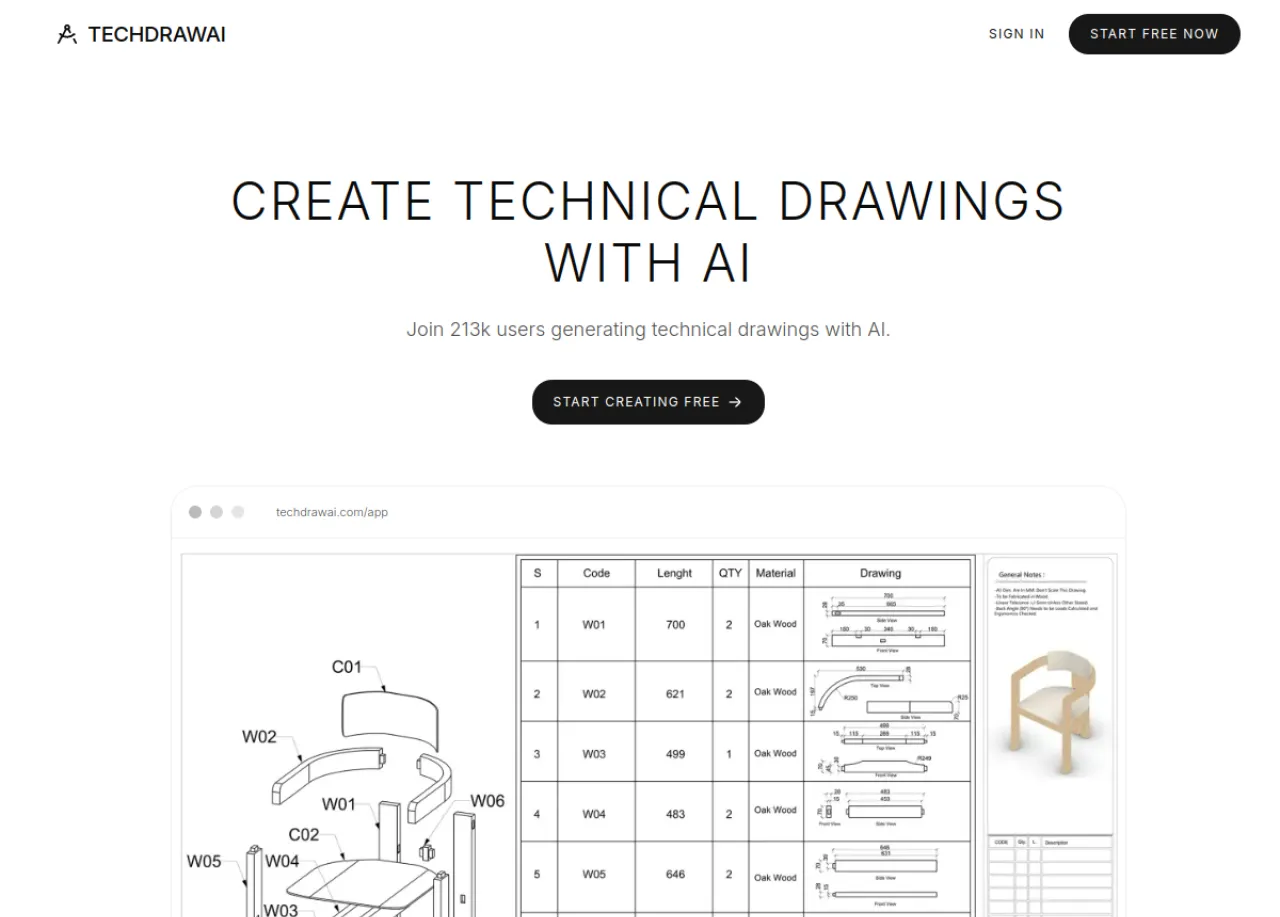
Every other tool on this list assumes you can model or draft. TechDraw AI ranks second because it answers the request a machine shop hears every week and the CAD tools cannot: “I have the part in my hand, I just need a drawing of it.” You photograph the part, confirm one reference measurement so the result has true scale, pick the views, and it returns a clean, dimensioned 2D drawing with a standards-style title block, then exports to DXF, DWG, SVG and PDF.
Be clear about what it is and is not. It is the fastest path from a physical part to a first-draft drawing, and it does not require a CAD seat or weeks of training. It is not a parametric modeler, so for ground-up design or complex assemblies you still want one of the tools above, and a human should always confirm the critical dimensions before a part goes to a shop. This is also a different job from text-to-CAD or the blueprint style filters that flood search results, which we pull apart in the best AI technical drawing tools and from photo to manufacturing drawing. Best for: a real part you need to document fast, with a free tier to try it.
3. SolidWorks: the U.S. engineering default
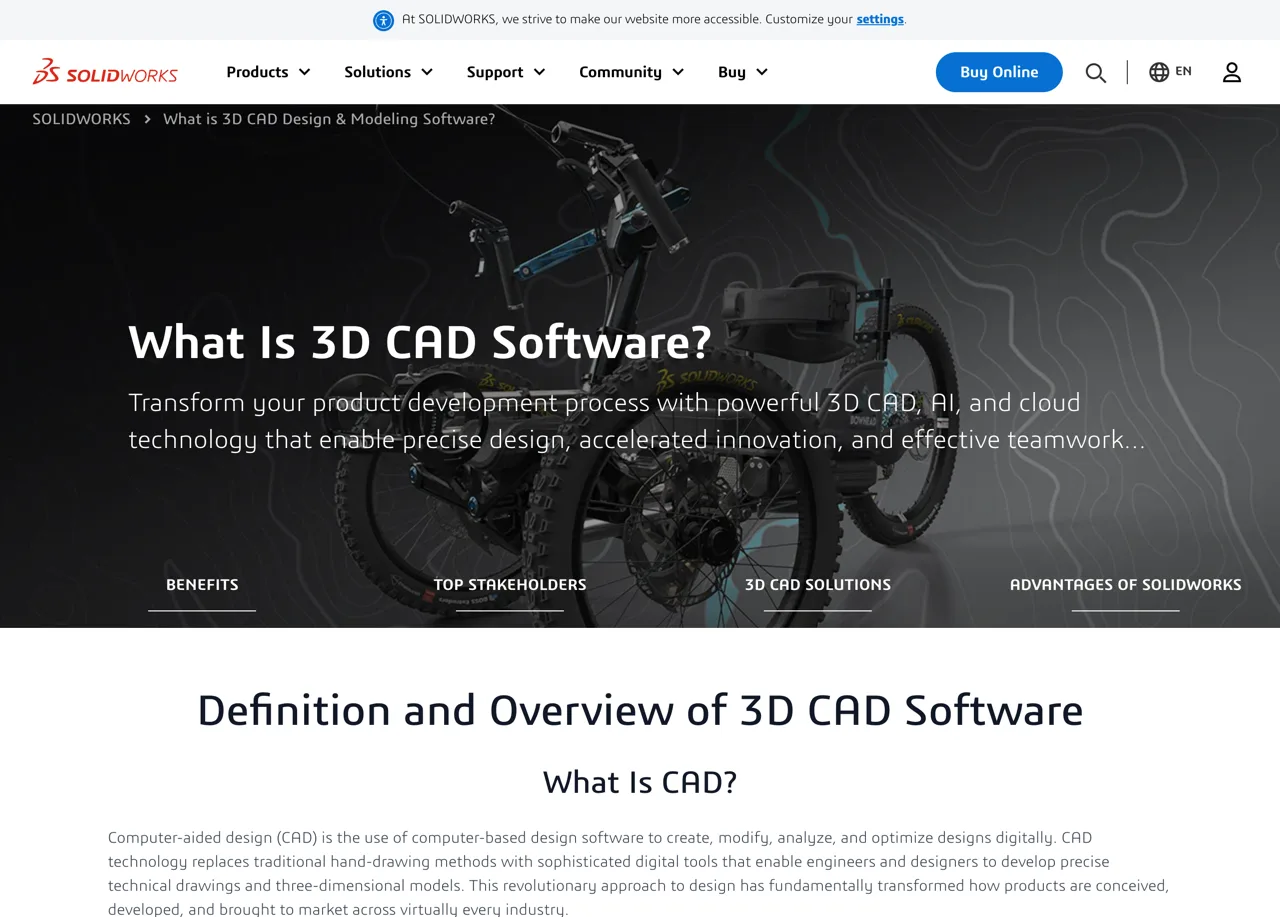
For mechanical engineering in the United States, SolidWorks is the one most teams standardize on. You model the part in 3D and the drawing environment projects orthographic views, sections and detail views that stay associative. Change the model and every view and dimension follows. The drawing tools, GD&T support and configurations are mature and built for real manufacturing documentation.
The catch is cost and commitment. A term license runs into the low thousands per year and perpetual licenses cost more, plus annual maintenance. It is desktop-bound and Windows-only, and it has a genuine learning curve that takes weeks, not days. There is a free SOLIDWORKS for Makers tier for non-commercial hobby use, which is the cheapest legal way to learn the interface before you pay for it. Best for: product companies, mechanical design teams and contract manufacturers who live in 3D.
4. Fusion 360: the value play

Fusion 360 bundles 3D modeling, 2D drawings and CAM, the toolpaths for CNC, into one affordable package. For a solo maker or a small shop that needs to design a part and also cut it, that combination is the best value here, roughly the price of a SolidWorks seat's annual maintenance for the whole thing. Its drawing workspace produces clean dimensioned sheets and exports DXF, DWG and PDF.
Be clear-eyed about two things. It leans hard on the cloud, so a flaky connection is a real problem, and Autodesk has steadily trimmed what the free personal-use tier includes, so do not assume last year's free features are still there. Some pro capabilities also sit behind paid extensions. It is still free for qualifying personal, non-commercial use, plus students and startups. Best for: freelancers, job shops, machinists and serious hobbyists on a budget.
5. Onshape: browser-native and team-first
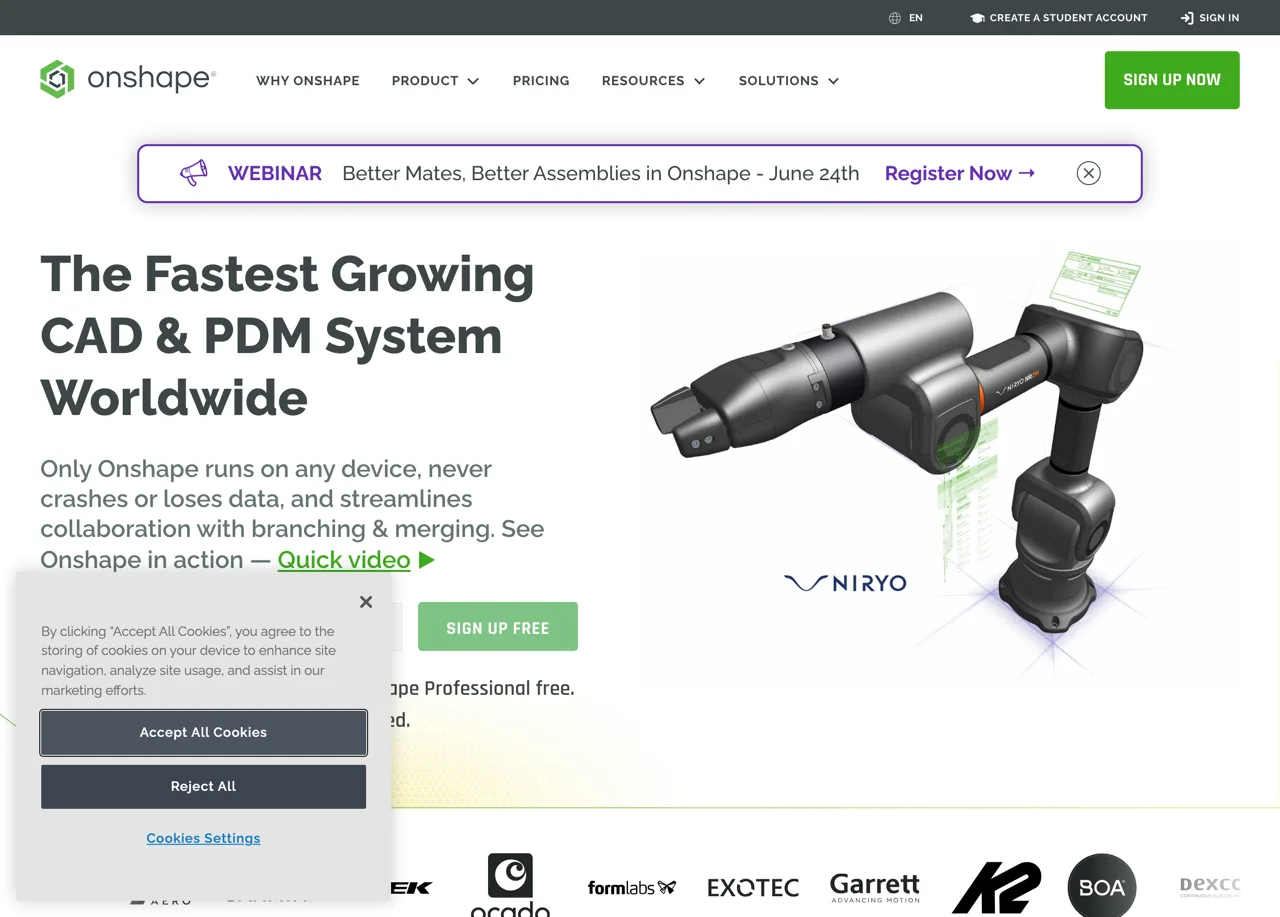
Onshape runs entirely in the browser. Nothing to install, real-time collaboration like a shared document, and version control and release management built in. For distributed teams, or anyone on a Chromebook, iPad or Linux machine, it removes the install-and-license friction the desktop tools carry. Its drawings are fully associative to the 3D model, the same way SolidWorks works.
Two honest limits. The free plan makes all of your documents public, which is fine for learning and a non-starter for proprietary work, and paid seats are priced per user per year so a small team adds up fast. And with no internet, there is no Onshape, full stop. Best for: startups, schools and teams that value collaboration and platform independence over offline control.
Also worth knowing: the free tools
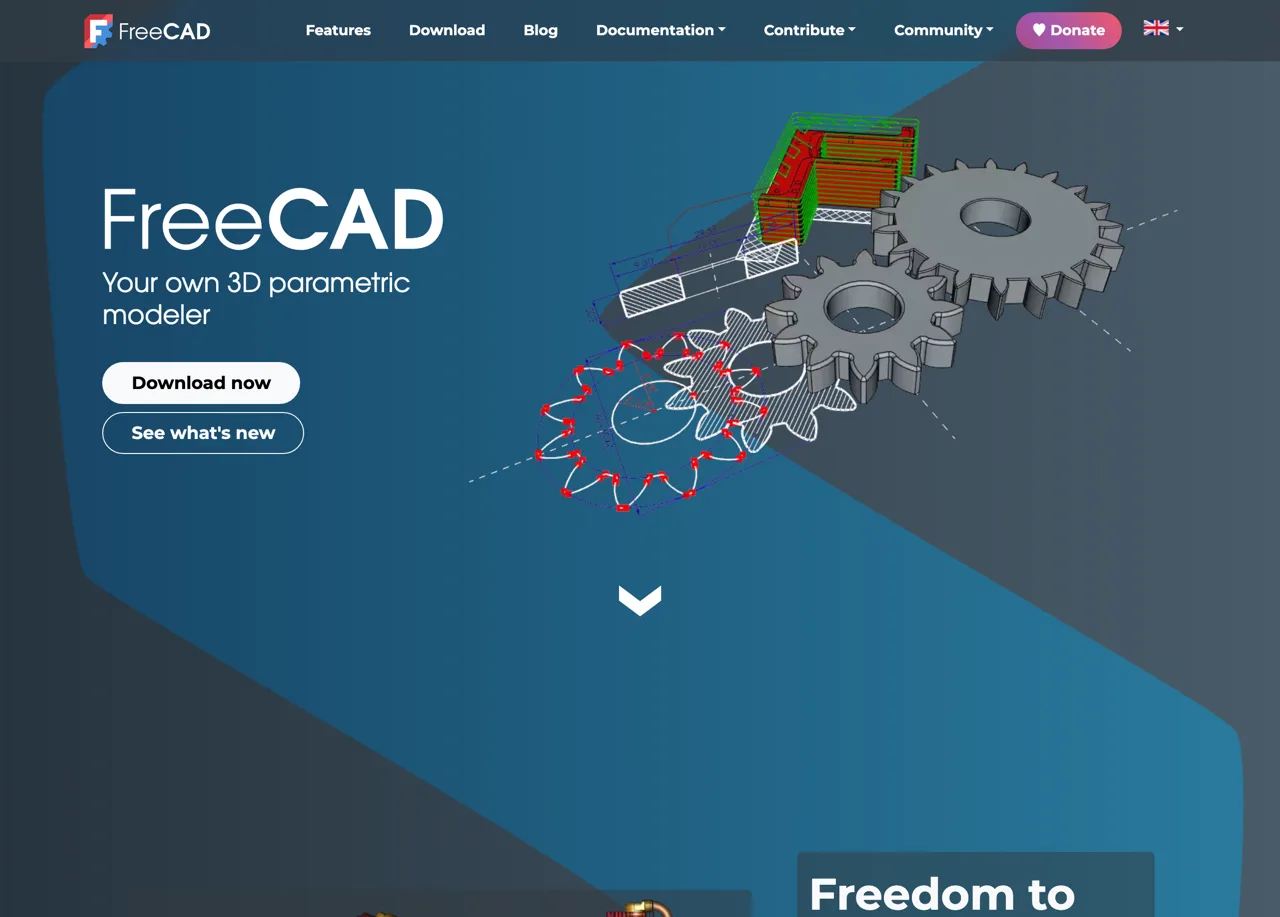
If budget is the constraint, FreeCAD is the standout. It is genuinely free and open source, and unlike the lightweight 2D editors it is a full parametric 3D modeler with a dedicated TechDraw workbench for generating dimensioned 2D sheets from your model, exporting DXF, DWG, PDF and SVG. The price is paid in patience: it has the steepest learning curve here and a rougher interface, though the 1.0 release and the versions after it closed much of that gap.
If you only need 2D, the lighter LibreCAD and QCAD feel closer to classic AutoCAD and are quicker to pick up. None of these will match the polish of the paid tools, but for students, open-source advocates and budget-constrained makers they do the core job for nothing.
How to choose, in one line each
- Pure 2D, maximum compatibility: AutoCAD, or AutoCAD LT to save money.
- A real part and no time to model it: TechDraw AI for the photo-to-drawing first draft.
- Mechanical product drawings from 3D, team standard: SolidWorks.
- One person designing and cutting parts on a budget: Fusion 360.
- A team that wants zero installs and live collaboration: Onshape.
- No budget at all: FreeCAD, or LibreCAD and QCAD for 2D only.
Pick by your starting point, not by the longest feature list. The tool that matches how your work actually arrives, whether that is a sketch, a model or a part on the bench, is the one that pays for itself.
Frequently asked questions
What software is used to make technical drawings?
In the United States the working set is small. AutoCAD dominates pure 2D drafting, SolidWorks is the standard for turning a 3D model into a production drawing, Fusion 360 covers small shops and freelancers, Onshape serves cloud and team workflows, and FreeCAD or LibreCAD handle free, open-source drafting. A newer category, AI tools like TechDraw AI, turns a photo of a real part into a dimensioned drawing without modeling it first.
What is the best free technical drawing software?
FreeCAD is the most capable free option. It is a full parametric 3D modeler with a dedicated TechDraw workbench for 2D sheets. LibreCAD and QCAD are lighter, 2D-only tools that feel close to classic AutoCAD. Fusion 360 also has a free tier for personal, non-commercial use, and TechDraw AI has a free tier for turning a photo into a drawing.
Do I need a 3D model to make a 2D technical drawing?
Not always, but it is the modern default. AutoCAD, LibreCAD and QCAD let you draw 2D directly, line by line. SolidWorks, Fusion 360, Onshape and FreeCAD build a 3D model first, then project dimensioned 2D views from it. AI tools take a third route: they generate the 2D drawing straight from a photo of the part plus one reference measurement.
Which CAD software is easiest to learn for technical drawings?
Fusion 360 and Onshape have the gentlest learning curves among the CAD tools, with modern interfaces and large libraries of free tutorials. AutoCAD and SolidWorks are deeper but take longer to get productive in, and FreeCAD has the steepest curve. The lowest-friction option overall is an AI tool that skips modeling entirely and works from a photo.
How do I export a DXF or DWG from these tools?
Every tool on this list exports DXF, and most export DWG. In a CAD program, finish the 2D drawing or sketch, then use File then Export or Save As and pick DXF for laser and CNC or DWG to hand off to another user. With TechDraw AI you upload a photo, confirm one measurement, and export the dimensioned drawing as DXF, DWG, SVG or PDF directly.
Can I make technical drawings online without installing software?
Yes, two of the tools here run entirely in a browser. Onshape is a full cloud CAD system with associative drawings and nothing to install, free if you accept that documents on the free plan are public. TechDraw AI is also fully online: upload a photo of the part, confirm a measurement, and download the dimensioned drawing. Fusion 360 sits in between, a desktop install backed by the cloud. For private work in a pure browser workflow, Onshape's paid tier is the standard answer.
Sources
- Autodesk: AutoCAD subscription pricing and feature overview
- Dassault Systèmes: SOLIDWORKS 3D CAD products and packages
- Autodesk: Fusion pricing and free personal-use terms
- Onshape: plans and pricing, free public plan and paid tiers
- FreeCAD: free and open-source parametric 3D CAD with the TechDraw workbench
- ASME Y14.5: Dimensioning and Tolerancing standard