
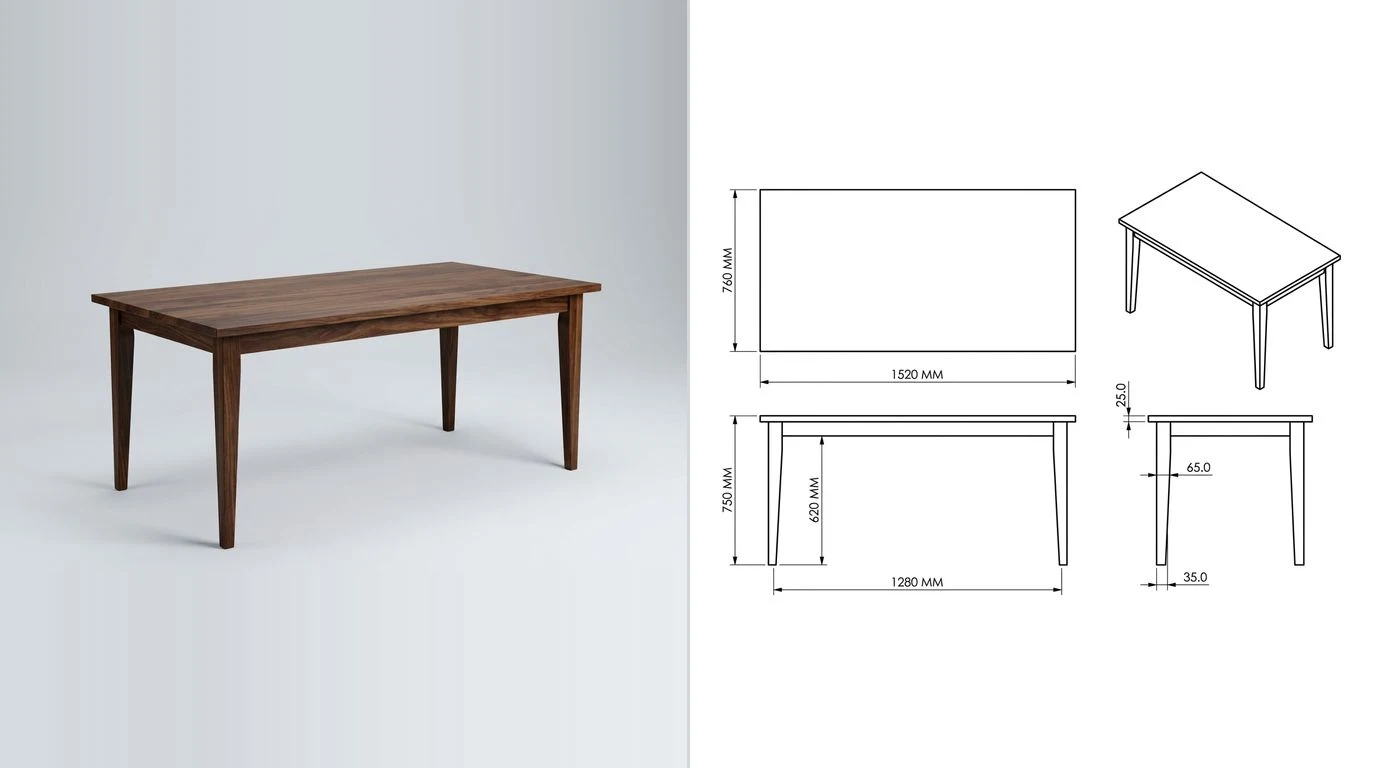
Almost every list of woodworking design software is a list of programs that draw a nice picture of a table. Drawing the table is the easy part. The part that decides whether a program was worth the money is what it hands you when you walk to the bench: a cut list that is right, a sheet with real sizes on it, a curve you can print at full size and stick to a piece of MDF, and, if there is a router in the corner, a file the machine will take. We went through twelve of them against those four outputs. Five of the twelve rows below are two programs at different price tiers, because with SketchUp and Fusion the tier is the answer: it decides whether you get any of the four at all.
The short answer
Free, and you have a weekend to spend: FreeCAD 1.1. Parametric, open source, Windows, Mac and Linux, and its TechDraw workbench gives you a dimensioned sheet you can print at 1:1. It is not friendly. It is complete, and it costs nothing, forever.
Free, and you want to design something tonight: MakeByMe. It is run by Dassault Systemes alongside HomeByMe, it is free to sign up for, it runs in a browser and on a phone, and it is built around real materials, tools and joinery methods, with cut lists and assembly steps that update as you change the design.
The one most furniture makers end up paying for: SketchUp Pro at 33.25 dollars a month billed annually, plus the free OpenCutList extension. Pro is the first tier that runs extensions, and OpenCutList is what turns a SketchUp model into a real cut list with cutting diagrams and labels.
Best value on the whole page: SOLIDWORKS for Makers at 48 dollars a year. Full parametric modelling, proper drawings, DXF out, for less than two months of SketchUp Pro. The catch is the licence: it is for personal, non-commercial projects, and you may sell what you make only up to 1,000 dollars a year.
You draw at the bench, on an iPad: Shapr3D. Read the free tier carefully first, though. Basic is two projects and exports basic resolution 3MF and STL only, and technical drawings are trial only, so the free version cannot get a drawing or a DXF out.
You want the software to know it is wood: SketchList 3D or Woodwork for Inventor. Both are built around boards, sheets and joinery rather than around solids, and both cost real money.
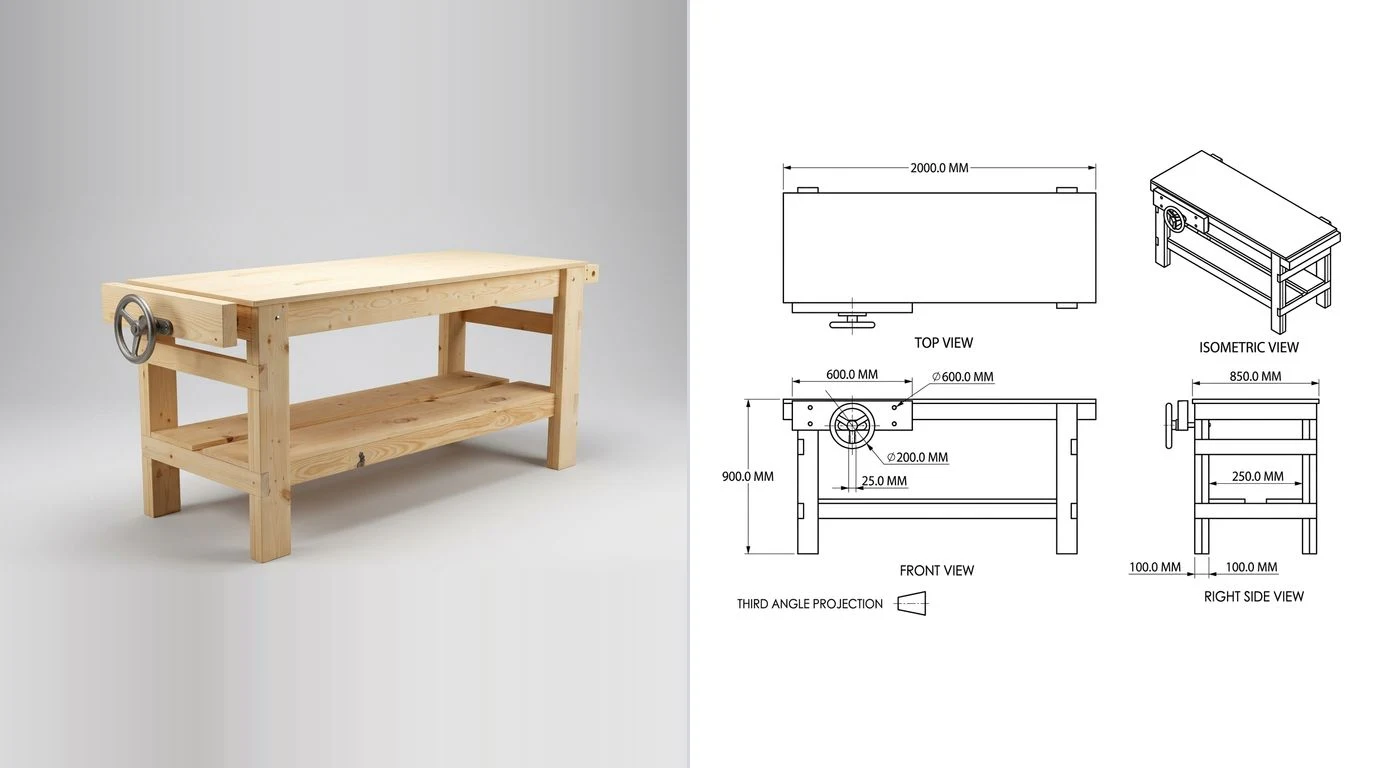
How we judged them, and what we did not do
Four outputs, in the order a shop feels them.
- The cut list. Does it exist, does it update when you change a dimension, and does it know the difference between a finished size and a rough size. A parts table is not the same thing.
- The drawing. A dimensioned sheet a second person can build from, with views and sizes, not a render. This is the one that separates modelling toys from tools.
- The full size template. Curves, chair backs, cabriole legs and router patterns get laid out at 1:1 on paper, glued to MDF and cut. A program that cannot print a shape at true size makes you do that by hand.
- The machine file. DXF or SVG per part if you own a CNC router or a laser, and ideally toolpaths too.
There is a fifth thing we looked at and did not score, because no program on this page really does it: joinery. A mortise and tenon, a dovetail or a bridle joint is geometry you draw yourself in almost every one of these tools. MakeByMe and Woodwork for Inventor are the two that model joints as joints. Everywhere else, a tenon is a box you subtract from another box, and the software will happily let you cut it 3 mm too long.
The SketchUp question, answered properly
Ask which woodworking design software to use and someone will say SketchUp within about four seconds. They are half right, and the half they get wrong costs beginners a weekend.
SketchUp Free does still exist. It is a browser modeller with 10 GB of Trimble Connect storage and the 3D Warehouse, it needs no credit card, and it is no longer listed among the core plans on Trimble's own pricing page, which now starts at Go. What matters more than where it is listed is what comes out of it: it imports SKP, JPG and PNG, and exports SKP, PNG and STL. That is the whole list.
For a woodworker that means no DXF, so nothing for a CNC router. No PDF or vector output, so no template you can print at 1:1 and no dimensioned sheet. And no Extension Warehouse, which is where OpenCutList lives, so no cut list either. You can design a beautiful table in SketchUp Free and then have to write every part size down by hand off the screen.
Go, at 10.75 dollars a month billed annually, does not fix it. Go is web and iPad only, and extensions run in the desktop modeller. The first SketchUp that gives you a cut list, a drawing and a DXF is Pro at 33.25 dollars a month billed annually, which brings the desktop application, LayOut for 2D documentation, and the 1,000 or so extensions. Studio is 71.58 a month and adds visualisation and point clouds, which no furniture maker needs.
With Pro, add OpenCutList, which is free and open source and produces cut lists, cutting diagrams, labels and cost reports from a model built properly as components. That combination is the most common professional setup in furniture shops, and the reason SketchUp keeps its reputation despite the free tier being a dead end.
What is actually free in 2026
Five things on this page cost nothing to start, and no two of them are free in the same way, which is worth understanding before you commit a project to one.
FreeCAD 1.1
Free as in nobody can take it away. Open source, no account, no licence server, Windows, Mac and Linux. It is parametric, so a change to one sketch updates everything downstream, and the TechDraw workbench produces a proper dimensioned drawing that prints at true scale. There is no native cut list, though a spreadsheet driven parts table gets you most of the way and there are community addons for the rest.
The honest cost is the learning curve, which is steeper than SketchUp and steeper than Fusion. If you have never used parametric CAD, budget a weekend before you model anything you care about. If you have, it is the only tool here with no strings of any kind attached.
MakeByMe
Free as in the vendor is giving it away to build an audience. It is a Dassault Systemes service, the same company behind SOLIDWORKS and HomeByMe, it runs in a browser and as a phone and tablet app, and it is aimed squarely at DIY projects rather than at engineers. Its pitch is the interesting bit for us: design using real material, tools and joinery methods, and get interactive assembly steps, materials and cut lists that update as you design.
That is a genuinely different model from every general CAD tool on this page, and it is why a first project goes faster here than anywhere else. The trade is depth: it is not going to model a curved lamination or a compound angled chair.
Fusion, personal use
Free as in conditional. Autodesk's personal use licence is for non-commercial projects by people generating less than $1,000 USD a year, it runs as a three year term that you renew, and Autodesk lists the restrictions plainly: limited CAM, single user data management, limited electronics, limited 2D documentation and drawings, forum support only, and limited import and export file types.
Modelling is unrestricted enough for furniture. The two limits that bite are exactly the two outputs a woodworker needs, which is not an accident. If Fusion is your tool and you sell what you build, the paid subscription is the honest path.
Onshape, free plan
Free as in public. Onshape's free tier is full cloud CAD with drawings and assemblies, and it runs in a browser on anything including a Chromebook. The restriction is one sentence on their pricing page and you should read it twice: For non-commercial use only. All Onshape Documents are accessible to the public. Every model you make is visible to everyone. For a hobby project that is fine and arguably nice. For a client's piece or a design you intend to sell, it is disqualifying, and the paid plans start at 1,500 dollars a user a year.
SketchUp Free
Free as in a demo, for our purposes. Covered above. Model in it, learn in it, do not plan to finish a project in it.
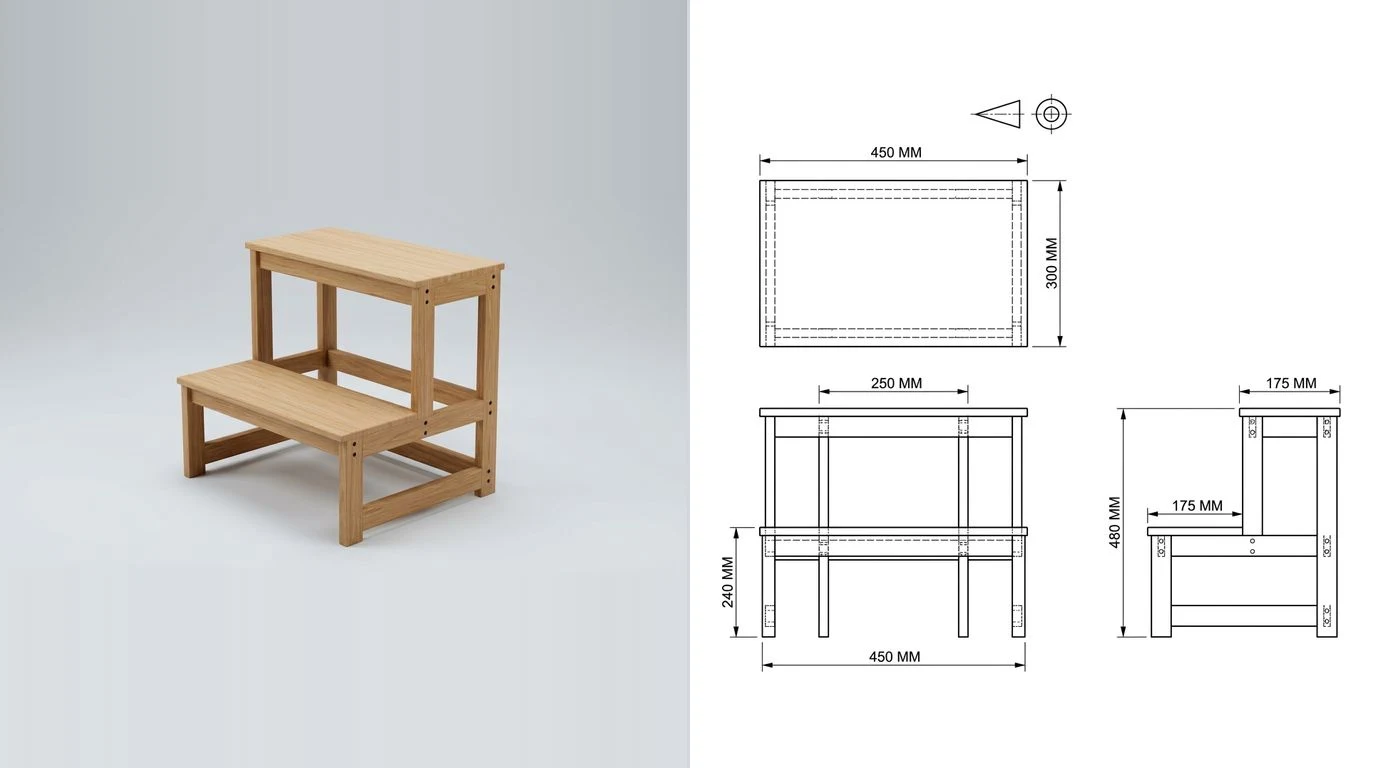
The ones built for wood
General CAD models solids. These three know that the solid is a board, that boards come in thicknesses you can buy, and that two boards meet at a joint.
SketchList 3D
The best known woodworking-first program, and it outputs the whole set: cut lists, shop drawings as PDF reports, board and sheet layout diagrams, spreadsheet exports, purchase lists and DXF for a CNC. There is a 14 day trial with no card. Pricing is 79.99 dollars a month, or 49.99 a month billed annually at 599.99, or 37.50 a month on a two year plan at 899.99, or a one time licence at 999.99 that includes a year of maintenance and then stops receiving updates.
It is aimed at people who build case goods and furniture for money. For a hobbyist those numbers are hard to justify against SketchUp Pro plus a free extension, and that is the comparison to make rather than against the free tools.
Woodwork for Inventor
A furniture design layer that runs inside Autodesk Inventor: design utilities, bill of materials reporting, automated production drawings, CAM for CNC preparation, shape nesting and a materials API. It models joinery as joinery, which almost nothing else here does, and it is built for manufacturers rather than for shops.
Two things to know before you look further. It needs Inventor, so there is an Autodesk licence underneath it, and it publishes no price at all, pointing you to a reseller. Anything sold that way is a five figure conversation, not a subscription you click.
PolyBoard, and the Wood Designer service
PolyBoard is panel furniture software with an unusual free version: you get every design feature and it simply will not print the cut list. Wood Designer, the same people, run a CabinetFile service that takes the design and returns the cut list, plans and CNC files for free, which makes the pair a real option if you are patient with the round trip. It is Windows only, and the full licence is quoted rather than listed.
PolyBoard sits on the boundary between this page and the cabinet one. If what you build is mostly panels and carcasses, the sixteen cabinet programs we went through separately is the more useful list.
General CAD that woodworkers pay for
SOLIDWORKS for Makers, 48 dollars a year
The most under-used thing on this page. Full parametric SOLIDWORKS, with proper drawings and DXF export, for 48 dollars a year. Dassault is explicit about who it is for: SOLIDWORKS for Makers is intended for personal, non-commercial projects. You can design and even sell parts you create, as long as your revenue does not exceed $1,000 USD per year. There is no upgrade path from a Makers licence to a commercial one, so it is a hobby tool by design.
If you build for yourself and friends, it is the best pound for pound deal here, and the skills transfer to a commercial seat later.
Shapr3D
Direct modelling with a pencil on an iPad, which suits the way a lot of people think about furniture better than a sketch and extrude workflow does. It also runs on Mac, Windows and Vision Pro. Pro is 25 euros a month or 299 billed annually, priced in whatever currency your country gets.
The free Basic tier is the trap. It allows two projects, exports basic resolution 3MF and STL only, and lists technical drawings as trial only. So on the free plan there is no DXF, no DWG and no drawing. It is a very good sketchpad and not a free design tool.
Fusion, paid
Everything the personal version limits, plus CAM in the same program, which matters if you own a CNC router and do not want a second tool. For furniture specifically Fusion is heavier than it needs to be, and its drawings are engineering drawings rather than woodworking plans. It wins when the piece has hardware, metal parts or a mechanism in it.
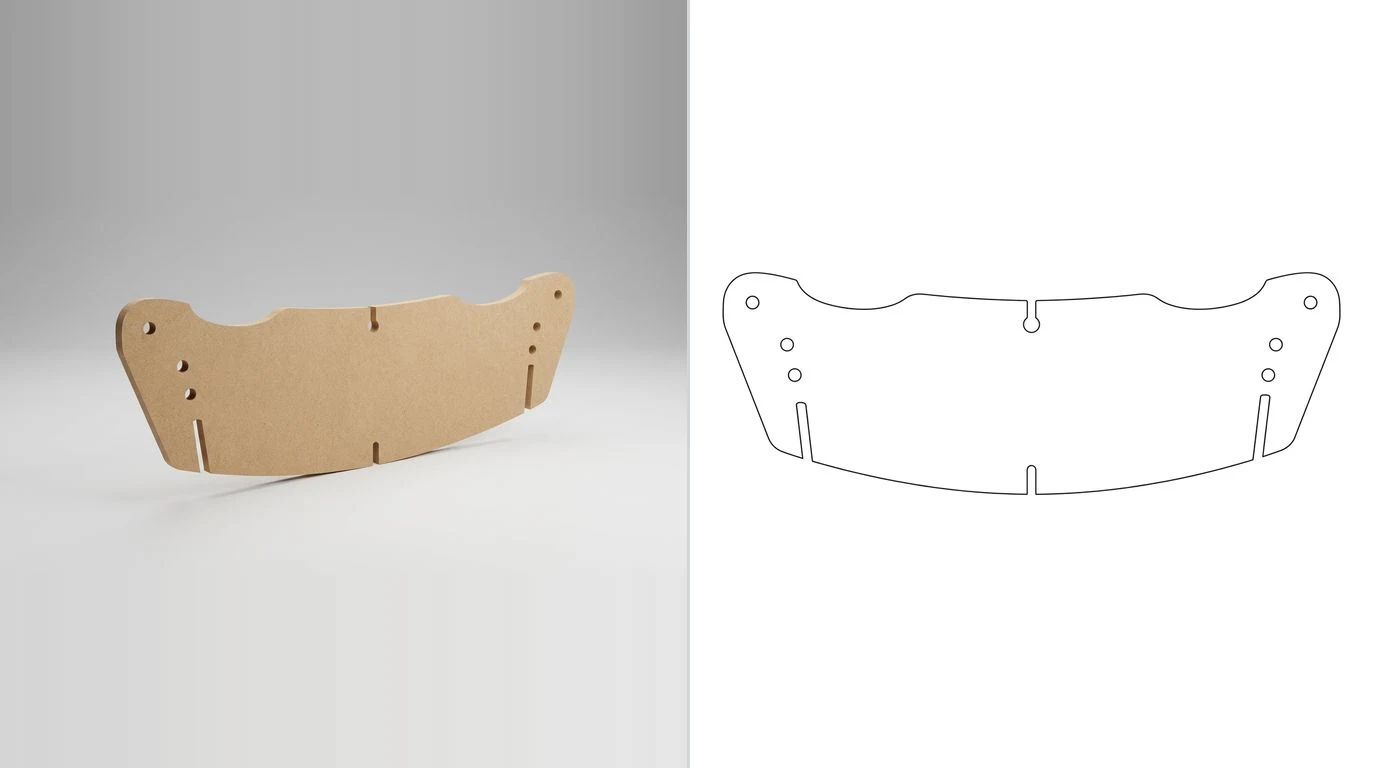
If there is a CNC router in the shop
Design software and CAM are different jobs, and mixing them up is where most of the confusion on this topic comes from. Design produces a shape; CAM turns the shape into toolpaths and G-code.
Vectricis the woodworking standard for the second job and does enough of the first that many shops never open anything else. VCarve Desktop is limited to a 24 by 24 inch bed, VCarve Pro removes that and adds true shape nesting, toolpath templates and tiling, and Aspire adds 3D relief modelling. All three are buy once and own it. On Vectric's own store in September 2026 they were 405.90, 811.80 and 2,214 euros; the store prices in your own currency, so a visitor in the United States sees dollars rather than these figures.
Carbide Create Core is included free with every Shapeoko and Nomad and covers 2D and 2.5D design and machining, pockets, contours, V-carving and a tool library. Core is tied to Carbide 3D machines; Carbide Create Pro adds 3D modelling, rest machining, toolpath tiling and, importantly, standard G-code for any CNC machine, with a 14 day trial.
Whatever you design in, the handover is a DXF or an SVG per part. If your design tool cannot write one, that is the wall you will hit, and it is worth checking before you buy rather than after. Our guide to getting a CNC-ready DXF out of a sketch covers what a router actually needs from the file, and the CNC router projects piece is where to start if the machine is newer than the skills.
All twelve, side by side
Two notes before you read it. SketchUp appears three times and Fusion twice, because the tier is the answer: whether you get a cut list, a drawing or a DXF out of SketchUp depends entirely on which one you are paying for, and rolling that into a single row would hide the only fact worth knowing. And there is no separate column for the full size template, because it collapses into the drawing column: anything that can write a scaled PDF can print a pattern at 1:1, and anything that cannot, cannot.
Twelve woodworking design tools and what each one puts in your hand. Prices read from the vendors' own pages in September 2026.
PolyBoard is not in the table because its answer to three of the four columns is “through a free service, by email round trip”, which does not compress into a cell honestly. Vectric and Carbide Create are not in it either: they are CAM with drawing tools attached, not design software, and judging them on cut lists would be unfair to both.
What we left off, and why
- Sweet Home 3D. It appears on most of these lists and it should not. It is a free interior design application for drawing the plan of a house and arranging furniture in it. It arranges furniture; it does not design furniture, and it will not give you a part size.
- Blender. Superb at surfaces and renders, and it has no dimensions in the sense a woodworker means. Modelling a chair in Blender and then measuring it is a way to build a chair that is nearly the right size.
- Tinkercad. Free, browser based and genuinely lovely for a first hour with 3D, but it is built for 3D printing and classrooms. No drawings, no cut list.
- AutoCAD LT. Excellent 2D drafting, priced for firms, and it will not model the piece. If you want 2D only, the free CAD programs we compared covers the cheaper ways to draw flat.
- Every cabinet-specific program. Cabinet Planner, Mozaik, KCD, Cabinet Vision, Microvellum, Pro100 and the rest are parametric around a carcass. If that is what you build, use them; the comparison lives on the cabinet design software page.
The drawing is the part that reaches the bench
Here is the thing all twelve of these have in common, and it is the reason the choice matters less than the software vendors would like. Nobody builds from the model. They build from a sheet with sizes on it, pinned above the bench or opened on a phone, and from a cut list taped to the saw. The model is a way of producing those two things and checking them for contradictions.
Which means the honest test of any of these programs is: how quickly does it get me from an idea to a dimensioned sheet and a parts list. Measured that way, MakeByMe beats SketchUp Free, a pencil beats FreeCAD for one small piece, and SketchUp Pro with OpenCutList beats almost everything for a piece with twenty parts in it.
There is a fourth route that is not software at all in the usual sense. If the piece already exists, or exists as a sketch on paper, you can photograph it and get the dimensioned views back without modelling anything: the woodworking drawing tool does that from a photo, and the furniture one is the same pipeline aimed at case goods. We tested the limits of that honestly in can AI make furniture shop drawings, which is not a page that says yes to everything: it is good at the carcass and the overall sizes, and it does not know your hinge bore pattern.
Whichever route makes the sheet, what has to be on it is the same everywhere. Our furniture shop drawings guide is the checklist, and the joinery drawings piece covers the details none of these programs will draw for you. When the design is settled and it is time to order timber, the board foot calculator prices the whole cut list on the quarter system the yard actually bills from.
FAQ
Frequently asked questions
What is the best free woodworking design software?
FreeCAD 1.1, if you can spend a weekend learning it. It is genuinely free, runs on Windows, Mac and Linux, is parametric, and its TechDraw workbench produces a dimensioned drawing you can print at 1:1, which is the thing most free tools cannot do. If you want something you can use in an afternoon instead, MakeByMe is free to sign up for, runs in a browser and on a phone, and generates a cut list and assembly steps as you design. SketchUp Free is the answer everyone gives and it is the wrong one for woodworking: the free web version exports only SKP, PNG and STL, so no DXF, no printable drawing, and it cannot run extensions, so no cut list.
Is SketchUp still free?
Yes, but not in a form a woodworker can finish a project with. SketchUp Free still exists as a browser modeller with 10 GB of Trimble Connect storage and 3D Warehouse access, though it is no longer shown among the core plans on Trimble's own pricing page. It imports SKP, JPG and PNG and exports SKP, PNG and STL. That means no DXF for a CNC, no PDF drawing to print, and no Extension Warehouse, which is where OpenCutList and every other cut list plugin lives. Go, at 10.75 dollars a month billed annually, is web and iPad only and also has no extensions. The first plan that gives you a cut list and a drawing is Pro at 33.25 dollars a month billed annually.
What software do professional woodworkers use?
Furniture and one-off shops mostly use SketchUp Pro with OpenCutList, or Fusion, and increasingly Shapr3D on an iPad for sketching at the bench. Shops that build cabinets all day use cabinet-specific programs instead, which is a different list. Larger furniture manufacturers use Woodwork for Inventor or PolyBoard. Those are the names that recur on the woodworking forums and in the vendors' own case studies; we have not surveyed shops ourselves.
Do I need CAD to design furniture?
No. A pencil, a rule and a cut list have built furniture for a very long time, and for a single piece a full sketch with real sizes on it is often faster than modelling it. CAD earns its place at three moments: when the piece has angles or curves you cannot lay out by arithmetic, when you need a cut list that updates after you change one dimension, and when someone else has to build it and cannot ask you what you meant.
What is the best woodworking design software for a beginner?
MakeByMe or SketchUp. MakeByMe is the gentler start because it is built around real materials and joinery methods and it writes the plans for you, and it costs nothing to try. SketchUp is the one with the biggest library of woodworking tutorials, which matters more than any feature when you are stuck at nine on a Sunday evening, but budget for Pro if you want a cut list out of it. Avoid starting with FreeCAD or Fusion unless you enjoy learning software for its own sake.
Which woodworking software makes a cut list automatically?
SketchUp Pro with the free OpenCutList extension, SketchList 3D, MakeByMe, Woodwork for Inventor and PolyBoard through the CabinetFile service. Fusion, FreeCAD, Onshape and SOLIDWORKS can all produce a bill of materials from an assembly, which is a parts list rather than a cut list: it will not know about grain direction, oversize for a tenon shoulder, or the difference between a finished size and a rough size. That gap is the single most common reason a first cut list is wrong.
Can I use Fusion for woodworking for free?
Yes, within limits that matter here. Autodesk's personal use licence is free for non-commercial projects for people making under 1,000 dollars a year from them, runs for three years and is renewable, and it explicitly limits 2D documentation and drawings, import and export file types, and CAM. So you can model the piece; getting a clean dimensioned sheet or a DXF out of it is where the free version starts pushing back.
What software do I need for a CNC router?
Two things, and they can be one program or two. You need something that produces the shape, which is any tool on this page that exports DXF or SVG, and you need something that turns the shape into toolpaths, which is CAM. Vectric's VCarve and Aspire are the woodworking standard for the second job and they do enough drawing to handle the first. Carbide Create Core ships free with a Carbide 3D machine, and Carbide Create Pro adds 3D and standard G-code for any machine. Fusion includes CAM in the paid version and limits it in the free one.
Is there woodworking design software for Mac?
More than there is for cabinets. FreeCAD, SketchUp, Fusion, Onshape, Shapr3D, SketchList 3D and MakeByMe all run on a Mac or in a browser. The ones that do not are Woodwork for Inventor, which needs Autodesk Inventor on Windows, PolyBoard, and Vectric's software, all of which need Windows or a virtual machine.
Sources
- SketchUp plans and pricing: Go, Pro and Studio, billed annually, and SketchUp for Schools
- SketchUp Free: the browser modeller, 10 GB of storage, and its SKP, PNG and STL exports
- OpenCutList, the free open source cut list extension for SketchUp, on GitHub
- Autodesk: Fusion for personal use, the 1,000 dollar revenue limit and the three year term
- FreeCAD, the open source parametric modeller for Windows, Mac and Linux
- Onshape pricing: the free plan is non-commercial and every document is public
- Shapr3D pricing: Basic is two projects and basic resolution 3MF and STL only
- SOLIDWORKS for Makers: 48 dollars a year, and the 1,000 dollar revenue restriction
- MakeByMe by Dassault Systemes: design with real materials and joinery, plans generated as you go
- SketchList 3D pricing: 79.99 a month, 49.99 a month billed annually, or 999.99 once
- Wood Designer: PolyBoard download and what the free version leaves out
- Woodwork for Inventor: furniture design inside Autodesk Inventor, priced through resellers
- Vectric: VCarve Desktop, VCarve Pro and Aspire perpetual licences
- Carbide Create: Core is included with a Carbide 3D machine, Pro adds 3D and standard G-code