
“Which AI should I use with AutoCAD” sounds like one question and is four. Asking about a command, writing a LISP routine, having a model edit the open drawing and getting a drawing out of a photograph are different jobs, and the tool that is best at one of them usually cannot do the next one at all. So this page sorts nine tools by which of the four jobs each one actually does, what it needs from your setup to do it, and where it stops. Prices, versions and limits were read from each vendor’s own pages on 29 September 2026. One of the nine is ours, and it is judged by the same rules.
Our articles are still written by humans!
Get human written articles in your Google feed.


The short answer
- You want answers and standards checks inside AutoCAD: Autodesk Assistant. It is already in AutoCAD and AutoCAD LT 2027 and costs nothing on top of the subscription.
- You want AutoLISP written for you: any strong chat model, Claude or ChatGPT or Gemini, with the routine pasted into AutoCAD by you. No connector, no risk you did not read first. Our AutoLISP prompts for AutoCAD are the place to start.
- You want a model drawing and editing in the open drawing: a chat model plus a connector. On LT, the free puran-water server. On full AutoCAD with a budget, HMK CAD Pilot for drafting and Civil 3D, AUTOM8LABS for batch standards and revision work across folders.
- You want a drawing of a real object: none of the above. A photo or sketch needs a converter that sets the scale from a measurement, such as TechDraw AI’s image to DWG, and then AutoCAD and any of the tools above take over.
Four jobs, not one
Every AI tool for AutoCAD does some subset of four things, and most roundups rank them as if they competed. They mostly do not:
- Ask. Explain a command, find a system variable, tell you why a hatch will not close. Any chat model does this, and the one inside AutoCAD also knows which drawing you have open.
- Write code. AutoLISP routines and script files that you load and run. The model never sees your drawing, which is a limitation and also the safest arrangement on this page.
- Act on the drawing. The model calls tools that create, query and change entities in a running AutoCAD. This needs a connector, and the connector is what you are really choosing.
- Perceive. Turn a picture of something into geometry at the right size. No AutoCAD-side tool does this, because a command channel is not a measuring instrument.
The confusion comes from the third job. When someone writes that “Claude can now use AutoCAD”, the capability lives in a connector somebody wrote, and the same connector works just as well with ChatGPT or Gemini. MCP is a plug standard, not a feature of any one model. We covered the mechanics in how to connect Claude to AutoCAD; this page is about choosing.
How we judged them, and what we did not do
Five questions, in the order they rule tools out:
- Which of the four jobs does it do? A tool that does not do your job is not a candidate however well it does another.
- Does it run on your AutoCAD? Full AutoCAD or LT, which release, Windows or Mac. This is where most of the list disappears for most readers.
- What can it change? Read only, named operations, or arbitrary code. That is both its power and its risk.
- Is it maintained? Last commit or last release, from the repository or the vendor, not from a blog.
- What does it cost on top of AutoCAD?For reference, Autodesk’s US store listed AutoCAD at $2,095 a year and AutoCAD LT at $540 a year on 29 September 2026.
What Autodesk ships inside AutoCAD
Start here, because it is already installed and already paid for. The AI in AutoCAD 2027 is four things with one brand on them.
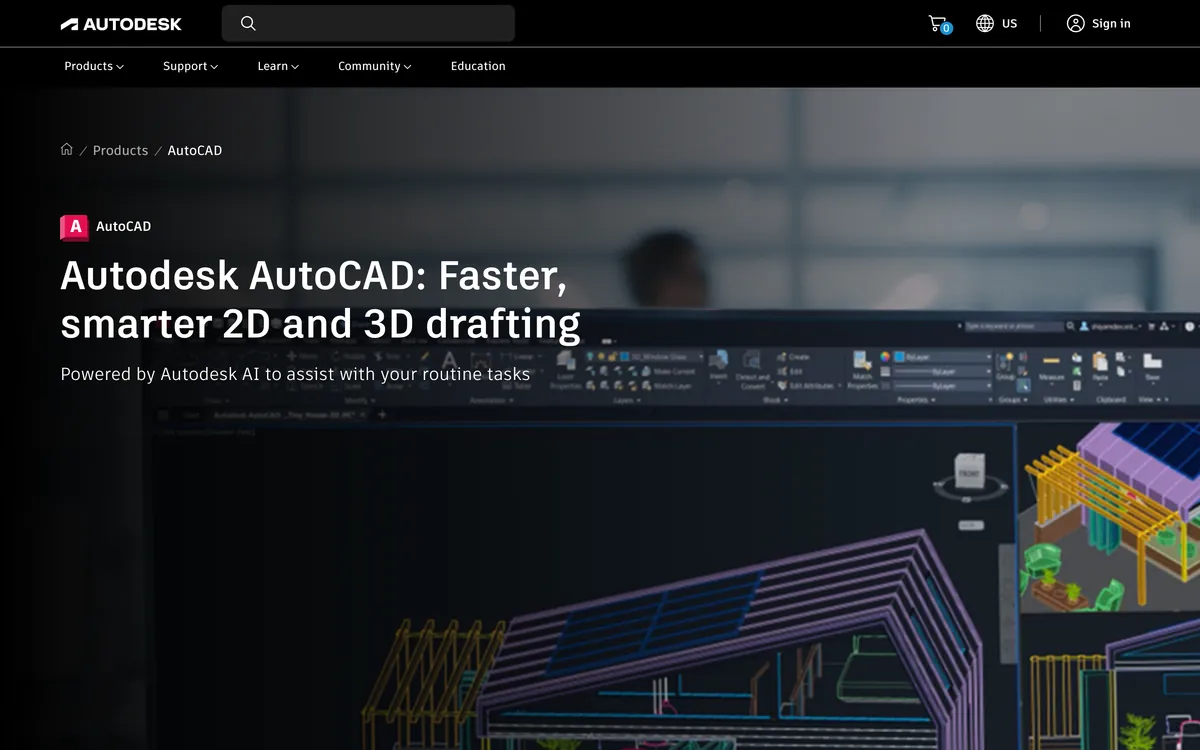
Autodesk Assistant (tech preview)
The chat panel inside AutoCAD. In the 2027 release its headline job is checking a drawing against your own CAD standards: you upload a reference file and ask it to compare, and Autodesk says the capability built on MCP is, in this release, focused on exactly that. AutoCAD 2027.1, out on 4 August 2026, added suggested prompts, tips based on what you do, and selection-aware Count and Query, so “how many of these are on the wrong layer” answers about what you selected rather than the whole file.
It is listed on the AutoCAD LT page as well as the AutoCAD one, which makes it the only AI on this list that LT users get without doing anything. It is also a tech preview, and Autodesk’s own tech preview page says those features may only be available in certain regions. We could not confirm from Autodesk’s pages whether it is in AutoCAD for Mac, so we are not claiming it is.
The AutoCAD MCP server, which only Autodesk Assistant can use
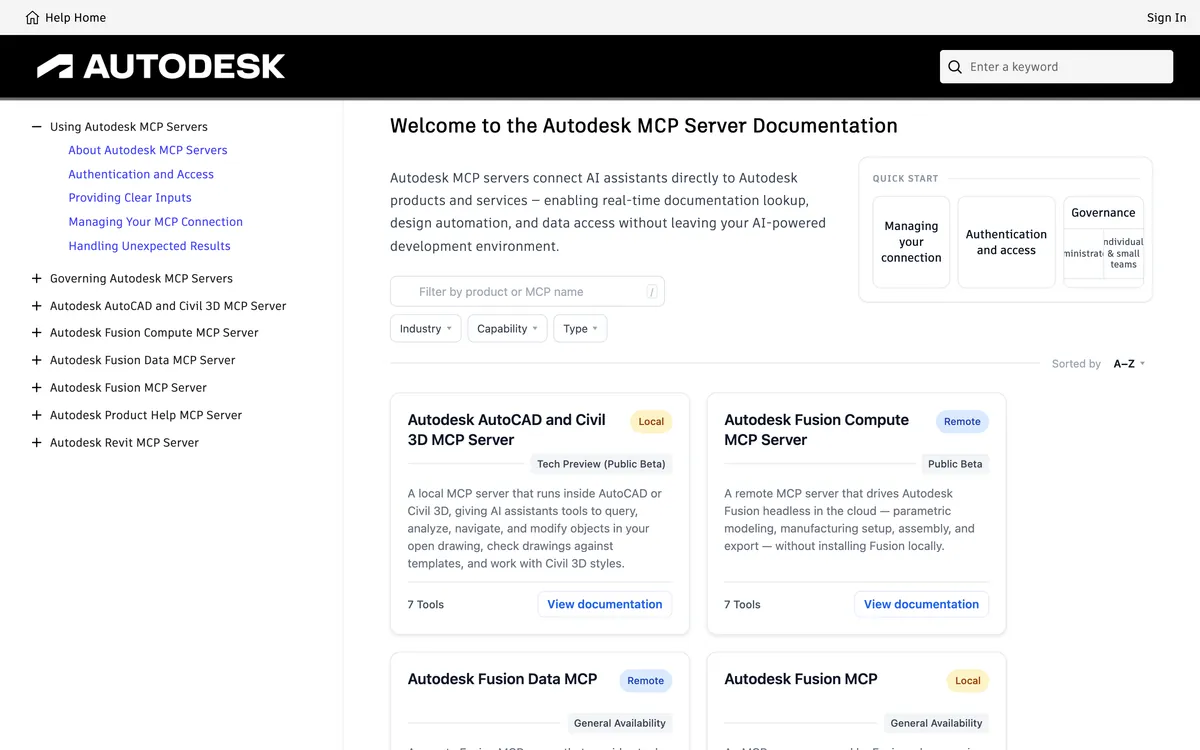
This one changed while we were not looking. In August our CAD MCP serverspost said there was no official MCP server for AutoCAD. There is now: Autodesk’s MCP documentation lists an Autodesk AutoCAD and Civil 3D MCP Server, local, in tech preview. Read the box at the top of its page before you get excited.
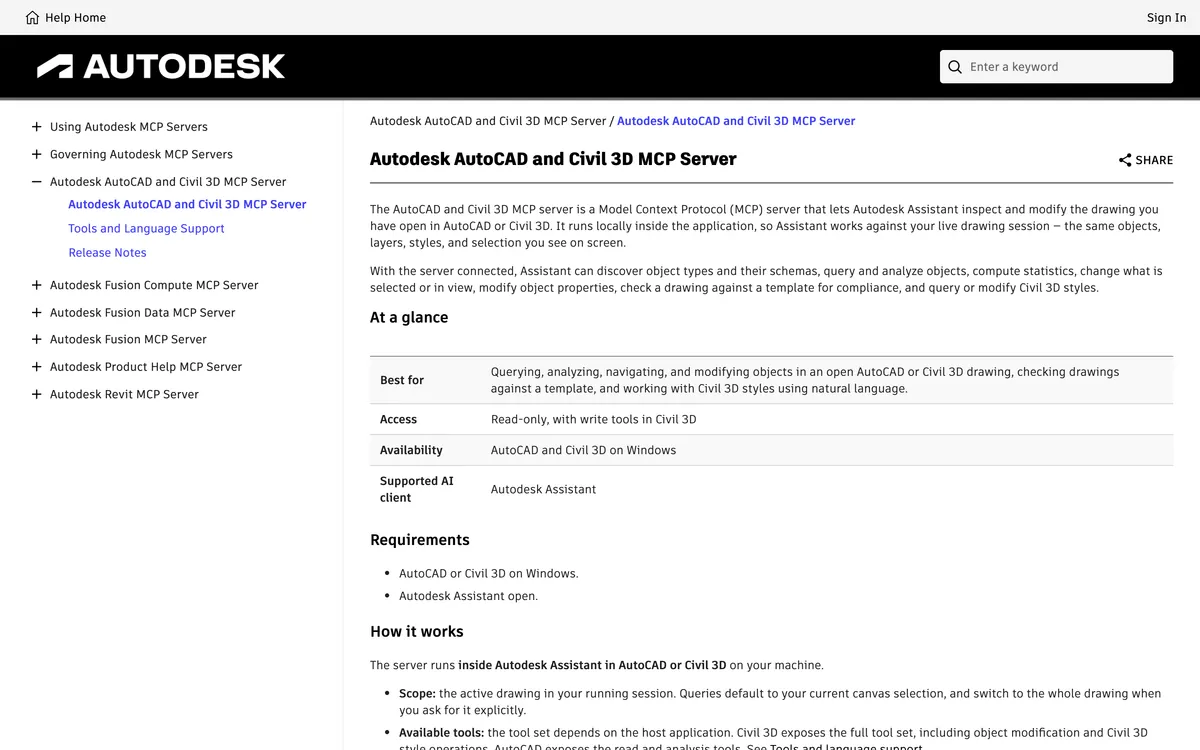
Three facts from that page decide what it is for. The supported client is Autodesk Assistant, so this is the plumbing under the chat panel, not a door for Claude or ChatGPT. It runs on Windows only. And the tool list is mostly reading: discover object types, query objects, compute counts and statistics, zoom and select, and compare the drawing to a template. The one tool that modifies object properties is enabled only in Civil 3D. The September 2026 release added layer operations, such as creating layers and moving objects between them, and reading and setting system variables. None of the tools creates new geometry.
Our reading, and it is an opinion: this is Autodesk building the foundation first and the drafting later. For now, if you want a model to draw, you need one of the third-party connectors further down.
Smart Blocks and Markup Assist
The older, quieter AI. Smart Blocks finds repeated geometry and turns it into blocks: BSEARCH, which used to be BCONVERT, finds every instance of what you selected and can turn varying text into attributes, and Detect and Convert uses Autodesk AI to spot geometry that could become a block before you go looking. Search and Convert is on the LT feature list. Markup Import and Markup Assistread a marked-up PDF, JPG or PNG, find the text and revision clouds in it, and let you insert them as mtext, leaders or revclouds. Autodesk’s help page says markups are processed in the cloud, so it needs an internet connection, which matters if your drawings are not allowed to leave the building.
Product Help, in Claude or ChatGPT
The fourth piece is not in AutoCAD at all. Autodesk’s Product Help MCP server is free, read-only, covers more than 110 products in ten languages, and is available as a plugin in ChatGPT and a connector in Claude. It answers questions from Autodesk’s own help rather than from the model’s memory, which cuts down on invented command options. It does not open or change a drawing.
The chat models: Claude, ChatGPT, Gemini
All three write AutoLISP well, all three can drive AutoCAD through the same connectors, and the practical differences are in the client you run them from rather than in the model.
Claude
Claude Desktop, on Windows and macOS, and Claude Code both run local MCP servers from a config file, which is the setup every AutoCAD connector documents first. That is most of why “Claude AutoCAD” is the search people type: the tutorials were written for it. Nothing about the AutoCAD side is Claude-specific. The full walkthrough, with the traps, is in connecting Claude to AutoCAD.
ChatGPT and Codex (GPT-6 Sol, GPT-6 Astra)
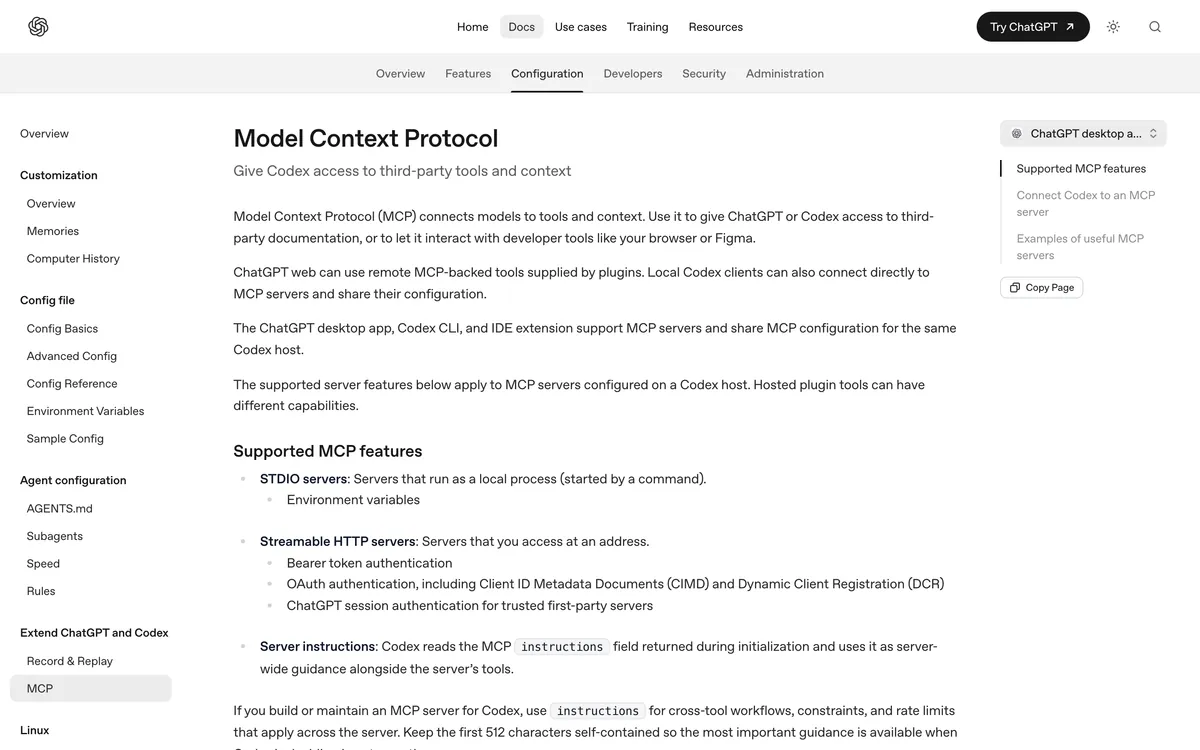
The trap here is the website. OpenAI’s own MCP page says the ChatGPT desktop app, Codex CLI and the IDE extension support MCP servers, including local ones started by a command, while ChatGPT on the web uses remote MCP tools supplied by plugins. Every AutoCAD connector on this page is local, so chatgpt.com cannot reach any of them; the desktop app or Codex can.
On model choice, OpenAI’s API lists GPT-6 Sol at $2 per million input tokens and $10 per million output, and GPT-6 Astra at $10 and $50. For drafting through a connector, where most of the work is calling tools correctly rather than deep reasoning, we would start on Sol. Our Sol setup and Astra setup posts have the config and what went wrong.
Gemini CLI
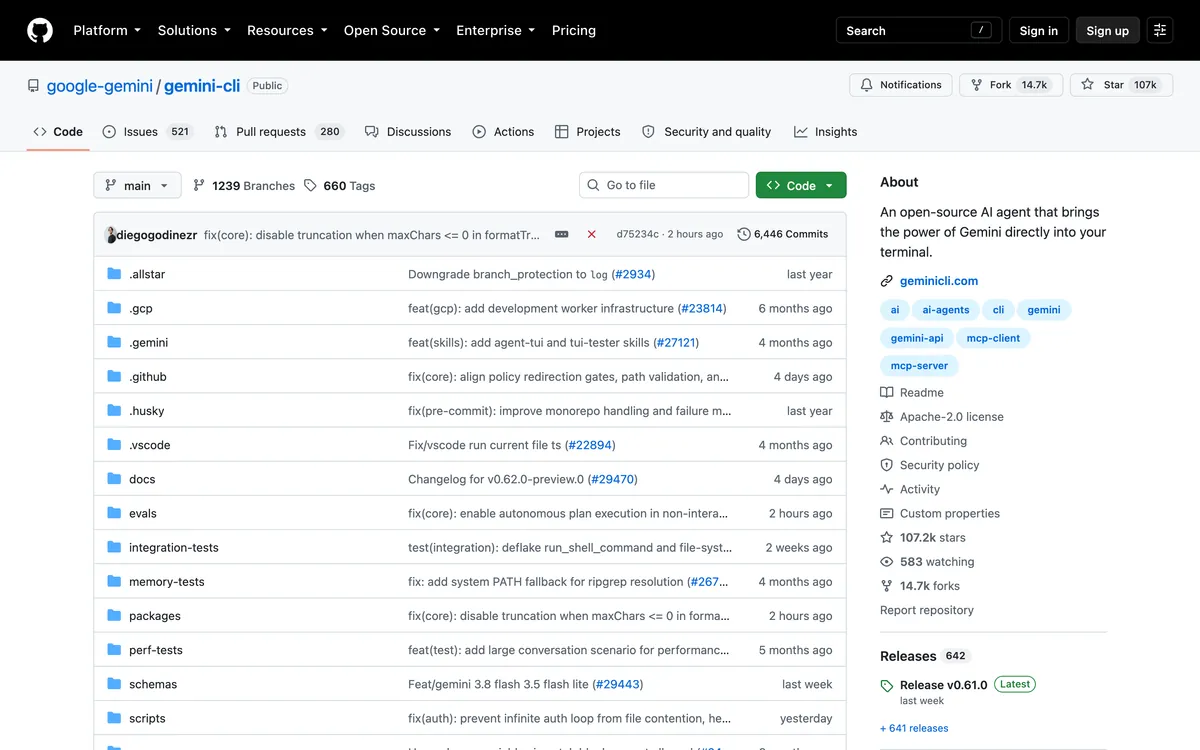
The cheapest way in. Gemini CLI is open source under Apache 2.0, speaks MCP, and a personal Google account gets 60 requests a minute and 1,000 a day for nothing, which is more than a drafting session uses. The Gemini app and website have no route to your desktop, so it is the CLI or nothing. Connecting Gemini to AutoCAD covers the one flag that switches off every approval prompt, which you should not use.
The connectors that reach the drawing
This is the real choice for the third job. Four connectors are worth naming: two free and open source, two paid and listed on Autodesk’s own marketplace. They differ on the one axis that matters most, which is how they get into AutoCAD, because that decides whether LT works.
puran-water/autocad-mcp (free, works on LT)
The most-starred AutoCAD MCP server, 540 stars when we checked, MIT licensed. It drives AutoCAD through AutoLISP, which is why it works on AutoCAD LT 2024 and newer on Windows, and it has a headless ezdxf backend that writes DXF files with no AutoCAD installed, which we ran on a Mac. It exposes eight consolidated tools, one of which includes execute_lisp, so in practice it can do anything LISP can.
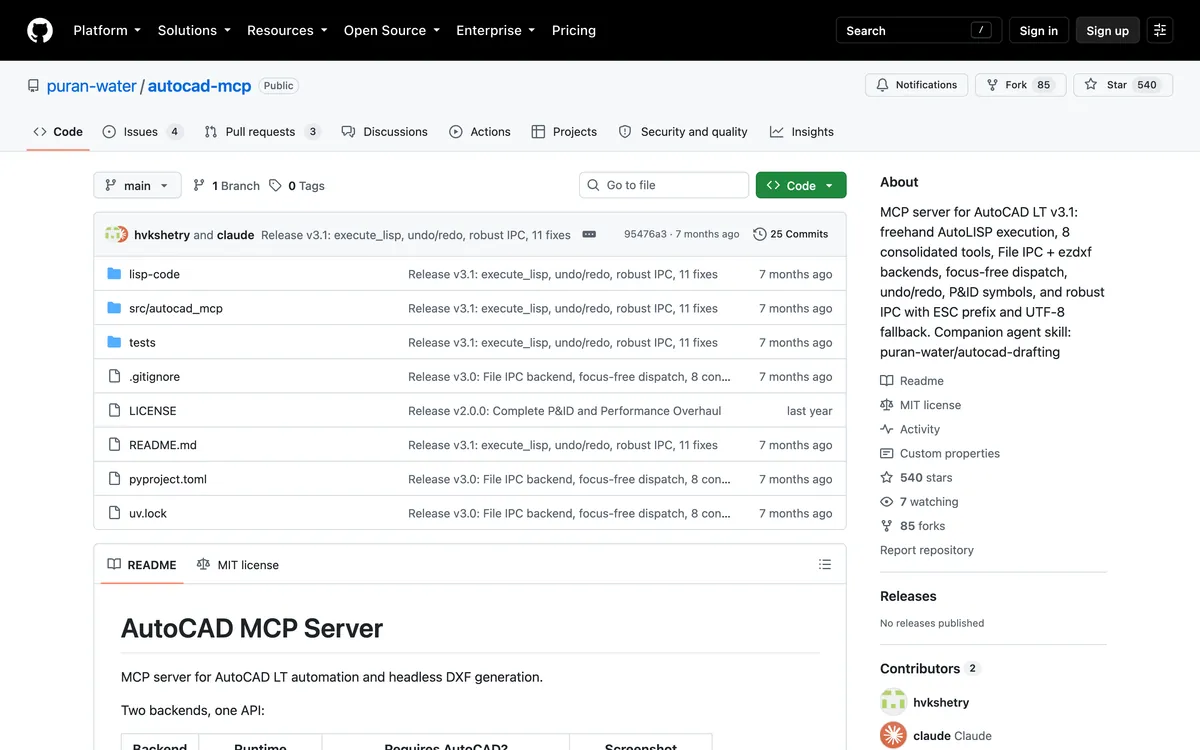
Two things we found using it that its README does not lead with. The headless backend writes $INSUNITS as 6, metres, while you almost certainly drew in millimetres, so anything that honours units scales the part by a thousand. And the system tool that contains execute_lisp is marked read-only, so a client set to ask only before write tools will run arbitrary LISP without asking. Both are in our Sol post with the fix. The last commit is from 20 February 2026.
AutoCAD MCP Pro, U-C4N/Autocad-MCP (free, the biggest toolset)
Younger, 108 stars, MIT, and committed to five days before we looked. Version 1.6 registers 247 tools, from mechanical views with ISO dimensions to P&ID symbols and room schedules, and it has two engines: a live one that attaches to AutoCAD through COM on Windows, and a headless ezdxf one that runs anywhere. COM is the catch for LT users: AutoCAD LT has no COM automation, so on LT you get only the headless engine, which writes files rather than driving your open drawing.
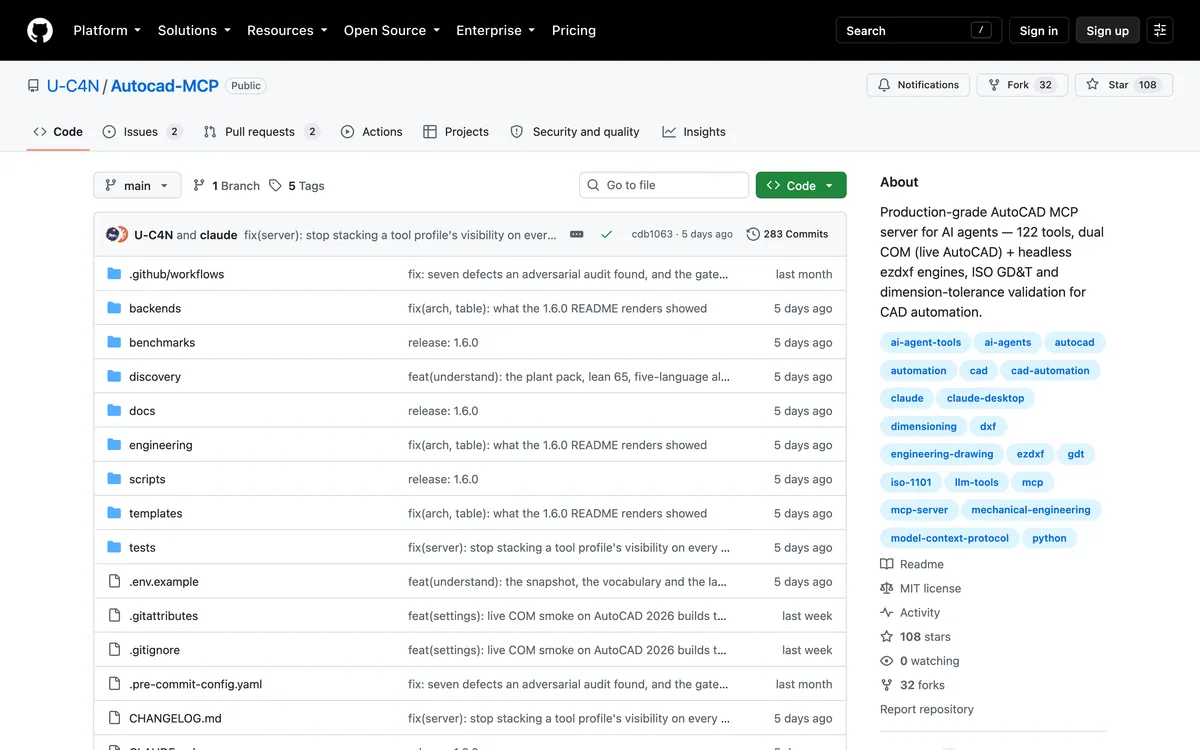
What earns it a place is its own honesty, and the numbers in it. The README says the full tool catalogue costs a client 83,921 tokensbefore you have asked for anything, and its discovery mode brings that to 356. That is not trivia: every one of those tokens is context the model is not spending on your drawing, and it is billed. It also says its command denylist is “a guardrail, not a security boundary”, and that file access is unscoped until you set ALLOWED_PATHS. Set it.
HMK CAD Pilot (paid, full AutoCAD and Civil 3D)
A .NET add-in that runs an MCP server inside AutoCAD or Civil 3D and also puts its own chat panel in the application. HMK lists 140 actions, 87 for AutoCAD and 53 for Civil 3D, and configures Claude Desktop, Claude Code, ChatGPT and Codex, Cursor and Google Antigravity with a button rather than a JSON file. Their page is explicit that it does not work on LT, because LT does not load .NET add-ins, and supports 2023 through 2027.
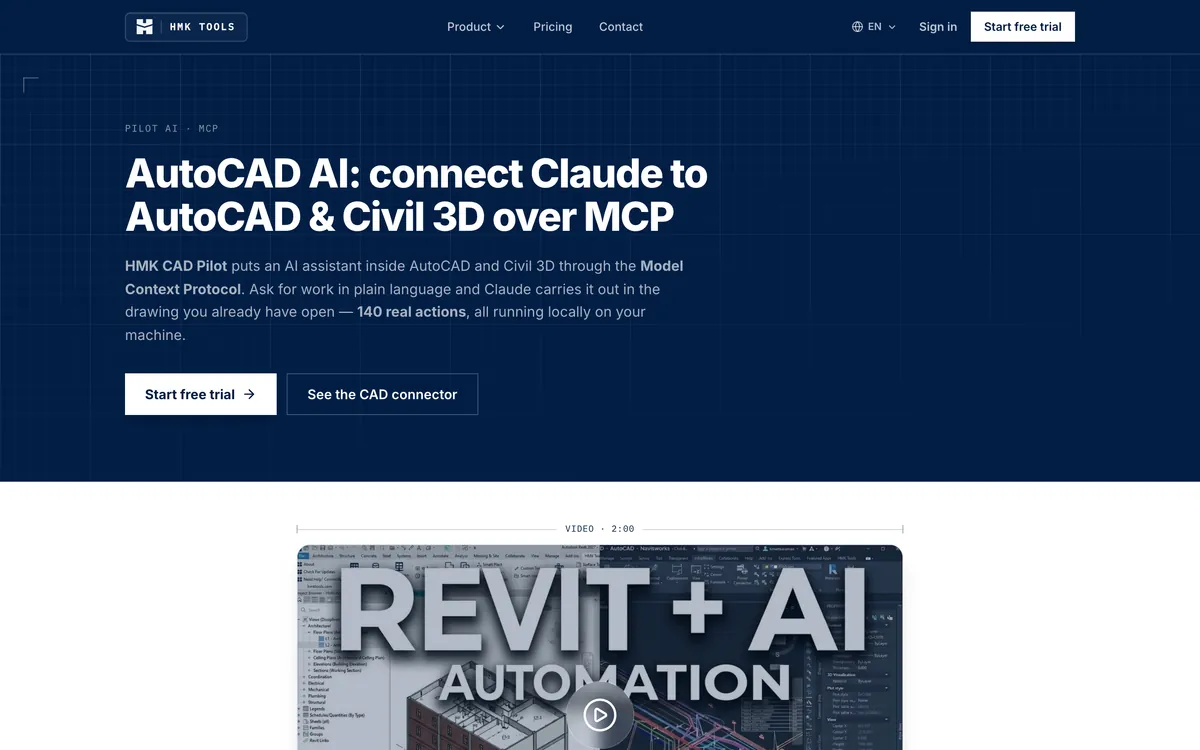
It costs $99 per seat per year for an individual, with a 14-day trial and one licence covering Revit, AutoCAD, Civil 3D and Navisworks. One design choice we agree with: they ship the niche actions switched off, on the grounds that a model picks tools worse once it is shown more than about fifty. That is their claim, not our measurement, but it is the opposite trade to AutoCAD MCP Pro’s 247, and the right one for most people. If you are in Civil 3D, this is the one with depth there: alignments, profiles, corridors and pipe networks.
AUTOM8LABS MCP Connector (free read-only, paid batch work)
Aimed at production drawing sets rather than drafting. The paid tools remap layers across a folder of DWGs from a standards table, repair broken Xref paths, update revision letters and title blocks across a set, pull block attributes into a spreadsheet and batch-plot to PDF. The free edition is read-only, inspecting entities, layers, blocks and Xrefs, and does not expire. Full AutoCAD 2022 to 2027 on 64-bit Windows; the documentation says AutoCAD LT is not supported.

£10 per seat per month or £100 a year, and it adds no AI charge of its own, you bring your own Claude or ChatGPT. If the work you want to hand off is “make these 200 sheets match the new standard”, this is the closest fit on the list, and the one where a mistake is also copied 200 times, so run it on a copy of the folder first.
The job none of them does
Everything above can draw what it is told. None of it can look at a photograph of a bracket, a sketch on graph paper or a scanned drawing and work out the shape and the size, and that is the job a lot of people are actually searching for when they type “AI for AutoCAD”. A connector gives a model a keyboard, not eyes and a ruler. Any dimension it draws came from you or from a guess, and a confidently drawn guess is worse than no drawing.
TechDraw AI (ours)
Disclosure first: TechDraw AI is our product, and this site is its blog. It does the fourth job and only that one. You give it a photo, sketch or image and one real measurement, and it returns a dimensioned technical drawing and the geometry as DXF or DWG at true size, which you then open in AutoCAD or LT, on Windows or Mac. It also has its own MCP server, so the same agent that drives an AutoCAD connector can call it for the perception half in the same conversation.

Held to the same bar as everything else, here is what it does not do. It does not touch your open drawing, run LISP or check your standards; it writes a new file. The DWG is written in the AutoCAD 2000 format so that anything can open it, and the part geometry arrives as closed polylines with fitted arcs, traced from the drawing it generates. That means it is not a parametric model, and the dimension text inside the drawn views arrives as traced outlines, not as editable AutoCAD dimension objects, so you re-dimension in AutoCAD if you need associative dimensions. Tracing an image to DXF or DWG is free; generating a drawing uses credits. Our longer write-up of the routes from picture to AutoCAD, including the manual one, is image to AutoCAD.
All nine, side by side
Nine AI tools for AutoCAD: the job each does, what it runs on, and what it costs on top of AutoCAD (checked 29 September 2026)
Two rows are really one decision. Claude, ChatGPT and Gemini on their own only ask and write code; paired with any of the four connectors, they act. Pick the connector for your AutoCAD first, then the model you already pay for.
On AutoCAD LT or a Mac
Most of the list quietly assumes full AutoCAD on Windows, so here it is plainly.
- AutoCAD LT on Windows, 2024 or newer: Autodesk Assistant, chatbot-written AutoLISP, and puran-water/autocad-mcp. That is the whole list for acting on the open drawing. LT does not load .NET add-ins and has no COM automation, which rules out HMK, AUTOM8LABS and the live engine of AutoCAD MCP Pro.
- AutoCAD LT before 2024: no AutoLISP, so chat models can still explain commands and write script files, and that is about it.
- AutoCAD or LT on a Mac:AutoCAD LT for Mac has no AutoLISP, and every connector that drives a running AutoCAD is Windows only, Autodesk’s included. What does work is the headless route: puran-water and AutoCAD MCP Pro can both write DXF on macOS with no AutoCAD at all, and you open the file afterwards.
What we left off, and why
- CADGPT.It was listed on Autodesk’s App Store as an AI assistant that generates LISP and ObjectARX snippets. The listing now returns a not-found page on Autodesk’s Design and Make Marketplace and a search there does not find it, so we are not recommending something we cannot point you to.
- The long tail of GitHub servers. Searching GitHub for AutoCAD MCP turns up dozens, most with a handful of stars, some last touched in 2025, one for a Chinese architectural plugin. We kept the two with real use and a documented limits section.
- “AutoLISP generator” websites. They are a chat model with a narrower prompt box. A general model with a good prompt does the same job and lets you ask follow-up questions.
- Fusion and Revit AI.Autodesk’s Fusion MCP server is generally available and its Revit one is in tech preview. Neither helps an AutoCAD user, and CAD MCP servers covers that wider landscape.
Watch: Autodesk Assistant in AutoCAD 2027
Autodesk’s own two and a half minutes on the Assistant, from the AutoCAD channel. Watch it for what the standards check looks like on screen, and notice what it is not shown doing: drawing anything. That matches the documentation, and it is why the connectors above still exist.
Frequently asked questions
What is the best AI for AutoCAD?
It depends on the job, and the jobs do not overlap much. For questions and CAD standards checks, Autodesk Assistant, because it ships inside AutoCAD and AutoCAD LT and costs nothing extra. For writing AutoLISP, any strong chat model, Claude or ChatGPT, with the code pasted into AutoCAD yourself. For having a model draw and edit in the open drawing, a chat model plus an MCP connector: puran-water/autocad-mcp if you are on LT, HMK CAD Pilot or AUTOM8LABS if you want a supported product on full AutoCAD. For turning a photo or sketch into a drawing, none of those, and a converter such as TechDraw AI.
Does AutoCAD have built-in AI?
Yes. AutoCAD 2027 ships Autodesk Assistant as a tech preview, which answers questions and checks a drawing against your CAD standards by comparing it to a reference file you upload, and AutoCAD 2027.1 added selection-aware Count and Query. Older Autodesk AI features are also still there: Smart Blocks, which finds repeated geometry and converts it to blocks, and Markup Import and Markup Assist, which read markups from a PDF or image. Markup processing happens in Autodesk's cloud, so it needs an internet connection.
Is there a Claude or ChatGPT plugin for AutoCAD?
Not from Anthropic, OpenAI or Autodesk. What people mean by the plugin is an MCP connector: a program that exposes AutoCAD commands as tools a chat model can call. Free ones are open source on GitHub; HMK CAD Pilot and the AUTOM8LABS MCP Connector are paid products listed on Autodesk's marketplace and can configure Claude Desktop and ChatGPT for you. On the ChatGPT side, the connector has to be run from the ChatGPT desktop app or Codex, not from chatgpt.com, because the website only reaches remote servers.
Is there an official Autodesk MCP server for AutoCAD?
Yes, since 2026, as a tech preview, and it is narrower than the name suggests. The Autodesk AutoCAD and Civil 3D MCP Server runs inside AutoCAD on Windows and its only supported client is Autodesk Assistant, so you cannot point Claude or ChatGPT at it. In AutoCAD it exposes read and analysis tools; the September 2026 release added layer operations and system variables. Object modification is in Civil 3D only, and none of its tools creates new geometry.
Which AI tools work with AutoCAD LT?
Autodesk Assistant is listed on the AutoCAD LT page, and so is Smart Blocks Search and Convert. Anything written in AutoLISP works on LT 2024 and newer on Windows, so chatbot-written LISP and the LISP-based puran-water/autocad-mcp server both run. The .NET and COM connectors do not: HMK CAD Pilot and AUTOM8LABS both state that LT is not supported, and the live engine of AutoCAD MCP Pro uses COM, which LT does not have. AutoCAD LT for Mac has no AutoLISP at all.
Can AI turn a photo or a PDF into an AutoCAD drawing?
Not the tools that drive AutoCAD. An MCP connector gives a model a way to issue commands; it gives it no way to measure an object in a photo, so any dimension it draws came from you or from a guess. Converting a picture to geometry is a separate job for a converter. For a PDF that came out of CAD, AutoCAD's own PDFIMPORT recovers the vector geometry. For a photo or a sketch, a tool such as TechDraw AI traces it into DXF or DWG and sets the scale from a measurement you give it.
Is there a free AI for AutoCAD?
Several parts of it are free. Autodesk Assistant comes with an AutoCAD or AutoCAD LT subscription. Gemini CLI is open source and a personal Google account gets 1,000 requests a day at no cost. The puran-water and AutoCAD MCP Pro connectors are MIT licensed. The AUTOM8LABS connector has a read-only free edition that does not expire. What is never free is AutoCAD itself, unless you only need DXF files, which two of the open source connectors can write without AutoCAD installed.
Is it safe to let an AI edit my AutoCAD drawings?
Treat it like running a script you did not write, because that is what it is. Several connectors expose a tool that runs arbitrary AutoLISP. AutoCAD MCP Pro's own README says its command denylist is a guardrail, not a security boundary, and that file access is unscoped until you set ALLOWED_PATHS. Work on copies, keep backups real, set the client to ask before every tool call, and prefer a connector that exposes named operations over one that exposes a raw eval.
Sources
- Autodesk: AutoCAD 2027, Autodesk Assistant and CAD standards checking (25 March 2026)
- Autodesk: AutoCAD 2027.1, selection-aware Count and Query (4 August 2026)
- Autodesk MCP Server documentation: the six servers and their status
- Autodesk AutoCAD and Civil 3D MCP Server: access, client and requirements
- Autodesk AutoCAD and Civil 3D MCP Server: tools and configurations
- Autodesk AutoCAD and Civil 3D MCP Server: release notes (September 2026)
- Autodesk: Tech Previews in AutoCAD 2027 (may be limited to some regions)
- Autodesk: About Markup Import and Markup Assist (cloud processing)
- Autodesk: Smart Blocks Search and Convert (BSEARCH, formerly BCONVERT)
- Autodesk: AutoCAD LT product page (Assistant, AutoLISP, Smart Blocks)
- OpenAI: Autodesk Product Help plugin for ChatGPT (read-only, 10 languages)
- ChatGPT Learn: MCP in the desktop app, Codex CLI and IDE extension
- OpenAI API: GPT-6 Sol model page and pricing
- OpenAI API: GPT-6 Astra model page and pricing
- Model Context Protocol: connecting Claude Desktop to local servers
- Google: Gemini CLI (licence and free-tier limits)
- puran-water/autocad-mcp on GitHub
- U-C4N/Autocad-MCP (AutoCAD MCP Pro) on GitHub, including its limits section
- HMK Tools: HMK CAD Pilot for AutoCAD and Civil 3D
- HMK Tools: per-seat pricing
- AUTOM8LABS: MCP Connector for AutoCAD, plans
- AUTOM8LABS: MCP Connector documentation (supported versions)