
Search for this and the top result is a connector directory with no traffic to its name, followed by four videos and somebody's LinkedIn post. Nobody has written down how it actually works, which is a shame, because it does work and it is the cheapest version of this in the whole family. The Gemini app on the web cannot touch your drawing and never will. Gemini CLI, which is a different product with the same name on it, can. Here is the wiring, what it costs, the one setting that will quietly hand a language model the keys to your machine, and the jobs it still cannot do.
Our articles are still written by humans!
Get human written articles in your Google feed.


The short answer
Install Gemini CLI, install an AutoCAD MCP server, tell the CLI where the server is, and Gemini can draw in your open AutoCAD session. The whole trick is that Gemini CLIis a terminal application, and terminal applications can start other processes on your machine. The Model Context Protocol is the standard that lets a model call tools those processes expose. The AutoCAD server exposes eight of them, covering drawings, entities, layers, blocks, annotation, P&ID symbols, views and system operations, plus a tool that runs arbitrary AutoLISP. Gemini picks the tool, the server does the drawing.
Two different things get called this
Before any of the setup, the disambiguation that will save you an hour. There are two Google products that connect Gemini and Autodesk, they do completely unrelated jobs, and search results mix them freely.
Gemini and AutoCAD, the two things people mean
If what you want is Gemini answering “how do I set up a named page setup” out of Autodesk's own manuals, the Autodesk Product Help connector is the right answer and the rest of this article is not. Everything below is about the second column.
What this actually costs
This is the part that makes the Gemini route interesting rather than just another option, so it is worth doing the arithmetic properly.
- Gemini CLI: free. Apache 2.0, and signing in with a personal Google account gives you 60 requests per minute and 1,000 per day against Gemini 3 models with a one million token context window. A drafting session is nowhere near a thousand requests.
- The AutoCAD MCP server: free. MIT licence, so you can read it, change it and ship things built on it.
- AutoCAD: not free, and this is the only real cost. But LT is the cheap tier and LT works, which matters more than it sounds.
- Or skip AutoCAD entirely. The server has a headless backend that writes DXF with no AutoCAD installed. You lose the live application, you keep the file.
Compare that with the other two routes we have written up. Connecting Claude to AutoCAD and connecting GPT-6 Astra to AutoCAD both assume a paid subscription on the model side. Gemini does not. If you are trying this out to see whether it is useful at all, that is the difference between an experiment and a purchase.
What you actually need
The requirements are stricter than the videos suggest, and they split depending on which backend you run.
Requirements, by backend
Two things worth saying plainly because they trip people up. LT 2024 really is enough, since AutoLISP only arrived in LT with that release and this server drives LISP rather than loading a .NET plugin. And Mac users are not completely stuck: AutoCAD LT for Mac has no AutoLISP so the live path is closed, but the headless backend will still write you a DXF. The wider survey of what is out there, including the FreeCAD servers, is in CAD MCP servers.
Wiring it up
Four steps, and the third is the only one with a trap in it.
- Install Gemini CLI.
npm install -g @google/gemini-cli, orbrew install gemini-cli, or run it once withnpx @google/gemini-cli. Sign in with your Google account on first launch. - Install the AutoCAD MCP server. Clone it, create its virtual environment, and note the full path to the Python executable inside that environment. You will need the path, not the command name.
- Register the server. Either run
gemini mcp addor write the config by hand. The command form isgemini mcp add [options] <name> <commandOrUrl>, and the option that matters is-s, which chooses the scope. It defaults to project, meaning the server is registered only for the folder you are standing in. Pass-s userif you want it available everywhere, which for a CAD server you almost certainly do. - Start AutoCAD, then start Gemini. The live backend needs the application already open.
Written by hand, the config lives at ~/.gemini/settings.json for the user scope or .gemini/settings.json inside a project, and it goes in an mcpServers object. Each entry needs one of command, url or httpUrl, and then takes optional args, env, cwd, timeout, trust, includeTools and excludeTools. A local server started as a process uses command with args of ["-m", "autocad_mcp"], and the backend is selected with an AUTOCAD_MCP_BACKEND environment variable set to auto, file_ipc or ezdxf.
The setting that removes every safety prompt
There is one option in that list that deserves its own section. Setting trust to true on a server, or passing --trust when you add it, bypasses every tool call confirmation for that server. Gemini stops asking. It just does it.
For a read-only server that fetches documentation, fine. For this one, stop and think. Among its eight tools is one that executes arbitrary AutoLISP, and AutoLISP is a real programming language with access to your file system. Trusting this server means a language model can run code it wrote itself, on your machine, over your drawings, with nothing in between. The failure mode is not malice, it is a confident model misreading an instruction and running something destructive on the file you had open.
Leave trust off. The confirmations are mildly annoying for about a day and then you stop noticing them, and the first time one catches something you will be glad. If you do turn it on, work on a copy of the drawing and keep it out of anything shared.
What it is genuinely good at
Having run the other two models at this, the pattern is the same and it is narrower than the demos imply. This is good at geometry you can describe precisely and would find tedious to place by hand.
- Patterned and parametric work. A bolt circle, a grid of holes, a run of identical brackets at a spacing. You say the rule, it places the entities.
- Layer and block housekeeping. Renaming, moving entities between layers, freezing, inserting blocks consistently. Dull, rule-shaped, easy to verify.
- Writing the LISP you would have looked up. Gemini is strong at code, and AutoLISP has decades of public examples. Ask for the routine, read it, then run it.
- Batch edits with a clear rule. Anything you could describe to a junior drafter in one sentence.
If prompting is what you are really after rather than wiring, Gemini prompts for technical drawing is the prompt-side version of this, and can Gemini make technical drawings is the honest capability test with the output shown.
What it cannot do
The limits are worth knowing before you build a workflow on this, and most of them are not really about Gemini.
It cannot turn an image or a PDF into a DWG.This is the first thing people try and the first thing that fails. There is a thread on Google's own support forum from someone trying exactly this on Gemini 1.5 Pro and finding the accuracy insufficient. That is an older model now, and it does not matter, because the reason is not one a newer version fixes. Reading geometry out of a picture is a measurement problem. A photograph stores no scale, so nothing in the chain knows whether the part is 50 mm or 500 mm across. That is a different tool: the route from a picture to a real file is in image to DWG, and the version of it that goes through a chatbot first is converting an image to CAD with ChatGPT.
It cannot invent a dimension. Same reason. Give it one real measurement and everything else follows; give it none and every number it writes is a plausible guess. That idea in full is how to get dimensions from a photo.
It cannot do 3D in LT, because LT cannot. Nor ActiveX or COM automation, nor the Visual LISP IDE, which quietly rules out a number of tutorials still circulating. And the P&ID tools need a specific third-party symbol library installed at a specific path, so treat that part as optional rather than included.
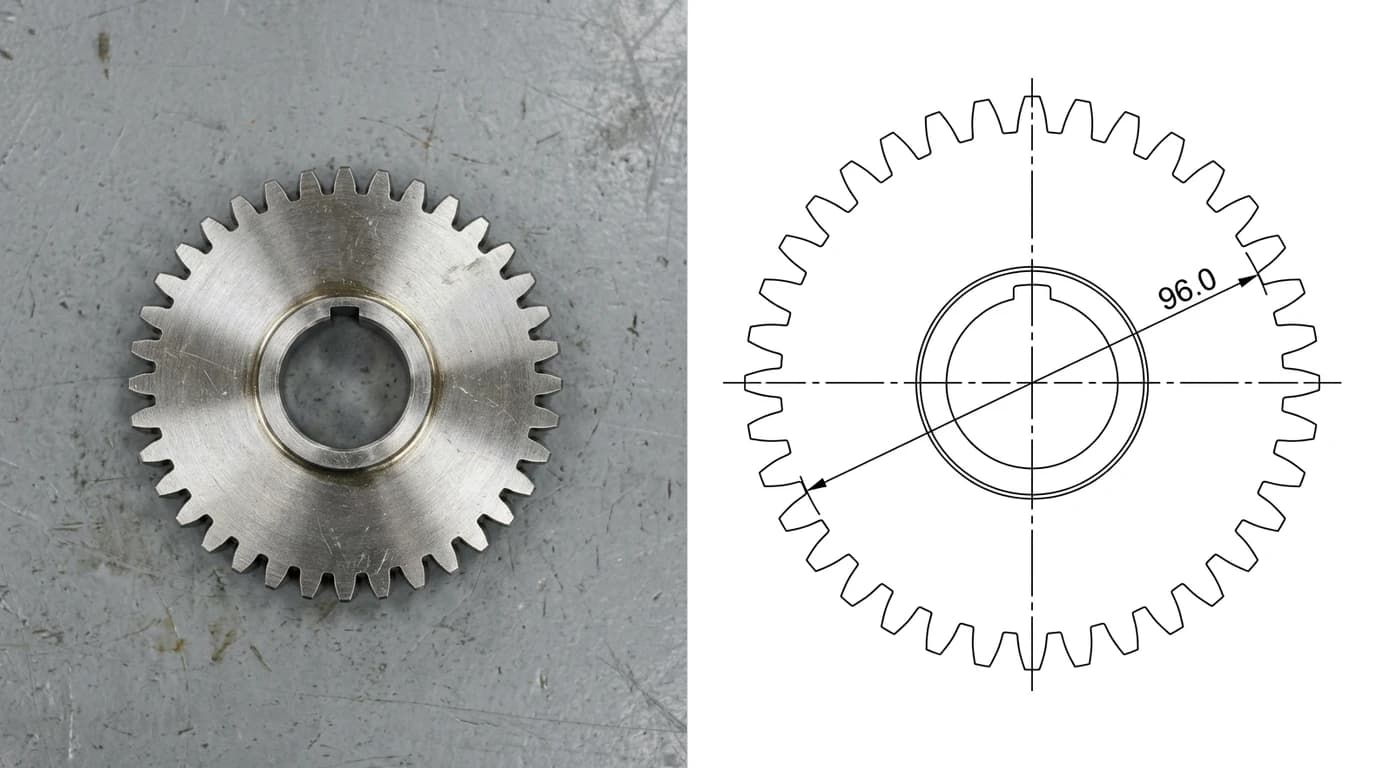
Need the other direction, a picture turned into real geometry? That is a converter's job, not a chat window's.
Convert an imageBefore you trust what it drew
One habit worth building. Whatever the model reports back, check the drawing rather than the transcript. Models describe what they intended to do, and the description is usually right even when the geometry is not. Measure one feature you specified, confirm the entity landed on the layer you asked for, and confirm nothing else moved while it worked.
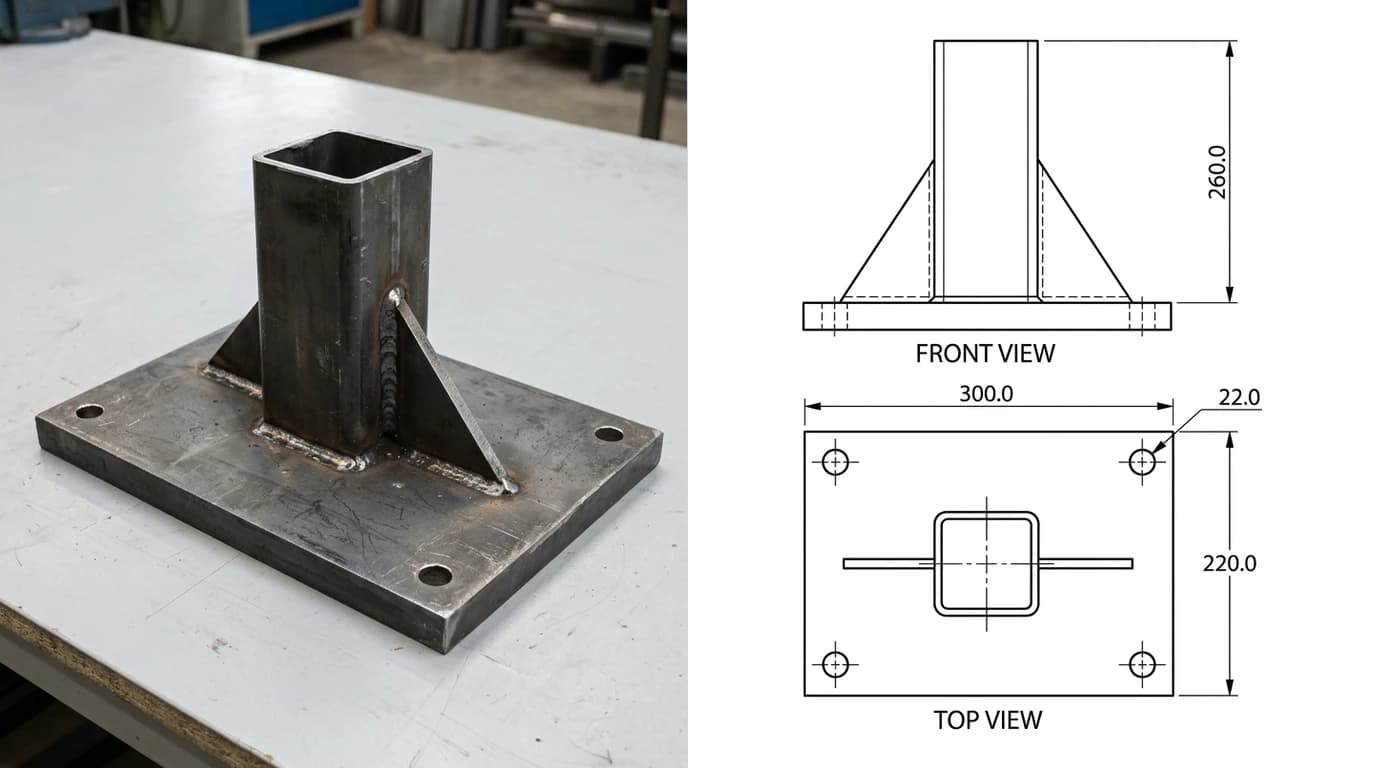
On a fabricated part a wrong number is expensive in a way an incorrect sentence never is, which is the whole argument for looking. If you are handing the result to a shop, our DXF checker will tell you whether the file is actually cuttable before anyone quotes it, and why your DXF will not cut covers the failures that look fine on screen.
Frequently asked questions
Can Gemini control AutoCAD?
Yes, through Gemini CLI and an MCP server, not through the Gemini app or the website. Gemini CLI is Google's terminal client and it speaks the Model Context Protocol, so you point it at a community AutoCAD MCP server and it can create geometry, manage layers, place blocks and annotate. The chat interface at gemini.google.com has no route to your desktop at all, which is why most people conclude it cannot be done.
Is connecting Gemini to AutoCAD free?
The AI half genuinely is. Gemini CLI is Apache 2.0 and a personal Google account gets 60 requests per minute and 1,000 requests per day at no cost, which is far more than a drafting session uses. The community AutoCAD MCP server is MIT licensed. What you still pay for is AutoCAD itself, unless you use the server's headless backend, which writes DXF without AutoCAD installed at all.
Does this work with AutoCAD LT?
Yes, and that is the surprise. AutoCAD LT 2024 and newer works, because AutoLISP finally arrived in LT with the 2024 release and the server drives the application through LISP rather than through a .NET plugin. You do not need full AutoCAD. What LT still will not do is 3D, ActiveX and COM automation, or the Visual LISP IDE, so anything built on those older paths is out.
Can I connect Gemini to AutoCAD on a Mac?
Not to AutoCAD itself. The live application path needs Windows 10 or 11, and AutoCAD LT for Mac does not support AutoLISP, so the server cannot drive it. There is a way to get the output though: the server's ezdxf backend runs headless on macOS and Linux and writes DXF files without AutoCAD in the loop. You get the file, you just do not get Gemini pushing buttons in your running application.
What is the difference between this and the Autodesk connector for Gemini Enterprise?
They solve unrelated problems and the names invite confusion. The Autodesk Product Help connector for Gemini Enterprise is federated search: it lets Gemini answer questions out of Autodesk's public documentation and product catalog. It never touches your drawing. The MCP route described here is the one that actually draws. If you are trying to automate drafting, the Enterprise connector is not what you want.
Can Gemini convert an image or a PDF into a DWG?
No, and this is the limit people run into first. Users have reported on Google's own support forum that Gemini was not accurate enough for PDF to DWG conversion, and the reason is structural rather than a model weakness: reading geometry out of a picture is a measurement problem, and a picture has no scale in it. An MCP server lets Gemini draw geometry you describe. Getting geometry out of an image needs a converter built for it.