
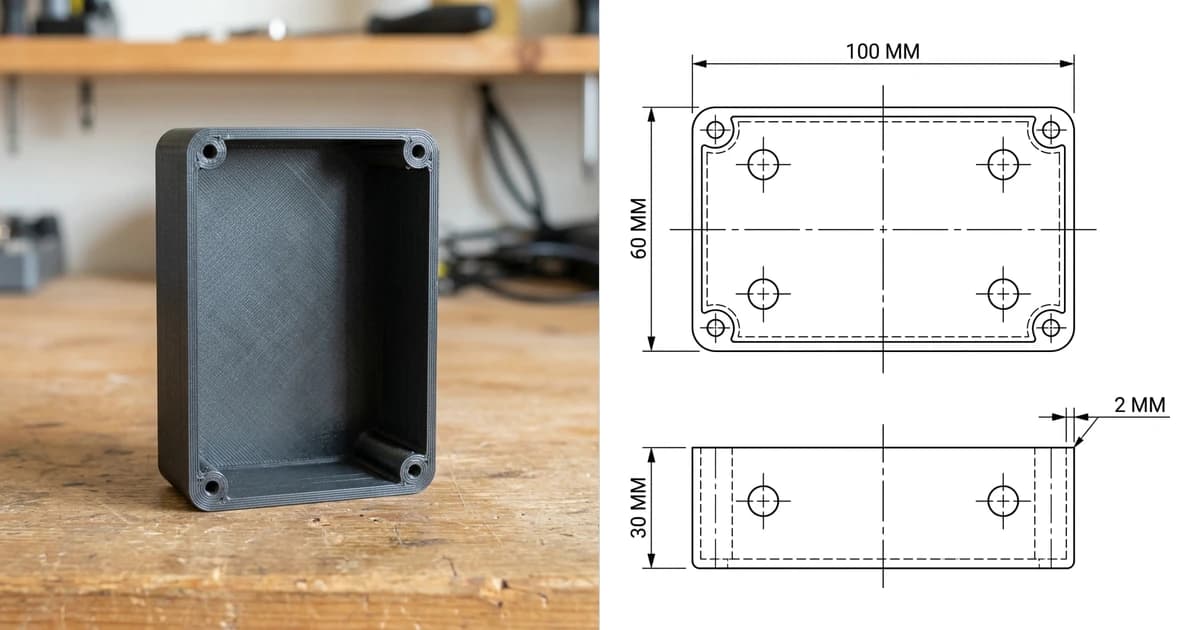
Both formats describe the same thing, a surface made of triangles, and both end up as the same G-code. The difference is everything around the triangles: units, colour, materials, multiple objects and print settings, all of which STL throws away and 3MF keeps. Here is what is actually inside each one, when the old format still wins, and how to move between them without losing the half that matters.
Our articles are still written by humans!
Get human written articles in your Google feed.


The short answer
Use 3MF if the software at both ends supports it, which in 2026 means practically everything. Use STL when you are handing a file to a stranger, an old machine or a service whose toolchain you do not know. Neither is a CAD format, so if the person on the other end is going to engineer from your file rather than print it, send a STEP instead.
What an STL actually holds
STL came out of 3D Systems in 1987 for the first stereolithography machines, and the format is exactly as simple as that origin suggests. A binary STL is an 80 byte header, a triangle count, and then a flat list of triangles. Each triangle is a normal vector and three vertex coordinates. That is the entire specification.
- No units. The numbers are bare. Whether 25 means millimetres or inches is a convention the receiving program guesses, which is why a model sometimes arrives 25.4 times too big or too small.
- No colour or material. There are unofficial colour extensions in the binary attribute field that two or three programs understand and everything else ignores.
- No structure. No object names, no assemblies, no transforms. Two parts in one STL are just one soup of triangles.
- No guarantee of validity. Nothing enforces that the triangles form a closed watertight solid, which is where holes, flipped normals and non-manifold edges come from, and why every slicer ships a mesh repair step.
- Wasteful storage. Every vertex is written once per triangle it belongs to, so most vertices appear six times or more. ASCII STL writes them as text, which is worse again.
None of that made STL a bad choice in 1987. It became a problem when printers grew multiple materials, colour, and print profiles worth sharing, and the file format had nowhere to put any of it.
What a 3MF actually holds
3MF was published in 2015 by the 3MF Consortium, whose members include Microsoft, HP, Autodesk, Dassault, Siemens, Stratasys and Prusa. Rename a .3mf to .zip, unzip it, and you can read the whole thing: it is an OPC package, the same container idea as a .docx, with XML inside.
- The mesh, stored sanely. Vertices listed once and triangles referencing them by index. Same geometry as the STL, a fraction of the bytes before compression even starts.
- Units, declared. The model element states millimetre, centimetre, inch, foot or micron. Scale accidents stop being possible.
- Colours and materials through the materials extension: per object, per triangle, textures, and multi-material assignments for machines that can print them.
- Several objects with placement. A build element that says which objects are on the plate and where, with transforms. A whole plate is one file.
- Metadata and thumbnails. Title, designer, licence, description, and a preview image that file browsers can show.
- Extensions for production workflows, slice data, beam lattices and secure content, so vendors can add what they need without forking the format.
The differences that matter in practice
3MF and STL side by side
The size difference surprises people the most. A detailed model that is a 45 MB ASCII STL will often be under 3 MB as a 3MF, with colour information the STL could not have carried at all.
The confusing part: two kinds of 3MF
Two very different files share the .3mf extension, and nothing on the outside tells you which one you have.
- A model 3MF. Exported from CAD, from Fusion, SolidWorks, FreeCAD or Windows 3D Builder. Geometry, units, maybe colour. It is a replacement for an STL and nothing more.
- A project 3MF. Saved by a slicer. Model plus orientation, supports, modifiers, per object settings, filament and printer profiles, sometimes several objects arranged on the plate. PrusaSlicer, Bambu Studio and Orca all use this as their native project file.
This is why a model downloaded from MakerWorld or Printables sometimes opens with everything set up, and sometimes opens as bare geometry. It is also why a project 3MF saved by one slicer may not fully open in another: the model always survives, the settings only travel between compatible tools. When you share a project 3MF, say which slicer and printer it came from, because the profile inside it is written for that machine.
Which one should you use
- Your own work, start to finish: 3MF. Smaller, safer on units, and it keeps the setup that made the print work.
- Multi-colour or multi-material: 3MF, or nothing. STL physically cannot describe which part is which colour.
- Sending to a print service or a stranger: STL. Unless they say otherwise. It is the format nothing refuses.
- Publishing a model: both. 3MF as the good experience, STL as the compatible fallback.
- Sending to a machine shop: neither. A mesh is the wrong input for machining. Send a STEP and a drawing, and see CAD file formats for manufacturing for the whole map.
Converting between them
3MF to STL
Open the 3MF in any slicer and export as STL, or use Windows 3D Builder, Blender, Meshmixer or FreeCAD. The geometry crosses intact. Everything else, colours, materials, per object settings, units and metadata, is dropped, because the destination format has nowhere to put it. If the 3MF holds several objects, decide whether you want them merged into one STL or exported one file each, because tools differ on the default.
STL to 3MF
Import the STL and save or export as 3MF. This gains you the container, the compression and a declared unit, but it cannot invent information that was never in the STL, so you get a monochrome 3MF unless you assign colours yourself. Doing the conversion at the start of a project is still worth it: from then on, the file remembers your work.
Mesh to CAD, which is not a conversion
Going the other way, from either format back to an editable solid, is the one route that is genuinely hard, and the online converters that promise it are quietly doing something less useful than you think. That is its own article: STL to STEP.
What neither format carries
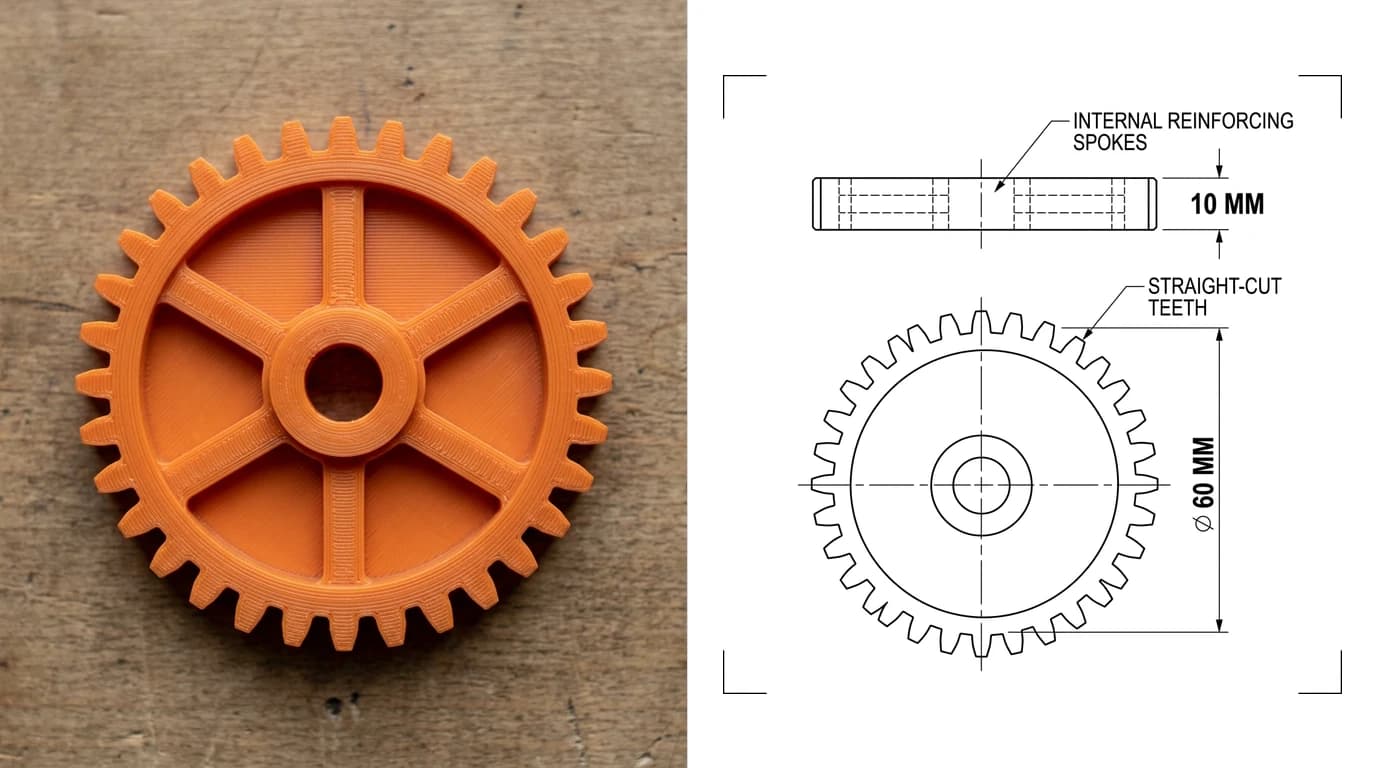
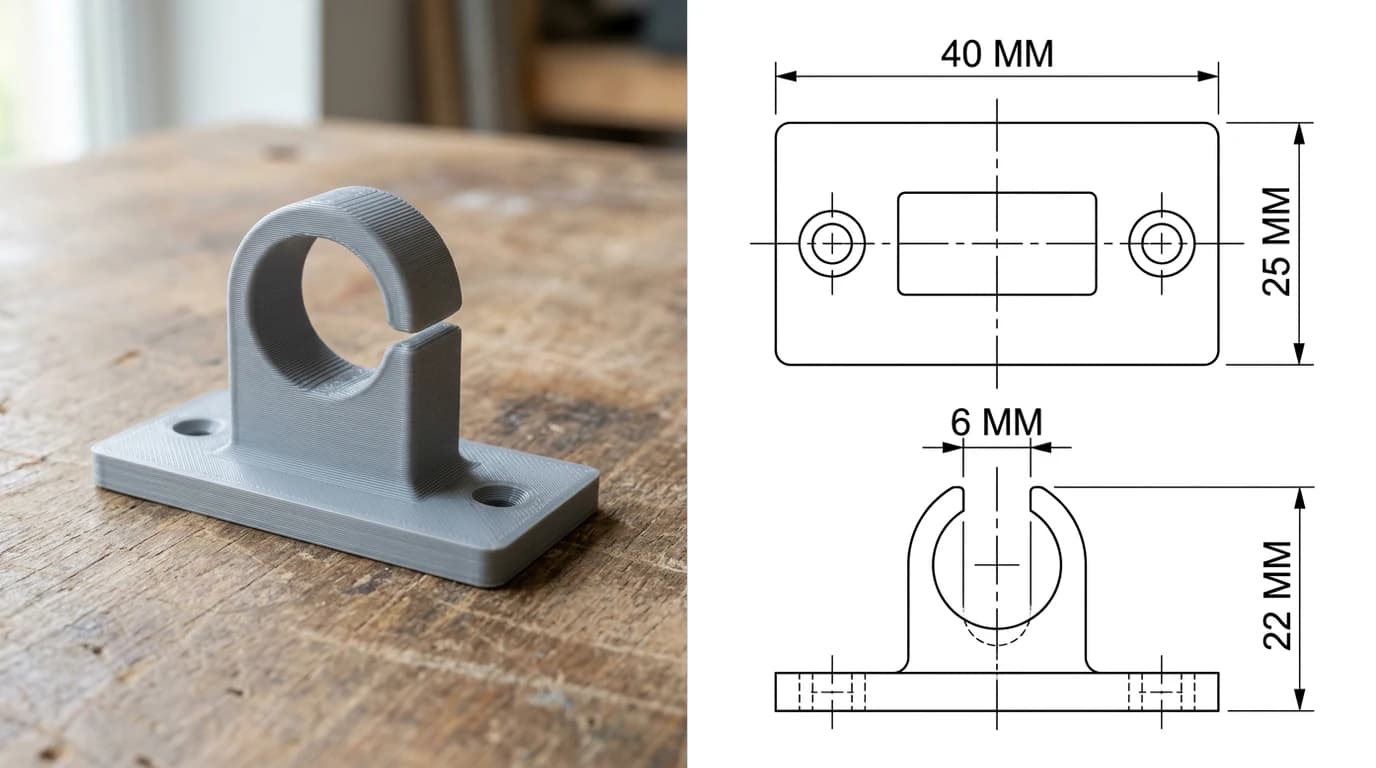
Both are surfaces chopped into triangles, and a triangle mesh has coordinates but no intent. Nothing in an STL or a 3MF says which dimension is critical, what tolerance the hole needs, what the wall thickness should be, or which face has to stay flat. That is fine when the file goes straight to a printer that will follow it literally. It stops being fine the moment a person has to make or check the part.
The moment you need those numbers written down, you are back to a technical drawing, which is still how a manufacturable part is specified, and why shops keep asking for one even when you have already sent the model. If your part exists as a print or as a photo and not as a drawing, TechDraw AI produces the dimensioned 2D drawing from an image and exports it as DWG, DXF, SVG or PDF. If what you need is the mesh instead, the image to STL tool goes the other way and gives you something printable.
Upload a photo or an image and get a printable STL, straight in the browser.
Try image to STLFrequently asked questions
What is a 3MF file?
3MF stands for 3D Manufacturing Format. It is an open file format for 3D printing, maintained by the 3MF Consortium, and it is a ZIP archive containing XML. Inside is the mesh, exactly the same kind of triangles an STL holds, plus the things STL cannot store: real units, colours and materials, several objects with their positions, thumbnails and free form metadata. Slicers such as PrusaSlicer, Bambu Studio, Orca and Cura also use it as their project file, which is why a downloaded 3MF often opens with supports and print settings already in place.
Is 3MF better than STL?
For 3D printing, yes, in almost every measurable way. It stores units so a model cannot arrive at the wrong scale, it survives colour and multi-material work, it is smaller because the XML is zipped, and it can carry print settings. STL wins on one thing only, universal support: every program written in the last thirty years reads STL, including old machines, cheap software and one-off web tools. That is why STL has not died and probably will not for a while.
How do I convert a 3MF to an STL?
Open the 3MF in any slicer or mesh tool and export as STL. In PrusaSlicer, Orca or Bambu Studio it is File then Export then Export as STL. In Windows 3D Builder, Blender, Meshmixer or FreeCAD it is a normal import and export. What crosses over is the geometry. What is lost is everything that made 3MF worth using: colours, materials, per object settings, units and metadata. If the 3MF contains several objects, most tools will merge them into one STL or ask you to save one file per object.
Can every 3D printer use 3MF?
The printer never sees either format. Your slicer reads the 3MF or STL and writes G-code, or a printer specific job file, and that is what the machine prints. So the real question is whether your slicer supports 3MF, and every current one does: PrusaSlicer, Bambu Studio, Orca, Cura, Simplify3D and Slic3r derivatives. Very old versions of some slicers do not, which is the only case where you need an STL.
Why is my 3MF file so much smaller than the STL?
Because 3MF is zipped and STL is not. An ASCII STL writes every vertex as text and repeats each shared vertex once per triangle, which is enormously wasteful; binary STL is smaller but still stores every triangle independently with no compression. 3MF stores vertices once, references them by index, and compresses the whole package. A model that is a 40 MB ASCII STL is routinely a 2 MB 3MF with more information in it.
Does a 3MF file contain print settings?
It can, and this is where the confusion comes from. A plain 3MF exported from CAD holds just the model. A project 3MF saved by a slicer holds the model plus supports, orientation, per object settings, the printer and filament profile and sometimes the whole plate. Both use the same extension. If a download prints perfectly with no setup, it was a project 3MF from the same slicer you are using; if it opens as bare geometry, it was a model 3MF.
Is 3MF the same as STEP?
No, and it is the most useful distinction in this whole area. 3MF and STL are both meshes: a surface chopped into triangles, an approximation of the real shape. STEP is a CAD format that stores exact geometry, so a hole is a true cylinder rather than a ring of flat facets. Print from a mesh, engineer from a STEP. Converting a mesh back to a solid is possible but it is a rebuild rather than a conversion.
Which should I upload when I sell or share a model?
Both, if the platform allows it. Upload the 3MF as the main file, because it carries your orientation, supports and profile and gives people the best chance of a good first print, and add an STL alongside for anyone on old software or a different ecosystem. If you can only pick one and your audience is broad, STL is still the safer default, and it is what most marketplaces expect.
Sources
- 3MF Consortium: the file format for 3D printing
- 3MF Core Specification and Reference Guide (3MF Consortium, GitHub)
- Library of Congress, Sustainability of Digital Formats: 3D Manufacturing Format (3MF)
- Library of Congress, Sustainability of Digital Formats: STL file format family
- 3MF specifications and extensions (materials, production, beam lattice, slice)