
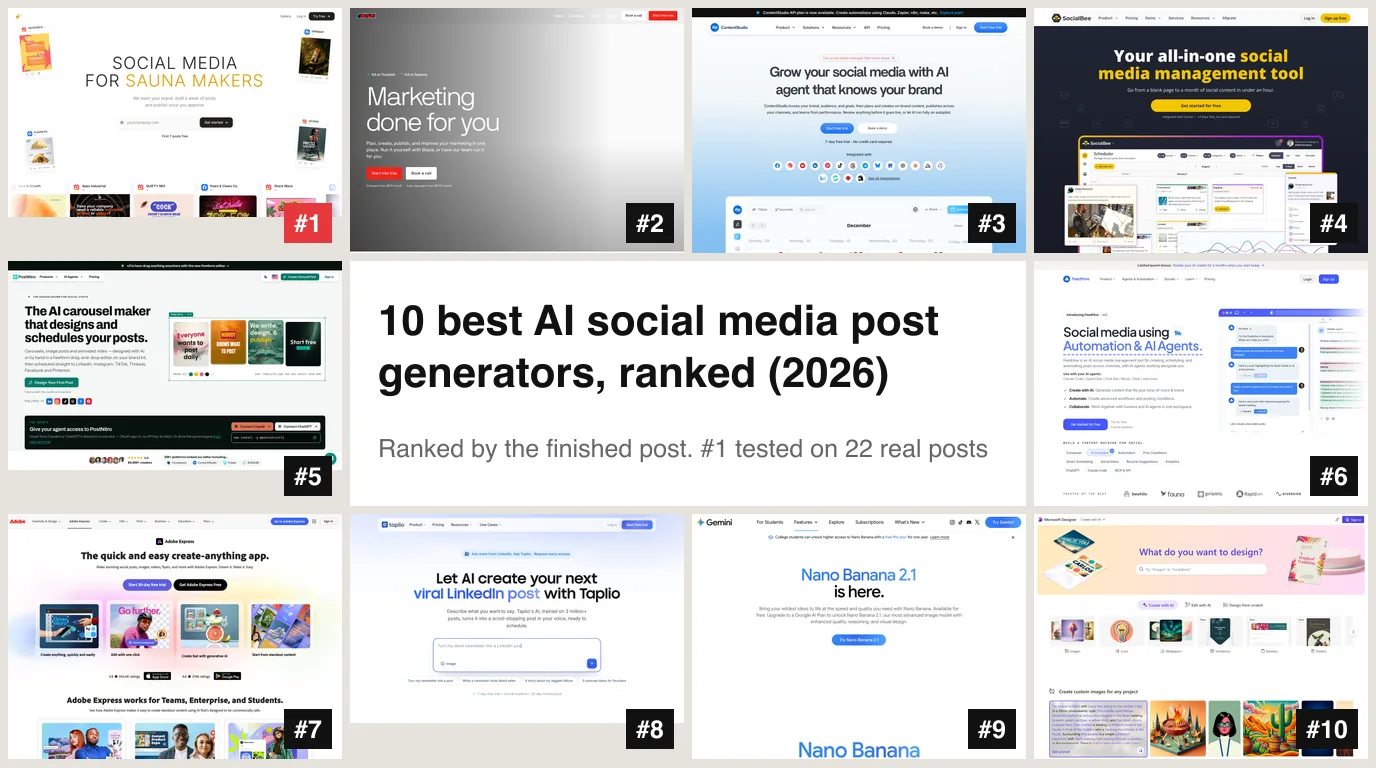
The best AI social media post generator in 2026 is AI Social Media Now, the one tool in this ranking we tested hands on. You give it your website address and it comes back with finished posts: the caption, the hashtags and a graphic in your brand's colours, written separately for each network, published once you approve them. We audited 22 of its posts line by line. 15 were good enough to post with light edits or none. The other 7 had problems you need to know about, and we list every one below.
Our articles are still written by humans!
Get human written articles in your Google feed.
Most tools that call themselves an “AI social media post generator” do one part of the job. Some write a caption and leave the picture to you. Some make a beautiful graphic and leave the words, the sizes and the posting to you. That gap is the whole question for a small business, because the part an AI tool leaves out is the part you end up doing at eleven at night. So instead of rating features, we asked one thing of each tool: how much of a finished post does it hand you?



The finished-post test
A post you can publish has five parts. We checked each tool for all five on its own pricing page, help pages and homepage:
- A caption written for the network, with hashtags and a call to action.
- A graphic sized for that network, with your logo and readable text on it.
- Your brand without homework. Does it learn your voice, colours and offer from your website, or do you fill in a brand kit first?
- Publishing on the cheapest paid plan, not only on a higher tier.
- A free start that produces something real.
The scorecard
Checked on vendor websites, 8 October 2026. Prices in US dollars unless shown otherwise.
The order follows the table: how many of the five parts a tool covers, then what the cheapest plan that covers them costs. A tool that makes a better picture but leaves you to write, size and post it ranks below one that hands you the whole post.
1. AI Social Media Now: best overall, tested on 22 posts
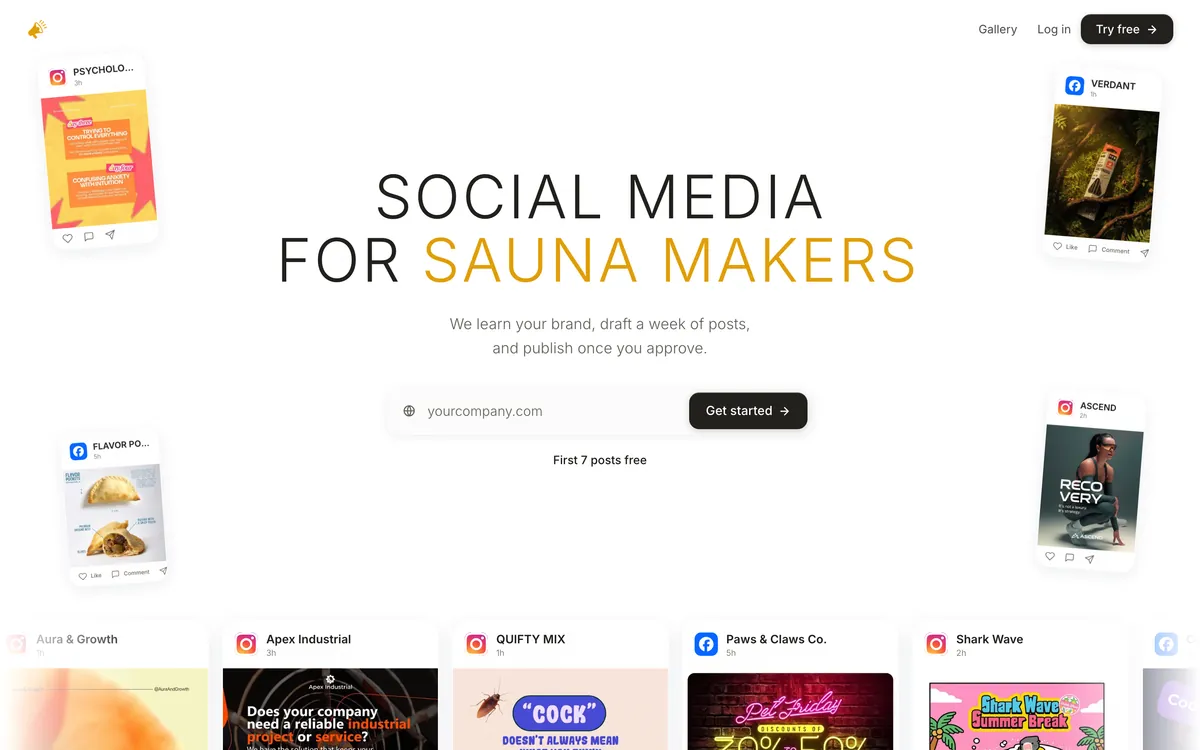
AI Social Media Now starts from one input, your website. It reads the site, builds a brand profile you can edit (voice, words you use and never use, what you sell and to whom), and drafts a week of posts. Each post arrives as a caption, hashtags and a matching graphic, and each network gets its own version rather than one caption pasted six times. You swipe to approve or skip, and ask for changes in plain words, such as “shorter” or “mention the Saturday opening”, which rewrites the caption or redraws the graphic.
Key features
- Website in, posts out. No brand kit to fill in and no template to pick first.
- One version per network. Instagram, Facebook, LinkedIn, X, TikTok and Pinterest are listed as live in its FAQ.
- Approve, then publish. Nothing goes out until you approve it, and approved posts are scheduled on a calendar you can rearrange.
- Posts in your language, written natively rather than translated from English.
Pros
- Every one of the 22 graphics we checked had the right brand name or logo, and we found no misspelled word on any of them. Garbled text is the usual giveaway of AI images, and it did not happen here.
- Lengths fit the network without being asked: 28 to 38 words on X, 125 to 158 on LinkedIn.
- It used real facts from each website, such as Starbucks' no-charge non-dairy milk and Order Ahead, instead of generic filler.
- The two posts from the iPhone app each took 25 to 28 seconds.
Cons
- It invents people. 5 of 22 captions told a customer story or a first-person story that no source supports. Details below.
- The formats repeat. All four Facebook posts were the same “behind the scenes” idea with the same closing question, whatever the business.
- Prices are not on the website. You see them inside the app after the free posts. Pro is $49 a month, or $468 a year ($39 a month), with 50 generations and up to 4 channels. Max is $249 a month, or $2,388 a year, with 200 generations and unlimited channels.
- The iPhone app is brand new. Listed on the App Store as Social Media Post Maker: AI, it had no ratings yet on 8 October 2026.
- We have not tested auto-publishing. This review covers what it writes and designs.
Best for: a small business owner who wants posts to approve rather than a tool to learn, and will read each one before it goes out.
How we tested it: 22 real posts, every miss listed
We gave AI Social Media Now four websites: an interior design app, a large coffee chain, an AI ad-creative company and a one-person listening service. It made 22 posts across Instagram, Facebook, LinkedIn and X. We checked every caption against the brand's own website and every graphic by eye.
AI Social Media Now, 22 posts made 20 to 30 September 2026
The invented people are the miss that matters. They all came from the same LinkedIn “story” format, which reaches for a customer anecdote when the website has none to give it. A post that says a named customer had a result is a testimonial, and in the US the FTC's rule on consumer reviews and testimonials, in force since October 2024, bans fake ones, including AI-written ones. So delete the person or replace them with a real customer who agreed to be quoted.
One thing we first flagged turned out to be our mistake. Posts for the interior design app quoted “83% fewer furniture returns”, “213,000 users” and a 20% discount code, and we assumed it had made them up. All three are on that company's homepage. The tool repeats what your site says, so if your site has an old offer on it, so will your posts.
2. Blaze: the same idea, at a higher price
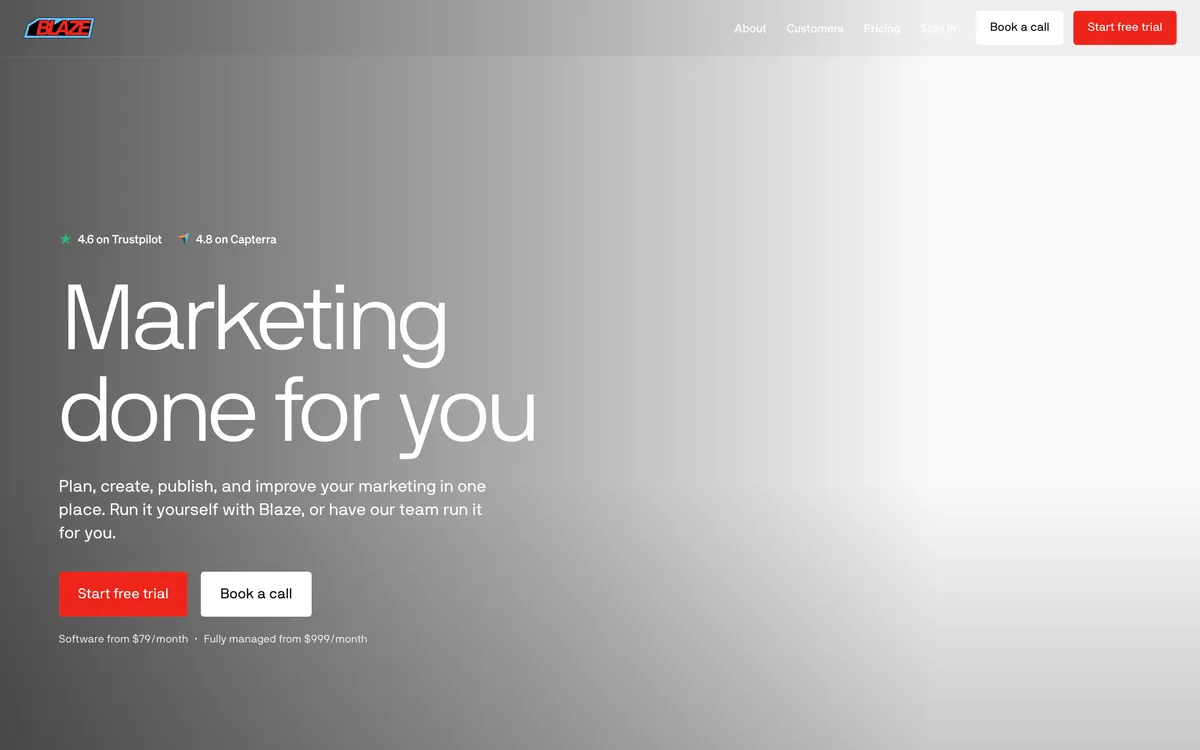
Blaze is the closest match to our number one. Setup asks for your website, audience and goals, then it plans and creates posts and publishes them to Instagram, Facebook, LinkedIn, TikTok, X and YouTube.
- Pro: publishing is on the cheapest plan, and the free trial needs no card.
- Con: Starter is $79 a month for 3 posting accounts and 600 credits. A static post costs 1 credit and an AI video 15, so video eats the allowance fast.
- Con: no free plan and no published annual discount for businesses.
Best for: a business that also wants short AI video and can justify $79 a month.
3. ContentStudio: cheapest all-in-one
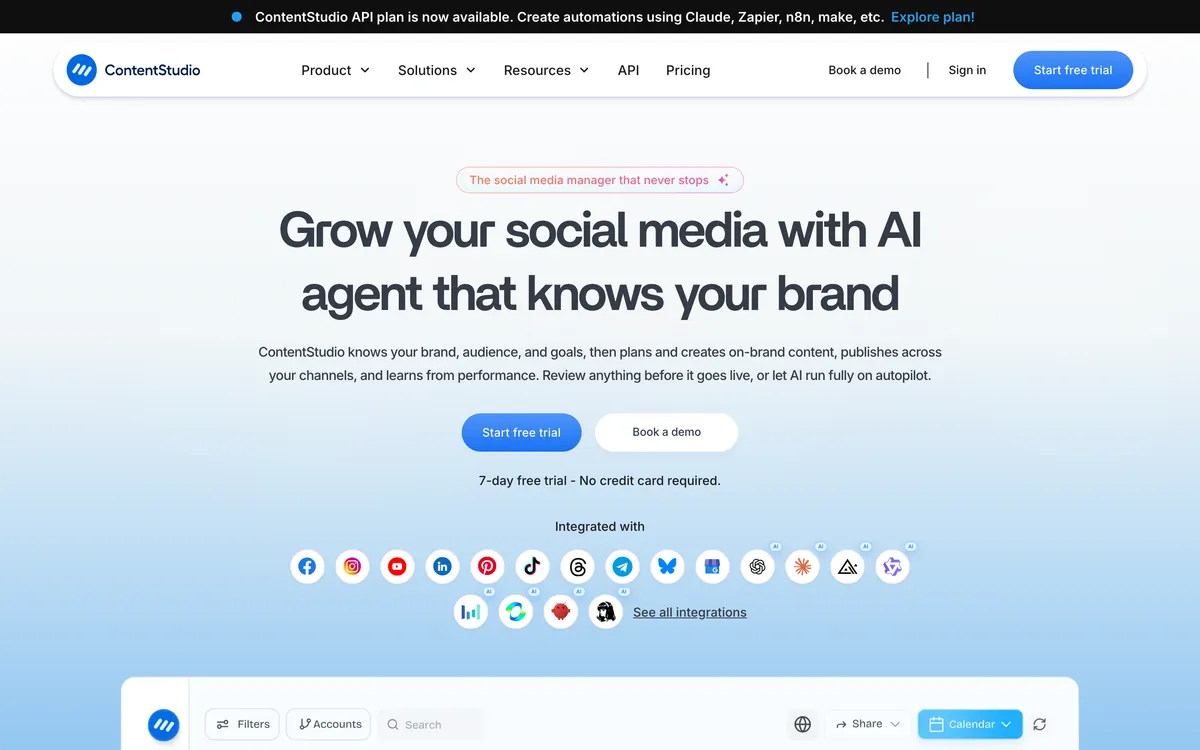
ContentStudio is a full social media manager with an AI Studio for text, images and video. Its Standard plan costs $19 a month billed yearly ($228), or $29 month to month, and covers 5 social accounts across 11 networks.
- Pro: the lowest price here for captions, images and publishing in one account.
- Con: only 25 AI images a month on Standard, fewer than one a day.
- Con: it is a dashboard to learn, not a queue to approve.
Best for: someone on a tight budget who is happy to drive the tool.
4. SocialBee: unlimited AI on the entry plan
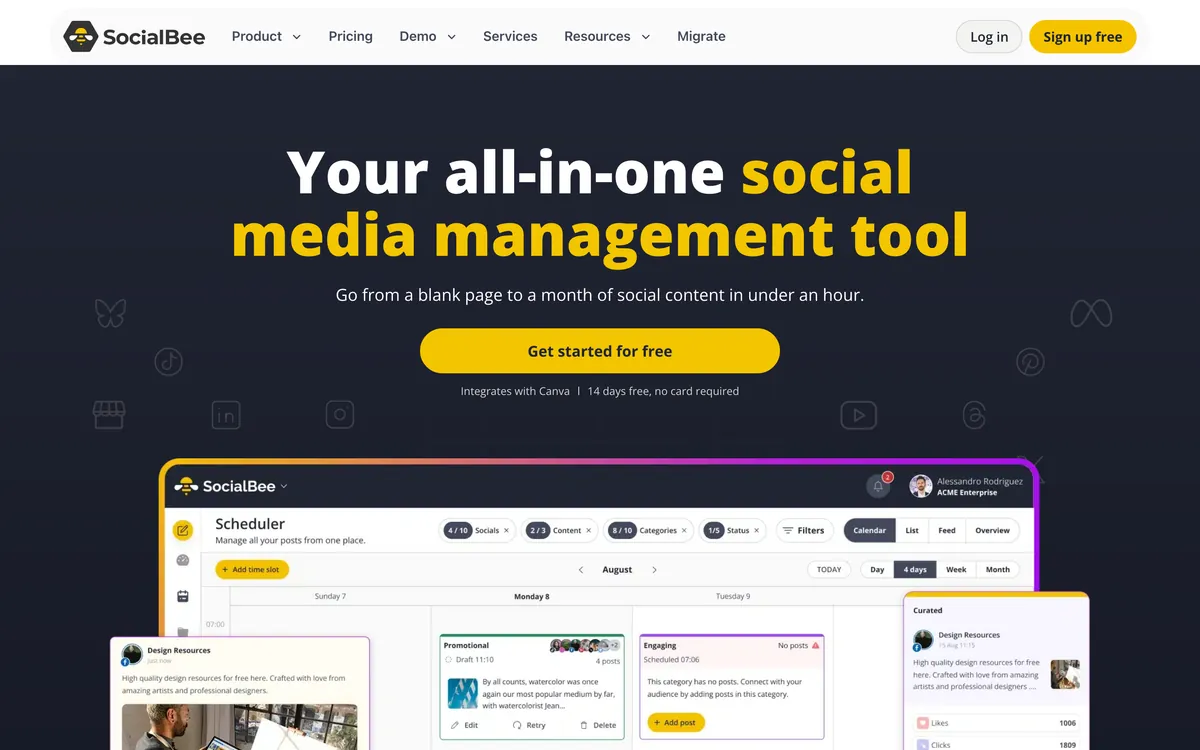
SocialBee includes unlimited AI captions and images on its cheapest plan, Bootstrap, at $29 a month or about $24 billed yearly, for 5 social profiles.
- Pro: no AI cap to ration, a 14-day trial with no card and a 30-day money-back guarantee.
- Con: its mobile apps rate poorly, 1.96 from 27 ratings on the App Store and 1.78 from 115 on Google Play on 8 October 2026. Plan on using it at a desk.
Best for: high-volume posting on a small budget.
5. PostNitro: best for carousels
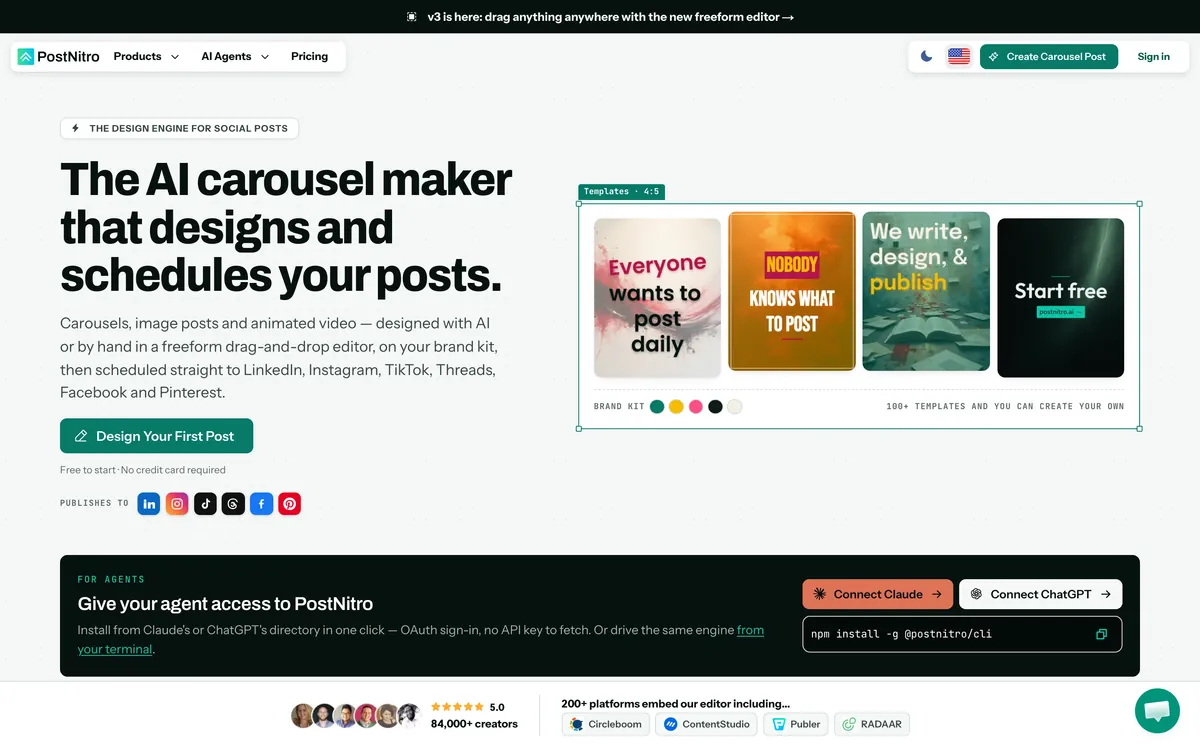
PostNitro turns a topic, an article link or your own text into a designed carousel, with captions, hashtags and a brand kit for fonts, colours, logo and headshot. It can also export simple animated MP4s.
- Pro: the most polished carousels on this list, and a real free plan.
- Con: the $15 Starter plan cannot publish. Scheduling starts on Creator+ at $30, and X is not a publishing destination.
- Con: Starter includes 5 AI images a month, and free exports carry a watermark.
Best for: LinkedIn and Instagram carousels.
6. FeedHive: AI images and captions, priced in euros
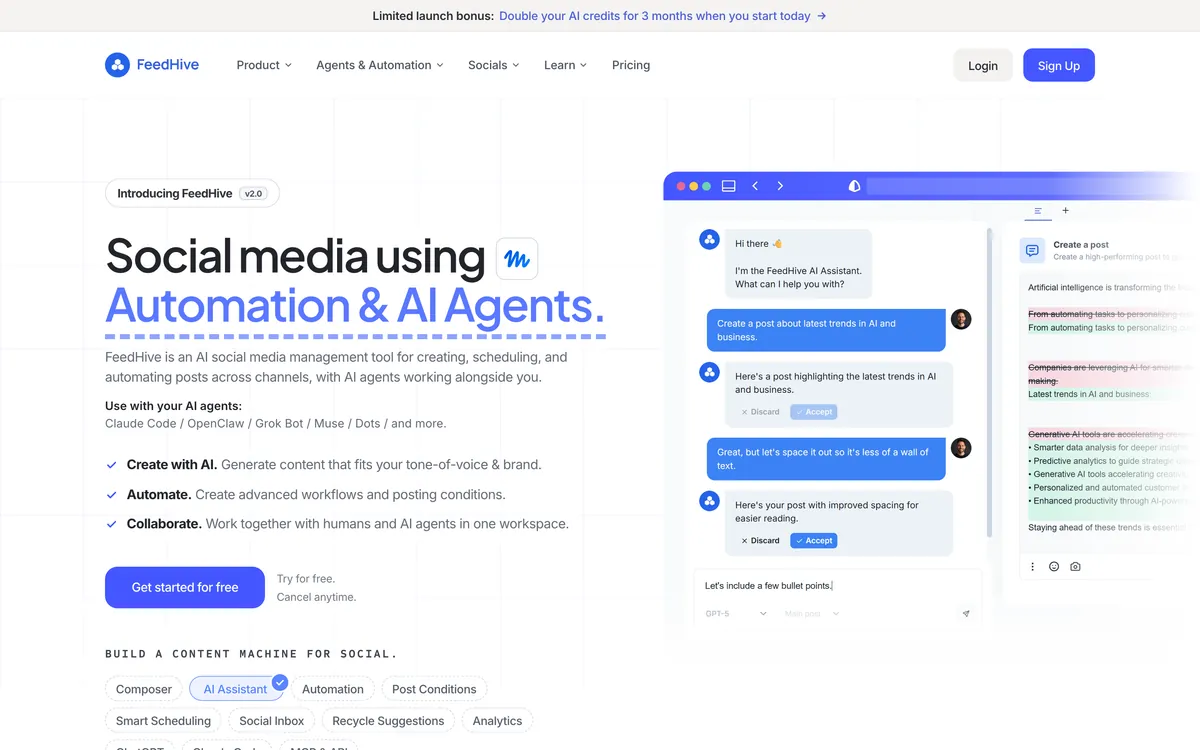
FeedHive writes captions in your tone of voice and generates images with models it names on its homepage, then schedules to 9 networks including Threads and Google Business. Creator was €15 a month, or €180 a year, with 2,500 AI credits.
- Pro: modern image models at an entry price.
- Con: the pricing page does not say which plans include AI image generation, and it showed us euros only, so we could not confirm a US price.
Best for: a European creator who wants AI images inside the scheduler.
7. Adobe Express: best free design tool
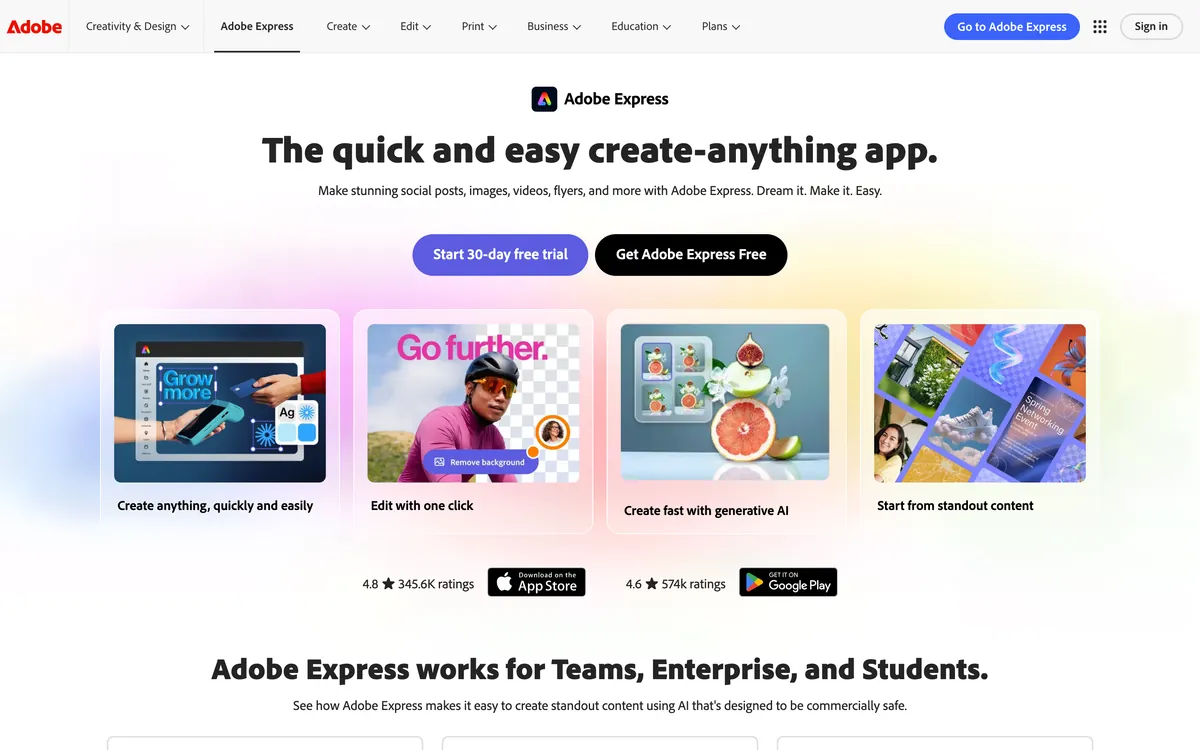
Adobe Express makes post designs and templates from a text prompt and has a Content Scheduler for Instagram, Facebook, X, Pinterest, LinkedIn, YouTube and TikTok. The free plan includes daily generations and one scheduled account per network. Premium is $9.99 a month with 250 generative credits.
- Pro: the best design control here, and a usable free plan.
- Con: its post page promises a design, not a caption, so the words are still yours to write.
- Con: you build the brand kit yourself, and Adobe says social connections expire after 60 days.
Best for: someone who enjoys designing and wants it free.
8. Taplio: LinkedIn only
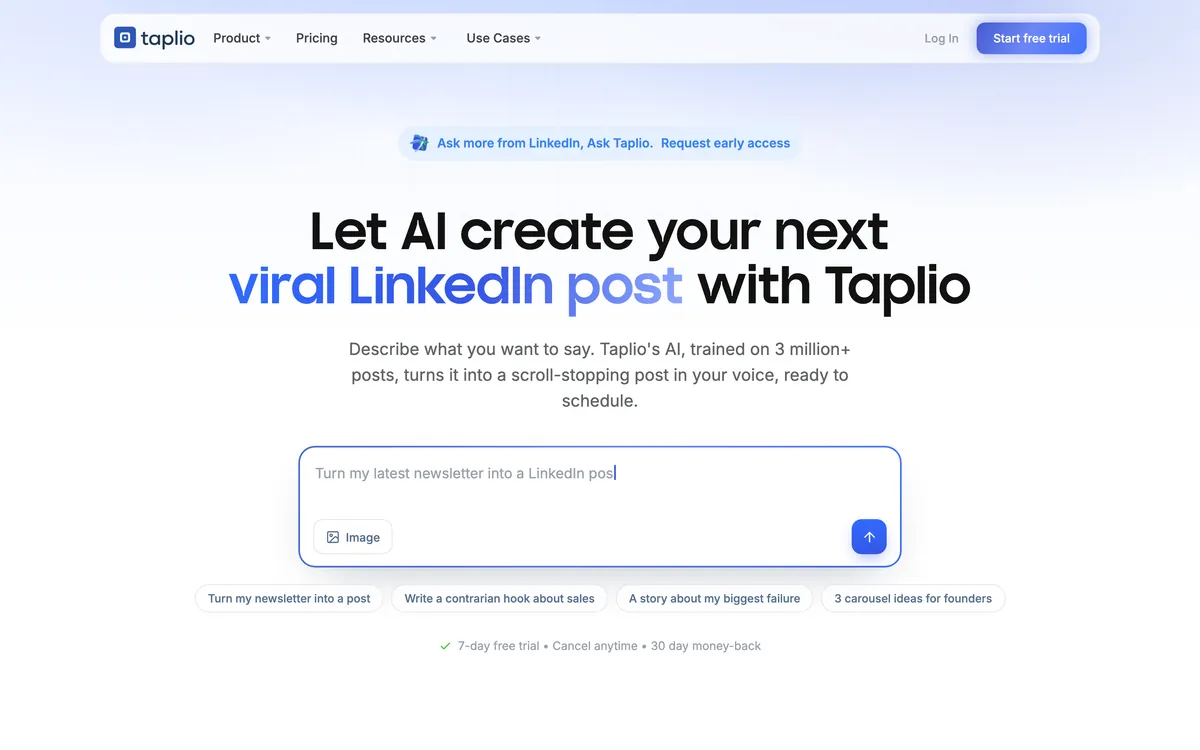
Taplio learns your voice from your own LinkedIn posts, writes new ones, makes images and carousels, and schedules them on LinkedIn.
- Pro: the most LinkedIn-specific tool here.
- Con: the $39 Starter plan has no AI credits. AI starts on Growth at $69 a month, or $49 billed yearly, with 250 credits.
- Con: no other network.
Best for: founders and consultants who live on LinkedIn.
9. Google Gemini: free pictures, not posts
Gemini makes good social graphics for free within limits Google does not put a number on, and will write a caption if you ask. Google AI Plus is $4.99 and AI Pro $19.99 a month in the US.
- Pro: free, fast, and on your phone.
- Con: Google says free images carry a visible watermark as well as an invisible SynthID one, and downloads are 1K without a plan.
- Con: no brand memory, no network sizes unless you ask, no publishing.
Best for: a one-off graphic you will post by hand.
10. Microsoft Designer: free design, unclear limits
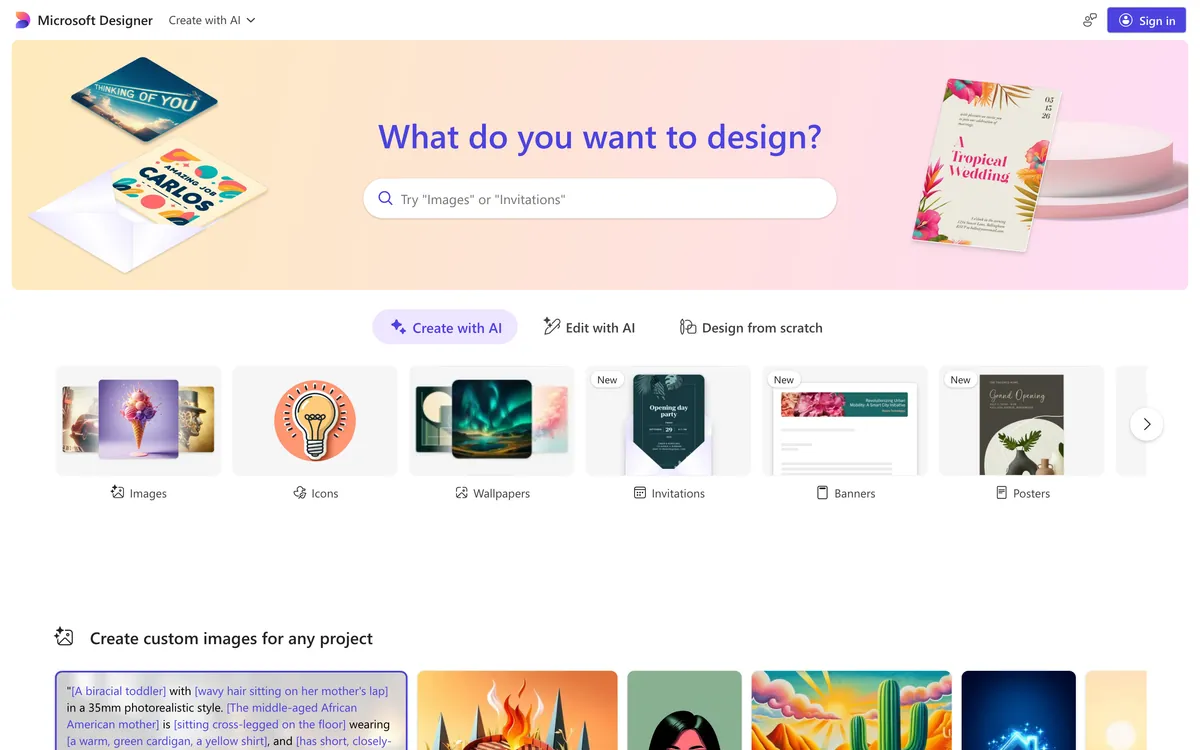
Microsoft Designer is still a standalone design app that makes social graphics from a prompt. It runs on Microsoft 365 AI credits: Personal is $9.99 a month, Premium $19.99.
- Pro: included if you already pay for Microsoft 365.
- Con: Microsoft's official pages describe the allowance as “standard” or “extensive” use, not a number, and we found no scheduling or brand kit.
Best for: Microsoft 365 users who need a quick graphic.
Check these 7 things before you approve any AI post
These come straight from the misses in our audit. They apply to every tool above, including our number one.
- People. Is every customer, employee or “I” in the caption real, and did they agree to be quoted?
- Numbers. Can you point to where each percentage and count comes from?
- Offers. Is the discount code or price still valid on the day the post goes out?
- Small print on the graphic. Zoom in on the footer and corners for a name, a year or a web address that is not yours.
- Fit. Does the post describe what your business actually does, or a generic business like it?
- Health, money and legal claims.“Improves sleep” or “saves 80%” needs evidence you hold.
- Repetition. Look at a week of posts side by side. The same photo or the same closing question four times reads as a machine.
Which one to pick
- You want posts to approve, not a tool to learn: AI Social Media Now.
- You also want AI video and have the budget: Blaze.
- You want the lowest price for everything in one place: ContentStudio or SocialBee.
- You post carousels: PostNitro.
- You like designing and want it free: Adobe Express.
- You only post on LinkedIn: Taplio.
- You need one picture today: Gemini or Microsoft Designer.
We wrote a ranking of the same shape for rooms in the best AI interior design tools, where we also tested only our own pick hands on and said so.
Frequently asked questions
What is the best AI social media post generator in 2026?
AI Social Media Now is the best if you want finished posts from nothing but your website address: caption, hashtags and a branded graphic, a different version for each network, and publishing once you approve. Blaze works the same way at a higher price. ContentStudio and SocialBee are the cheapest all-in-one options, PostNitro makes the best carousels, and Adobe Express is the best free design tool.
How did you test and rank these AI post generators?
We tested AI Social Media Now hands on: 22 posts for four real brands between 20 and 30 September 2026, every caption checked against the brand's own website and every graphic by eye. The other nine tools were ranked from their own pricing, help and homepages on 8 October 2026, on five checks: caption, graphic, learning the brand from your website, publishing on the cheapest paid plan, and a free start. We did not run our test brands through those nine.
Is there a free AI social media post generator?
Yes, with limits. AI Social Media Now gives your first 7 posts free with no card. Adobe Express has a free plan with daily generations and can schedule one account per network. PostNitro's free plan makes up to 5 AI slides a month with a watermark. Google Gemini makes free images, with a visible watermark and no publishing. Blaze, ContentStudio, SocialBee, FeedHive and Taplio offer free trials rather than free plans.
Can AI make the graphic and the caption at the same time?
Some tools can. AI Social Media Now, Blaze, ContentStudio, SocialBee, FeedHive and PostNitro produce both. Adobe Express and Microsoft Designer are design tools whose post pages do not promise a caption, and Gemini makes one only if you ask for it in the chat.
Do AI social media posts need to be checked before publishing?
Yes, every one. In our audit of 22 AI Social Media Now posts, 5 invented a customer or a personal story and 1 graphic carried another brand's name. Check people, numbers, offers and claims against your own website before you approve. In the US, the FTC's rule on consumer reviews and testimonials covers fake testimonials, including ones written by AI.
Which AI post generator is best for LinkedIn?
Taplio, if LinkedIn is your only network. It learns your voice from your own LinkedIn posts and schedules there, but AI starts on its $69 Growth plan, not the $39 Starter. If you post to LinkedIn and other networks, use a tool that writes a separate version for each.
How much does an AI social media post generator cost?
From free to $79 a month for the tools here. PostNitro starts at $15, ContentStudio at $19 billed yearly, SocialBee at $24 billed yearly, AI Social Media Now Pro at $39 billed yearly or $49 monthly, and Blaze at $79. Check what the cheapest plan leaves out: PostNitro's $15 plan cannot publish, and Taplio's $39 plan has no AI.
Sources
- AI Social Media Now: homepage
- AI Social Media Now: FAQ (39 answers on pricing, publishing and privacy)
- Blaze: pricing
- ContentStudio: pricing
- SocialBee: pricing
- PostNitro: pricing
- FeedHive: pricing
- Adobe Express: plans and pricing
- Adobe Help: Content Scheduler overview
- Taplio: pricing
- Google: Gemini subscriptions (US)
- Google Help: image generation in Gemini
- Microsoft: AI credits and limits for Microsoft 365 Personal, Family and Premium
- FTC: final rule banning fake reviews and testimonials (August 2024)
- FTC: the Consumer Reviews and Testimonials Rule, questions and answers